
In an increasingly digital world, peer-to-peer (P2P) payment applications have become indispensable tools for managing personal finances, facilitating quick transactions, and simplifying the exchange of money. Among these, Cash App stands out as a prominent player, renowned for its user-friendly interface and robust features. For many, understanding the nuances of these platforms is crucial, especially when it comes to the fundamental act of receiving funds. While sending money might seem straightforward, effectively accepting payments on Cash App involves a few key steps and an awareness of the platform’s underlying mechanics. This guide aims to demystify the process, providing a comprehensive tutorial for both new and existing users to confidently receive money, whether from friends, family, or professional transactions.

From the instantaneous nature of direct deposits to the convenience of requesting funds, Cash App offers multiple avenues for users to augment their digital wallets. However, navigating these features efficiently requires more than just opening the app; it demands an understanding of account verification, security protocols, and the various methods available for fund transfer. This article delves deep into these aspects, ensuring that by its conclusion, you will possess a clear, actionable roadmap for accepting money on Cash App with ease and confidence, while also highlighting best practices for maintaining digital security.
Understanding Cash App: A Gateway to Digital Transactions
Cash App, developed by Block, Inc., has revolutionized the way millions of people handle their daily financial interactions. More than just a simple money transfer service, it’s a versatile financial platform that integrates banking, investing, and payment solutions into one cohesive application. Its rise in popularity is attributable to its intuitive design, speed, and the broad spectrum of services it offers, all accessible from the palm of your hand.
What is Cash App and Why is it Popular?
At its core, Cash App is a mobile payment service that allows users to send and receive money from one another using a smartphone app. Beyond P2P transfers, it enables users to directly deposit paychecks, purchase stocks and Bitcoin, and even utilize a customizable debit card linked to their Cash App balance – the Cash Card. Its popularity stems from several key factors:
- Simplicity: The app’s minimalist design makes it incredibly easy to navigate, even for those less familiar with digital financial tools.
- Speed: Most transactions are instantaneous, allowing money to be transferred and become available almost immediately.
- Versatility: The integration of various financial services (payments, banking, investing) makes it a comprehensive tool for many users.
- Cost-Effectiveness: Standard transactions are typically free, appealing to a broad user base looking to avoid traditional banking fees.
- Unique Features: The Cashtag (@username) provides a simple, memorable identifier for receiving payments, enhancing its social appeal and ease of use.
The Basics of Sending and Receiving Funds
The fundamental operation of Cash App revolves around its ability to facilitate digital cash transfers. When someone sends you money, it typically arrives directly into your Cash App balance. From there, you have several options: you can keep it in the app for future spending, use it with your Cash Card, or transfer it to a linked bank account. The primary goal of the app is to create a seamless flow of funds, mimicking the ease of exchanging physical cash but with the added convenience and record-keeping of a digital platform. Understanding these basics sets the stage for delving into the specific mechanisms of accepting money.
The Core Mechanics: How to Receive Money on Cash App
Receiving money on Cash App is designed to be straightforward, often requiring minimal intervention from the recipient. However, understanding the different scenarios and how to prepare your account is key to a smooth experience.
Automatic Acceptance: The Default Setting
For most standard peer-to-peer transfers, Cash App is configured for automatic acceptance. This means that when someone sends money to your Cashtag, phone number, or email associated with your Cash App account, the funds will typically appear in your Cash App balance without you needing to take any explicit action.
- Notification: You will receive an in-app notification, an email, or an SMS (depending on your notification settings) confirming the receipt of funds.
- Balance Update: Your Cash App balance will instantly reflect the newly received amount.
- Availability: The funds are immediately available for use within the app, including spending with your Cash Card, sending to others, or investing.
This automatic process is what makes Cash App so convenient for quick exchanges. However, there are scenarios, particularly with new accounts or certain security settings, where funds might require a manual acceptance, though this is less common for typical P2P transactions.
Manual Acceptance: When and How It Works
While automatic acceptance is the norm, there might be instances where Cash App requires you to manually accept a payment. This often occurs if it’s your first time receiving money, if the sender is not in your contacts, or if Cash App’s security algorithms flag the transaction as unusual for your account.
- Check for a Pending Payment: If a payment doesn’t appear in your balance immediately, check the “Activity” tab (clock icon) on the main Cash App screen. Look for any pending transactions.
- Tap “Accept”: Next to a pending payment, you might see an “Accept” button. Tap this to manually claim the funds.
- Confirm: Follow any on-screen prompts to confirm the acceptance. Once accepted, the funds will be added to your balance.
If you don’t see an “Accept” button and the funds are not in your balance, it might indicate a different issue (e.g., incorrect recipient details, a failed sender transaction), in which case you should contact the sender or Cash App support.
Verifying Your Account for Seamless Transactions
To ensure seamless and unrestricted use of Cash App, including receiving larger sums or frequent payments, it is highly recommended to verify your account. Unverified accounts often have lower limits on sending and receiving money and might trigger more manual acceptance requirements or security holds.
- Provide Personal Information: Cash App will prompt you to enter your full legal name, date of birth, and the last four digits of your Social Security Number (SSN).
- Link a Bank Account: Linking an external bank account is crucial for withdrawing funds from Cash App and can also aid in identity verification.
- Purpose of Verification: This process helps Cash App comply with financial regulations, prevent fraud, and ensures a safer environment for all users. Verified accounts generally experience fewer transaction issues and enjoy higher limits.
Beyond P2P: Advanced Ways to Accept Funds
Cash App extends its functionality beyond simple peer-to-peer transfers, offering robust features that cater to diverse needs, from professional payments to direct deposits.
Leveraging Your Cashtag for Payments
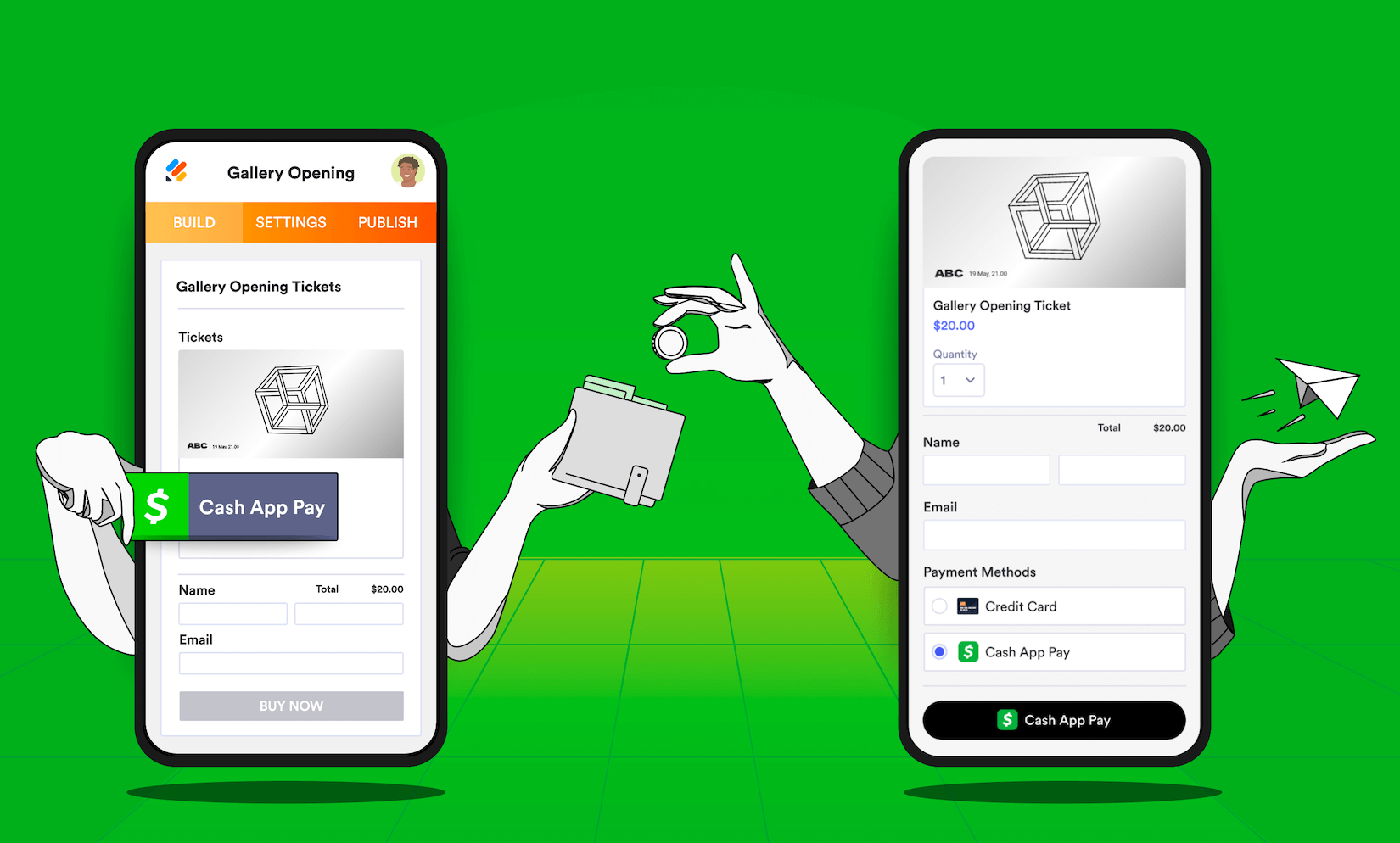
Your Cashtag is your unique identifier on Cash App, allowing anyone to send you money easily without needing your phone number or email. It functions much like a username or a personal payment link.
- Sharing Your Cashtag: You can share your Cashtag with anyone who needs to send you money. It’s often displayed on your profile within the app.
- Creating a Payment Link: Cash App automatically generates a shareable link (e.g.,
cash.app/$YourCashtag) that you can embed on websites, social media, or send via messaging apps. - Professional Use: For freelancers, small businesses, or influencers, a Cashtag provides a simple, professional way to receive payments from clients or supporters.
Requesting Money from Others
If you need to receive money from someone, but they haven’t sent it yet, Cash App allows you to send a payment request. This is particularly useful for splitting bills, reminding someone about a debt, or collecting funds for a group event.
- Initiate a Request: From the main Cash App screen, tap the “$”” icon (where you would send money).
- Enter Amount and Tap “Request”: Input the amount you wish to request. Instead of tapping “Pay,” tap the “Request” button.
- Select Sender: Choose the person from whom you are requesting the money from your contacts or by entering their Cashtag, phone number, or email.
- Add a Note (Optional): Include a brief message explaining the reason for the request.
- Send Request: The recipient will receive a notification and can then approve and send the requested amount.
Setting Up Direct Deposit to Your Cash App
One of Cash App’s most powerful features is its ability to receive direct deposits, making it function much like a traditional bank account for receiving paychecks, government benefits, or tax refunds.
- Access Banking Tab: From the main Cash App screen, tap the “Banking” tab (the house icon) in the bottom-left corner.
- Find Account & Routing Numbers: Scroll down to locate your Cash App account and routing numbers. These are unique to your Cash App balance.
- Provide to Payer: Give these numbers to your employer, benefits provider, or any other institution that offers direct deposit. You might need to fill out a direct deposit form provided by your employer.
- Receive Funds: Once set up, funds will be directly deposited into your Cash App balance on designated paydays, often arriving faster than traditional bank deposits. This feature significantly enhances Cash App’s utility as a primary financial tool.
Ensuring Security and Smooth Transactions
While the convenience of Cash App is undeniable, maintaining digital security and understanding how to troubleshoot common issues are paramount for a smooth and protected experience.
Best Practices for Digital Security on Cash App
Protecting your Cash App account is essential to prevent unauthorized access and financial loss.
- Enable Security Lock: Always enable a Security Lock within the app (PIN, fingerprint, or face ID) to protect your funds if your phone is lost or stolen.
- Use Strong, Unique Passwords: For the email linked to your Cash App account, use a strong, unique password and enable two-factor authentication (2FA) wherever possible.
- Beware of Phishing Scams: Cash App will never ask for your sign-in code, PIN, or full debit card number via phone, email, or social media. Be suspicious of unsolicited messages or calls claiming to be from Cash App support.
- Verify Recipient Information: Double-check the Cashtag, phone number, or email of the recipient before sending or confirming a payment. A small typo can send your money to the wrong person.
- Review Activity Regularly: Periodically check your “Activity” tab for any unfamiliar transactions. Report suspicious activity immediately.
Common Issues and Troubleshooting Tips
Occasionally, you might encounter issues when trying to receive money. Here’s how to address some common problems:
- Funds Not Appearing:
- Check “Activity” Tab: Look for pending payments that require manual acceptance.
- Verify Sender: Confirm the sender actually dispatched the funds and used the correct Cashtag/details.
- Internet Connection: Ensure you have a stable internet connection.
- App Update: Make sure your Cash App is updated to the latest version.
- Transaction Limits: Unverified accounts have lower limits. If you’re hitting a limit, verify your account by providing the required personal information.
- Payment Declined/Canceled: If the sender’s payment to you was declined or canceled, they might need to check their linked bank account/card or contact their bank.
- Contact Support: If you’ve tried troubleshooting and the issue persists, contact Cash App support directly through the app (Profile Icon > Support > Something Else).
Recognizing and Avoiding Scams
Unfortunately, the popularity of Cash App also attracts scammers. Be vigilant about common scam types:
- Fake Cash App Support: Scammers impersonate support to gain access to your account. Remember, Cash App will never ask for your PIN or full SSN.
- “Free Money” or “Giveaway” Scams: If an offer sounds too good to be true (e.g., “send $5 to get $500”), it almost certainly is a scam.
- Phishing Links: Do not click on suspicious links sent via email or text that claim to be from Cash App, as these could lead to phishing sites designed to steal your credentials.
- Overpayment Scams: Someone “accidentally” sends you too much money and asks you to send the difference back. The original payment often turns out to be fraudulent, leaving you out of pocket.
Always err on the side of caution. If you’re unsure about a transaction or request, do not proceed and contact Cash App support for clarification.
Optimizing Your Cash App Experience
Maximizing the utility of Cash App goes beyond merely sending and receiving money; it involves integrating it seamlessly into your financial routine and leveraging its full suite of features.
Linking Bank Accounts and Debit Cards Effectively
To fully utilize Cash App, especially for withdrawing funds you receive, linking a bank account or debit card is essential.
- Link a Debit Card: This is the primary method for sending money and adding funds to your Cash App balance. It also enables instant transfers to your bank (for a small fee).
- Link a Bank Account: Required for standard (free, 1-3 business days) transfers of your Cash App balance to your bank. It also helps with account verification and increased transaction limits.
- Keep Information Updated: Ensure your linked card and bank details are current to avoid transaction failures.
The Benefits of Using Cash App for Receiving Funds
Beyond convenience, there are several compelling advantages to using Cash App for receiving money:
- Instant Access: Funds are typically available immediately, allowing you to use them for payments, investments, or with your Cash Card.
- No Transaction Fees (for standard transfers): Receiving money via standard P2P transfer is free.
- Versatility: The ability to receive direct deposits, use a Cashtag for business, and request money from others makes it a powerful financial tool.
- Record Keeping: All transactions are logged within the app, providing a clear history of your financial activity.
- Financial Inclusion: For those who might not have traditional bank accounts, Cash App can serve as an accessible entry point into digital finance.
Future-Proofing Your Digital Wallet
As digital payment ecosystems continue to evolve, staying informed about app updates, security enhancements, and new features is crucial. Regularly checking Cash App’s official communications and ensuring your app is updated will help you take advantage of the latest functionalities and security protections. Integrating Cash App wisely into your financial toolkit means embracing its conveniences while always prioritizing digital security and informed usage.
By following the guidance outlined in this article, you can confidently and securely navigate the process of accepting money on Cash App, transforming what might seem complex into a simple, efficient part of your digital financial life.
aViewFromTheCave is a participant in the Amazon Services LLC Associates Program, an affiliate advertising program designed to provide a means for sites to earn advertising fees by advertising and linking to Amazon.com. Amazon, the Amazon logo, AmazonSupply, and the AmazonSupply logo are trademarks of Amazon.com, Inc. or its affiliates. As an Amazon Associate we earn affiliate commissions from qualifying purchases.