
Video content has become an integral part of modern life, shifting from a niche entertainment medium to a dominant form of communication, education, and leisure. The sheer volume and accessibility of video content today mean that understanding how to watch video effectively and efficiently is more relevant than ever. This guide delves into the technological landscape that facilitates video consumption, from the essential devices and platforms to the technical considerations for an optimal viewing experience.
The Ubiquity of Video Consumption in the Digital Age
The proliferation of high-speed internet and advanced digital devices has fundamentally transformed how individuals interact with moving images. Gone are the days when television broadcasts and physical media like DVDs were the primary gateways to video content. Today, video is omnipresent, serving as a primary source for entertainment, news, educational content, and even social interaction. This shift is driven by several factors: the convenience of on-demand access, the vast and diverse libraries offered by streaming services, and the capability to consume content across a multitude of devices, from pocket-sized smartphones to large format smart TVs. This evolving ecosystem demands a clear understanding of the technological pathways available for video playback.
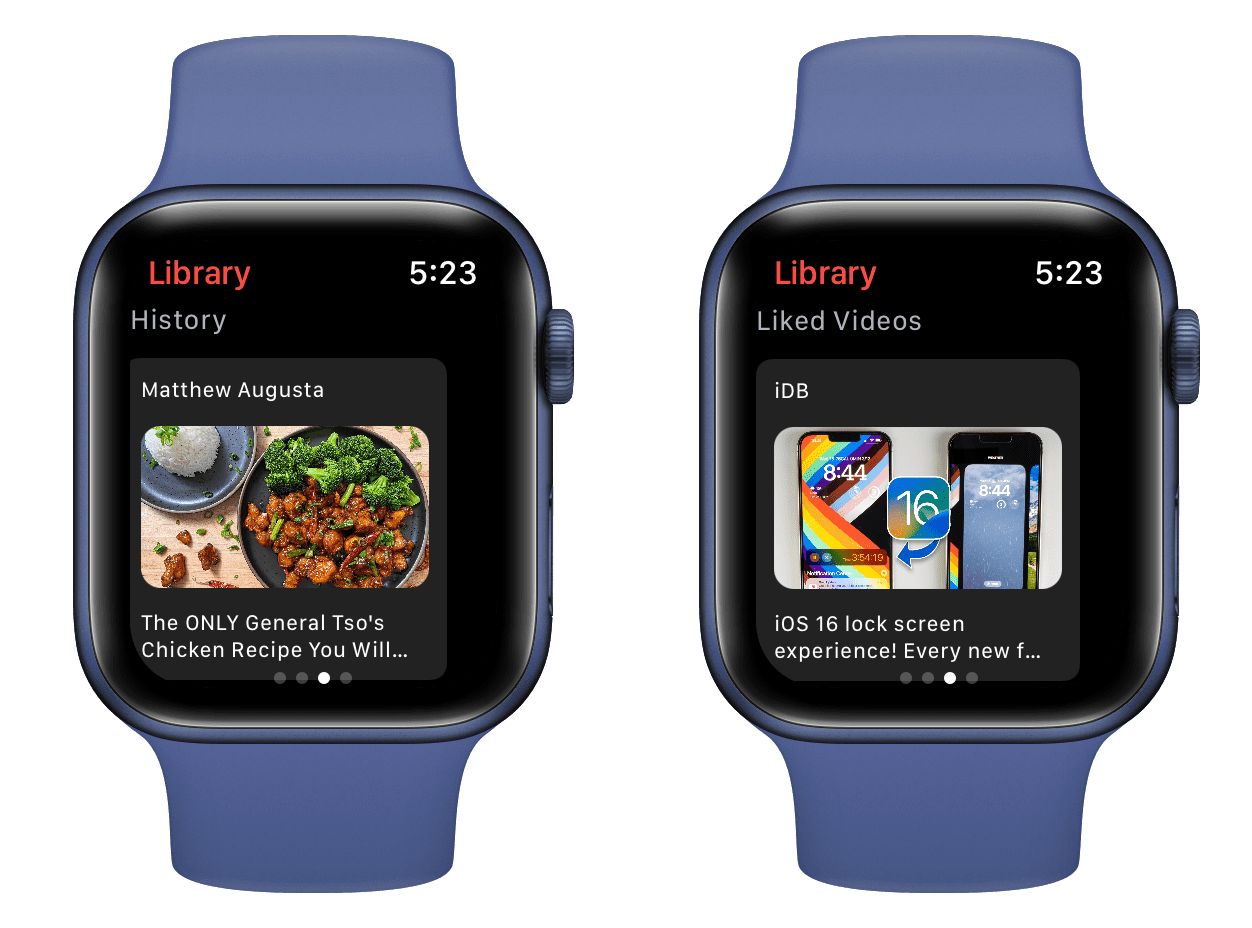
Essential Devices for Video Playback
The first step in watching video is selecting the right device for your specific needs and context. Each category of device offers unique advantages, catering to different viewing habits and environments.
Smartphones & Tablets
For ultimate portability and on-the-go viewing, smartphones and tablets are unparalleled. Their compact size, integrated high-resolution screens, and robust mobile operating systems (iOS and Android) make them ideal for watching videos during commutes, travel, or simply relaxing away from a larger screen. Almost every major streaming service offers dedicated mobile applications, optimized for touch interaction and mobile network connectivity. Many also support offline downloads, allowing content consumption without an internet connection.
Smart TVs & Streaming Sticks
For a communal or immersive home viewing experience, Smart TVs and dedicated streaming devices are the gold standard. Smart TVs integrate internet connectivity and app ecosystems directly into the television set, providing seamless access to a wide array of streaming services without additional hardware. If you have an older TV, streaming sticks or boxes (like Roku, Amazon Fire TV Stick, Apple TV, Google Chromecast) can transform it into a smart entertainment hub. These devices plug into an HDMI port and connect to your home Wi-Fi, offering user-friendly interfaces to navigate various streaming applications, often with remote controls featuring voice command capabilities.
Computers (Laptops & Desktops)
Laptops and desktop computers offer perhaps the most versatile platform for video consumption. With larger screens than mobile devices, superior processing power, and the flexibility to connect to external monitors or audio systems, they are perfect for extended viewing sessions, detailed analysis, or even simultaneous multitasking. Videos can be watched through web browsers, dedicated desktop applications for streaming services, or local media players for files stored on the device or network. This platform also excels for content creation and editing, making it a hub for both consuming and producing video.
Gaming Consoles
Modern gaming consoles such as PlayStation and Xbox have evolved beyond their primary function into comprehensive entertainment systems. They often feature robust app stores that include most popular streaming services, making them viable options for watching movies, TV shows, and live sports directly on your living room TV. Their powerful hardware can often handle high-resolution video playback with ease, and existing integration with home entertainment setups makes them convenient.
Decoding Video Sources and Platforms
Once you have your preferred device, the next crucial step is understanding where to find the video content you wish to watch. The digital landscape offers a diverse array of platforms, each with its own model and content library.
Streaming Services (Subscription-based)
This category represents the dominant force in modern video consumption. Services like Netflix, Hulu, Disney+, Max, Apple TV+, and Amazon Prime Video offer vast libraries of movies, TV shows, documentaries, and original content for a monthly or annual fee. They typically feature user profiles, personalized recommendations, and support for high-definition (HD), 4K Ultra HD, and High Dynamic Range (HDR) video, along with surround sound audio, providing a premium viewing experience.
Free Streaming Platforms (Ad-supported)
For viewers on a budget or those seeking specific types of content, numerous free, ad-supported streaming services are available. YouTube remains the titan in this space, offering an unparalleled collection of user-generated content, music videos, educational channels, and professional productions. Other platforms like Pluto TV, Tubi, and Peacock Free (which also has a premium tier) provide extensive libraries of movies and TV shows, often featuring classic content or niche genres, all supported by commercial breaks.
On-Demand Rentals & Purchases
For the latest blockbuster movies or specific titles not available on subscription services, digital rental and purchase platforms are the go-to. Services like Apple TV (iTunes), Google Play Movies & TV, Amazon Prime Video Store, and Vudu allow users to rent a movie for a limited time (typically 24-48 hours after starting playback) or purchase it for indefinite digital ownership. This model offers immediate access to new releases often before they reach subscription services.
Live TV Streaming Services
For those looking to cut the cord from traditional cable but still desire live television, services like Sling TV, YouTube TV, Hulu + Live TV, and FuboTV offer bundles of live channels streamed over the internet. These often include major broadcast networks, sports channels, and popular cable networks, providing a robust alternative to conventional cable or satellite TV packages.
Local Files & Media Servers
Many users possess personal libraries of video files, whether ripped from DVDs/Blu-rays, downloaded, or recorded. These files can be played directly on devices using media players like VLC Media Player (highly versatile across platforms), or organized and streamed across a home network using media server software such as Plex or Kodi. These solutions offer complete control over your content and can provide a seamless viewing experience for your curated collection.
Social Media Platforms
Platforms like TikTok, Instagram Reels, and Facebook Watch have become significant hubs for short-form video content, user-generated clips, and even longer-form series. While not typically associated with traditional movie or TV show consumption, they offer an immense volume of dynamic and engaging video, reflecting current trends and diverse global perspectives.
Optimizing Your Video Watching Experience
Beyond selecting the right device and platform, several technical considerations can significantly enhance your video watching experience.
Internet Connection Requirements
A stable and sufficiently fast internet connection is paramount for smooth streaming. For standard definition (SD) content, 3-5 Mbps is usually adequate. High definition (HD) content typically requires 5-8 Mbps, while 4K Ultra HD streaming demands a minimum of 15-25 Mbps, with higher speeds recommended for optimal performance and multiple simultaneous users. A wired Ethernet connection often provides more stability than Wi-Fi, especially for high-bandwidth 4K streams.
Display Technology
The quality of your screen directly impacts the visual fidelity of the video. Understanding display technologies is key:
-
Resolution: HD (720p, 1080p), 4K Ultra HD (2160p), and increasingly 8K offer varying levels of detail. Higher resolutions mean sharper images, especially on larger screens.
-
HDR (High Dynamic Range): Technologies like HDR10, Dolby Vision, and HLG expand the contrast ratio and color accuracy, making highlights brighter and shadows deeper, resulting in a more lifelike image.
-
Panel Type: OLED screens offer perfect blacks and vibrant colors due to self-emissive pixels, while LED/LCD panels are generally brighter and more affordable.
Audio Solutions
Great visuals deserve equally great sound. While built-in TV speakers are convenient, they often lack depth.
-
Soundbars: A popular upgrade, offering improved clarity and often virtual surround sound in a compact form factor.
-
Home Theater Systems: For the most immersive audio experience, a dedicated multi-channel receiver and speaker setup (e.g., 5.1 or Dolby Atmos systems) can recreate cinematic soundscapes.
-
Headphones: Essential for personal, immersive listening, especially for gaming or private viewing. High-quality headphones can deliver intricate sound details and bass response that internal speakers cannot match.
Software and Apps
Keeping your streaming applications, web browsers, and operating systems updated is crucial. Updates often include performance enhancements, bug fixes, and security patches that can improve video playback stability and quality. Browser extensions can also sometimes interfere with video playback, so troubleshooting by disabling them can be useful.
Connectivity and Casting
Ensuring seamless connection between devices is vital.
-
HDMI: The standard for connecting streaming devices, consoles, and computers to TVs. Opt for high-speed HDMI cables for 4K and HDR content.
-
Wi-Fi/Ethernet: Your home network’s foundation. Ensure your router is capable of handling your internet speed and supports modern Wi-Fi standards (e.g., Wi-Fi 6).
-
Casting Technologies: Google Chromecast, Apple AirPlay, and Miracast allow you to wirelessly stream content from your phone, tablet, or computer to a compatible TV or streaming device.
Overcoming Common Video Playback Challenges
Even with optimal setup, issues can arise. Knowing how to troubleshoot common problems can quickly restore your viewing pleasure.
Buffering and Lag
This is typically a symptom of insufficient internet bandwidth or network congestion.
- Troubleshooting: Restart your router and modem. Close other bandwidth-intensive applications on your network. Reduce video quality settings if your internet speed is consistently slow. Consider a wired connection for your streaming device.
Compatibility Issues
Sometimes, a video might not play due to an unsupported file format or codec.
- Troubleshooting: For local files, try a universal media player like VLC. Ensure your device and streaming service apps are updated. Check if your hardware supports the required codecs (e.g., for certain HDR formats).
Geo-restrictions and VPNs
Many streaming services restrict content based on geographical location.
- Troubleshooting: Virtual Private Networks (VPNs) can mask your location, potentially allowing access to region-locked content. However, be aware that streaming services are actively trying to block VPN usage, and using one might violate their terms of service. Always use reputable VPN providers.

Ensuring Digital Security
Your streaming accounts contain personal information and payment details.
- Troubleshooting: Use strong, unique passwords for all your streaming accounts. Enable two-factor authentication (2FA) if available. Be wary of phishing emails or messages that ask for your login credentials. Regularly review your authorized devices and active sessions within your account settings.
The landscape of video consumption is rich and ever-evolving. By understanding the diverse array of devices, platforms, technical requirements, and troubleshooting strategies, you can master the art of watching video and unlock a world of entertainment, information, and connection.
aViewFromTheCave is a participant in the Amazon Services LLC Associates Program, an affiliate advertising program designed to provide a means for sites to earn advertising fees by advertising and linking to Amazon.com. Amazon, the Amazon logo, AmazonSupply, and the AmazonSupply logo are trademarks of Amazon.com, Inc. or its affiliates. As an Amazon Associate we earn affiliate commissions from qualifying purchases.