
In the modern landscape of Online Travel Agencies (OTAs), the interface between a user and professional support has shifted from traditional telephony to a sophisticated, multi-layered digital ecosystem. Expedia, as a titan in the travel tech sector, utilizes a complex stack of AI-driven chatbots, VoIP integrations, and synchronized database management to handle millions of inquiries. For the tech-savvy traveler, understanding the underlying architecture of these support channels is the key to bypassing automated loops and securing direct communication with a human agent. This guide explores the technical methodologies for contacting Expedia, optimizing the use of their mobile application, and ensuring digital security during the verification process.
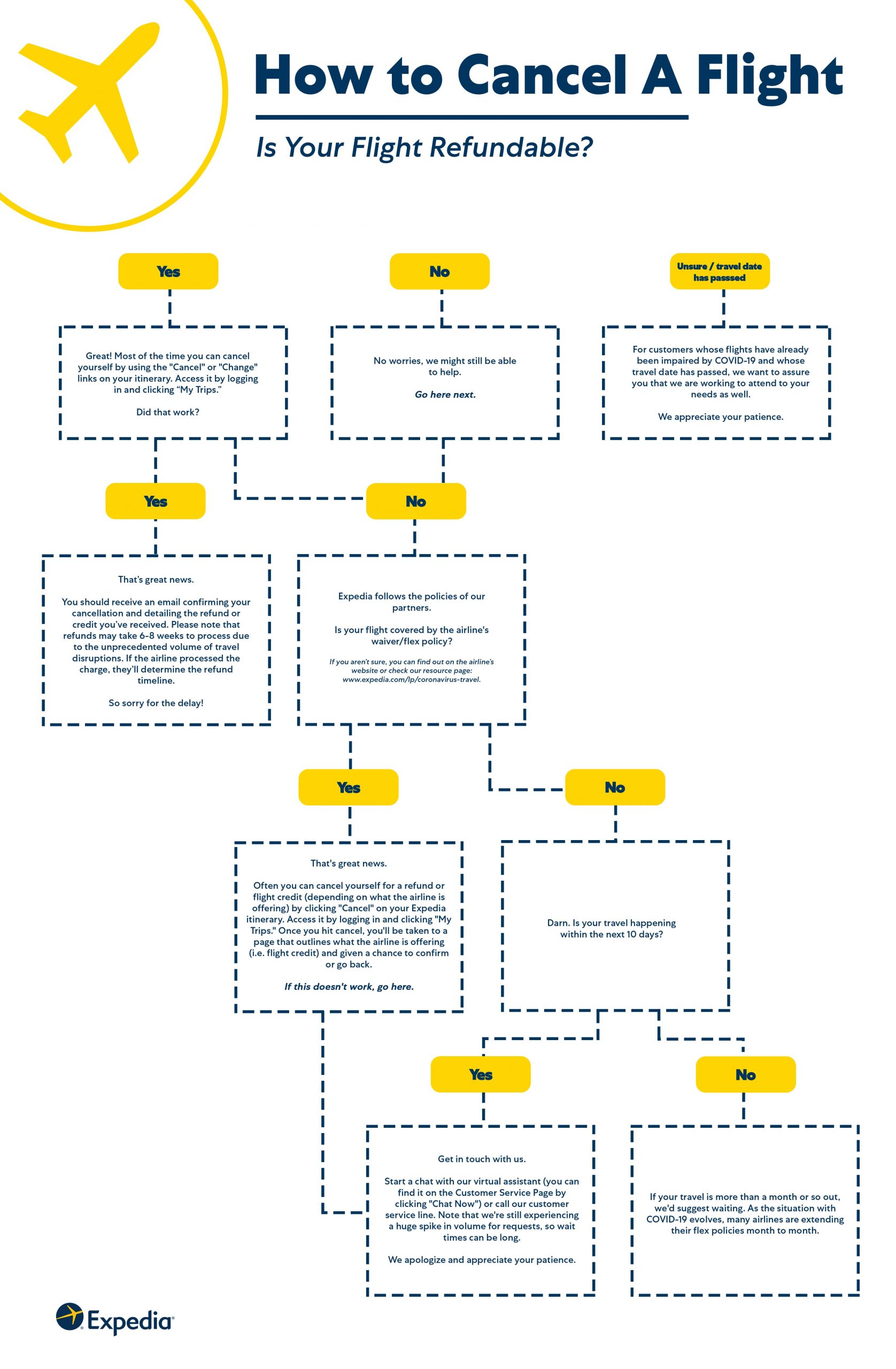
Navigating the Expedia App Architecture for Direct Support
The most efficient way to contact Expedia in the current digital era is through their proprietary mobile application. The app is not merely a booking tool; it is a direct portal into their Customer Relationship Management (CRM) system. When you initiate a call or chat through the app, your user profile, active itineraries, and hardware identifiers are pre-loaded into the support queue, significantly reducing the time required for data entry and identity verification.
Accessing the Help Center UI
To find the contact options within the Expedia app, navigate to the “Account” or “Profile” tab, typically located in the lower right-hand corner of the user interface. Within this menu, the “Help” or “Support” node acts as the gateway to the communication API. Unlike legacy systems that provided a static phone number, the modern Expedia interface uses dynamic routing. This means the contact options presented to you may change based on your current booking status or the proximity of your travel dates.
Triggering the “Call Us” Feature
Expedia’s technical infrastructure often prioritizes VoIP (Voice over Internet Protocol) and callback requests over traditional inbound dialing. Within the Help Center, you will frequently find a “Contact Us” button that initiates a branching logic tree. By selecting specific categories—such as “Change a Flight” or “Refund Status”—the software determines whether your query requires a specialist or if it can be resolved via an automated script. To reach a phone agent, you must often navigate through these prompts until the system generates a unique “One-Time Support Code” and a direct line or a “Request a Call” button. This code is essential; it syncs your call with your digital session, allowing the agent to see your screen’s context in real-time.
The Role of AI and Natural Language Processing (NLP) in Support
Before you reach a human agent, you will almost certainly interact with Expedia’s Virtual Assistant. This is a sophisticated AI tool built on Natural Language Processing (NLP) algorithms designed to parse user intent and resolve high-volume, low-complexity tasks without human intervention.
Interacting with the Virtual Assistant
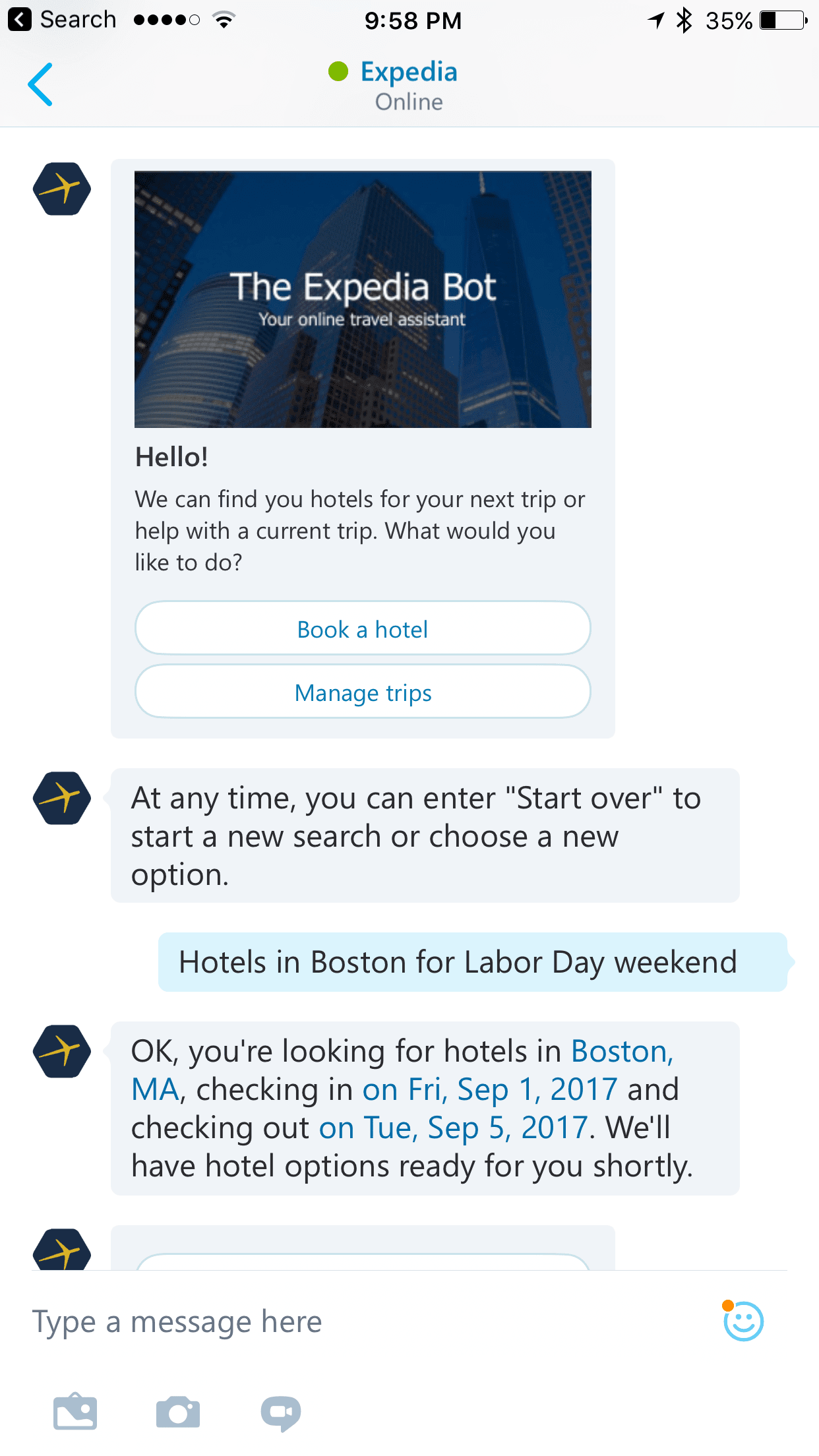
The Virtual Assistant is integrated directly into the web and app interfaces via a chat widget. From a technical perspective, this bot uses machine learning to identify keywords and phrases. To move beyond the bot and trigger a transfer to a human voice agent, your inputs should be clear and specific. Using phrases like “Speak to an agent” or “Human representative” triggers an escalation protocol within the AI’s decision-making tree.
API Integration and Real-Time Updates
One of the technical advantages of using the digital chat or call-back feature is the seamless integration with global distribution systems (GDS). When an agent (or the AI) modifies a booking, the changes are pushed through an API to the airline or hotel’s internal database. By contacting support through the authenticated app environment, you ensure that these API calls are signed with your unique user credentials, minimizing the risk of data desynchronization or “ghost bookings,” where a change is reflected in one system but not the other.
Digital Security and Identity Verification Protocols
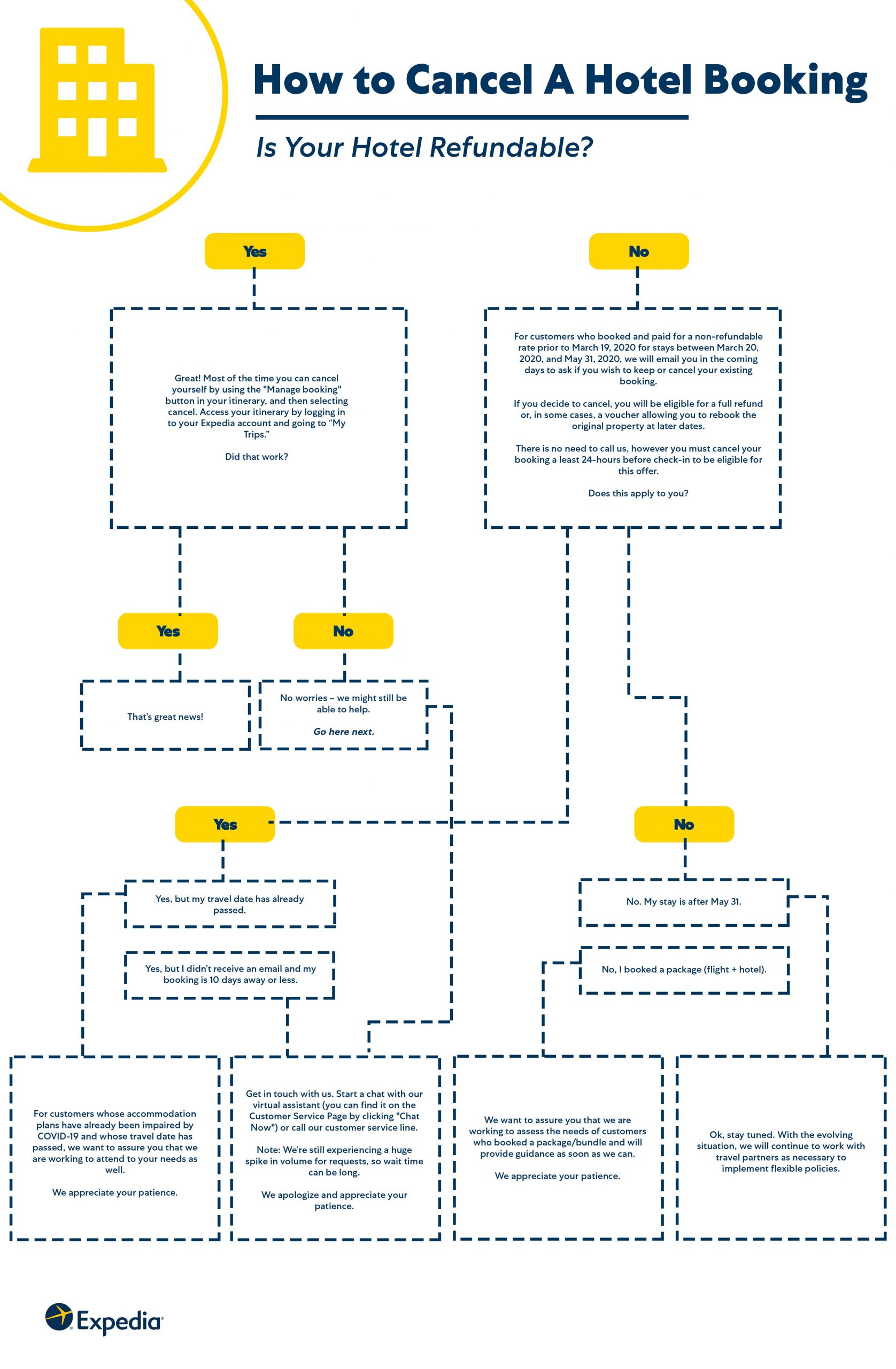
When calling Expedia customer service, the security of your Personal Identifiable Information (PII) is paramount. The travel industry is a high-value target for social engineering and phishing attacks. Consequently, Expedia has implemented rigorous digital handshake protocols to verify that the person on the phone is the legitimate account holder.
Multi-Factor Authentication (MFA) During Support Calls
If you call Expedia through a traditional phone line rather than the app, the agent will likely trigger a Multi-Factor Authentication (MFA) event. This typically involves sending a 6-digit verification code to the mobile number or email address associated with the account. Technically, this process utilizes an automated SMS gateway that bridges the agent’s CRM software with the global cellular network. It is vital to ensure that your contact information is updated in your profile before a crisis occurs, as an inability to pass this digital verification can lead to an account lockout for security purposes.
Securing Your Session
When communicating with support, never share your full credit card number or account password over the phone unless prompted by a secure, automated IVR (Interactive Voice Response) system. Expedia agents are trained to use “tokenization” for payments, where your sensitive data is replaced by a unique digital token that has no intrinsic value to hackers. If an agent asks you to type sensitive information into a chat or speak it directly while they are not on a recorded, secure line, it may be a sign of a compromised connection or a fraudulent intercept.
Troubleshooting Technical Friction in the Support Journey
Even the most robust digital systems encounter latency, bugs, and hardware incompatibilities. If you find yourself unable to trigger a call or if the “Contact Us” page remains blank, there are several technical steps you can take to resolve the issue.
Managing Cache and Cookies
The Expedia web platform relies heavily on cookies and local storage to maintain session state. If your browser’s cache is corrupted or overloaded, the dynamic elements of the support page—such as the chat bubble or the phone number generator—may fail to render. Clearing your browser’s “Application Data” or “Cache” for the expedia.com domain often resets the API handshake and allows the support features to load correctly.
Dealing with App Latency and API Timeouts
Mobile apps can sometimes experience “hanging” states where the UI is responsive, but the background API calls to the support server are timing out. This is often due to poor network conditions or an outdated app version. Ensure you are running the latest build from the iOS App Store or Google Play Store. If a call-back request fails to go through, toggling your device between Wi-Fi and Cellular data can force a DNS refresh, potentially clearing a path to the support servers.
Using International Access Codes and VoIP Services
If you are traveling abroad and need to call Expedia, the technical requirements for dialing change. Utilizing VoIP services like Skype or Google Voice can be more cost-effective than international roaming. However, be aware that some toll-free numbers are geo-fenced. In these cases, you should look for the specific international local access numbers provided in the “International Support” section of the Expedia website. These numbers are routed through different gateways to ensure compatibility with local telecommunications infrastructure.
Optimizing the Support Experience through Documentation
From a technical standpoint, the more data you provide to an agent, the faster they can navigate the back-end systems to assist you. Before initiating a call, you should have a “Support Packet” ready in digital format.
-
Itinerary Number: This is the primary key in Expedia’s database. It links all your disparate bookings (flight, hotel, car) into a single relational data set.
-
Screenshot Evidence: If you are calling due to a technical error on the website or a price discrepancy, having a screenshot with a timestamp provides the agent with “client-side” proof that can be used to escalate a bug report to the engineering team.
-
Hardware/Software Context: If you are experiencing a recurring technical issue, be prepared to tell the agent your Operating System (OS) version and browser type. This helps their Tier 2 technical support narrow down whether the issue is a widespread outage or a specific compatibility bug.
By approaching the “How can I call Expedia” question through a technical lens, you transition from a frustrated consumer to an informed user. Navigating the app’s UI, understanding the role of AI in the support funnel, and maintaining strict digital security protocols ensures that your interaction with Expedia’s customer service is both efficient and secure. As travel technology continues to evolve, the ability to master these digital touchpoints becomes an essential skill for any modern traveler.
aViewFromTheCave is a participant in the Amazon Services LLC Associates Program, an affiliate advertising program designed to provide a means for sites to earn advertising fees by advertising and linking to Amazon.com. Amazon, the Amazon logo, AmazonSupply, and the AmazonSupply logo are trademarks of Amazon.com, Inc. or its affiliates. As an Amazon Associate we earn affiliate commissions from qualifying purchases.