
The world of retro console modding is a fascinating niche, offering enthusiasts the chance to breathe new life into aging hardware, unlock hidden functionalities, and preserve gaming history. Among the most popular consoles to undergo this transformation is the Nintendo Wii. At the heart of many Wii modding endeavors lies BootMii, a powerful bootloader that grants users unprecedented control over their console’s startup process. A recurring question that surfaces in these communities is whether BootMii can be installed and run directly from a USB drive. This exploration delves into the technical feasibility, the practical implications, and the broader context of using external storage for essential bootloader functions on the Nintendo Wii.
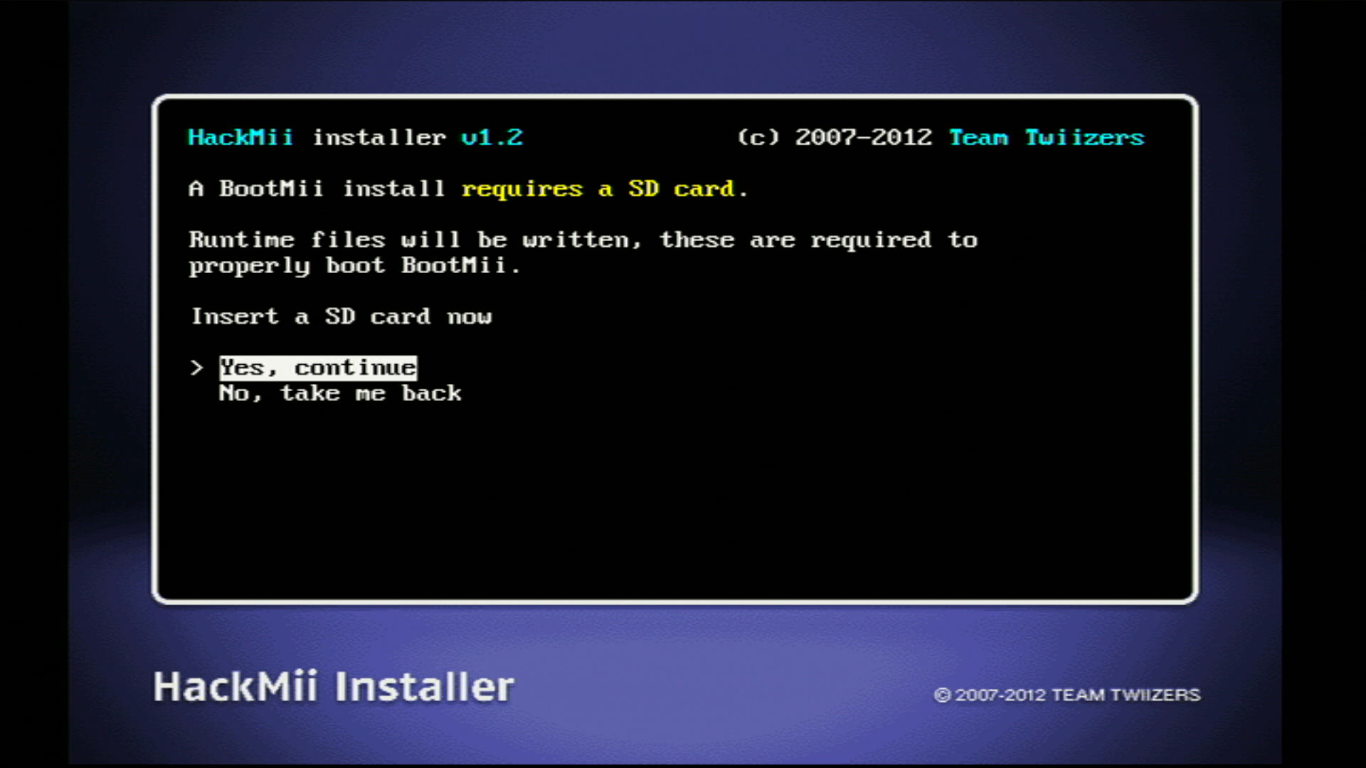
Understanding BootMii and its Significance
Before diving into the specifics of USB installation, it’s crucial to grasp what BootMii is and why it holds such importance for Wii modders. BootMii is essentially a pre-loader or a “soft” modchip alternative for the Nintendo Wii. It’s not a traditional piece of hardware that you solder onto the console’s motherboard (though a “permanent” installation of BootMii does involve certain internal modifications for maximum accessibility). Instead, it’s a piece of software that intercepts the Wii’s boot process.
The Power of BootMii: What it Enables
The primary allure of BootMii lies in its ability to run before the operating system of the Wii even loads. This early access grants it a level of control that is otherwise impossible. Here are some of its key functionalities and benefits:
- NAND Backups: One of the most critical functions of BootMii is its ability to create full backups of the Wii’s internal NAND memory. The NAND chip stores all essential system data, including firmware, save files, Wii Channels, and crucial system settings. A NAND backup is akin to a system restore point. If any modding attempts go awry and render the Wii unbootable (a “bricked” console), a clean NAND backup can be used to restore the console to its original, working state. This is the ultimate safety net for any serious modder.
- Homebrew Channel Access: BootMii provides direct access to the Homebrew Channel, which is the gateway to running unsigned code on the Wii. This includes a vast array of custom applications, emulators, media players, and even games that were not officially released for the Wii.
- Exploit Prevention (for certain versions): In some configurations, BootMii can act as a protective layer against certain exploits that might attempt to overwrite the console’s critical boot data.
- Dual Booting Capabilities: More advanced users can leverage BootMii to set up dual-booting scenarios, allowing them to choose between the standard Wii menu, the Homebrew Channel, or other custom boot options upon startup.
The significance of BootMii cannot be overstated. It transformed the Wii from a relatively locked-down console into a highly customizable platform, fostering a vibrant homebrew scene and extending the console’s lifespan and capabilities far beyond its original retail purpose.
The Technicalities of BootMii Installation: Internal vs. External Storage
The standard and most recommended method for installing BootMii involves modifying the Wii’s internal system files. This is typically achieved through a series of exploits, often initiated using a “SaveMii” exploit or a similar method that allows unsigned code execution. Once these exploits are in place, BootMii’s core files are copied to specific locations within the Wii’s NAND memory.
Why Internal Installation is Preferred
The internal NAND installation of BootMii offers several advantages:
- Reliability and Speed: Booting directly from internal memory is inherently more reliable and faster than accessing external storage. The Wii’s internal architecture is optimized for this.
- Permanent Solution: Once installed in the NAND, BootMii is always available as soon as the console powers on, regardless of whether external devices are connected. This ensures that critical functions like NAND backups are always accessible.
- Reduced Complexity: While the initial installation might seem daunting, once BootMii is resident in the NAND, it simplifies the user experience. You don’t need to worry about specific USB drives being recognized or formatted correctly every time you want to access its features.
However, this internal installation process typically requires modifying the Wii’s NAND, which carries a certain degree of risk. A mistake during the NAND writing process could potentially lead to a soft brick. This is where the idea of external storage, such as a USB drive, becomes attractive.
Exploring the USB Installation Concept: Feasibility and Limitations
The question of installing BootMii on a USB drive stems from a desire to bypass direct NAND modification or to have a portable BootMii setup. Let’s break down the feasibility:
Can BootMii Run from USB?
Technically, the components of BootMii, such as the bootloader itself and the necessary files for launching the Homebrew Channel, can be stored on a USB drive. The Wii has USB ports, and with the right software (like the Homebrew Channel, which can be launched from a USB drive if the console is already modded to allow it), you can indeed load applications and files from external storage.
However, this is where a crucial distinction needs to be made: BootMii as a primary bootloader, capable of intercepting the console’s initial startup sequence, cannot be installed and run solely from a USB drive in the same way it’s installed in the NAND.
Here’s why:

- Boot Process Hierarchy: The Wii’s boot process is designed to read critical boot instructions from its internal NAND memory. The console needs to load fundamental code to initialize hardware, read system settings, and then decide what to boot next. This initial stage is deeply embedded in the NAND.
- Exploits and Entry Points: To load any custom code, including BootMii or the Homebrew Channel, the Wii needs an initial exploit to get started. This exploit typically targets vulnerabilities in the official Wii system software or firmware. Once the exploit runs, it can then load other programs, such as those residing on a USB drive.
- BootMii’s Role: BootMii, when installed in the NAND, is that initial bootloader. It’s the code that gets executed immediately after the console powers on, before it even attempts to load the standard Wii menu or look for applications on a USB drive.
Therefore, while you can launch applications or even specific versions of BootMii (in a more limited, “Sliim” or “DVDx” context, which are older and less common methods) via a USB drive after the console is already running some form of custom loader, you cannot install BootMii as the primary, persistent bootloader onto a USB drive and expect the Wii to boot from it directly without any prior internal modification.
Potential Scenarios and Misconceptions
The idea of a USB BootMii might arise from a few scenarios or misunderstandings:
- Running Homebrew Channel from USB: This is a common practice. Once the Homebrew Channel is installed (often via NAND, or in some older methods, launched through other means), users can place its executable (
.dolfile) and its associated content onto a USB drive. When the Homebrew Channel is launched, it can then read and execute applications from that USB drive. This is not installing BootMii on USB, but rather using a modded console to access USB content. - “Portable” BootMii for NAND Recovery: In the context of a soft-bricked Wii where the NAND is damaged but the console can still boot something, a USB drive containing a functional NAND backup and the necessary tools to restore it might be considered a “portable” recovery solution. However, the ability to read from that USB and initiate the restoration process would still require some form of bootable code to be present, either temporarily loaded via an exploit or a minimal bootloader already residing in a less critical part of the NAND.
- Older Exploits: In the very early days of Wii modding, some exploits might have been more reliant on SD cards or even specific disc-based methods to load initial code. However, BootMii as we know it today, with its full NAND backup capabilities, is intrinsically linked to NAND installation for its primary function.
The Importance of a “Clean” NAND Installation
The prevailing wisdom in the Wii modding community, and the reason BootMii is overwhelmingly installed in the NAND, is for its uncompromised functionality and the security it provides. Attempting to run BootMii solely from a USB drive would likely be an unstable, unreliable, and ultimately less functional solution, if it were even technically possible in a meaningful way.
Alternatives and Modern Approaches to Wii Modding
While the direct installation of BootMii onto a USB drive isn’t a practical or supported method, the underlying desire for flexibility and safety in Wii modding has led to the evolution of various tools and techniques.
The Homebrew Channel and USB Loaders
The Homebrew Channel is the cornerstone of modern Wii modding. Once installed (typically through a NAND-based method, often involving the letterbomb exploit or similar), it acts as a launcher. From the Homebrew Channel, you can then launch a plethora of applications, including:
- USB Loaders: Applications like USBLoader GX, Wiiflow, and others are designed specifically to read game ISOs (backups of original Wii discs) from USB drives. This allows you to play your entire Wii game library without needing to insert physical discs. These loaders are highly customizable and offer features like custom banners, cover art, and game channel creation.
- Emulators: A vast array of emulators for older consoles (NES, SNES, Genesis, GameCube, etc.) can be downloaded and run from the Homebrew Channel, with their ROMs and game files stored on a USB drive.
- Media Players: Tools like WiiMC allow you to play video files and music from your USB storage.
SD Cards as a Crucial Component
While USB drives are excellent for storing game data and applications, the SD card plays a vital role in the Wii modding ecosystem. Many exploits and initial boot processes rely on an SD card to load the necessary files. For instance, the initial “Letterbomb” exploit is delivered via a specially crafted message to your Wii’s message board, which then prompts you to insert an SD card containing the exploit. Furthermore, many homebrew applications and configurations are loaded from the SD card.
Ensuring Safety and Best Practices
Regardless of the specific tools you use, the primary concern for any modder should be safety and data integrity.
- Always Back Up Your NAND: This cannot be stressed enough. Before attempting any significant modding, create a full NAND backup using BootMii. Store this backup in multiple safe locations.
- Follow Reputable Guides: The Wii modding scene has mature and well-documented guides. Rely on established sources like the WiiBrew wiki and reputable forums.
- Understand the Risks: While generally safe if done correctly, modding any console carries inherent risks. Be aware of the potential for bricking and take precautions.
- Use High-Quality Storage: For USB drives and SD cards, opt for reputable brands and formats. Ensure your USB drive is formatted to FAT32 (or a compatible filesystem) for optimal Wii compatibility.
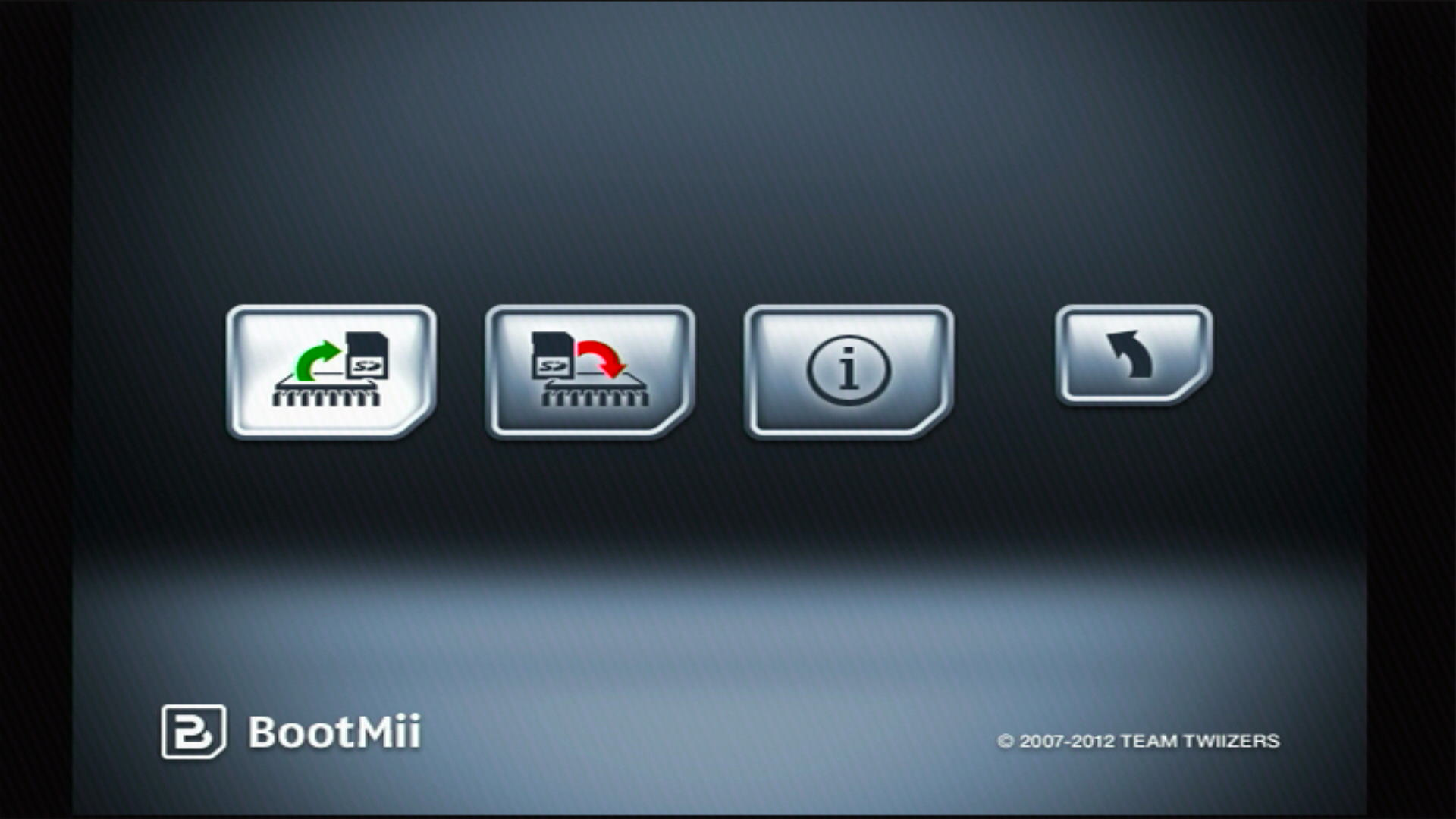
Conclusion: The Primacy of Internal Storage for BootMii
In conclusion, while the idea of installing BootMii directly onto a USB drive might seem appealing for its perceived portability or simplicity, it is not a feasible or supported method for using BootMii as a primary bootloader on the Nintendo Wii. The fundamental architecture of the Wii’s boot process dictates that critical bootloader functions reside within the internal NAND memory.
BootMii’s power and reliability stem from its deep integration with the console’s startup sequence, enabling it to perform vital tasks like NAND backups before the operating system even loads. While USB drives are indispensable for expanding the Wii’s capabilities through the Homebrew Channel, acting as storage for games, applications, and media, they serve as secondary storage. They are accessed after the console has booted, often with the help of an internal bootloader like BootMii or other software launched via an exploit.
For anyone venturing into Wii modding, the focus should remain on understanding the established methods of installing BootMii into the NAND, ensuring robust backups are made, and then leveraging the versatility of USB drives and SD cards to unlock the full potential of the console through the Homebrew Channel and its vast ecosystem of applications. The question isn’t if you can install BootMii on a USB, but rather how to best utilize external storage in conjunction with a properly installed BootMii for a safe and feature-rich modding experience.
aViewFromTheCave is a participant in the Amazon Services LLC Associates Program, an affiliate advertising program designed to provide a means for sites to earn advertising fees by advertising and linking to Amazon.com. Amazon, the Amazon logo, AmazonSupply, and the AmazonSupply logo are trademarks of Amazon.com, Inc. or its affiliates. As an Amazon Associate we earn affiliate commissions from qualifying purchases.