
In the vast landscape of technical communication, engineering drawings, graphic design, and digital documentation, clarity is paramount. Among the many tools employed to achieve this, the leader line stands out as a deceptively simple yet critically important element. A leader line is a graphic annotation tool, primarily a line, used to connect specific features or components within a drawing or diagram to corresponding labels, notes, or dimensions. Its fundamental purpose is to direct the viewer’s eye precisely from a piece of textual information to the exact object or area it describes, thereby eliminating ambiguity and enhancing comprehension.
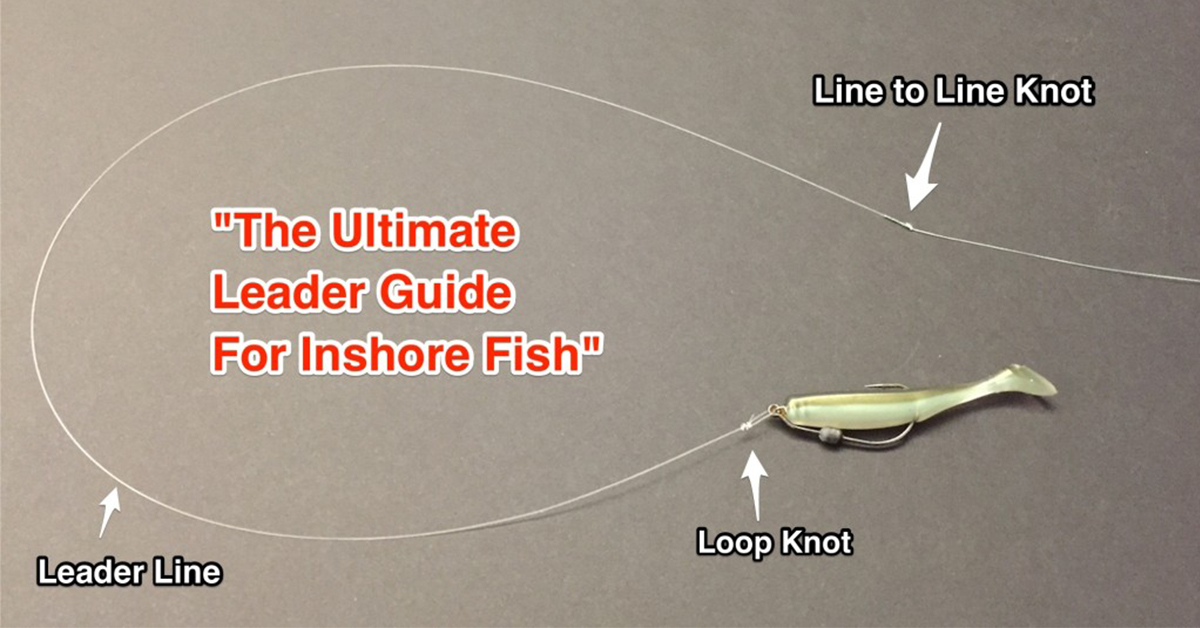
Without leader lines, complex diagrams would be cluttered with floating text, leaving the reader to guess which label belongs to which part. They act as visual pointers, bridging the gap between descriptive text and the visual elements they refer to. This principle applies across various disciplines, from architectural blueprints and mechanical schematics to user interface diagrams and complex infographics, making them an indispensable component of effective technical illustration.
The Fundamental Role of Leader Lines in Technical Communication
The essence of a technical drawing or a detailed illustration lies in its ability to convey precise information without requiring extensive verbal explanation. Leader lines are central to this objective, serving as clear conduits for information flow within a visual context. They are not merely decorative elements but functional components that enhance the readability, accuracy, and professional appearance of any technical document.
Definition and Purpose
At its core, a leader line is a thin, solid line originating from a textual annotation (such as a part number, material specification, or descriptive note) and terminating at a specific feature, line, or surface on a drawing. Its primary purpose is to provide an unambiguous connection, ensuring that there is no confusion about which part of a diagram a particular piece of information refers to. This direct visual link is crucial in situations where multiple components are in close proximity or when space constraints make direct text placement difficult.
Beyond simple identification, leader lines also contribute to the overall organization and aesthetic of a drawing. They help to de-clutter the visual field by allowing annotations to be placed in an orderly fashion, often grouped together, rather than scattered haphazardly across the drawing surface. This organized presentation significantly reduces the cognitive load on the viewer, allowing them to absorb information more quickly and accurately. In a world where precision in technical specifications can mean the difference between success and failure in manufacturing or construction, the humble leader line plays an outsized role in preventing costly misunderstandings.
Historical Context and Evolution
The concept of using a pointing line to link text to a visual element is not new. Manual drafting and technical illustration, predating digital tools by centuries, relied heavily on precisely drawn lines and arrowheads to convey information on paper. Early technical drawings from the industrial revolution already featured rudimentary forms of leader lines, meticulously hand-drawn to specify components of intricate machinery or architectural structures.
With the advent of Computer-Aided Design (CAD) software in the latter half of the 20th century, the creation and manipulation of leader lines underwent a significant transformation. What was once a laborious manual task became an automated function within digital design environments. CAD programs introduced features like automatic line generation, customizable arrowheads, dynamic snapping to objects, and associative properties where the leader line and its text would automatically adjust if the referenced object or text moved. This digitalization not only streamlined the drafting process but also enhanced the consistency and standardization of leader line usage across different projects and organizations. Today, advanced software applications continue to evolve, offering even more sophisticated controls, intelligent placement algorithms, and integration with data-driven annotation systems, making leader lines an integral part of modern digital workflows.
Anatomy and Best Practices for Effective Leader Line Usage
While seemingly straightforward, the effective use of leader lines follows established conventions and best practices designed to maximize clarity and maintain professional standards. Understanding their anatomy and adhering to these guidelines is crucial for anyone involved in technical drawing, software interface design, or complex data visualization.
Key Components of a Leader Line
A standard leader line typically consists of three main parts:
- The Leader Line Itself: This is the primary segment, usually a thin, solid line drawn at an angle, leading from the annotation to the feature. It should ideally be straight and avoid crossing other leader lines or object lines unnecessarily. Angles of 30, 45, or 60 degrees from the horizontal or vertical are common and visually appealing.
- The Arrowhead (or Dot/Origin Mark): This is the termination point of the leader line at the feature being identified. Arrowheads are most common for pointing to edges or contours, while a small dot or circle is often used when pointing to a surface or area. A small origin box might be used for a dimension. The size and style of the arrowhead or dot are typically standardized within a drawing set or by industry specifications.
- The Shoulder (or Horizontal Segment): This is a short, horizontal line segment that extends from the end of the leader line (opposite the arrowhead) to the beginning of the text annotation. The shoulder provides a visual anchor for the text, preventing it from appearing to float awkwardly and ensuring proper alignment. It helps to separate the text from the sloped leader, making the text easier to read.
Guiding Principles for Clarity and Professionalism
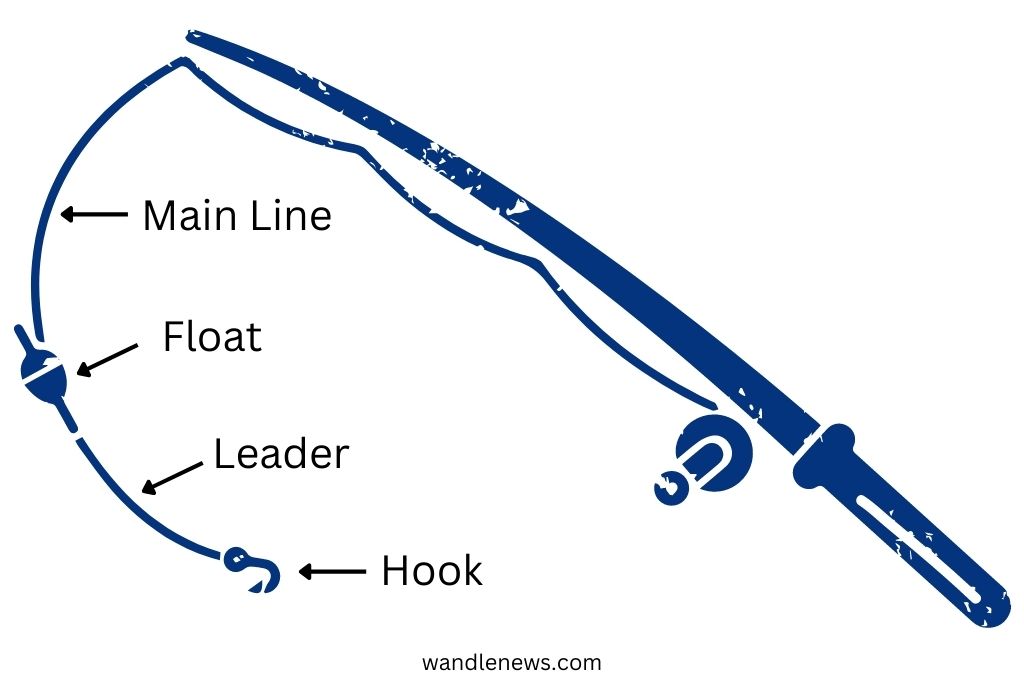
Adhering to best practices for leader line placement and styling is fundamental to producing clear and professional technical documentation:
- Minimal Crossing: Avoid leader lines crossing each other, dimension lines, or object lines whenever possible. If crossing is unavoidable, the leader line should ideally pass over other lines without appearing to merge.
- Angle Consistency: Maintain consistent angles for leader lines throughout a single drawing or set of drawings. Common angles are 30°, 45°, or 60° relative to the horizontal or vertical. This consistency contributes to a clean and organized appearance.
- Text Justification: The text associated with a leader line should typically be justified to align with the start of the shoulder. For notes placed to the left of the leader, the text is right-justified; for notes to the right, it is left-justified.
- Avoid Long Leaders: Keep leader lines relatively short. Extremely long leaders can be difficult to follow and clutter the drawing. If a feature is far from the optimal text placement area, consider using a different view or breaking down complex information.
- Uniformity in Style: Ensure consistency in arrowhead style, line thickness, and text size/font across all leader lines within a document. This uniformity reinforces professionalism and readability.
- Do Not Point to Hidden Lines: Leader lines should always point to visible lines or features, never to hidden lines, as this can cause confusion about the exact location being referenced.
- Leader Line from Middle of Text: When possible, the leader line should originate from the middle of the first line of text for single-line notes, or the middle of the note for multi-line notes, enhancing balance.
- Clarity Over Aesthetics: While aesthetics are important, the primary goal is clarity. If a slightly less “perfect” angle or position makes the annotation unequivocally clear, prioritize clarity.
Leader Lines in Modern Software and Digital Workflows
The utility of leader lines has expanded significantly with the proliferation of digital design and documentation tools. Modern software applications provide robust features for creating, managing, and customizing leader lines, making them an integral part of various digital workflows.
CAD and Engineering Applications
In Computer-Aided Design (CAD) software like AutoCAD, SolidWorks, Inventor, and Fusion 360, leader lines are fundamental. Engineers and designers use them to annotate mechanical parts, assemblies, architectural plans, and electrical schematics. These applications offer sophisticated tools:
- Dynamic Leader Creation: Users can typically click to define the origin point at the feature, then drag to place the shoulder and text.
- Customizable Styles: Extensive options for arrowhead types (e.g., filled, open, dot, architectural tick), shoulder length, and text styles are available.
- Associativity: Many CAD systems offer “associative” leader lines, meaning if the referenced object is moved or modified, the leader line automatically updates its position to maintain the connection.
- Standard Compliance: CAD software often includes templates and settings compliant with international drafting standards (e.g., ISO, ANSI) for leader lines and annotations, ensuring consistency and interoperability.
Graphic Design and Illustration Tools
While less rigid in their application compared to engineering drawings, leader lines are also valuable in graphic design software like Adobe Illustrator, Inkscape, or Affinity Designer. Here, they are used in:
- Infographics: To connect data points or icons to descriptive text.
- Technical Illustrations: For exploded views, part callouts, or assembly instructions where aesthetics and clarity are equally important.
- UI/UX Design: In wireframes and mockups, leader lines can highlight specific interactive elements and link them to user feedback or functional descriptions.
Graphic design tools often provide greater artistic freedom, allowing for varied line weights, colors, and custom arrow shapes, while still maintaining the fundamental function of guiding the eye.
Presentation and Documentation Software
Even in general-purpose presentation and documentation software such as Microsoft PowerPoint, Google Slides, or even word processors like Microsoft Word, the concept of a leader line is employed, albeit often with simpler tools. Connectors and arrows are used to:
- Diagrams and Flowcharts: To link shapes and labels in organizational charts or process flows.
- Annotated Screenshots: To highlight specific areas or features within software interfaces or images.
- Educational Materials: To clearly label parts of a diagram or illustration for teaching purposes.
While these tools may not offer the precision and standardization of CAD software, their ability to create simple leader-like connections significantly enhances the clarity of visual information in everyday documents and presentations.
Beyond Basic Application: Advanced Considerations
As technical documentation becomes more complex and integrated, leader lines are also evolving, offering features that go beyond simple static pointers.
Annotative Scaling and Dynamic Leader Lines
In CAD environments, “annotative scaling” allows annotations, including leader lines and their associated text, to automatically adjust their size and scale based on the viewport or plot scale of the drawing. This ensures that text and symbols remain legible regardless of how the drawing is scaled for printing or display, eliminating the need to manually adjust each annotation for different drawing scales. Dynamic leader lines also offer more intelligent placement and routing options, often snapping to specific object points or avoiding overlapping geometry automatically, further enhancing efficiency and clarity.
Customization and Standardization
Modern software enables extensive customization of leader lines. This includes defining custom arrowhead styles, creating multi-segment leaders, specifying different layer properties for leaders and their text, and even integrating them with data attributes. This high degree of customization, however, must be balanced with the need for standardization. Companies and industries often develop their own internal standards or adopt international ones (like ISO 128 or ASME Y14.5) to ensure uniformity across all their technical documentation. These standards dictate everything from line weights and arrowhead sizes to text fonts and spacing, guaranteeing that leader lines consistently communicate information effectively and professionally.

The Impact of Well-Executed Leader Lines
Ultimately, the impact of a well-executed leader line cannot be overstated. It transforms a potentially confusing jumble of lines and text into a coherent, easily decipherable piece of information. In engineering, it prevents misinterpretations that could lead to manufacturing errors or safety hazards. In software tutorials, it clarifies complex user interfaces, making learning easier. In scientific diagrams, it ensures the precise identification of anatomical features or experimental setups. By diligently applying the principles of leader line usage, designers and technical communicators elevate the quality, clarity, and effectiveness of their work, ensuring that information is not just presented, but truly understood.
aViewFromTheCave is a participant in the Amazon Services LLC Associates Program, an affiliate advertising program designed to provide a means for sites to earn advertising fees by advertising and linking to Amazon.com. Amazon, the Amazon logo, AmazonSupply, and the AmazonSupply logo are trademarks of Amazon.com, Inc. or its affiliates. As an Amazon Associate we earn affiliate commissions from qualifying purchases.