
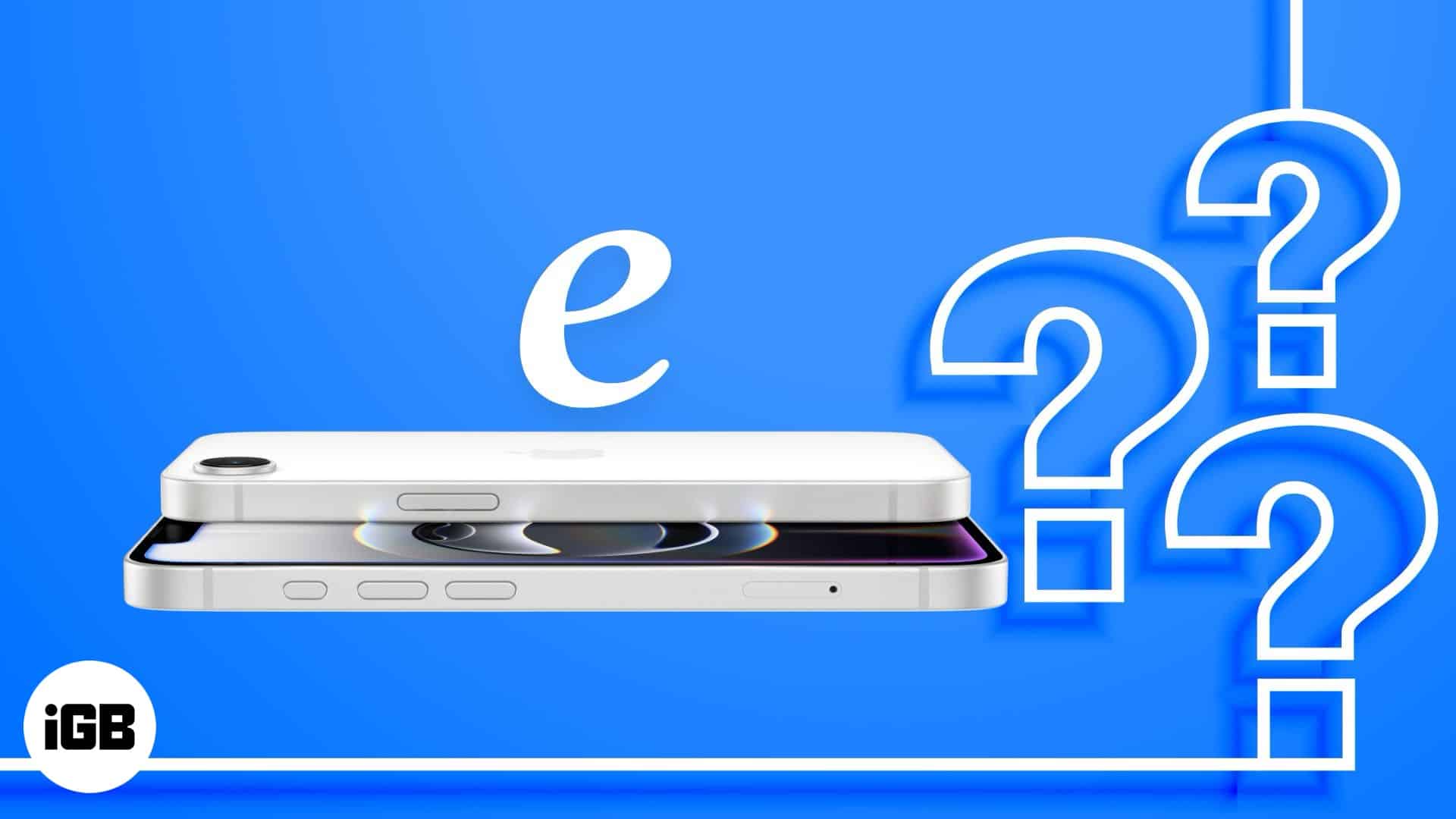
If you have glanced at the status bar of your iPhone and noticed a small, capitalized “E” appearing where you usually see “5G,” “LTE,” or “4G,” you have encountered one of the most misunderstood indicators in mobile networking. While modern users are accustomed to lightning-fast data speeds, the appearance of an “E” serves as a digital reminder of the evolution of cellular technology.
In short, the “E” stands for EDGE, which stands for Enhanced Data rates for GSM Evolution. It represents a legacy network technology that, while revolutionary at the time of its inception, has become a relic in the age of high-definition streaming and instantaneous cloud syncing.

The History and Technical Reality of EDGE
To understand why the “E” appears on your screen, one must look back at the developmental hierarchy of mobile data. Cellular networks have evolved through distinct “generations,” each defined by its ability to move packets of data across radio frequencies.
The Evolution of GPRS to EDGE
Before 3G networks became the global standard, mobile internet relied on GPRS (General Packet Radio Service), often denoted by a “G” icon on older handsets. GPRS was the first step toward true mobile internet, but its speeds were painfully slow by modern standards.
EDGE was developed as a bridge technology. It was essentially an upgrade to the existing GSM (Global System for Mobile Communications) infrastructure. By optimizing the way data was modulated, mobile operators were able to offer speeds that were roughly three to four times faster than standard GPRS. When it was first introduced, it was marketed as “2.5G” or “2.75G,” signifying that it was faster than 2G but not quite ready to be classified as 3G.
Why Is It Still Appearing Today?
You might wonder why a modern iPhone—capable of connecting to advanced 5G networks—would ever drop down to a technology that peaked in the mid-2000s. The answer lies in the concept of network fallback.
Your iPhone is programmed to prioritize the fastest available connection, typically 5G or LTE. However, if you travel into a remote area, enter a building with significant shielding, or find yourself in a region where the network provider has not yet upgraded their infrastructure to 4G or 5G, the phone must negotiate a connection with the only available signal. The “E” appears when the device is unable to secure a 3G or 4G connection and defaults to the robust, long-range capabilities of the EDGE network.
The Implications of an EDGE Connection
When the “E” icon appears, it is not merely a visual quirk; it indicates a severe limitation in your device’s capabilities. EDGE operates at speeds that feel archaic to the contemporary user.
Throughput and Performance Constraints
In practical terms, an EDGE connection provides theoretical peak speeds of roughly 384 Kbps, though in real-world conditions, users rarely see anything above 100 to 200 Kbps. To put this in perspective, a single high-quality photo sent via iMessage might take several seconds to upload, and loading a modern, script-heavy website can take upwards of a minute.
Modern apps are designed with the assumption of high-speed broadband. When your phone displays an “E,” the majority of your applications will behave as if they are offline. You may be able to send a text-based email or a simple iMessage, but tasks like video calling, streaming music, or browsing image-rich social media feeds will become virtually impossible.
The Problem of Latency
It isn’t just the download speed (bandwidth) that suffers; it is the latency (ping). Latency refers to the time it takes for a signal to travel from your phone to the server and back. EDGE networks have high latency, meaning there is a noticeable “lag” between your action—such as tapping a link—and the server’s response. This makes real-time communication tools essentially unusable on this connection type.
Troubleshooting the “E” Icon
If you see an “E” on your iPhone, it is usually a sign that your device is struggling to reach a modern cellular tower. While this is often a result of physical geography, there are technical steps you can take to determine if the issue is a temporary glitch or a permanent network constraint.
Identifying Localized Coverage Issues
The most common reason for seeing an “E” is that you are in a “dead zone.” If you are indoors, try moving toward a window or exiting the building. If the icon changes to “4G” or “LTE” once you move, your home or office simply has poor cellular penetration.
If the “E” persists even when you are in an area where you know you usually have strong 5G service, the issue may be a temporary outage on your carrier’s end. You can confirm this by checking your carrier’s coverage map online or by asking others on the same network if they are experiencing similar symptoms.
Software Resets and Network Configurations
Sometimes, your iPhone’s modem can get “stuck” on a legacy connection. If you have moved to an area with known 5G coverage but the phone stubbornly displays an “E,” try the following:
- Toggle Airplane Mode: Turning Airplane Mode on for ten seconds and then off again forces the device to drop all current connections and scan for the best available signal from scratch.
- Restart the Device: A full reboot clears the temporary state of the baseband processor, which handles cellular communications.
- Check Carrier Settings Updates: Go to Settings > General > About. If an update is available, your phone will prompt you to install it. These updates often include patches that help the phone better communicate with current tower configurations.
- Reset Network Settings: This is the nuclear option. By going to Settings > General > Transfer or Reset iPhone > Reset > Reset Network Settings, you clear out all saved Wi-Fi passwords, Bluetooth pairings, and VPN configurations, effectively returning the network module to its factory state. Only do this if you have tried all other options, as you will need to re-enter your Wi-Fi credentials.
The Future of Legacy Networks
The inevitable question for many users is: how much longer will the “E” persist? The industry term for this is “sunset.” Mobile carriers are actively working to reclaim the radio spectrum currently used by 2G and EDGE to reallocate it for 5G and future 6G technologies.
The Sunset of 2G and EDGE
Major carriers globally are gradually shutting down their legacy 2G networks. This process is necessary to make room for more efficient, high-speed data transmission. However, this process is slow because of the millions of IoT (Internet of Things) devices—such as smart meters, medical monitors, and industrial sensors—that still rely on the low-power, wide-coverage characteristics of EDGE.
What This Means for iPhone Users
For the average iPhone user, the eventual full removal of EDGE support will be a non-event, as modern phones are already optimized for higher bands. However, as the sunset progresses, you may notice that when your phone loses 5G or LTE, it may simply show “No Service” rather than falling back to an “E.” This is a byproduct of the infrastructure being decommissioned.
In summary, the “E” on your iPhone is a relic of a time when the mobile internet was in its infancy. It is a signal of last resort, provided by your carrier to ensure that, despite the lack of high-speed data, you remain connected for basic voice and text communications. While it can be frustrating to see in an era of gigabit speeds, it remains a testament to the robust, wide-reaching architecture of cellular design that keeps us connected regardless of how far we wander from the nearest modern cell site.
aViewFromTheCave is a participant in the Amazon Services LLC Associates Program, an affiliate advertising program designed to provide a means for sites to earn advertising fees by advertising and linking to Amazon.com. Amazon, the Amazon logo, AmazonSupply, and the AmazonSupply logo are trademarks of Amazon.com, Inc. or its affiliates. As an Amazon Associate we earn affiliate commissions from qualifying purchases.