
The digital age has transformed how we consume and create content, with streaming emerging as a dominant force. From live broadcasts of competitive video games to on-demand access to an infinite library of movies and music, “streaming” has become synonymous with instant, accessible media. But for many, the leap from passive consumer to active creator can seem daunting. This guide will demystify the process, breaking down the technical requirements, platform choices, and best practices needed to successfully enter the vibrant world of streaming. Whether you aspire to be the next big content creator, share your passions, or simply understand the underlying technology, this article will serve as your essential roadmap.
Understanding the Fundamentals of Streaming
At its core, streaming is the continuous transmission of audio and video files from a server to a client, allowing instant playback without the need to download the entire file first. This innovative approach has revolutionized media consumption, making content readily available across a multitude of devices.
What is Streaming?
Unlike traditional downloading, which requires the complete file to be saved to your device before viewing, streaming delivers data in a continuous flow. As soon as a portion of the data is received and buffered, it begins playing. This “on-the-fly” delivery mechanism is crucial for real-time applications like live broadcasts and for efficient use of bandwidth with on-demand content. The technology relies on a complex interplay of encoders, servers, and content delivery networks (CDNs) to ensure a smooth, low-latency experience for viewers worldwide.
There are primarily two types of streaming:
- Live Streaming: Content is broadcast in real-time as it’s created, allowing for immediate audience interaction. This is common for gaming, live events, webinars, and news.
- Video-on-Demand (VOD): Pre-recorded content (like movies, TV shows, or YouTube videos) is stored on servers and made available for playback at any time the user chooses. While the playback mechanism is similar to live streaming, the content is static.
Why Stream? The Diverse Applications
The applications of streaming technology are incredibly broad and continue to expand:
- Entertainment: From Netflix and Spotify to Twitch and YouTube, streaming is the primary method for consuming movies, TV shows, music, and gaming content.
- Gaming: Live streaming gaming sessions has become a cultural phenomenon, fostering massive communities and even professional careers.
- Education and Webinars: Online courses, virtual lectures, and professional webinars frequently utilize live and on-demand streaming to reach global audiences.
- Social Interaction: Platforms like Instagram Live and TikTok Live allow users to connect with their followers in real-time, fostering a sense of community.
- Professional Communication: Tools like Zoom and Microsoft Teams are essentially private streaming platforms, enabling video conferencing and remote collaboration.
- News and Media: Many news organizations stream live broadcasts and provide VOD content, offering instant access to current events.
Key Components of a Streaming Setup
Regardless of your streaming goals, a few fundamental components are essential:
- Internet Connection: A stable and sufficiently fast internet connection, particularly strong upload speeds for live streaming, is non-negotiable.
- Device: This could be a powerful gaming PC, a dedicated streaming computer, a gaming console (PlayStation, Xbox), a smartphone, or a smart TV.
- Streaming Platform/Service: This is the destination where your content is hosted and distributed (e.g., Twitch, YouTube, Netflix).
- Content Source: For creators, this involves hardware like cameras, microphones, and software for screen capture or game capture. For consumers, it’s the streaming app or website itself.
Choosing Your Streaming Path: Content and Platform
Before diving into hardware, it’s crucial to define what you want to stream and where you intend to stream it. These decisions will profoundly influence your technical setup and audience engagement strategy.
Defining Your Content Niche
The vastness of streaming content means that finding your niche is key to attracting and retaining an audience. Consider what you are passionate about, what you excel at, or what unique perspective you can offer:
- Gaming: Playing video games, from competitive esports to casual playthroughs, remains a cornerstone of live streaming.
- Lifestyle/Vlogging: Sharing daily life, travel experiences, or specific interests like cooking, fitness, or fashion.
- Creative Arts: Live sessions of drawing, painting, music production, coding, or crafting.
- Educational/Tutorials: Teaching skills, explaining complex topics, or providing software walkthroughs.
- “Just Chatting”: Engaging directly with your audience through conversation, Q&A sessions, or discussions on various topics.
- Professional Content: Hosting webinars, product demonstrations, interviews, or industry-specific discussions.
Your niche will help you identify your target audience and the best ways to reach them.
Selecting the Right Streaming Platform
The platform you choose dictates your audience, features, and potential for growth. Each has its own strengths and target demographic:
Live Streaming Platforms (for creators):
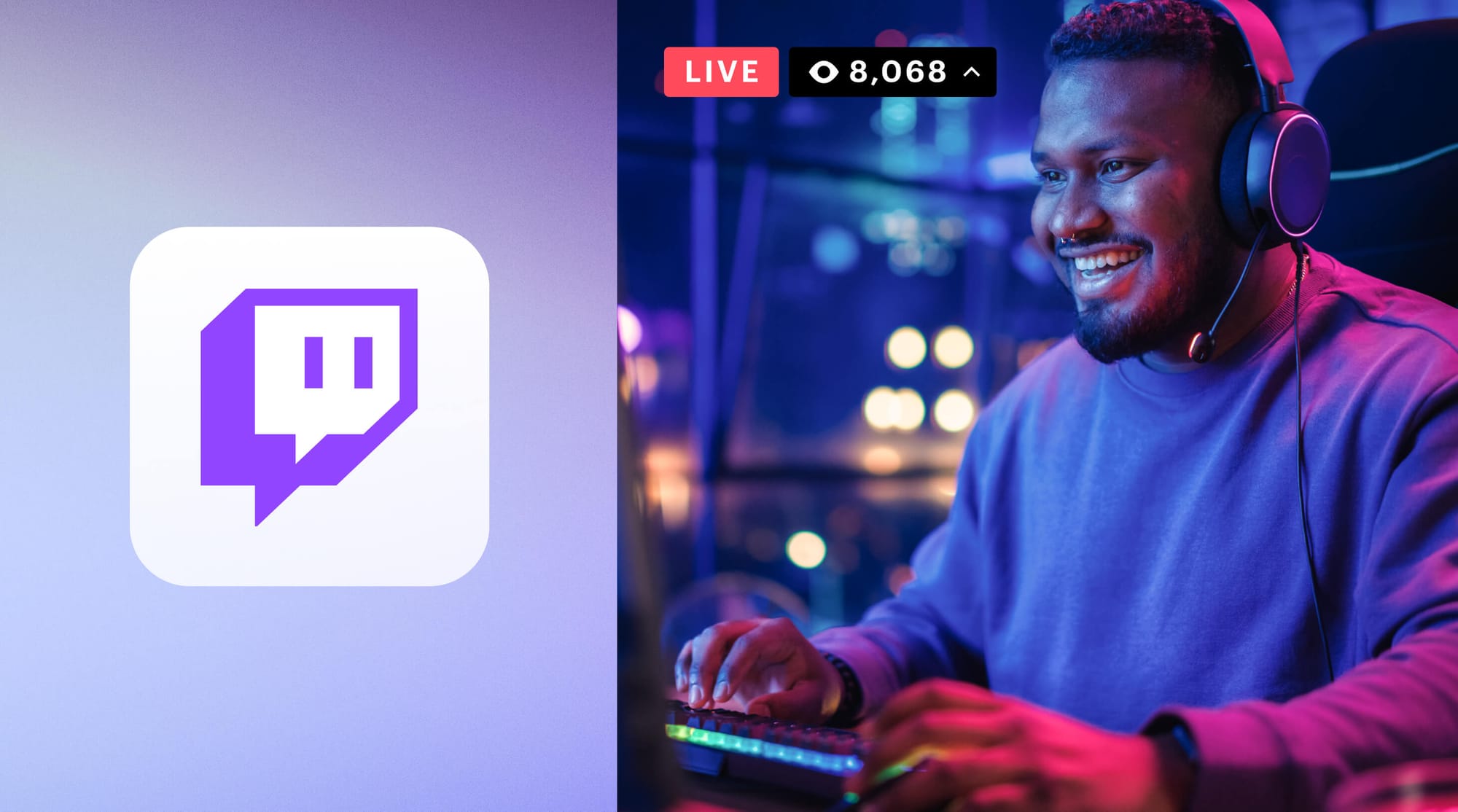
- Twitch: Dominant in gaming, Twitch offers robust community features like chat, subscriptions, and “raids.” It’s excellent for interactive, live content and has a very engaged gaming audience.
- YouTube Live: With its massive existing user base and seamless integration with VOD content, YouTube Live is versatile. It’s suitable for gaming, educational content, music, and general vlogging, offering broad reach and diverse monetization options.
- Facebook Live: Leveraging Facebook’s social graph, this platform is ideal for reaching an existing network of friends, family, and followers. It’s often used for personal updates, local events, or business promotions due to its strong social sharing capabilities.
- Instagram Live/TikTok Live: Primarily mobile-first platforms, these are perfect for spontaneous, short-form, and highly interactive live streams, especially popular with influencers and younger demographics.
- LinkedIn Live: Geared towards professionals, LinkedIn Live is excellent for B2B content, webinars, industry discussions, and thought leadership.
Factors to Consider When Choosing a Platform:
- Audience: Where does your target audience spend their time?
- Features: What tools does the platform offer for interaction, overlays, and monetization?
- Ease of Use: How intuitive is the platform for setup and going live?
- Monetization: Does the platform offer clear avenues for earning income (subscriptions, ads, donations)?
- Integration: How well does it integrate with other tools and social media?
For consumers accessing content, the choice is usually simpler, involving subscription services like Netflix, Hulu, Disney+, or free platforms like YouTube, each offering different libraries and genres. The “how can I stream” for content consumption typically involves subscribing, downloading the app, or visiting the website on a compatible device.
Essential Gear and Software for a Seamless Stream
Once you know what and where you’ll stream, it’s time to gather the necessary technological components. A well-equipped setup ensures high-quality output and a smooth experience for both you and your viewers.
Internet Connectivity: The Backbone of Your Stream
Your internet connection is perhaps the most critical component. Without sufficient and stable bandwidth, even the best equipment will fail to deliver a watchable stream.
- Upload vs. Download Speed: For streaming content to others, upload speed is paramount. For consuming streaming content, download speed is more important. Most ISPs advertise download speeds prominently; you need to check your upload speed.
- Wired vs. Wi-Fi: Always opt for a wired (Ethernet) connection if possible. It provides superior stability, lower latency, and more consistent speeds compared to Wi-Fi, which can be prone to interference.
- Bandwidth Requirements:
- 720p at 30fps: 2.5 – 4 Mbps upload
- 1080p at 30fps: 3.5 – 6 Mbps upload
- 1080p at 60fps: 4.5 – 9 Mbps upload
- 4K at 60fps: 15 – 30 Mbps upload (requires significant bandwidth)
Aim for a stable upload speed that is at least 1.5 to 2 times the recommended bitrate for your desired quality.
Hardware for Content Creation
The quality of your stream largely depends on your hardware. Prioritize a good microphone and sufficient processing power.
- Computer:
- Processor (CPU): Intel i5/Ryzen 5 or higher is a good starting point. For demanding games or complex streaming setups, an i7/Ryzen 7 or i9/Ryzen 9 is recommended.
- Graphics Card (GPU): NVIDIA GeForce RTX 30-series/AMD Radeon RX 6000-series or newer are excellent. Your GPU often assists with encoding, offloading work from the CPU.
- RAM: 16GB is the standard recommendation for gaming and streaming simultaneously.
- Camera:
- Webcams: Affordable and easy to use (e.g., Logitech C920/Brio, Razer Kiyo).
- DSLR/Mirrorless Cameras: Offer superior image quality with shallow depth of field, but require a capture card (see below) and potentially external power.
- Mobile Phones: Modern smartphones have excellent cameras and can be used with apps for simple streaming.
- Microphone: Crucial for clear audio. Viewers will tolerate mediocre video but rarely poor audio.
- Headset Mics: Convenient but often lower quality.
- USB Microphones: Easy plug-and-play, good quality for beginners (e.g., Blue Yeti, Rode NT-USB Mini).
- XLR Microphones: Professional grade, requiring an audio interface or mixer (e.g., Shure SM7B, Rode Procaster).
- Lighting: Good lighting dramatically improves video quality. Ring lights, softboxes, or even simple desk lamps can make a difference.
- Capture Cards: Essential for streaming content from gaming consoles or a second PC to your streaming PC.
- External: Connects via USB (e.g., Elgato Game Capture HD60 S+).
- Internal: PCIe card for desktop PCs (e.g., Elgato Game Capture 4K60 Pro).
- Elgato Stream Deck (Optional but Recommended): A customizable control panel that allows you to trigger actions (scene changes, audio adjustments, launch apps) with a single button press, greatly improving stream management.
Software for Broadcasting and Management
Once your hardware is ready, you need software to capture, encode, and send your stream to the chosen platform.
- Streaming Software (Encoders):
- OBS Studio (Open Broadcaster Software): Free, open-source, and incredibly powerful. It offers extensive customization for scenes, sources, and settings. It’s the industry standard for many streamers.
- Streamlabs Desktop: A user-friendly fork of OBS Studio with pre-built overlays, alerts, and integrated chat, making it easier for beginners to get started.
- XSplit Broadcaster: A feature-rich, paid alternative offering professional tools and a clean interface.
- Overlay and Alert Management: Many platforms (like Twitch) have built-in tools. Third-party services like Streamlabs and Streamelements integrate with your streaming software to manage on-screen alerts for new followers, subscribers, donations, and custom overlays.
- Chat Bots: Tools like Nightbot or Streamlabs Bot help automate chat moderation, enforce rules, respond to commands, and keep your chat healthy and engaging.
Going Live: Pre-Stream Checks and Best Practices
With your setup complete, the final steps involve preparing for your broadcast and implementing best practices to ensure a successful and engaging stream.
Pre-Stream Checklist
- Internet Speed Test: Run a speed test (e.g., Speedtest.net) before every stream to confirm your upload speed is stable and sufficient.
- Audio/Video Checks: Do a quick check of your microphone levels, camera focus, and lighting. Ensure all sources are correctly configured in your streaming software.
- Test Stream: Before going fully live, consider doing an “unlisted” or “private” test stream to ensure everything is working as intended without public pressure.
- Promote Your Stream: Let your audience know when you’re going live on social media platforms like Twitter, Instagram, or Discord.
- Close Unnecessary Programs: Free up system resources for your stream by closing any applications you don’t need.
Engaging Your Audience
Technical setup is only half the battle; audience engagement is what builds a community.
- Interaction: Actively read and respond to chat messages. Acknowledge new followers/subscribers. Ask questions and invite participation.
- Consistent Schedule: Try to stream at regular times and on specific days. This builds anticipation and helps your audience know when to tune in.
- Clear Call-to-Actions: Encourage viewers to follow, subscribe, or join your Discord server.
- Authenticity: Be yourself. People connect with genuine personalities.
Technical Optimizations
Fine-tuning your streaming software settings can significantly improve quality and stability.
- Bitrate and Resolution: Adjust these settings in your streaming software based on your upload speed and CPU/GPU power. Higher bitrates mean better quality but require more bandwidth.
- Frame Rate (FPS): 30fps is often sufficient, but 60fps provides a smoother experience, especially for fast-paced gaming.
- Monitor Stream Health: Most platforms provide a dashboard to monitor your stream’s health (dropped frames, bitrate consistency). Pay attention to these metrics during your broadcast.
- Backup Plans: Have a simple “BRB” (be right back) screen ready for technical glitches or unexpected interruptions.
Digital Security and Privacy
Streaming exposes you to the internet, so consider your security.
- Protect Personal Information: Be mindful of what appears on your screen (desktop icons, notifications, personal details). Use privacy settings on your accounts.
- Copyright Awareness: Ensure you have the rights to use any music or video content in your stream to avoid strikes or bans.
- Moderation Tools: Utilize chat bots and human moderators to manage your chat and prevent harassment or spam.
Beyond the Basics: Growing Your Stream
Once you’ve mastered the fundamentals, the journey of growing your stream is one of continuous learning, adaptation, and community building.
Content Strategy and Consistency
- Niche Refinement: As you stream, you’ll learn what works and what doesn’t. Be open to refining your content niche based on audience feedback and your evolving interests.
- Content Calendar: Plan your streams in advance. A content calendar helps you stay organized and consistent, which is key for audience retention.
- Experimentation: Don’t be afraid to try new games, topics, or interaction styles. Sometimes the unexpected becomes your most popular content.
Community Building
- Discord Servers: Create a Discord server for your community. It provides a persistent space for interaction, announcements, and deeper connections outside of your live streams.
- Social Media Promotion: Use platforms like Twitter, Instagram, TikTok, and YouTube to promote your streams, share clips, and interact with your audience. Cross-platform promotion is vital.
- Networking with Other Streamers: Collaborate with streamers in your niche. Raiding, hosting, and co-streaming can introduce your content to new audiences.
Monetization Avenues
While not the primary focus of a “how to stream” guide, it’s worth noting that successful streaming can open up various monetization opportunities, which are often integrated as features of the streaming technology itself. These include subscriptions, donations, ad revenue, affiliate marketing, and sponsorships, all facilitated by the chosen streaming platform.
Analytics and Improvement
- Using Platform Insights: Most streaming platforms offer detailed analytics (viewer count, watch time, demographics). Analyze this data to understand what content resonates with your audience.
- Watching Your VODs: Re-watch your past broadcasts. It’s an excellent way to identify areas for improvement in your commentary, pacing, technical setup, or audience interaction.
- Soliciting Feedback: Ask your viewers for honest feedback. What do they enjoy? What could be better?

Conclusion
Entering the world of streaming, whether as a consumer or a creator, is a journey rooted in technology. From understanding the core concept of data transmission to meticulously selecting hardware and software, each step is an exploration of digital capabilities. The question “how can I stream?” is answered by a blend of reliable internet, appropriate devices, and the right platform and tools.
Start small, focus on consistent improvement, and prioritize clear audio and a stable connection. The streaming landscape is dynamic, constantly evolving with new technologies and trends. By grasping these fundamentals, you’re not just setting up a stream; you’re equipping yourself to participate in one of the most exciting and interactive frontiers of the digital age. Embrace the learning curve, engage with your audience, and enjoy the limitless possibilities that streaming offers.
aViewFromTheCave is a participant in the Amazon Services LLC Associates Program, an affiliate advertising program designed to provide a means for sites to earn advertising fees by advertising and linking to Amazon.com. Amazon, the Amazon logo, AmazonSupply, and the AmazonSupply logo are trademarks of Amazon.com, Inc. or its affiliates. As an Amazon Associate we earn affiliate commissions from qualifying purchases.