
The smartphone, once primarily a communication tool, has evolved into a powerhouse of entertainment, offering an unparalleled level of convenience and accessibility. For many, it has replaced traditional television sets as the primary device for consuming video content. The ability to watch TV on your phone, whether it’s live broadcasts, on-demand movies, or binging an entire series, has transformed our viewing habits, freeing us from the living room couch and enabling entertainment on the go. This guide will delve into the various methods, technologies, and considerations involved in turning your smartphone into a personal portable television.
The Evolution of Mobile TV Viewing: From Niche to Necessity
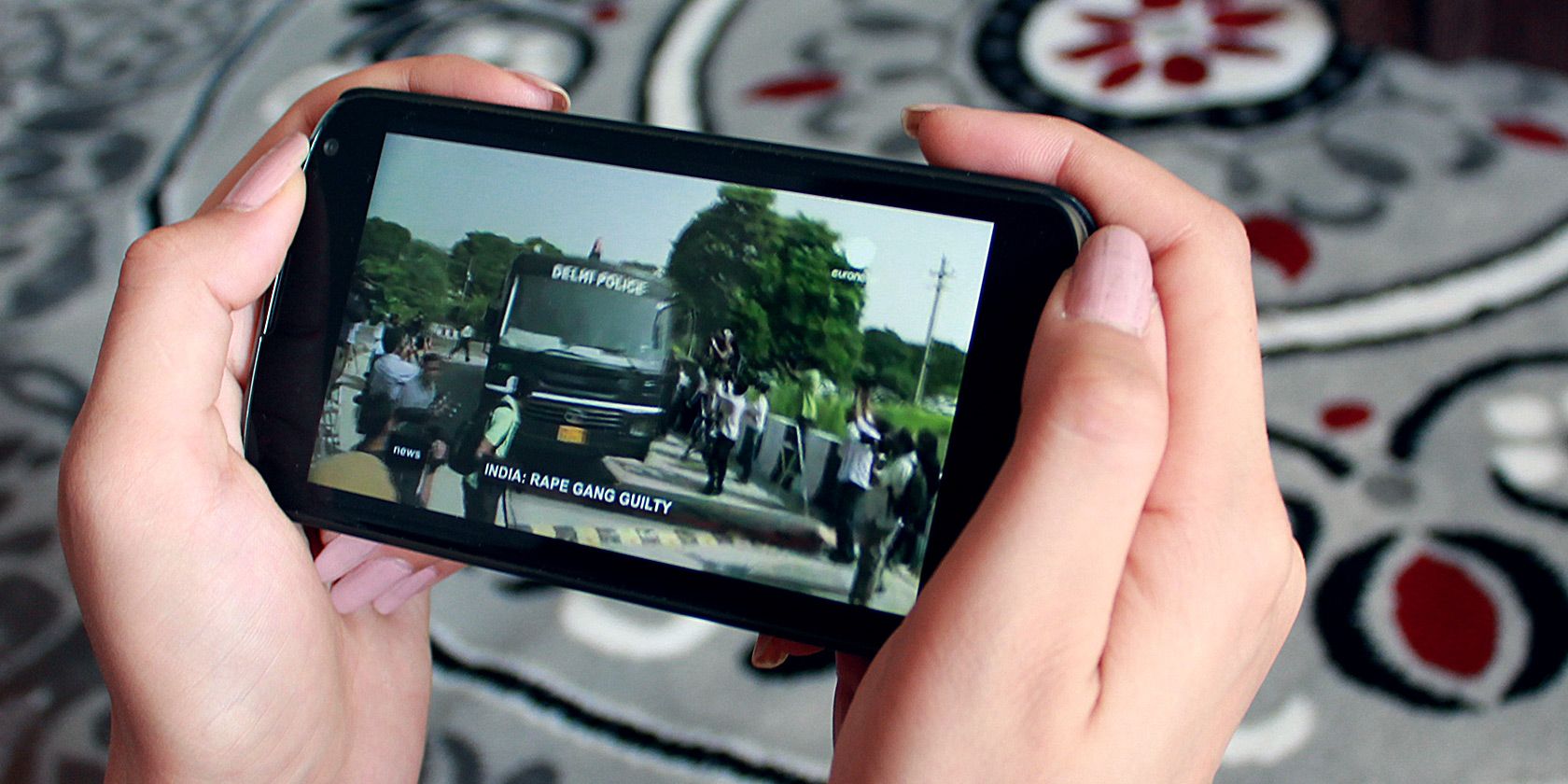
The idea of watching television on a handheld device isn’t new, but its practical implementation has undergone a radical transformation. Early attempts involved clunky, proprietary devices with limited channels and poor reception. The advent of high-speed mobile internet, powerful smartphone processors, and advanced display technology has democratized mobile TV viewing, making it a seamless, high-quality experience accessible to virtually everyone with a smartphone.
From Clunky Devices to Seamless Streaming
In the early 2000s, mobile TV was often an expensive novelty, reliant on specific broadcast technologies like DVB-H or proprietary services offered by mobile carriers. These services typically required specialized phones or bulky external tuners, offered a limited selection of channels, and often suffered from pixelated video and dropped signals. The user experience was far from ideal, making it a niche offering rather than a mainstream phenomenon.
The turning point arrived with the proliferation of broadband internet, both fixed and mobile. As 3G and later 4G LTE networks became widespread, the bandwidth constraints that plagued earlier mobile TV attempts began to fade. This paved the way for streaming video over the internet. Services like YouTube demonstrated the viability of on-demand video, and soon, traditional broadcasters and new media companies began to adapt their content for internet delivery. Smartphones, with their increasingly larger, higher-resolution screens and robust processing power, became the perfect platform for this new era of mobile entertainment.
The Smartphone as a Personal Entertainment Hub
Today, your smartphone is more than just a phone; it’s a pocket-sized entertainment hub. Its always-on connectivity, coupled with sophisticated operating systems and app ecosystems, allows it to serve as a television, gaming console, music player, and even a productivity tool. This convergence has made mobile TV not just a possibility, but a fundamental expectation for many users. Whether commuting, waiting in line, or simply relaxing in another room, the ability to pull out your phone and instantly access a vast library of content has become an indispensable part of modern life. This shift has also empowered users with greater control over what, when, and where they watch, truly personalizing the television experience in a way that traditional linear broadcasting could never achieve.
Core Methods for Streaming TV on Your Phone
The diverse landscape of content providers and technological solutions means there isn’t just one way to watch TV on your phone. Instead, a range of options caters to different preferences, budgets, and content needs. Understanding these core methods is crucial for choosing the best setup for you.
Dedicated Streaming Apps
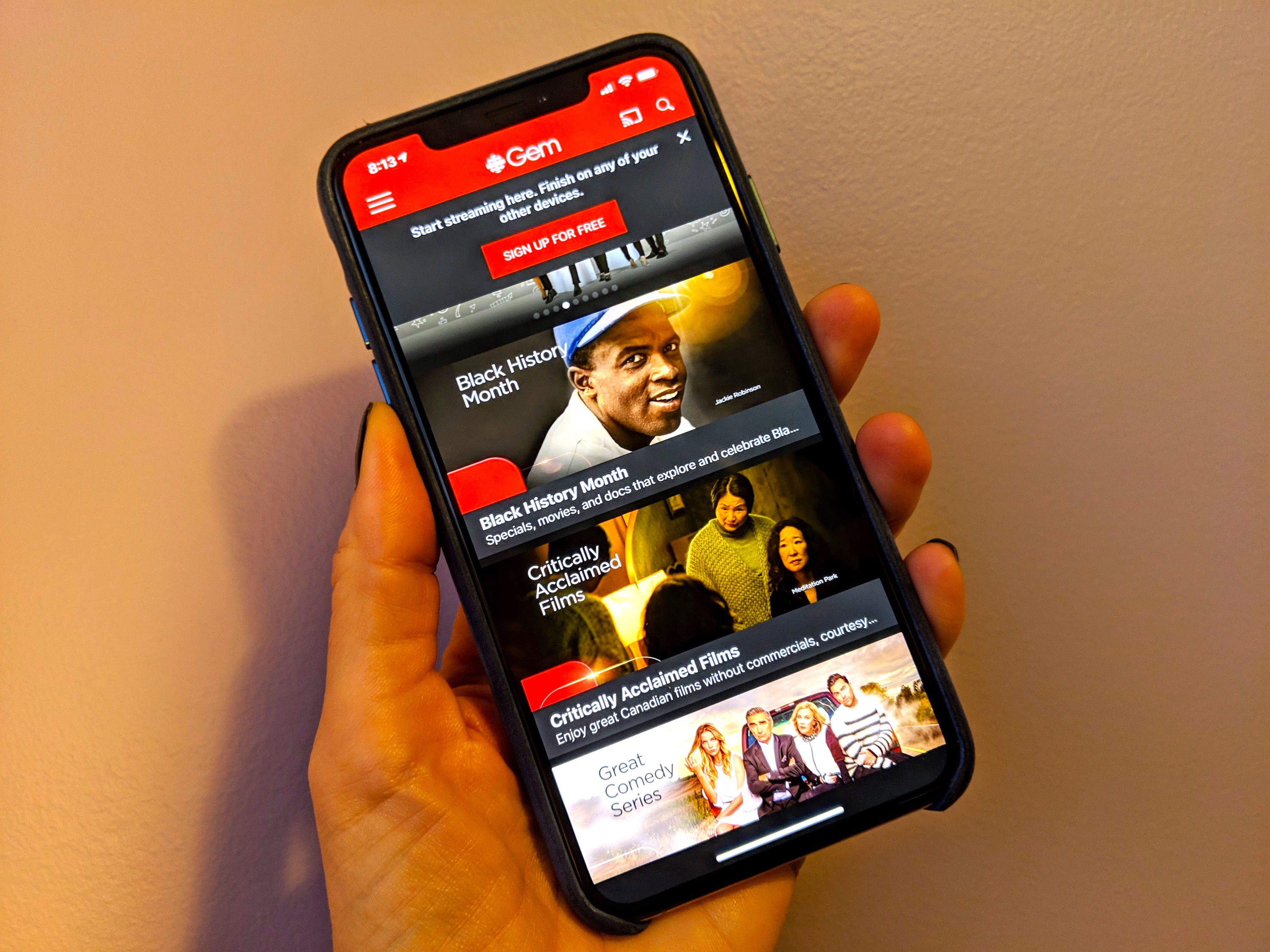
The most common and popular method for watching TV on your phone is through dedicated streaming applications. These apps are the digital storefronts for content libraries owned or licensed by their respective companies. They offer vast collections of on-demand movies, TV shows, documentaries, and original programming.
- Subscription Services: Giants like Netflix, Hulu, Disney+, Max (formerly HBO Max), Amazon Prime Video, and Apple TV+ dominate this space. Each offers a unique catalog, often including critically acclaimed original content that is exclusive to their platform. Users subscribe monthly or annually for unlimited access to their libraries.
- Ad-Supported Free Services: Platforms like Tubi, Pluto TV, The Roku Channel, and Crackle offer a selection of movies and TV shows for free, supported by advertisements. These can be excellent options for those looking to cut costs while still enjoying a variety of content.
- Catch-Up TV Apps: Many traditional broadcasters offer their own apps (e.g., BBC iPlayer, ITVX, 7plus, SBS On Demand) that allow viewers to watch recently aired programs on demand, often for free within a limited window.
These apps are generally well-optimized for mobile viewing, offering features like offline downloads, customizable playback settings, and user profiles.
Live TV Streaming Services
For those who crave the real-time experience of traditional television, live TV streaming services bridge the gap between linear broadcasting and mobile convenience. These services bundle channels, much like a cable or satellite package, but deliver them over the internet to your phone (and other devices).
- Sling TV: Known for its customizable channel packages, offering a more à la carte approach to live TV.
- YouTube TV: A comprehensive offering with a wide range of popular broadcast and cable channels, including local sports and news, along with a robust cloud DVR.
- Hulu + Live TV: Combines Hulu’s extensive on-demand library with a strong selection of live channels.
- FuboTV: Heavily focused on sports, offering a wide array of sports channels alongside general entertainment.
- Philo: A more budget-friendly option focusing on entertainment, lifestyle, and factual channels, without sports or local broadcast affiliates.
These services often include cloud DVR capabilities, allowing you to record live broadcasts and watch them later, and typically support multiple simultaneous streams across different devices.
Network and Cable Provider Apps
If you already subscribe to a traditional cable or satellite TV service, you likely have access to a mobile app from your provider that extends your subscription to your phone.
- Xfinity Stream, Spectrum TV, DirecTV Stream, Cox Contour TV: These apps typically allow you to watch live TV channels included in your home subscription, access on-demand content, and sometimes even download content for offline viewing. They essentially turn your phone into an extra TV screen that works anywhere you have an internet connection (and sometimes even outside your home Wi-Fi network). The content available usually mirrors your home cable package, making it a convenient way to get more value out of an existing subscription.
Over-the-Air (OTA) TV via Adapters/Tuners
For those interested in free, local broadcast channels (ABC, CBS, NBC, Fox, PBS, etc.) without a monthly subscription, OTA TV tuners combined with your phone can be a viable option.
- HDHomeRun, Tablo: These devices are network-attached tuners that connect to a traditional antenna. They receive free over-the-air signals and then stream those channels over your home Wi-Fi network to any connected device, including your smartphone, via a dedicated app. Some models also offer DVR functionality, allowing you to record live broadcasts. This method is ideal for cutting the cord entirely while still having access to local news, sports, and prime-time network programming in high definition.
Using a Web Browser
While less common for a full TV experience, you can also watch some video content directly through your phone’s web browser. Many websites, including those of news organizations or some smaller content creators, offer video playback without requiring a dedicated app. This method is often employed for one-off viewing or when app installation is not preferred. However, app-based viewing generally offers a more optimized, user-friendly, and feature-rich experience.
Enhancing Your Mobile TV Experience
Watching TV on your phone can be a fantastic experience, but a few considerations and accessories can elevate it from merely functional to truly enjoyable.
Optimizing Your Internet Connection
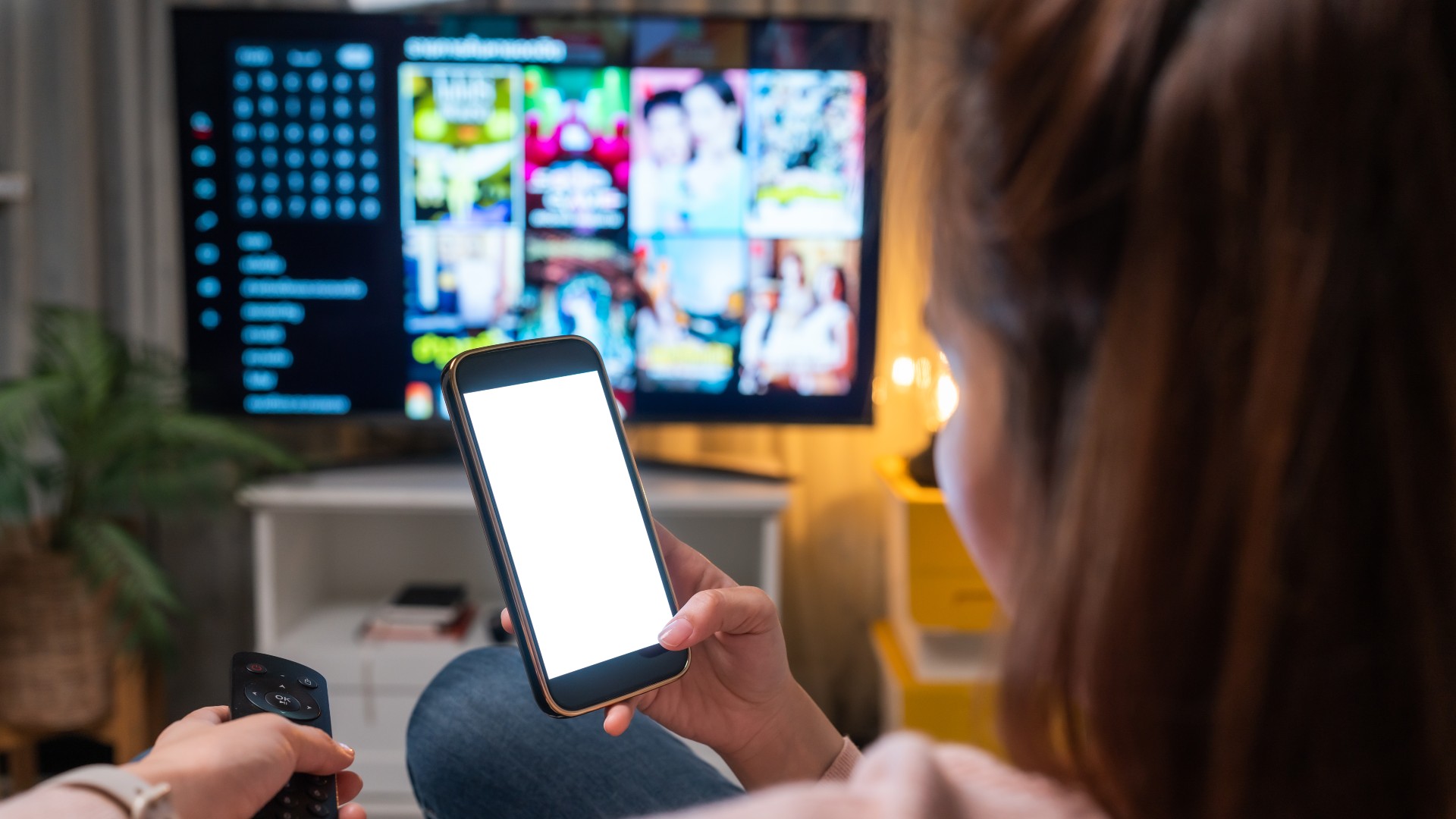
The quality of your streaming experience is directly tied to the strength and speed of your internet connection.
- Wi-Fi: Whenever possible, connect to a stable Wi-Fi network. This provides the fastest speeds and is typically unlimited, preventing data overages. For the best quality, aim for a strong Wi-Fi signal.
- Mobile Data (4G LTE/5G): When Wi-Fi isn’t available, mobile data is your go-to.
- 5G Impact: Fifth-generation cellular networks (5G) offer significantly higher speeds and lower latency than 4G LTE, enabling smoother streaming of high-resolution content (like 4K) with fewer buffering issues, even in crowded areas. If you have a 5G-enabled phone and are in a 5G coverage area, it can mimic a home broadband connection.
- Data Caps: Be mindful of your data plan. Streaming video, especially in high definition, consumes a lot of data. Many apps allow you to adjust video quality to conserve data, or you might consider an unlimited data plan if mobile streaming is a frequent activity.
Essential Accessories
A few simple accessories can dramatically improve your mobile TV setup.
- High-Quality Headphones/Earbuds: Essential for immersive audio, especially in noisy environments. They prevent disturbances to others and allow you to fully appreciate the sound design of shows and movies. Noise-cancelling headphones are particularly useful for travel.
- Portable Chargers/Power Banks: Streaming video is power-intensive. A portable charger ensures your viewing isn’t cut short, especially during long commutes or travel. Look for high-capacity power banks with fast-charging capabilities.
- Phone Stands/Grips: Holding your phone for extended periods can be tiresome. A simple kickstand, pop socket, or dedicated phone stand allows for hands-free viewing, improving comfort and posture.
- Bluetooth Game Controllers (for interactive content): While not strictly for “TV,” if you delve into cloud gaming services or interactive experiences available through some streaming platforms, a Bluetooth controller can significantly enhance the experience.
Cast and Mirror Your Phone to a Larger Screen
Sometimes, the portability of your phone is great, but you might want to share the content or simply enjoy it on a bigger display when at home or a friend’s house.
- Chromecast (Google Cast): Many streaming apps have a “cast” icon that allows you to send video directly from your phone to a Chromecast device (or a smart TV with built-in Chromecast) connected to a TV. Your phone then acts as a remote control, and the video streams directly from the internet to the TV, saving phone battery.
- AirPlay (Apple devices): Similar to Chromecast, AirPlay allows iPhone users to wirelessly stream content to Apple TV devices or AirPlay 2-compatible smart TVs.
- Smart TV Integration: Many modern smart TVs have built-in support for mirroring or casting directly from your phone, regardless of brand. Look for features like “Screen Mirroring,” “Smart View,” or “Miracast” in your phone’s and TV’s settings.
- HDMI Adapters: For older TVs or a more direct connection, you can use a USB-C to HDMI or Lightning to HDMI adapter to physically connect your phone to a TV with an HDMI cable. This mirrors your phone’s display onto the TV.
Navigating Challenges and Maximizing Benefits
While the convenience of mobile TV is undeniable, there are challenges to consider, alongside strategies to fully leverage its advantages.
Data Usage and Cost Management
One of the biggest concerns for mobile TV viewers is data consumption. High-definition video can quickly deplete a limited data plan, leading to throttling or expensive overage charges.
- Monitor Usage: Regularly check your data usage through your phone’s settings or your carrier’s app.
- Adjust Quality Settings: Most streaming apps allow you to select video quality (e.g., standard definition, high definition). Opting for lower quality when on mobile data can significantly reduce consumption.
- Download for Offline Viewing: Many subscription services offer the option to download movies and TV shows over Wi-Fi, allowing you to watch them later without using any mobile data. This is ideal for commutes, flights, or areas with poor signal.
- Unlimited Plans: If mobile streaming is a core part of your entertainment, an unlimited data plan (with an understanding of any fair usage policies or speed caps) might be a worthwhile investment.
Content Discovery and Personalization
The sheer volume of content across numerous platforms can be overwhelming.
- Recommendation Engines: Most apps use sophisticated algorithms to suggest content based on your viewing history. Leverage these features, but also remember to explore beyond them.
- Watchlists/Playlists: Utilize in-app features to save shows and movies you want to watch later, creating your personalized queue.
- Aggregator Apps: Third-party apps or websites (e.g., JustWatch, Reelgood) can help you find where specific movies or shows are streaming across different platforms, saving you time.
Digital Rights Management and Geo-Restrictions
Content licensing agreements often dictate where and when content can be viewed.
- Geo-blocking: You might find that certain content is unavailable in your region or when traveling abroad due to licensing restrictions.
- VPNs: While Virtual Private Networks (VPNs) can sometimes bypass geo-restrictions, their effectiveness varies, and using them might violate the terms of service of some streaming providers. It’s also important to note that many streaming services actively work to block VPN usage.
- Offline Downloads: For international travel, downloading content before you leave can ensure you have entertainment regardless of local restrictions or internet availability.
The Future of Mobile TV: VR/AR and Interactive Experiences
The evolution of mobile TV isn’t stopping. Emerging technologies promise even more immersive and personalized experiences.
- Virtual and Augmented Reality: VR headsets powered by smartphones (or standalone devices) can offer virtual big-screen viewing environments, making a small phone screen feel like a cinema. AR could overlay content onto your real-world surroundings.
- Interactive Content: Services like Netflix have experimented with interactive episodes where viewers make choices that influence the storyline. Mobile platforms are perfectly suited for these types of engagements, potentially blurring the lines between watching and playing.
- Social Viewing: Enhanced features for watching content synchronously with friends, including shared commentary or reactions, are likely to become more integrated.
Choosing the Right Setup for You
With so many options, deciding on the best way to watch TV on your phone boils down to your personal priorities.
Factors to Consider: Content Needs, Budget, Data Plan
- Content Preferences: Do you primarily want live news and sports, or are you more interested in on-demand movies and binge-worthy series? This will guide your choice between live TV services, dedicated streaming apps, or a combination.
- Budget: Free ad-supported services and OTA TV are excellent budget-friendly choices. If you’re willing to pay, consider how many subscription services you can afford and which ones offer the most value for your preferred content.
- Mobile Data Plan: Your data allowance is a significant factor. If you have a limited plan, prioritize Wi-Fi usage and offline downloads. Unlimited plans open up more freedom for mobile streaming.
A Quick Comparative Guide
| Method | Pros | Cons | Ideal For |
|---|---|---|---|
| Dedicated Streaming Apps | Vast on-demand libraries, original content, offline downloads, user-friendly UI | Monthly subscriptions, content fragmentation (multiple apps needed) | Movie buffs, series bingers, those seeking exclusive content |
| Live TV Streaming Services | Live channels, cloud DVR, cable-like experience without contracts | Higher monthly cost than on-demand, potential for channel gaps | Cord-cutters who still want live sports, news, and linear programming |
| Network/Cable Provider Apps | Leverage existing subscription, familiar channels | Requires existing cable/satellite, limited outside home network | Existing cable/satellite subscribers wanting flexibility |
| OTA TV via Adapters | Free local channels, no monthly fees, HD quality | Requires antenna/tuner setup, limited to local broadcasts | Budget-conscious users, those needing local news/sports, emergency broadcasts |
| Web Browser | No app download needed, access to specific web content | Less optimized, limited features, inconsistent experience | Casual viewing, niche web content, avoiding app installation |
In conclusion, watching TV on your phone has never been easier or more versatile. By understanding the available methods, optimizing your setup with the right accessories and connection, and managing your data wisely, your smartphone can truly become your ultimate personal television, delivering entertainment wherever and whenever you desire. The future promises even more innovative ways to consume content, further cementing the phone’s role as the central hub of our digital lives.
aViewFromTheCave is a participant in the Amazon Services LLC Associates Program, an affiliate advertising program designed to provide a means for sites to earn advertising fees by advertising and linking to Amazon.com. Amazon, the Amazon logo, AmazonSupply, and the AmazonSupply logo are trademarks of Amazon.com, Inc. or its affiliates. As an Amazon Associate we earn affiliate commissions from qualifying purchases.