
In an increasingly digital economy, seamlessly facilitating transactions is paramount. PayPal, a pioneering platform in online payments, offers various mechanisms for sending and receiving funds. Among the most efficient is the personalized PayPal.Me link, a dedicated URL that simplifies the process of requesting or receiving money without exchanging sensitive account details. Understanding how to locate, configure, and securely utilize this digital asset is a fundamental aspect of digital literacy for anyone engaged in online commerce or personal financial management through the platform.
This guide delves into the technical process of accessing your unique PayPal.Me link, outlining the steps for both desktop and mobile users, while also emphasizing critical digital security considerations to ensure a safe and efficient user experience.
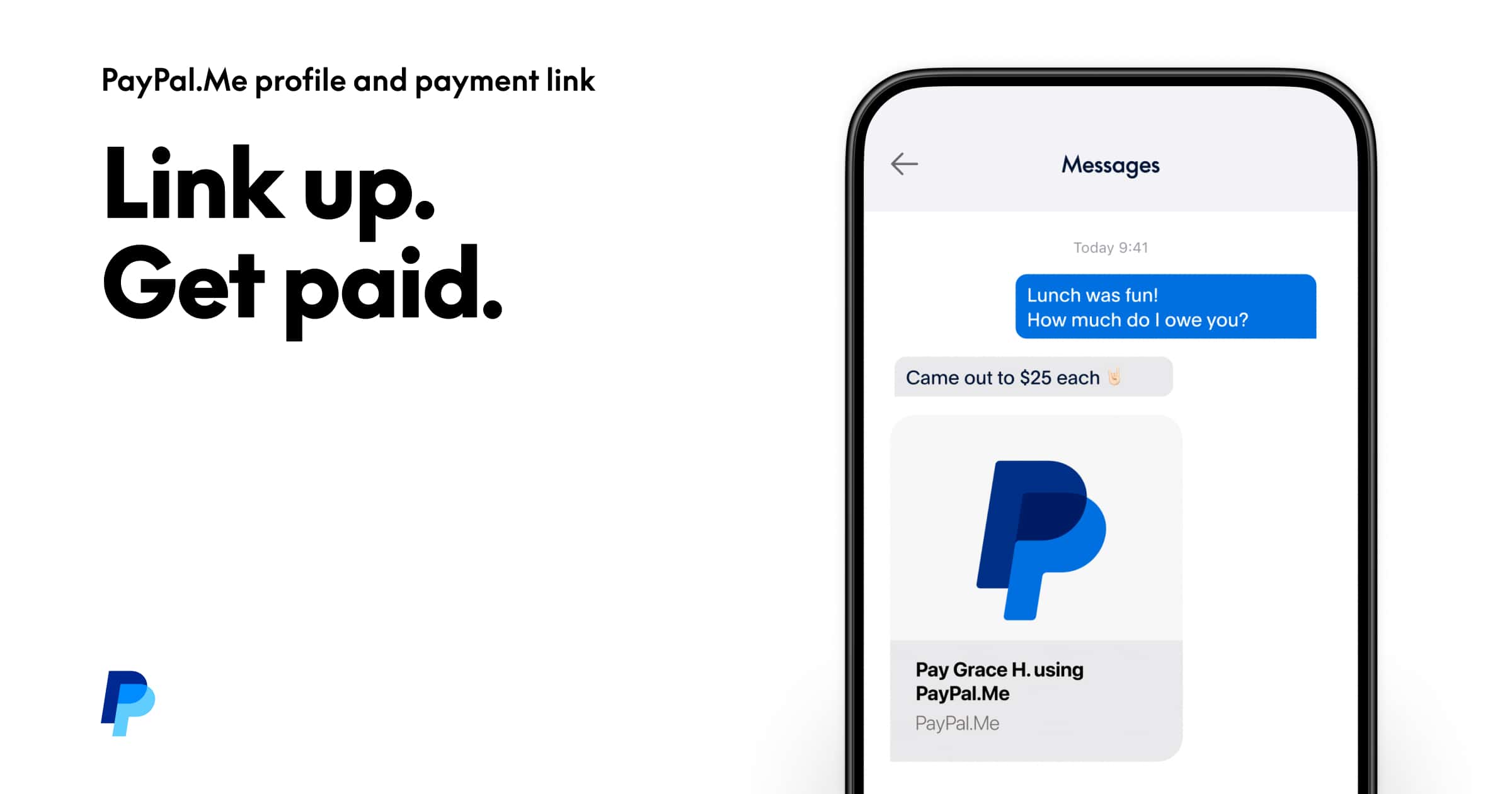
Understanding Your PayPal.Me Link: The Simplified Sharing Solution
Your PayPal.Me link acts as a unique, customizable URL that directs individuals directly to a payment page where they can send you money. Unlike traditional PayPal transactions that often require email addresses or phone numbers, the PayPal.Me link streamlines this interaction, making it ideal for various scenarios from splitting bills with friends to receiving payments for freelance work.
Technically, the PayPal.Me link operates as a personalized endpoint within PayPal’s secure server infrastructure. When someone accesses your unique URL (e.g., paypal.me/yourusername), the system authenticates the request and presents a secure interface where they can input the amount and initiate a payment directly to your associated PayPal account. This mechanism abstracts away the underlying account identifiers, enhancing user convenience while maintaining the platform’s robust security protocols.
Key characteristics of a PayPal.Me link include:
- Customization: Users can often choose a memorable username for their link, making it easier to share and recall.
- Directness: It bypasses the need for the sender to manually search for your account or input your email address.
- Optional Amount Pre-fill: You can embed a specific amount directly into the URL (e.g., paypal.me/yourusername/25) for even quicker transactions, which dynamically populates the payment field for the sender.
- Accessibility: Accessible via web browsers and the PayPal mobile application, ensuring flexibility for users on various devices.
Before you can share your link, you must first create or locate it within your PayPal account. This initial setup is a one-time technical configuration that then allows for repeated, secure use.
Step-by-Step Guide: Locating Your PayPal.Me Link
Accessing your PayPal.Me link is a straightforward process, whether you are using a desktop computer or a mobile device. The interface design aims for intuitive navigation, but knowing the precise pathways can save time and prevent common user errors.
On Desktop (Web Browser)
- Log In to Your PayPal Account: Open your preferred web browser and navigate to the official PayPal website (paypal.com). Enter your registered email address or mobile number and password to log in securely. Ensure you are on the legitimate PayPal site by checking the URL and the padlock icon in your browser’s address bar.
- Access PayPal.Me Settings: Once logged in, look for your profile picture or the “Settings” icon (often a gear symbol) in the top right corner of the dashboard. Click on it.
- Navigate to PayPal.Me: In the Settings menu, you should find an option explicitly labeled “PayPal.Me” or a similar phrase like “Get paid.” Click on this. If you haven’t created a link before, you’ll be prompted to “Get Started” or “Create Your PayPal.Me Link.” Follow the on-screen instructions to choose a username. If you already have one, your existing PayPal.Me link will be displayed prominently on this page.
- Copy Your Link: Once your link is displayed, you will see a button labeled “Copy Link” or a similar function. Click this button to copy the full URL to your clipboard. You can then paste it into emails, messages, or social media platforms.
On Mobile (PayPal App)
The PayPal mobile application provides an equally convenient method for managing your PayPal.Me link, leveraging the app’s streamlined user interface.
- Open the PayPal App: Launch the PayPal application on your iOS or Android device.
- Log In: Enter your credentials or use biometric authentication (fingerprint, face ID) if enabled, to log in securely.
- Access Your Profile/Settings: Look for your profile icon (often a silhouette or your initials) or the “Settings” gear icon, typically found in the top right or bottom navigation bar. Tap on it.
- Find PayPal.Me: Within your profile or settings menu, locate and tap on the “PayPal.Me” option. Similar to the desktop experience, if you haven’t created a link, you’ll be guided through the creation process. If it’s already set up, your personalized PayPal.Me link will be clearly displayed.
- Share or Copy: The app usually provides direct sharing options (e.g., via messaging apps, email) or a “Copy Link” button, allowing you to easily disseminate your URL.
It is crucial to verify that the displayed link is indeed your unique and correct PayPal.Me URL before sharing it to prevent misdirection of funds or potential security issues.
Sharing Your Link Securely: Best Practices and Digital Hygiene
While the PayPal.Me link simplifies transactions, its very nature of being a public-facing URL necessitates a strong understanding of digital security best practices. Sharing your link isn’t just about convenience; it’s about maintaining the integrity of your financial interactions.
Validate the Source
Always ensure that any link you share or click originates from a legitimate PayPal source. Phishing attempts often use cleverly disguised URLs that mimic PayPal’s structure but direct users to malicious sites designed to steal credentials. Confirm the domain (paypal.com) in the URL bar for any PayPal-related page.
Avoid Over-Sharing Sensitive Information
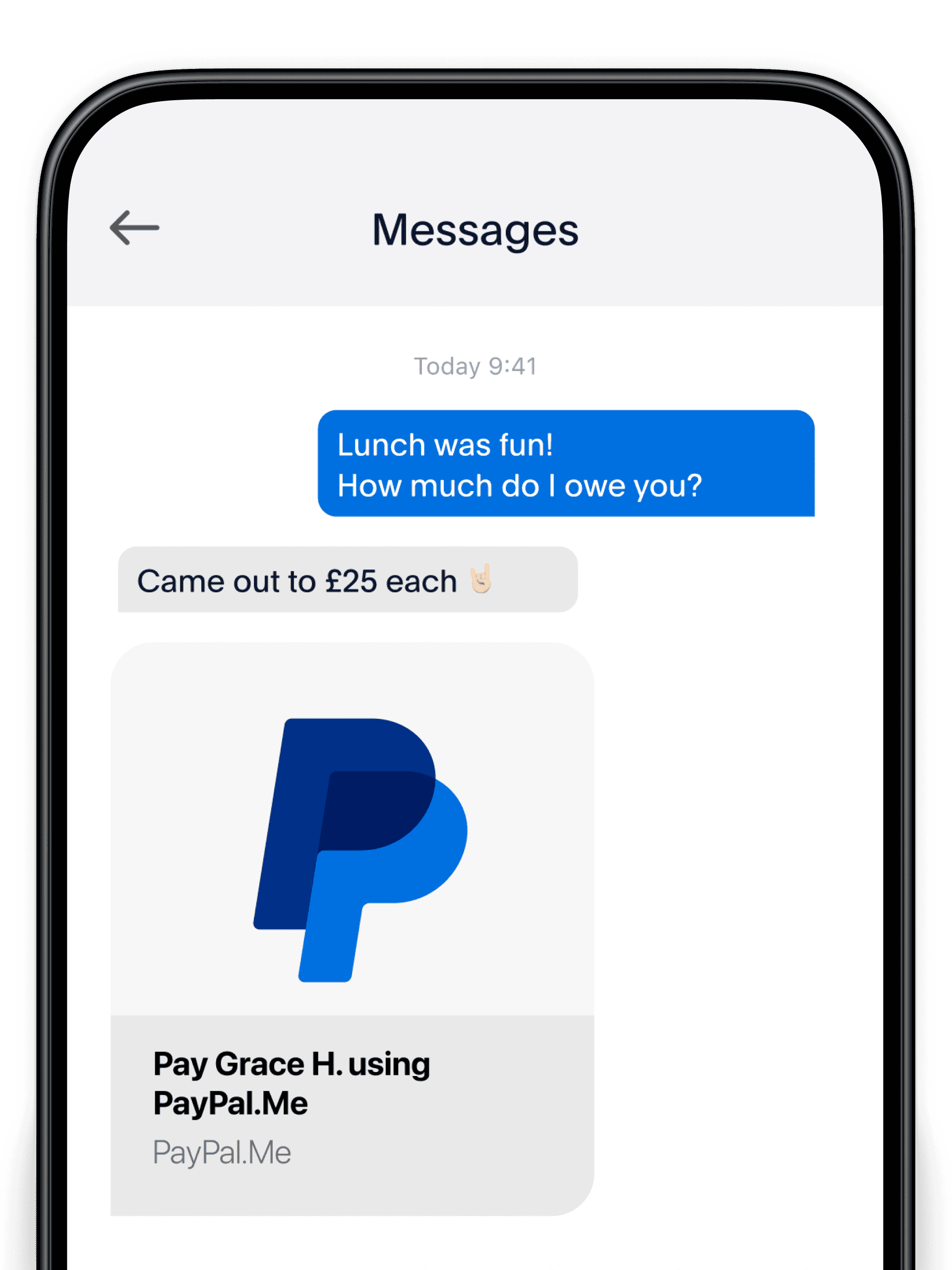
When sharing your PayPal.Me link, remember that it is designed to facilitate payments without needing to share your email address, phone number, or bank account details. Do not include or request additional sensitive information in conjunction with the PayPal.Me link unless absolutely necessary and through a verified, secure communication channel. Your PayPal.Me link itself is secure, but the context in which you share it matters. For instance, publicly posting it on forums without any additional context or trust can expose you to unwanted solicitations.
Pre-filling Amounts with Caution
The ability to pre-fill an amount in your PayPal.Me link (e.g., paypal.me/username/50) is a convenient feature for specific transactions. However, use this feature judiciously. Ensure that the pre-filled amount is correct before sharing, especially in scenarios involving multiple recipients or varying costs. An incorrect pre-filled amount can lead to misunderstandings or erroneous payments that then require a reversal, adding unnecessary complexity.
Regular Security Reviews
Periodically review your PayPal account’s security settings. This includes enabling two-factor authentication (2FA), reviewing authorized devices, and checking your transaction history for any unauthorized activity. While your PayPal.Me link is a technical tool for receiving money, the overall security posture of your PayPal account directly impacts its safe usage. If you suspect any compromise, immediately change your password and contact PayPal support.
Troubleshooting and Common Queries
Even with clear instructions, users may encounter technical issues or have questions regarding their PayPal.Me link. Understanding common solutions can help maintain an uninterrupted digital payment flow.
“I Can’t Find My PayPal.Me Link”
- Initial Setup Required: If you’ve never set up a PayPal.Me link, the system will prompt you to “Get Started” or “Create Link.” Follow these steps to choose your username and activate the service.
- Account Type: Ensure your PayPal account is in good standing and meets any eligibility requirements. While most personal accounts can create a PayPal.Me link, certain legacy or restricted accounts might have limitations.
- Interface Changes: PayPal occasionally updates its user interface. If the navigation steps above don’t exactly match what you see, look for similar options like “Profile,” “Settings,” “Get Paid,” or “Money Request.”
“My Link Isn’t Working for Others”
- Typo in the URL: Double-check the URL for any spelling errors or incorrect capitalization. PayPal.Me links are case-sensitive for the username portion.
- Account Restrictions: Ensure your PayPal account isn’t subject to any temporary holds or restrictions that might prevent transactions.
- Geographical Limitations: While PayPal is global, certain regions might have specific restrictions on receiving payments or utilizing the PayPal.Me service. Verify that both sender and receiver are in supported regions.
- Network Issues: Advise the sender to check their internet connection or try a different browser/device.
“I Want to Change My PayPal.Me Username”
Unfortunately, once a PayPal.Me username is created, it generally cannot be changed. This policy ensures the stability and uniqueness of each link. If you absolutely need a different username, you might need to close your existing PayPal.Me link and open a new one (if the platform allows, which is rare) or contact PayPal support for specific guidance, though this is often not an option. Therefore, choose your username carefully during the initial setup.
Leveraging Your PayPal Link: Beyond Basic Transactions
Beyond simple money requests, the PayPal.Me link integrates into various digital workflows, extending its utility for both individuals and small businesses. Understanding these applications within a technical context can further optimize your digital interactions.
Integration with Digital Invoicing
Many invoicing software solutions and freelance platforms offer fields where you can include your preferred payment method. Inserting your PayPal.Me link into an invoice allows clients to pay you with a single click, streamlining the payment collection process. This functionality relies on the client’s ability to interpret and act on a standard URL, directing them to the secure PayPal portal.
QR Code Generation
For physical interactions or print media, you can often generate a QR code that directly links to your PayPal.Me page. Several third-party QR code generators can convert your PayPal.Me URL into a scannable image. When scanned, this code performs a direct HTTP redirect to your PayPal.Me page, offering a touch-free payment initiation method. This is particularly useful for small businesses at physical locations or for events.
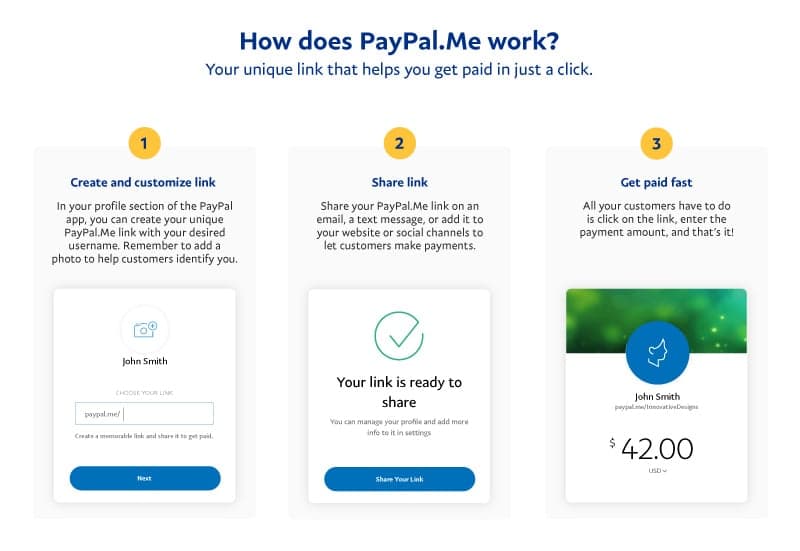
Social Media and Website Integration
Embedding your PayPal.Me link on your professional social media profiles, personal website, or blog provides a clear call to action for donations, tips, or service payments. This involves placing the URL as a hyperlinked text or button, leveraging standard web technologies to direct traffic to your payment page. This eliminates friction for potential payers who are already engaging with your digital presence.
By mastering the technical aspects of finding, sharing, and troubleshooting your PayPal.Me link, users can significantly enhance their ability to conduct secure and efficient digital transactions, leveraging PayPal’s robust payment infrastructure to its full potential.
aViewFromTheCave is a participant in the Amazon Services LLC Associates Program, an affiliate advertising program designed to provide a means for sites to earn advertising fees by advertising and linking to Amazon.com. Amazon, the Amazon logo, AmazonSupply, and the AmazonSupply logo are trademarks of Amazon.com, Inc. or its affiliates. As an Amazon Associate we earn affiliate commissions from qualifying purchases.