
The digital landscape has fundamentally reshaped how consumers interact with services, demanding seamless online management of subscriptions from start to finish. While the convenience of signing up for SiriusXM is often straightforward, navigating its cancellation process without direct phone interaction can present a distinct set of digital challenges. This guide delves into the technological pathways and best practices for disengaging from your SiriusXM subscription purely through online methods, bypassing the traditional phone call that many users seek to avoid. Understanding the architecture of their digital platforms and anticipating potential retention-focused interfaces is key to a smooth, efficient cancellation.
The Digital Pathways to SiriusXM Cancellation
SiriusXM, like many subscription services, designs its online portals with a dual purpose: to provide customer service and to manage subscriber retention. For users aiming to cancel without calling, identifying and leveraging the correct digital touchpoints is paramount. These pathways primarily exist within their official website, with limited, if any, direct cancellation functionality embedded in their mobile applications.
SiriusXM’s Online Account Management System
The primary digital avenue for managing your SiriusXM subscription is through its dedicated online account management portal. This web-based interface is designed to centralize all subscriber information, from billing details and service plans to device management. Theoretically, this portal should also facilitate seamless cancellation. However, the exact location and prominence of the cancellation option can vary, often requiring users to navigate through several layers of menus or prompts. The system is typically built to prioritize service modification (upgrading, downgrading, pausing) or troubleshooting before presenting a direct cancellation link, which is a common retention strategy across many subscription platforms.
Limitations of App-Based Cancellation
While the SiriusXM mobile app offers a convenient way to listen to content and manage basic account settings, it generally lacks the robust functionality required for a full subscription cancellation. Mobile applications are often streamlined for core service delivery and immediate interactions, with more complex administrative tasks, particularly those involving churn, reserved for the more comprehensive web portal. Users attempting to cancel directly through the app are likely to be redirected to the website or advised to call customer service, frustrating the goal of a no-call cancellation. This design choice often stems from a desire to maintain a controlled environment for complex transactions and to ensure users engage with a more feature-rich web interface where detailed terms and conditions, as well as retention offers, can be presented more effectively.
The Preference for Retention-Oriented Interfaces
It’s insightful to understand that digital cancellation processes are rarely direct “one-click” actions. Platforms like SiriusXM often incorporate “friction” into the cancellation flow. This friction can manifest as multiple confirmation screens, attempts to offer promotions or alternative plans (e.g., a reduced rate, a temporary pause, or a different package), or even questions about the reason for cancellation designed to elicit feedback that can lead to a retention offer. Recognizing these as part of the system’s design, rather than bugs or inefficiencies, allows users to navigate them with a clear objective: to persistently seek the final cancellation confirmation.
Step-by-Step Guide: Cancelling via the SiriusXM Website
The most reliable method for canceling your SiriusXM subscription without making a phone call involves a methodical approach to their online portal. This process requires patience and attention to detail to ensure all steps are correctly followed and that the cancellation is definitively processed.
Logging In and Locating Subscription Details
- Access the Official SiriusXM Website: Begin by navigating directly to the official SiriusXM website (siriusxm.com). Avoid third-party links or cached pages to ensure you’re on the secure and most current version of their portal.
- Log Into Your Account: Locate the “Login” or “My Account” link, typically found in the top right corner of the homepage. Enter your registered email address and password. If you’ve forgotten your credentials, utilize the “Forgot Username/Password” recovery options. This step is critical; without account access, digital cancellation is impossible.
- Navigate to Subscription Details: Once logged in, you’ll need to find the section related to your active subscriptions. This is commonly labeled “Manage My Account,” “My Subscriptions,” “Plans & Billing,” or similar. The exact nomenclature may vary, but the goal is to reach a page that lists your current SiriusXM plan(s) and associated details.
Navigating the Cancellation Flow
- Identify the “Cancel” Option: Within your subscription details, meticulously scan for an option that indicates “Cancel Subscription,” “Manage Plan,” “Change Plan,” or “Do Not Renew.” Sometimes, the cancellation option is not immediately visible and may be nested under a more generic “Manage” button or a small, unassuming link. Be wary of options that only allow you to change your plan, as these are distinct from full cancellation.
- Initiate the Cancellation Process: Click on the identified cancellation link. This will typically initiate a multi-step digital wizard designed to guide you through the process.
- Address Retention Offers: As you proceed, expect to encounter various prompts designed to retain your business. These can include:
- Discounted Offers: A lower monthly rate for a limited period.
- Alternative Plans: Suggestions for different, potentially cheaper, packages.
- Service Pauses: The option to temporarily suspend your service rather than cancel outright.
- Reasons for Cancellation: Questions about why you’re leaving, often followed by tailored counter-offers.
It is crucial to understand that accepting any of these offers will prevent your cancellation from completing. Politely decline or bypass these options, consistently selecting the path that leads to full cancellation (e.g., “No, I still want to cancel,” “Continue Cancellation,” etc.).
Overcoming Digital Hurdles and Retention Offers
The design of cancellation flows is often strategically complex to discourage churn. You may encounter:
- Ambiguous Language: Options that sound like cancellation but are actually pauses or plan changes.
- Hidden Buttons: The actual “Confirm Cancellation” button might be small, light-colored, or positioned in a less prominent area of the screen, while retention offers are prominently displayed.
- Multiple Confirmation Steps: You might be asked to confirm your intent to cancel several times.
Persevere through these steps. The key is to remain focused on the ultimate goal: a final, unequivocal confirmation of cancellation. Read each screen carefully and ensure you are not inadvertently agreeing to renew or modify your service instead of terminating it.

Confirming Your Cancellation Online
The final step in the digital cancellation process is receiving explicit confirmation. After navigating all retention offers and confirming your intent, the system should present a final confirmation page.
- Confirmation Message: Look for a clear message stating that your subscription has been canceled or is scheduled to expire at the end of your current billing cycle.
- Email Confirmation: SiriusXM should also send a confirmation email to the address associated with your account. This email is a critical piece of evidence that your request has been processed. Verify that you receive this email and retain it for your records. If it doesn’t arrive within a few hours, check your spam folder. If still missing, this may indicate an issue with the cancellation process, necessitating a follow-up.
Exploring Other Digital Avenues (Email & Chat Bots)
While the online portal is the primary method, other digital tools can serve as alternatives or supplementary steps, particularly if the direct website cancellation proves elusive or problematic.
Crafting an Email Request for Cancellation
In situations where direct website cancellation links are difficult to find or appear non-functional, sending a direct email can be an effective, albeit slower, method.
- Identify the Correct Email Address: Look for a customer service or support email address on the SiriusXM website. Avoid general inquiry addresses if a specific support one is provided.
- Compose a Clear Request: In your email, include:
- Your full name as registered on the account.
- Your SiriusXM account number.
- The radio ID(s) associated with your subscription.
- A clear and unambiguous statement requesting the cancellation of your subscription, effective immediately or at the end of your current billing cycle.
- State explicitly that you wish to cancel without calling.
- Request Confirmation: Ask for an email confirmation of your cancellation request and the date it will take effect. Keep a copy of the sent email for your records. Response times can vary, so allow a few business days for a reply.
Engaging with SiriusXM’s Online Chat Support
Many modern services offer live chat support, which can be an excellent alternative to phone calls. This allows for real-time interaction without verbal communication.
- Locate the Chat Feature: The live chat option is typically found under the “Contact Us” or “Help” sections of the SiriusXM website, often as a small icon or pop-up during business hours.
- Initiate a Chat Session: Begin by stating your intent to cancel your subscription without calling. Provide your account details upfront.
- Be Persistent: The chat agent may also be trained to offer retention deals. Politely decline these and reiterate your firm decision to cancel.
- Request Chat Transcript: At the end of the conversation, always request a transcript of the chat session be emailed to you. This serves as invaluable documentation of your cancellation request and the agent’s confirmation.
The Role of Digital Wallets and Third-Party Subscriptions
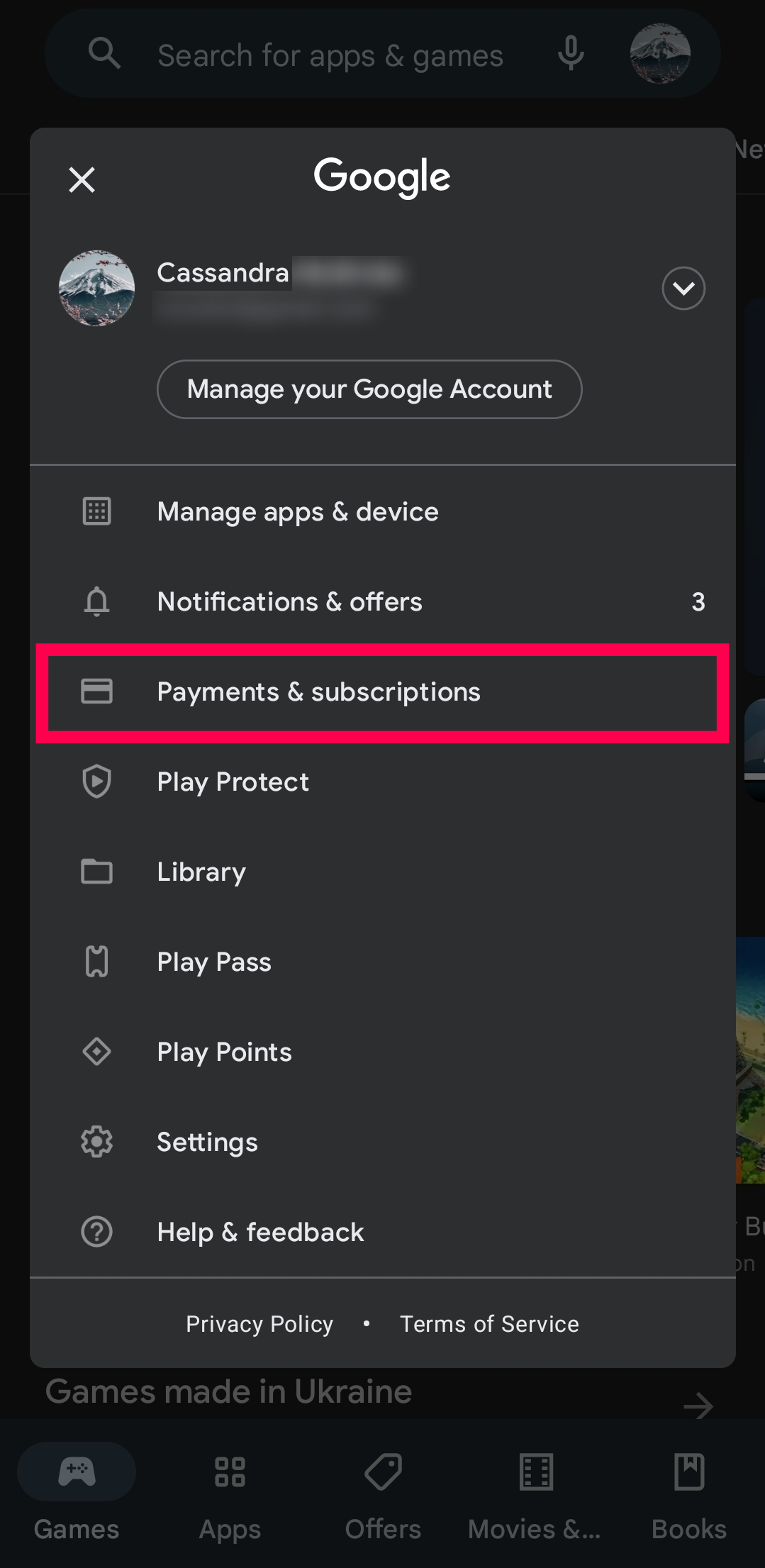
If you subscribed to SiriusXM through a third-party platform (e.g., Apple App Store, Google Play, Amazon, or a vehicle manufacturer’s connected services), the cancellation process might need to be initiated through that third-party’s interface rather than directly with SiriusXM.
- Check Subscription Source: Determine where your billing originates. If it’s through Apple or Google, you’ll manage the subscription directly in your device’s subscription settings.
- Third-Party Portal Navigation: Log into the respective third-party account (e.g., your Apple ID, Google Account, or Amazon account) and navigate to the “Subscriptions” or “App Management” section. Locate SiriusXM and follow the prompts to cancel. These third-party platforms usually have more standardized and straightforward cancellation processes.
- Verify with SiriusXM: Even after canceling through a third-party, it’s prudent to check your SiriusXM account portal to confirm that the service reflects the cancellation or pending expiration.
Best Practices for a Smooth Digital Disengagement
To ensure your digital cancellation of SiriusXM is successful and problem-free, adopting a few best practices can safeguard against billing errors and service continuation.
Documenting the Process: Screenshots and Timestamps
Throughout your digital cancellation journey, meticulous record-keeping is crucial.
- Capture Screenshots: Take screenshots of every significant step: the initial request, declining retention offers, the final confirmation page, and any on-screen messages indicating successful cancellation.
- Note Timestamps: Record the exact date and time you initiated and completed the cancellation process. This data, combined with screenshots, provides undeniable proof of your actions.
- Retain Confirmation Emails/Transcripts: Save all email confirmations and chat transcripts in a dedicated folder. These digital documents are your primary evidence should any dispute arise regarding billing or service continuation.
Understanding Refund Policies and Prorated Services
SiriusXM’s refund policy typically dictates whether you are eligible for a partial refund for any unused portion of a pre-paid subscription.
- Review Terms of Service: Before canceling, quickly review SiriusXM’s current terms of service, specifically the sections pertaining to cancellations and refunds. This will inform your expectations regarding any money back.
- Prorated vs. End-of-Term Cancellation: Most digital cancellations will take effect at the end of your current billing cycle, meaning you retain access to the service until that date but won’t be charged for the next cycle. If you are eligible for a prorated refund, confirm this during your cancellation process or through a follow-up with customer support if necessary (via email or chat).

Monitoring Your Account Post-Cancellation
The final, and arguably most important, step is to actively monitor your financial accounts and SiriusXM status after you’ve completed the cancellation.
- Check Bank/Credit Card Statements: For at least one to two billing cycles following your cancellation, carefully review your bank or credit card statements to ensure no further charges from SiriusXM appear.
- Verify Account Status: Occasionally log back into your SiriusXM online account to verify that your subscription status accurately reflects “Canceled” or “Expired.” If you notice any discrepancies, immediately refer to your documented proof (screenshots, emails, chat transcripts) and initiate a follow-up via email or chat support, reiterating your request and providing your evidence.
By meticulously following these digital pathways and best practices, users can successfully navigate the SiriusXM cancellation process without the need for a phone call, asserting greater control over their digital subscriptions and personal time. The key is to approach the online interfaces with a clear understanding of their design and a commitment to documenting every step.
aViewFromTheCave is a participant in the Amazon Services LLC Associates Program, an affiliate advertising program designed to provide a means for sites to earn advertising fees by advertising and linking to Amazon.com. Amazon, the Amazon logo, AmazonSupply, and the AmazonSupply logo are trademarks of Amazon.com, Inc. or its affiliates. As an Amazon Associate we earn affiliate commissions from qualifying purchases.