
The era of passively consuming content solely on a dedicated television set is rapidly receding into memory. Today, the screen in your pocket – your smartphone – has transformed into a powerful, portable entertainment hub, capable of delivering everything from live sports to cinematic masterpieces, anytime, anywhere. This profound shift is not merely a convenience; it represents a fundamental re-architecture of how we interact with media, driven by advancements in mobile technology, network infrastructure, and innovative streaming platforms. Understanding how to leverage your phone for TV viewing unlocks a world of personalized entertainment, offering unparalleled flexibility and choice. This guide delves into the technical methodologies, practical considerations, and emerging trends that define the modern mobile television experience.
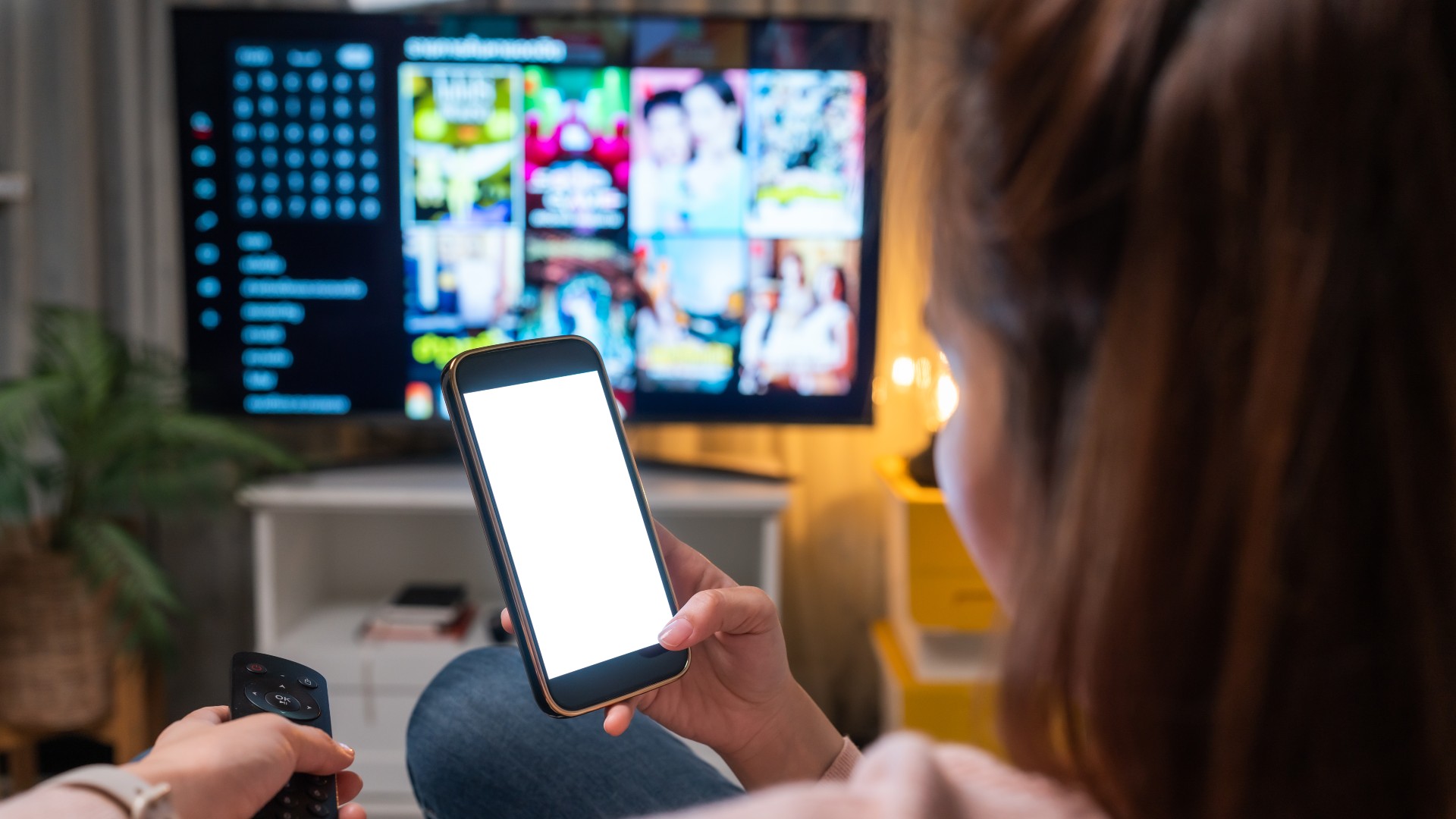
The Evolution of Mobile TV Viewing
The journey from bulky, static television sets to sleek, pocket-sized screens capable of high-definition streaming has been nothing short of revolutionary. This transformation is rooted in a confluence of technological breakthroughs and evolving consumer demands.
From Niche to Mainstream: A Brief History
Early attempts at mobile TV were often clunky and experimental. Remember the short-lived mobile-specific tuners or the pixelated, data-heavy WAP (Wireless Application Protocol) sites that offered rudimentary video clips? These pioneers laid the groundwork, but limitations in screen technology, network bandwidth, and content availability severely restricted their appeal. The real turning point came with the advent of smartphones, powerful processors, and the proliferation of high-speed mobile internet. Suddenly, a device designed for communication became a versatile multimedia machine, paving the way for the sophisticated streaming ecosystem we know today.
The Power of Smartphones and 5G: Enabling the Revolution
Modern smartphones are miniature supercomputers, boasting high-resolution AMOLED and LCD screens, powerful graphics processors, and significant RAM. These specifications are crucial for rendering high-quality video smoothly. Equally vital is the advancement in network technology. The transition from 3G to 4G LTE drastically improved mobile internet speeds, making reliable video streaming a reality. Now, with the rollout of 5G, we’re seeing another leap forward, offering even lower latency, higher bandwidth, and greater capacity. This means smoother streaming, faster downloads, and the ability to handle higher resolutions like 4K on compatible devices and networks, minimizing buffering and enhancing the overall viewing experience. These symbiotic advancements in hardware and network infrastructure have made mobile TV not just feasible, but often preferable for on-the-go consumption.
Changing Consumer Habits: The Rise of Cord-Cutting and On-Demand Culture
Technological enablement often intersects with societal shifts. The phenomenon of “cord-cutting,” where consumers abandon traditional cable or satellite TV subscriptions in favor of internet-based alternatives, has been a significant driver of mobile TV adoption. People desire choice, flexibility, and often, cost savings. The “on-demand” culture, fostered by platforms like Netflix, where content is available at the viewer’s discretion rather than a fixed schedule, aligns perfectly with the portable nature of smartphones. Viewers now expect to watch what they want, when they want, and where they want – and their phone is the primary enabler of this freedom.
Primary Methods for Streaming Live and On-Demand TV
The array of options for watching TV on your phone can seem overwhelming, but they generally fall into distinct categories, each offering a unique value proposition.
Dedicated Streaming Service Apps: The On-Demand Powerhouses
This category encompasses the most popular subscription-based streaming platforms that have redefined home entertainment. Services like Netflix, Hulu (on-demand), Disney+, Amazon Prime Video, Apple TV+, Max, Paramount+, and Peacock offer vast libraries of movies, TV shows, and original content.
- How they work: You subscribe to the service, download its dedicated app from your phone’s app store (Google Play Store for Android, Apple App Store for iOS), log in, and begin streaming. Most allow multiple profiles and simultaneous streams across various devices.
- Key features: Extensive on-demand libraries, personalized recommendations, user profiles, download options for offline viewing, and often 4K HDR support on compatible devices.
- Considerations: Each service has its own exclusive content, so a combination of subscriptions might be necessary for comprehensive coverage. Costs vary, and some offer ad-supported cheaper tiers.
Live TV Streaming Services: The Virtual MVPDs
For those who crave the traditional live TV experience without the cable box, “virtual multichannel video programming distributors” (vMVPDs) are the solution. Services like Sling TV, YouTube TV, Hulu + Live TV, FuboTV, and DirecTV Stream emulate cable packages, offering bundles of live channels streamed over the internet.
- How they work: Similar to dedicated streaming apps, you subscribe to a package, download the app, and gain access to a roster of live channels, including local networks, sports channels, and popular cable offerings.
- Key features: Live linear TV, cloud DVR capabilities (to record shows and watch later), extensive on-demand libraries of past episodes, and often sports-focused add-ons.
- Considerations: Pricing can be comparable to traditional cable, though often more flexible with no contracts. Channel lineups vary significantly by service and region, so research is crucial. Data consumption for live streams is generally higher than on-demand, especially for extended viewing.
Broadcaster and Network Apps: Direct Access to Content
Many individual broadcast networks and cable channels offer their own dedicated apps, providing direct access to their content. Examples include ABC, NBC, CBS, FOX, BBC iPlayer, ITV Hub, and specific sports apps like ESPN.
- How they work: Some apps offer a selection of free content, often including recent episodes of popular shows or news clips. Full access to live streams or complete seasons typically requires “authenticating” your subscription with a cable, satellite, or live TV streaming provider.
- Key features: Access to network-specific content, sometimes earlier than other platforms, live news and sports broadcasts.
- Considerations: The requirement for an existing TV subscription can limit accessibility for true cord-cutters. Free content is usually ad-supported.
Free Ad-Supported TV (FAST) Services: The No-Cost Option
For budget-conscious viewers, Free Ad-Supported TV (FAST) services offer a growing selection of content without a subscription fee. Platforms like Pluto TV, Tubi, The Roku Channel, and Amazon Freevee provide a mix of live, curated channels and on-demand movies and TV shows.
- How they work: Simply download the app and start watching. Content is supported by advertisements, similar to traditional broadcast television.
- Key features: Free access to a wide range of content, often including classic movies, TV series, and niche channels. No registration or credit card required.
- Considerations: Content libraries are often older films and TV shows, though some services are investing in original content. Ad breaks are frequent and sometimes longer than traditional TV.
Technical Considerations for Optimal Mobile TV Experience
While watching TV on your phone is easier than ever, a few technical factors significantly impact the quality and enjoyment of your viewing experience.
Internet Connection: Wi-Fi vs. Cellular Data
Your internet connection is paramount.
- Wi-Fi: A stable, fast Wi-Fi connection is generally preferred for streaming. It typically offers higher bandwidth, is often unlimited, and provides a more consistent experience, especially for high-definition content. Ensure you’re on a secure, private Wi-Fi network, particularly for sensitive activities. Public Wi-Fi, while convenient, can be slower and pose security risks.
- Cellular Data: When Wi-Fi isn’t available, cellular data (4G LTE or 5G) is your fallback. 5G offers speeds comparable to or exceeding many home Wi-Fi connections, making it ideal for mobile streaming. However, be mindful of your data plan. Streaming video consumes significant data, and exceeding your monthly allowance can lead to throttling or expensive overage charges. Many apps allow you to adjust streaming quality to conserve data.

Device Compatibility and Specifications
While most modern smartphones can stream video, newer devices offer a superior experience.
- Operating System: Ensure your phone’s operating system (iOS or Android) is up-to-date to support the latest app versions and security features.
- Screen Quality: Higher resolution (e.g., 1080p, 1440p) and vibrant display technologies (OLED) will make content look sharper and more immersive. Larger screen sizes also enhance viewing comfort.
- Processor and RAM: A powerful processor and sufficient RAM ensure smooth app performance, quick loading times, and seamless playback, even for demanding 4K content.
- Battery Life: Streaming is battery-intensive. Consider a phone with good battery longevity or be prepared to use a power bank.
App Functionality and User Interface
The design and features of the streaming app itself play a crucial role.
- Ease of Navigation: A well-designed app should be intuitive, making it easy to find shows, browse categories, and manage your watchlist.
- Search Features: Robust search functionality is essential, especially with vast content libraries.
- Personalization: Features like personalized recommendations and user profiles enhance the discovery experience.
- Accessibility: Look for features like closed captions, audio descriptions, and customizable playback speeds.
Optimizing Settings for Data and Battery Life
Most streaming apps offer settings to help you manage data and battery consumption.
- Video Quality: Lowering the streaming resolution (e.g., from 1080p to 720p or even 480p) can drastically reduce data usage, which is useful when on a limited cellular plan.
- Downloads: Many subscription services allow you to download content over Wi-Fi for offline viewing, eliminating data usage on the go.
- Background Refresh: Disable background app refresh for streaming apps when not in use to prevent them from consuming data and battery without your active engagement.
Enhancing Your Mobile TV Viewing: Accessories and Advanced Features
Beyond simply getting content on your screen, several accessories and advanced features can significantly elevate your mobile TV experience.
External Displays and Casting: Go Bigger
Sometimes, the phone screen just isn’t enough.
- Casting Devices: Devices like Google Chromecast, Apple AirPlay, and Roku enable you to wirelessly “cast” content from your phone to a larger screen (smart TV, monitor) via Wi-Fi. This offers a seamless way to share content or enjoy it on a bigger display without cables.
- HDMI Adapters: For a wired connection, USB-C to HDMI adapters (or Lightning to HDMI for iPhones) can directly mirror your phone’s screen to an HDMI-compatible display, offering a reliable, low-latency option.
Audio Enhancements: Immerse Yourself
While phone speakers are improving, dedicated audio solutions offer a far superior experience.
- Headphones/Earbuds: Wired headphones provide reliable, high-quality audio. Wireless Bluetooth headphones or earbuds offer freedom of movement and convenience, with options ranging from budget-friendly to high-fidelity noise-cancelling models.
- Portable Bluetooth Speakers: For sharing content with others or simply enjoying richer sound in a personal space, a portable Bluetooth speaker can dramatically improve the audio output.
Power Management Solutions: Stay Powered
Streaming is a battery drain, especially on older phones or during long viewing sessions.
- Power Banks: A portable power bank (external battery pack) is an essential accessory for extended mobile viewing, ensuring your device stays charged throughout your commute or travel.
- Fast Chargers: Using a fast charger compatible with your phone can quickly top up your battery during short breaks.
Offline Viewing Capabilities: Entertainment On The Go
Many premium streaming services offer the ability to download content directly to your phone.
- Download First, Watch Later: This is invaluable for travel in areas with poor or no internet connectivity (e.g., flights, subways) or for conserving cellular data. Plan ahead by downloading your desired movies or episodes over Wi-Fi before you leave.
Multi-Device Sync and Profiles: Seamless Experience
Modern streaming platforms are designed for flexibility.
- Cross-Device Continuity: Your viewing progress often syncs across devices, allowing you to start a show on your phone and pick up exactly where you left off on your smart TV or tablet.
- User Profiles: Creating individual profiles for family members ensures personalized recommendations, separate watch histories, and tailored settings, preventing clutter and enhancing individual experiences.
Security and Privacy Considerations
As you integrate your phone more deeply into your entertainment consumption, it’s crucial to be mindful of security and privacy best practices.
Public Wi-Fi Dangers and VPN Use
While convenient, public Wi-Fi networks (at cafes, airports, hotels) are often unsecured.
- Data Vulnerability: Your streaming activity and login credentials could be intercepted by malicious actors on the same network.
- VPN as a Shield: Using a reputable Virtual Private Network (VPN) encrypts your internet traffic, creating a secure tunnel and protecting your data from prying eyes, even on public Wi-Fi.
App Permissions and Data Collection
Be aware of what data your streaming apps are accessing.
- Review Permissions: When installing an app, review the permissions it requests (e.g., access to contacts, location, microphone). Grant only those necessary for the app’s core functionality.
- Privacy Policies: While often lengthy, understanding an app’s privacy policy can shed light on how your viewing habits and personal data are collected and used for recommendations or advertising.
Account Security: Strong Passwords and 2FA
Your streaming accounts contain personal information and payment details.
- Unique, Strong Passwords: Use complex, unique passwords for each streaming service.
- Two-Factor Authentication (2FA): Enable 2FA wherever available. This adds an extra layer of security, requiring a second verification step (like a code from your phone) in addition to your password, significantly reducing the risk of unauthorized access.

Conclusion
Watching TV on your phone has evolved from a futuristic concept to an everyday reality, democratizing access to an unprecedented volume of content. Whether you’re commuting, traveling, or simply prefer the intimacy of a personal screen, your smartphone offers a gateway to virtually any television program imaginable. By understanding the diverse streaming options, optimizing your technical setup, leveraging smart accessories, and maintaining a vigilant approach to security and privacy, you can unlock the full potential of mobile TV. The future promises even more seamless integration, higher fidelity, and immersive experiences, cementing the smartphone’s role as the ultimate personal entertainment device. The question is no longer “if” you can watch TV on your phone, but how you can make that experience truly your own.
aViewFromTheCave is a participant in the Amazon Services LLC Associates Program, an affiliate advertising program designed to provide a means for sites to earn advertising fees by advertising and linking to Amazon.com. Amazon, the Amazon logo, AmazonSupply, and the AmazonSupply logo are trademarks of Amazon.com, Inc. or its affiliates. As an Amazon Associate we earn affiliate commissions from qualifying purchases.