
In the rapidly evolving landscape of digital entertainment, Amazon Prime Video has carved out a significant niche, not merely as a standalone streaming service but as a multifaceted portal to a vast array of content. For many, the question “what channels are in Amazon Prime?” often leads to a deeper exploration of what the platform truly offers. This guide aims to demystify the Amazon Prime Video ecosystem, distinguishing between content included with your Prime membership and the expansive universe of Prime Video Channels, offering a professional and insightful look into maximizing your streaming experience.
Understanding the Amazon Prime Video Ecosystem
Amazon Prime Video is far more than just a place to watch movies and TV shows; it’s a dynamic digital hub that integrates various forms of entertainment and subscription models. At its core, Prime Video is a significant benefit of an Amazon Prime membership, which itself encompasses a suite of services from expedited shipping to music streaming. However, the term “channels” within Prime Video can sometimes cause confusion, as it refers to two distinct categories of content delivery.
Prime Membership vs. Prime Video Channels
To truly understand what’s available, it’s crucial to differentiate between two key offerings:
- Content Included with Amazon Prime: This is the library of movies, TV shows, and Amazon Originals that you gain access to simply by being an Amazon Prime subscriber. There’s no additional fee beyond your standard Prime membership for this content. It’s often referred to as “Prime Video” content.
- Prime Video Channels: These are optional, à la carte subscription services that you can add on top of your existing Amazon Prime membership. They operate like individual streaming services (e.g., HBO Max, Paramount+, Starz) but are billed and accessed directly through the Amazon Prime Video interface. Think of them as premium cable channels, but delivered digitally and managed centrally by Amazon. Each Prime Video Channel comes with its own monthly fee, separate from your core Prime membership cost.
This distinction is vital for understanding your billing and the breadth of content you can potentially unlock. Your Prime membership provides a foundational library, while Prime Video Channels allow for hyper-personalization of your streaming diet.
Diving Deeper: Prime Video’s Included Content
The foundation of the Amazon Prime Video experience lies in the extensive library of content that is bundled with your Prime subscription. This collection is continuously updated, offering a diverse range of genres and formats designed to appeal to a broad audience.
A Curated Selection of Entertainment
The “included with Prime” library is robust, featuring thousands of titles that span blockbuster movies, critically acclaimed television series, documentaries, and even live sporting events in select regions (such as NFL Thursday Night Football in the US). Amazon invests heavily in licensing agreements, bringing popular studio releases and network shows to its platform often shortly after their initial run. This means subscribers frequently have access to recent theatrical releases and hit series without any additional charges beyond their Prime membership. The selection covers everything from family-friendly animation to intense dramas, ensuring there’s usually something for every taste and occasion.
The Power of Amazon Originals
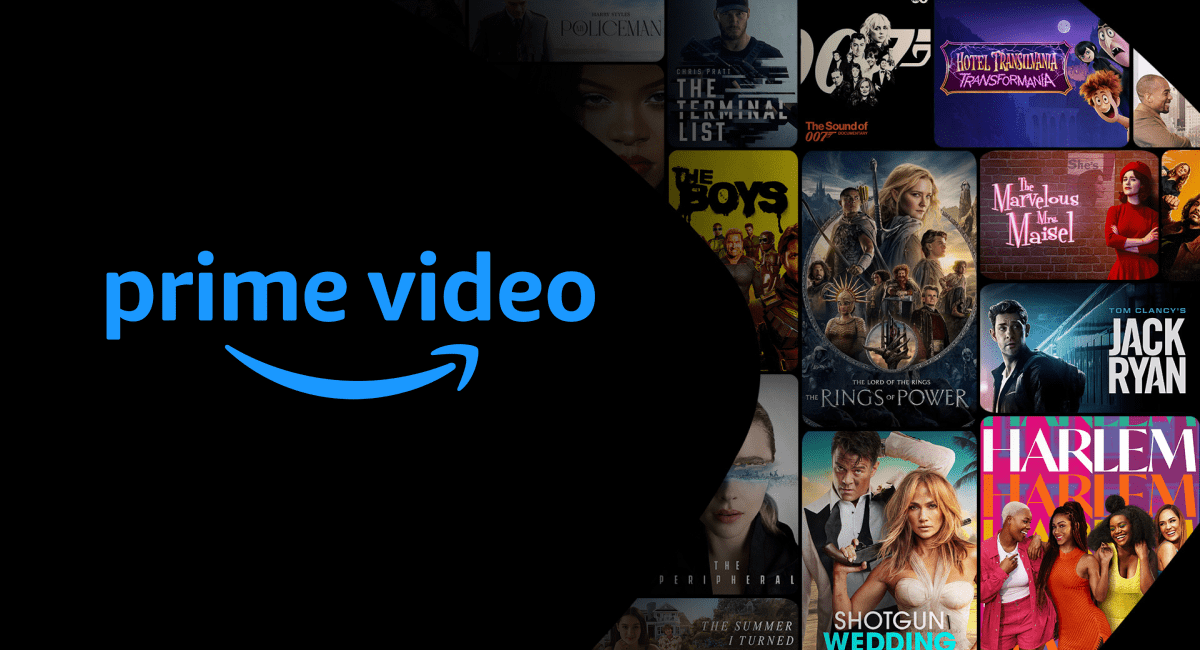
Perhaps the most compelling aspect of the included content is Amazon’s commitment to original programming. Amazon Studios has rapidly become a major player in the content creation space, producing high-budget, critically acclaimed series and films that are exclusive to Prime Video. These “Amazon Originals” are a significant draw, often featuring big-name talent and ambitious storytelling.
Examples include:
- Award-winning Dramas: The Marvelous Mrs. Maisel, Fleabag, Transparent.
- Epic Fantasy/Sci-Fi: The Lord of the Rings: The Rings of Power, The Expanse, Upload.
- Action/Thriller: Tom Clancy’s Jack Ryan, Reacher.
- Comedies: Coming 2 America, Borat Subsequent Moviefilm.
These Originals are not just filler; they are often the primary reason many viewers subscribe or maintain their Prime membership, providing a unique and exclusive viewing experience that differentiates Prime Video from its competitors.
Unlocking More: The World of Prime Video Channels
Beyond the core Prime Video library, the platform truly expands its offerings through Prime Video Channels. This feature transforms Amazon Prime Video into a central hub for managing multiple premium streaming subscriptions, simplifying access and billing.
What Exactly Are Prime Video Channels?
Prime Video Channels are essentially standalone streaming services that you can subscribe to directly through Amazon. Instead of downloading separate apps for each service, dealing with multiple login credentials, and managing various billing cycles, Amazon consolidates everything under your Prime account. When you subscribe to a Prime Video Channel, its content becomes seamlessly integrated into the Prime Video app, appearing alongside your included Prime content. This provides a unified viewing experience, allowing users to browse, search, and watch content from all their subscriptions in one place.
The benefits are clear:
- Centralized Billing: All your channel subscriptions appear on your single Amazon bill.
- Unified Interface: Access all your content through the familiar Prime Video app on any compatible device.
- Simplified Management: Start free trials, subscribe, and cancel channels with ease directly within Amazon’s ecosystem.
- No Extra Apps: Reduces app clutter on your smart TV, streaming stick, or mobile device.
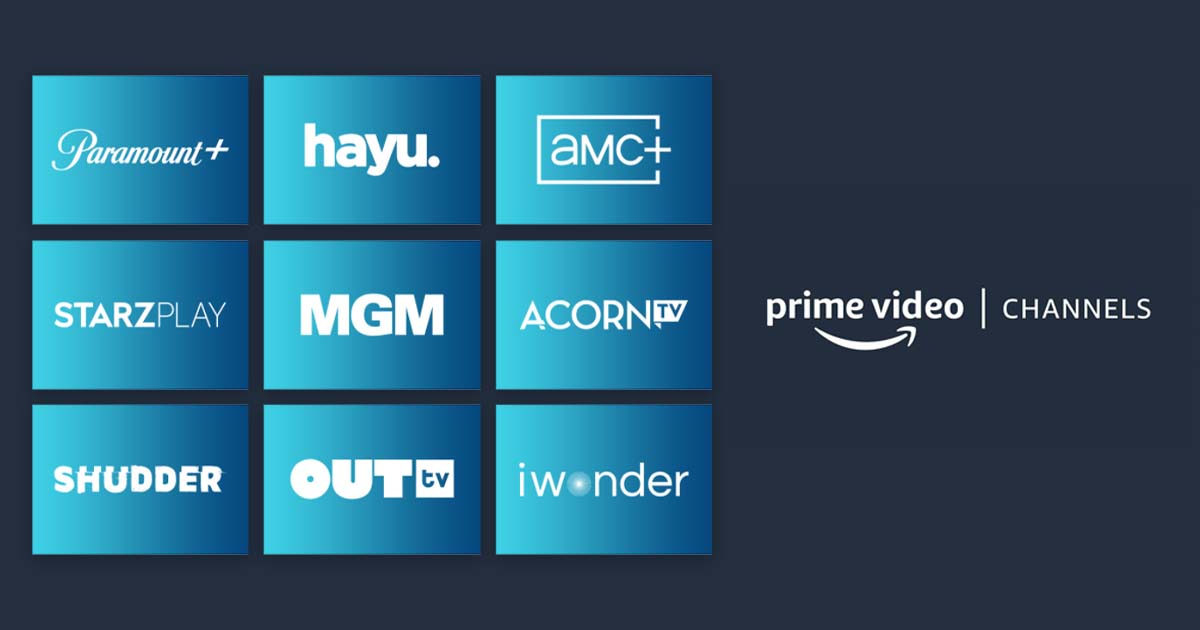
Popular Prime Video Channel Examples
The roster of available Prime Video Channels is extensive and continually growing, featuring many of the most sought-after premium content providers. The specific availability can vary by region, but globally, some of the most prominent examples include:
- Premium Movie & TV Networks:
- HBO Max (now Max): Access to HBO’s extensive library, Max Originals, and Warner Bros. films.
- Paramount+: Home to content from CBS, MTV, Comedy Central, Nickelodeon, Paramount Pictures, and exclusive Originals like Yellowstone spin-offs.
- Starz: Original series, movies, and more.
- Showtime: Premium original series, films, documentaries, and sports.
- Niche & Thematic Channels:
- AMC+: Content from AMC, Shudder (horror), Sundance Now (indie films/series), and IFC Films Unlimited.
- BritBox: A dedicated hub for British television from the BBC and ITV.
- MGM+ (formerly EPIX): Original series, hit movies, and documentaries.
- Shudder: Specializes in horror, thriller, and supernatural content.
- Discovery+: Content from the Discovery family of networks (HGTV, Food Network, TLC, Animal Planet, etc.).
- NBA League Pass / MLB.TV / NFL+: Live and on-demand sports packages.
- International & Indie Content: Channels focusing on specific genres, languages, or independent cinema.
Each channel typically offers a free trial period (often 7 days) allowing users to sample the content before committing to a monthly subscription fee, which generally ranges from $2.99 to $15.99 per month, depending on the service. This flexibility makes Prime Video Channels a highly adaptable solution for viewers with diverse content preferences.
Navigating, Subscribing, and Managing Your Channels
One of the significant advantages of Prime Video Channels is the streamlined user experience for discovery, subscription, and management. Amazon has designed the interface to make adding and removing channels as straightforward as possible, leveraging its robust e-commerce platform.
How to Find and Subscribe to Channels
Finding new channels and subscribing is an intuitive process within the Prime Video app or website:
- Open Prime Video: Launch the Prime Video app on your smart TV, streaming device (Fire TV, Roku, Apple TV), game console, mobile device, or navigate to primevideo.com in your web browser.
- Browse Channels Section: Look for a dedicated “Channels” or “Store” section within the navigation menu. On the website, you might find it under “Categories” or “Account & Settings.”
- Explore Options: Browse through the available channels. Each channel typically has its own page showcasing popular titles, a description of its content, and the monthly subscription fee.
- Start a Free Trial/Subscribe: Once you find a channel you’re interested in, select the option to “Start Your Free Trial” or “Subscribe.” Amazon will use your existing payment method on file, making the process frictionless. You’ll typically get a notification confirming the start of your trial and when the paid subscription will begin.
- Enjoy Content: Once subscribed, the channel’s content will appear seamlessly within your Prime Video interface, often with a dedicated row or category. You can search for specific titles or browse the channel’s full library.
The integration means you don’t need to exit the Prime Video app to enjoy content from your subscribed channels; everything is there, ready to stream.
Managing Your Subscriptions
Managing your Prime Video Channel subscriptions is just as simple, allowing for easy cancellation or review of billing details:
- Access Account Settings: From the Prime Video website or app, navigate to “Account & Settings” or “Your Account.”
- Select “Channels” or “Memberships & Subscriptions”: Within your account settings, you’ll find a section dedicated to your Prime Video Channels.
- Review Subscriptions: Here, you’ll see a list of all your active Prime Video Channel subscriptions, their monthly fees, and renewal dates.
- Cancel or Modify: To cancel a channel, simply select the desired channel and choose the “Cancel Channel” option. Amazon usually provides information on how long you’ll retain access to content after cancellation (typically until the end of your current billing cycle). There are no long-term contracts, allowing for month-to-month flexibility.
This centralized management system significantly reduces the hassle often associated with multiple streaming subscriptions, making it easy to rotate channels based on current interests or budget constraints.
Maximizing Your Prime Video Experience
Leveraging Amazon Prime Video effectively means understanding not just what channels are available, but also how to optimize your viewing, manage costs, and take full advantage of the platform’s technological integration.
Device Compatibility and User Experience
Amazon Prime Video is designed for ubiquitous access, ensuring a consistent user experience across a vast array of devices. The Prime Video app is available on:
- Smart TVs: Most modern smart TVs (Samsung, LG, Sony, Vizio, etc.).
- Streaming Devices: Amazon Fire TV Stick/Cube, Roku devices, Apple TV, Google Chromecast.
- Game Consoles: PlayStation (PS4, PS5), Xbox (One, Series X/S).
- Mobile Devices: iOS (iPhone, iPad), Android smartphones and tablets.
- Web Browsers: Access through primevideo.com on desktop and laptop computers.
- Set-Top Boxes: Cable and satellite TV boxes in some regions.
This broad compatibility ensures that viewers can pick up where they left off, whether they’re watching on a large-screen TV in the living room, a tablet on the commute, or a smartphone on the go. The user interface is generally consistent across platforms, offering personalized recommendations, watchlists, and easy navigation between included Prime content and subscribed channels. Features like X-Ray (powered by IMDb) provide instant access to cast information, trivia, and soundtrack details, enhancing the viewing experience.
Cost-Effectiveness and Trial Periods
While Prime Video Channels add to your monthly expenditure, they can be managed strategically to remain cost-effective.
- Free Trials: Always take advantage of the 7-day free trials. This allows you to explore a channel’s content without commitment and decide if it offers enough value for its monthly fee.
- Rotate Subscriptions: Instead of subscribing to all channels simultaneously, consider rotating them. For example, subscribe to HBO Max for a month to binge a specific series, then cancel and subscribe to Paramount+ the following month for another set of shows. This allows access to a wider range of content over time without accumulating a large monthly bill.
- Bundle Deals: Occasionally, Amazon or the channel providers themselves may offer special bundle deals or discounts for subscribing through Prime Video. Keep an eye out for these promotions, especially around major holidays or new content releases.
- Evaluate Value: Regularly assess whether each channel provides enough content that you actually watch to justify its cost. The ease of cancellation through Amazon makes this an actionable strategy.

The Integrated Streaming Advantage
The true power of Amazon Prime Video as a streaming hub lies in its seamless integration. It acts as a single point of entry for a vast universe of content, simplifying the often-fragmented world of streaming. By combining a robust library of included content with the flexibility and convenience of Prime Video Channels, Amazon offers a highly customizable and technologically advanced solution for digital entertainment consumption. Understanding “what channels are in Amazon Prime” ultimately means recognizing the platform’s dual nature: a core offering for every Prime member, and an expandable, personalized entertainment system designed to centralize your favorite shows and movies with unparalleled ease.
aViewFromTheCave is a participant in the Amazon Services LLC Associates Program, an affiliate advertising program designed to provide a means for sites to earn advertising fees by advertising and linking to Amazon.com. Amazon, the Amazon logo, AmazonSupply, and the AmazonSupply logo are trademarks of Amazon.com, Inc. or its affiliates. As an Amazon Associate we earn affiliate commissions from qualifying purchases.