
In our increasingly digitized world, batteries are the silent workhorses powering everything from our smartphones and laptops to electric vehicles and critical infrastructure. While the concept of “installing a battery” might seem straightforward, the process can range from a simple swap in a remote control to a complex, multi-stage procedure for a vehicle or an advanced piece of technology. This guide aims to demystify battery installation, covering essential steps, safety precautions, and considerations across various contexts, drawing upon the core principles of technology, strategic integration, and efficient resource management.
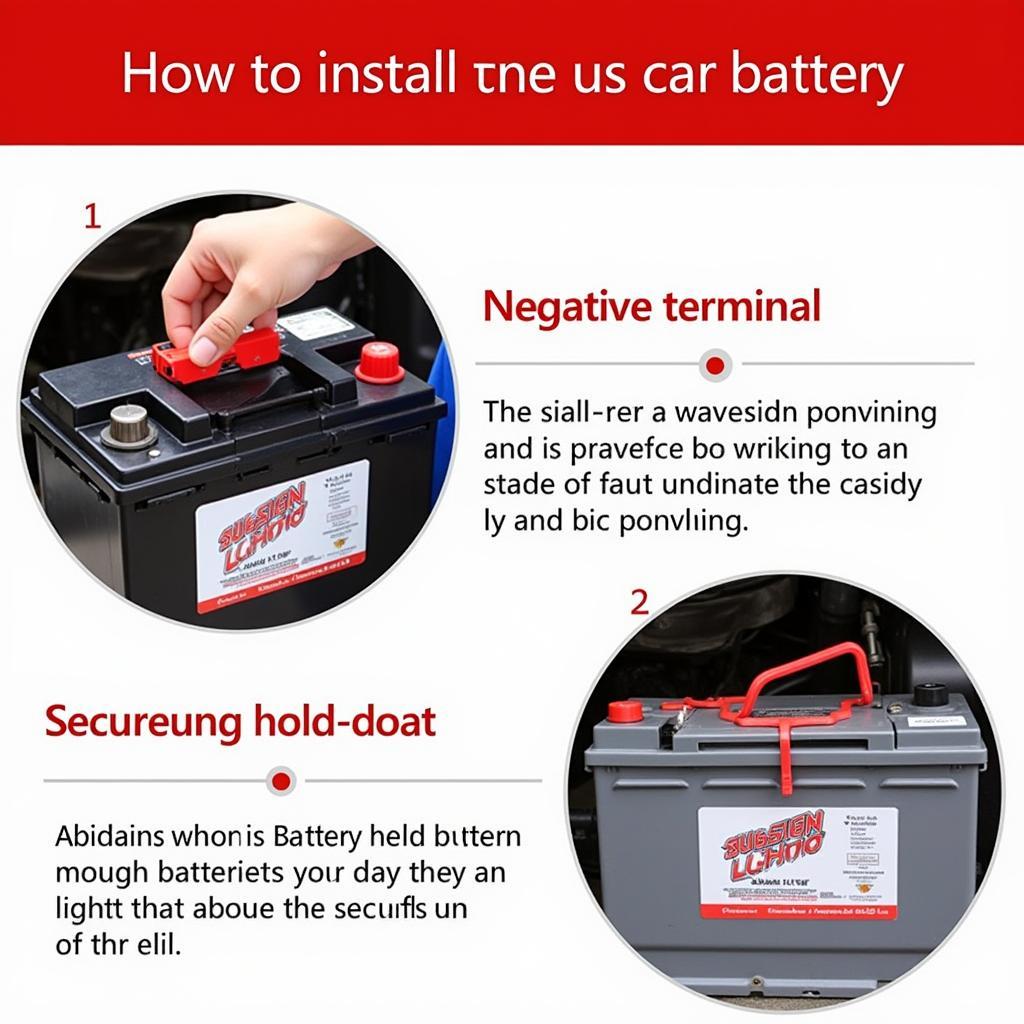
Whether you’re a consumer looking to replace a drained power source in a household gadget, a tech enthusiast upgrading components, or a professional managing equipment, understanding the nuances of battery installation is crucial for optimal performance, longevity, and safety. We’ll delve into the technical aspects, touch upon the strategic importance of choosing the right battery for a given application, and consider the financial implications of battery maintenance and replacement.
Understanding Battery Types and Compatibility
Before embarking on any installation, the first and most critical step is to accurately identify the type of battery required and ensure compatibility with the device. This foundational understanding bridges the gap between simple instructions and the intricate world of technological integration.
Battery Chemistries: The Heart of Power
Batteries are not monolithic entities; they are sophisticated electrochemical devices built upon various chemistries, each offering distinct advantages and disadvantages in terms of energy density, voltage, lifespan, charging capabilities, and safety profiles. Understanding these chemistries is paramount for selecting the correct replacement.
- Alkaline Batteries: These are the ubiquitous disposable batteries found in countless everyday devices like remote controls, flashlights, and toys. They are known for their affordability, long shelf life, and good performance in low-drain applications. However, they are not rechargeable and can leak corrosive material if left depleted for extended periods.
- Lithium-ion (Li-ion) Batteries: The dominant force in portable electronics, Li-ion batteries power smartphones, laptops, tablets, and electric vehicles. They boast high energy density, making them lightweight and capable of storing significant power. They are rechargeable and generally have a longer lifespan than alkaline batteries. However, they require careful charging and handling due to potential thermal runaway risks if damaged or improperly managed.
- Lithium Primary Batteries: Distinct from Li-ion, these are non-rechargeable lithium batteries often used in high-drain devices like digital cameras and medical equipment, as well as for backup power in memory systems. They offer excellent performance in extreme temperatures and have an exceptionally long shelf life.
- Nickel-Metal Hydride (NiMH) Batteries: These are rechargeable batteries that have largely replaced Nickel-Cadmium (NiCd) batteries due to their higher energy density and lower environmental impact. They are commonly found in digital cameras, cordless phones, and some hybrid vehicles. While they have a lower self-discharge rate than NiCd, they still lose charge over time when not in use.
- Lead-Acid Batteries: These are the traditional powerhouses for vehicles (cars, motorcycles) and uninterruptible power supplies (UPS). They are robust, relatively inexpensive for their capacity, and can deliver high current. However, they are heavy, require maintenance (in some types), and contain corrosive sulfuric acid.
Voltage and Capacity: Matching the Specifications
Beyond chemistry, two critical specifications dictate battery compatibility: voltage and capacity.
- Voltage (V): This is the electrical “pressure” the battery provides. Devices are designed to operate within a specific voltage range. Installing a battery with a significantly higher voltage can damage the device’s internal components, while a lower voltage might result in insufficient power or failure to operate. Always match the voltage rating precisely.
- Capacity (mAh or Ah): This refers to the amount of charge the battery can hold, essentially its “fuel tank.” Higher capacity means longer run times between charges or replacements. While a higher capacity battery is generally acceptable if it physically fits and has the correct voltage, it’s essential to ensure it’s designed for the device’s current draw. An extremely high capacity battery might not be able to deliver the rapid current a device demands, leading to performance issues.
Physical Fit and Connectors
This might seem obvious, but the physical dimensions and connector type of the battery are non-negotiable. Batteries come in various shapes and sizes (e.g., AA, AAA, D cell, cylindrical, prismatic, pouch cells). Ensure the replacement battery has the same form factor or is specifically designed to fit the battery compartment. Similarly, the terminals or connectors must match the device’s internal wiring. Mismatched connectors can prevent power flow or, worse, lead to short circuits.
The Installation Process: Step-by-Step Procedures
The actual installation process is highly dependent on the device. However, a general framework can be established, emphasizing safety and methodical execution.
Safety First: Essential Precautions

Before touching any battery, especially those in larger systems or with higher energy densities, prioritize safety. This aligns with digital security principles – proactive measures prevent breaches.
- Power Down: Always ensure the device is completely powered off and disconnected from any external power source before attempting to install or remove a battery. This prevents accidental short circuits and potential electrical shocks.
- Grounding: For larger systems or sensitive electronics, grounding yourself to prevent static discharge can be crucial. Static electricity can damage delicate internal components.
- Ventilation: Batteries, particularly during charging or discharge, can release gases. Ensure adequate ventilation to prevent the buildup of potentially flammable or hazardous fumes.
- Protective Gear: For lead-acid batteries or when handling potentially damaged batteries, wear safety glasses and gloves.
- Avoid Short Circuits: Never allow the positive and negative terminals of a battery to come into contact with conductive materials (like metal tools or jewelry). This can cause sparks, rapid heating, and damage to the battery and surrounding components.
- Handle with Care: Avoid puncturing, crushing, or disassembling batteries, especially Li-ion cells. Damaged Li-ion batteries pose a fire hazard.
Step-by-Step Installation (General Guidelines)
- Access the Battery Compartment: This usually involves unscrewing a panel, sliding a cover, or releasing a latch. Consult your device’s user manual if unsure.
- Remove the Old Battery: Note the orientation of the old battery (positive and negative terminals) before removal. If the battery is held in place by clips or adhesives, gently release them. For devices with multiple batteries, it’s often recommended to replace them one at a time to maintain a reference, or all at once if the manual specifies.
- Inspect the Battery Compartment: Before inserting the new battery, check the compartment for corrosion, debris, or damage. Clean any corrosion gently with a dry cloth or a pencil eraser.
- Insert the New Battery: Carefully place the new battery into the compartment, ensuring the positive (+) and negative (-) terminals are oriented correctly according to the markings inside the compartment or on the device.
- Secure the Battery: Ensure the battery is seated firmly and securely. Replace any retaining clips or covers.
- Close the Compartment: Reattach any panels or covers, ensuring they are properly secured.
- Power On and Test: Power on the device and verify that it functions correctly. For rechargeable batteries, it’s often advisable to charge them fully before initial use.
Specific Considerations for Different Devices
- Consumer Electronics (Remotes, Toys): Typically, these have simple spring-loaded battery compartments with clear polarity markings. The main challenge is ensuring the correct battery size (AA, AAA) and type (alkaline).
- Laptops and Mobile Devices: Many modern laptops and mobile devices have integrated, non-user-replaceable batteries. Installation here often requires specialized tools, knowledge of internal circuitry, and can void warranties. If the battery is replaceable, it usually involves removing a bottom panel and carefully disconnecting and reconnecting a small ribbon cable.
- Electric Vehicles (EVs): Battery installation in EVs is a complex, high-voltage operation typically performed by trained professionals. It involves intricate cooling systems, sophisticated battery management systems (BMS), and safety protocols for handling large, high-capacity battery packs.
- Power Tools: Similar to consumer electronics, but often with more robust battery packs that might slide into a housing. Ensuring correct voltage and Ah rating is crucial for performance.
- Uninterruptible Power Supplies (UPS): UPS systems often use sealed lead-acid batteries. Installation involves opening the unit, disconnecting older batteries, and connecting new ones, always with an emphasis on correct polarity and avoiding short circuits due to the high current potential.
Strategic Battery Management and Maintenance
Beyond the act of installation, effective battery management and maintenance are crucial for maximizing their lifespan, ensuring reliable performance, and making informed financial decisions. This resonates with brand strategy – consistent, high-quality performance builds trust.
Maximizing Battery Lifespan
- Avoid Extreme Temperatures: Both excessive heat and cold can degrade battery performance and reduce its lifespan. Store and operate devices within recommended temperature ranges.
- Proper Charging Habits (for Rechargeable Batteries):
- Avoid Deep Discharges: Regularly letting Li-ion batteries drain to 0% can shorten their lifespan. Aim to recharge when the battery level reaches around 20%.
- Avoid Constant Full Charge: Keeping Li-ion batteries constantly at 100% charge, especially at high temperatures, can also degrade them. For devices used frequently, partial charging is often beneficial.
- Use the Right Charger: Always use the charger specifically designed for your device and battery type. Incompatible chargers can overcharge, overheat, or damage the battery.
- Storage: If storing a device with a rechargeable battery for an extended period, charge it to around 50-60% capacity and store it in a cool, dry place.
- Regular Cleaning: Keep battery contacts clean to ensure optimal power transfer.
Understanding Battery Degradation and Replacement Cycles
Batteries, like all consumable components, degrade over time. This is a natural process governed by chemical reactions and physical stress.
- Capacity Fade: The most common sign of degradation is a reduction in the battery’s capacity, meaning it holds less charge and the device runs for shorter periods.
- Increased Internal Resistance: As batteries age, their internal resistance increases, making it harder for them to deliver power quickly and potentially causing the device to shut down under load even if the charge level appears adequate.
- Physical Swelling: In some cases, especially with Li-ion batteries, degradation can lead to swelling. This is a critical sign of failure and the battery should be replaced immediately and disposed of safely.

Financial Considerations and Environmental Responsibility
The cost of batteries, especially for high-demand devices like EVs or large UPS systems, can be significant. Strategic management can lead to financial savings and environmental benefits.
- Cost-Benefit Analysis: When replacing batteries, consider the long-term cost. Higher-quality, branded batteries might have a higher upfront cost but offer longer lifespans and better performance, leading to lower total cost of ownership.
- Rechargeable vs. Disposable: For frequently used devices, investing in rechargeable batteries and a good charger can be significantly more cost-effective and environmentally friendly than continuously buying disposable ones.
- Battery Recycling: Never dispose of batteries in regular household waste. They contain hazardous materials that can pollute the environment. Most electronics retailers, municipal waste facilities, and specialized recycling centers offer battery collection and recycling programs. Properly disposing of old batteries is a crucial aspect of responsible technology consumption.
In conclusion, “how to install a battery” is a deceptively simple question with multifaceted answers. It requires a blend of technical understanding, careful execution, and strategic foresight. By prioritizing safety, ensuring compatibility, and adopting good maintenance practices, you can ensure seamless power integration for your devices, extending their life, optimizing their performance, and contributing to a more sustainable technological ecosystem.
aViewFromTheCave is a participant in the Amazon Services LLC Associates Program, an affiliate advertising program designed to provide a means for sites to earn advertising fees by advertising and linking to Amazon.com. Amazon, the Amazon logo, AmazonSupply, and the AmazonSupply logo are trademarks of Amazon.com, Inc. or its affiliates. As an Amazon Associate we earn affiliate commissions from qualifying purchases.