
In the intricate ecosystem of the Android operating system, users often encounter various system applications and background processes that seem to operate autonomously. One such component that frequently piques the curiosity—and sometimes the concern—of smartphone owners is the “Mobile Installer.” To the average user, it may appear as a mysterious notification or a hidden entry in the application manager. However, in the world of mobile technology, it plays a specific, albeit controversial, role in how software is deployed to your device.
Understanding what Mobile Installer is requires a deep dive into the relationship between hardware manufacturers (OEMs), network carriers, and the software layer that connects them. This article provides an exhaustive analysis of the Mobile Installer, its functions, its impact on device performance, and how you can manage it to optimize your digital experience.
Understanding the Role of Mobile Installer in Modern Smartphones
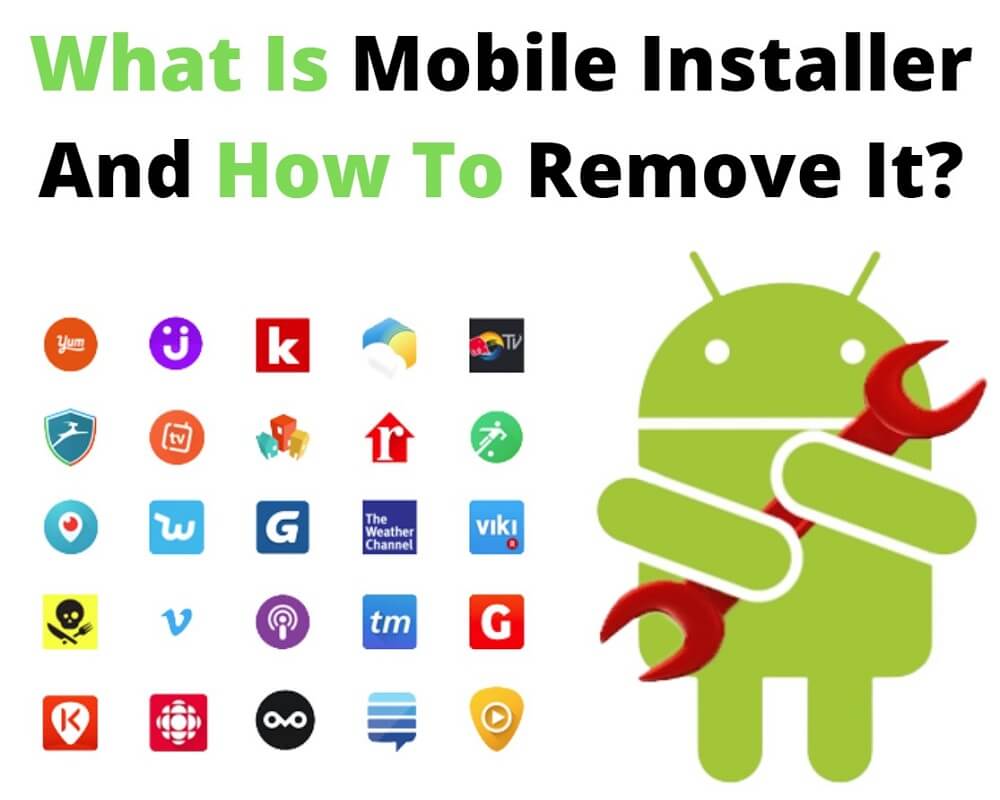
At its core, Mobile Installer is a system-level application pre-installed on many Android devices, particularly those purchased through major network carriers or specific manufacturers like Samsung. It is not an app you download from the Google Play Store; rather, it is baked into the firmware of the device before it ever reaches the consumer’s hands.
Definition and Core Functions
Mobile Installer acts as a specialized software delivery agent. Its primary purpose is to facilitate the installation, update, and management of applications that are recommended or required by your service provider or the device manufacturer. Unlike the Google Play Store, which requires manual user intervention to initiate a download, Mobile Installer can work silently in the background.
The application is often triggered during the initial setup of a new phone or following a major system update. It identifies which “partner apps” should be on the device based on the user’s region, carrier, and device model. These might include utility apps from the carrier (like account management tools), sponsored third-party games, or social media platforms.
The Difference Between Mobile Installer and Standard App Stores
It is crucial to distinguish between Mobile Installer and standard repositories like the Google Play Store or the Galaxy Store. While the Play Store is a user-facing platform designed for discovery and manual management, Mobile Installer is a “push” service.
The Play Store operates under strict Google guidelines regarding user consent and transparency. In contrast, Mobile Installer often operates with elevated system permissions, allowing it to install software without the traditional “Accept Permissions” pop-up that users are accustomed to seeing. This efficiency is intended to streamline the “out-of-the-box” experience, but it often leads to what users colloquially call “bloatware.”
How Mobile Installer Operates Within the Android Ecosystem
To understand why Mobile Installer exists, one must look at the business side of the technology industry. Mobile devices are rarely just pieces of hardware; they are platforms for software distribution and service ecosystems.
System Integration and Background Processes
Technically, Mobile Installer (which may appear in your system settings under names like com.aura.oem.monitor or simply “Mobile Installer”) runs as a background service. It communicates with remote servers managed by companies like DTCP (Digital Turbine) or the carriers themselves.
When the device connects to the internet, Mobile Installer checks for a “profile” assigned to that device. If the carrier has signed a deal to include a specific news app or a shopping tool, Mobile Installer receives the command to download and install the APK (Android Package) file. Because it is a system app, it bypasses the security prompts that would usually stop a third-party app from installing software.
The Role of Carriers and OEMs
For network carriers, Mobile Installer is a tool for brand consistency and revenue generation. By ensuring their proprietary apps are installed, carriers can provide direct billing services, customer support, and promotional offers.
For Original Equipment Manufacturers (OEMs), partnering with software developers to pre-install apps via Mobile Installer helps subsidize the cost of the hardware. This is one reason why some high-spec smartphones can be sold at more competitive prices; the “real estate” on the user’s home screen is sold to the highest bidder, and Mobile Installer is the delivery truck that brings those products to the device.
Common Concerns: Performance, Battery Life, and Privacy
While Mobile Installer serves a functional purpose for providers, it is often a point of contention for tech enthusiasts and privacy-conscious users. The hidden nature of its operations can lead to several performance-related issues.
Resource Consumption and Background Activity
One of the most frequent complaints regarding Mobile Installer is its impact on system resources. Because it can trigger downloads and installations at any time, it may consume significant amounts of cellular data if not properly configured to use Wi-Fi only.
Furthermore, the process of checking for updates and installing software in the background utilizes CPU cycles and RAM. On flagship devices with high-end processors, this impact might be negligible. However, on budget or mid-range devices, the activity of Mobile Installer can lead to noticeable “lag,” overheating, and accelerated battery drain. Users often notice the device getting warm while sitting idle; frequently, a background installation via Mobile Installer is the culprit.
Data Privacy and Permissions
From a digital security standpoint, the elevated permissions granted to Mobile Installer are a double-edged sword. While it needs these permissions to function as intended, it also means the app has the authority to monitor device information, such as the IMEI, location, and list of installed apps, to determine which advertisements or software to push.
This level of data collection often occurs without explicit, granular consent from the user, as the “Terms of Service” agreed to during the initial phone setup usually cover these system processes in broad strokes. For users who prioritize a “clean” Android experience, this lack of transparency is a significant drawback.
Managing Mobile Installer: To Disable or Not?
For many users, the question isn’t just “what is it,” but “how do I stop it?” Managing system applications requires a balance between maintaining device stability and reclaiming control over your software environment.
Step-by-Step Guide to Disabling the App
In many cases, Android does not allow you to “Uninstall” Mobile Installer because it is protected at the system level. However, you can often “Disable” it.
- Open Settings: Navigate to the “Apps” or “Application Manager” section.
- Show System Apps: Tap the three dots in the top corner and select “Show system apps” (Mobile Installer is hidden by default).
- Locate the App: Search for “Mobile Installer” or “DTCP.”
- Disable/Force Stop: If the option is available, tap “Disable.” This will prevent the app from running or receiving updates. If “Disable” is greyed out, you can at least “Force Stop” it, though it may restart upon reboot.
Using ADB for Advanced Users
For those who want to completely remove the footprint of Mobile Installer without rooting their device, the Android Debug Bridge (ADB) is a powerful tool. By connecting your phone to a computer and using command-line instructions, you can “uninstall” the app for the current user.
The command usually looks like this:
adb shell pm uninstall -k --user 0 [package_name]
(Note: Replacing [package_name] with the specific identifier like com.aura.oem.monitor).
While this is effective, it should be approached with caution. Removing essential system components can sometimes lead to “Bootloops” or break the functionality of carrier-specific services like Visual Voicemail or Wi-Fi Calling.

The Future of Pre-Installed Software and User Autonomy
As the mobile industry matures, the conversation around Mobile Installer and similar tools is shifting toward greater user autonomy. Regulatory bodies in various regions are beginning to scrutinize “forced” software installations, advocating for the user’s right to a clean operating system.
In response, some manufacturers are making it easier to opt-out of these “recommended apps” during the setup process. However, as long as the financial incentives for carriers and OEMs remain tied to software distribution, tools like Mobile Installer will continue to be a staple of the Android experience.
The key for the modern tech consumer is awareness. By understanding that Mobile Installer is a bridge between your hardware and the commercial interests of service providers, you can take informed steps to manage your device. Whether you choose to leave it active for the convenience of carrier updates or disable it to maximize performance, knowing the “what” and “why” behind the process is the first step in mastering your digital tools.
Ultimately, Mobile Installer represents the complex reality of modern technology: a blend of utility, marketing, and system management. While it may be a “hidden” part of your phone, its impact on your daily usage is significant, making it a vital topic for any user looking to understand the true inner workings of their smartphone.
aViewFromTheCave is a participant in the Amazon Services LLC Associates Program, an affiliate advertising program designed to provide a means for sites to earn advertising fees by advertising and linking to Amazon.com. Amazon, the Amazon logo, AmazonSupply, and the AmazonSupply logo are trademarks of Amazon.com, Inc. or its affiliates. As an Amazon Associate we earn affiliate commissions from qualifying purchases.