
The landscape of graphic design has undergone a radical transformation over the last decade. Gone are the days when a designer’s toolkit was limited to a single desktop application and a steady hand. In today’s hyper-connected, multi-platform digital world, the “tech stack” of a professional graphic designer is a sophisticated ecosystem of software designed to handle everything from intricate vector illustrations and complex photo manipulations to immersive 3D environments and collaborative UI/UX prototyping.
For those entering the field or businesses looking to understand the technical requirements of modern creative work, identifying the right software is crucial. The industry has converged around a few “gold standards,” while simultaneously opening doors to disruptive new tools powered by cloud computing and artificial intelligence.
1. The Industry Standard: The Adobe Creative Cloud Ecosystem
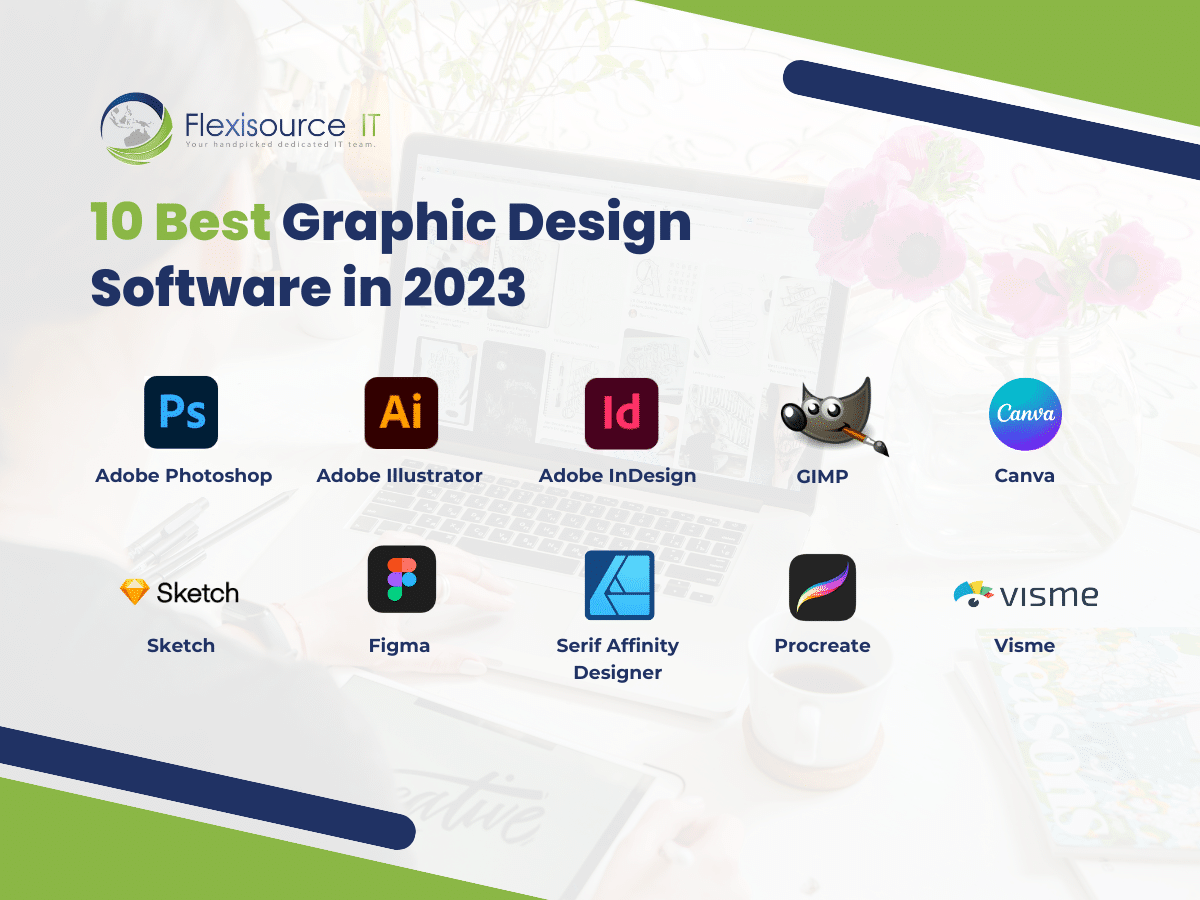
When discussing professional graphic design, the conversation invariably begins with Adobe. The Adobe Creative Cloud (CC) is the undisputed heavy hitter in the creative industry, functioning as a subscription-based suite that provides a seamless workflow between various specialized applications.
Adobe Photoshop: The Master of Raster Graphics
Adobe Photoshop remains the world’s most famous design software. At its core, it is a raster-based program, meaning it manipulates pixels. Designers use Photoshop for high-end photo editing, compositing, and digital painting. Its technical depth is unparalleled, offering non-destructive editing through layers and masks, advanced color grading tools, and a robust engine for retouching. While it is often misused for logo design (a task better suited for vectors), its role in texture creation for 3D and UI mockups remains vital.
Adobe Illustrator: The Precision of Vector Art
Unlike Photoshop, Adobe Illustrator is a vector-based program. Instead of pixels, it uses mathematical paths (Bezier curves) to create images that can be scaled infinitely without losing quality. This makes it the primary tool for logo design, iconography, and complex illustrations. The technical advantage of Illustrator lies in its ability to output files that are as crisp on a business card as they are on a massive billboard. Features like the Shape Builder tool, advanced typography controls, and Artboard management allow designers to build brand identities with surgical precision.
Adobe InDesign: The Architect of Layout
For multi-page documents, Adobe InDesign is the professional choice. It is engineered specifically for layout design, handling the complexities of typography, Master Pages, and “pre-flighting” for print. Whether a designer is working on a 300-page book, a corporate brochure, or a digital magazine, InDesign provides the structural framework necessary to manage large amounts of text and imagery efficiently. Its integration with Adobe Swatch Exchange and sophisticated paragraph styles ensures consistency across massive projects.
2. The Digital Product Revolution: UI/UX and Prototyping Tools
As the world shifted toward mobile apps and responsive websites, a new category of software emerged. These programs focus less on “static” art and more on user experience (UX) and user interface (UI) design.
Figma: The Collaborative Powerhouse
Figma has recently disrupted the design world, becoming the preferred tool for product designers. Its greatest technical innovation is its browser-based, collaborative nature. Unlike traditional software where files are saved locally, Figma operates in the cloud, allowing multiple designers to work on the same file in real-time. It uses a vector-based engine optimized for web and mobile layouts, featuring “Auto Layout” components that mimic CSS (Cascading Style Sheets). This makes the hand-off from designer to developer significantly smoother, as the software generates code snippets for spacing, colors, and typography.
Sketch and Adobe XD
Before Figma’s dominance, Sketch was the industry leader for UI design. Though it is limited to macOS, many legacy agencies still rely on its robust plugin ecosystem. Adobe XD is Adobe’s answer to this niche, offering deep integration with the rest of the Creative Cloud. These programs focus on “prototyping”—the ability to create clickable versions of a design to test user flows before a single line of code is written.
3. Specialized Tools for Illustration and Mobile Workflows
While the “Big Three” (Photoshop, Illustrator, InDesign) dominate the office environment, specialized hardware like the iPad Pro has given rise to a new generation of software that caters to illustrators and designers on the move.
Procreate: Redefining Digital Illustration
Procreate has become a staple for designers who specialize in hand-drawn elements. Exclusive to the iPad, it leverages the pressure sensitivity of the Apple Pencil to create an organic drawing experience that rivals traditional media. Technically, Procreate is impressive for its “Valkyrie” graphics engine, which allows for high-resolution canvases with hundreds of layers on a mobile device. Designers use it to create custom lettering, textures, and storyboard sketches that are later refined in desktop applications.
Affinity Designer and Photo: The Lightweight Challengers
For those looking to move away from the subscription model, Serif’s Affinity suite (Affinity Designer, Photo, and Publisher) has become a powerful alternative. These programs are praised for their performance; they are often faster and less resource-intensive than their Adobe counterparts. Affinity Designer, in particular, allows designers to switch seamlessly between vector and raster workspaces within a single document—a technical feat that remains a major selling point for multidisciplinary creatives.
4. Motion Graphics and the Leap into 3D
Graphic design is no longer just static; it moves. As video content dominates social media and digital advertising, designers are increasingly expected to master motion and depth.
Adobe After Effects: Bringing Graphics to Life
After Effects is the standard for motion graphics and visual effects. It uses a “layer-based” compositing system similar to Photoshop but adds the dimension of time. Designers use it to animate logos, create social media motion assets, and design complex kinetic typography. With its massive library of expressions (Javascript-based coding) and plugins, it allows for the automation of complex animations that would be impossible to render by hand.
Blender and Cinema 4D: The Third Dimension
3D modeling is the new frontier for graphic designers. Blender, an open-source powerhouse, has gained massive popularity due to its zero-cost entry and professional-grade features for modeling, rendering, and sculpting. Cinema 4D is often the choice for high-end motion design agencies due to its intuitive workflow and integration with After Effects. Designers use these programs to create hyper-realistic product mockups, abstract 3D backgrounds, and immersive environments that provide a level of depth that 2D software simply cannot replicate.
5. The Integration of AI and Future-Tech Workflows
The most recent shift in the designer’s toolkit involves the integration of Artificial Intelligence. Rather than replacing the designer, these tools act as “co-pilots” to speed up repetitive technical tasks.
Generative AI: Adobe Firefly and Midjourney
Adobe has integrated “Firefly” directly into Photoshop, allowing designers to use “Generative Fill” to expand backgrounds or remove objects using simple text prompts. Midjourney, though a standalone tool, is being used by designers in the ideation phase to generate mood boards and conceptual imagery at lightning speed. These tools use neural networks to synthesize vast amounts of visual data, providing a technical shortcut for asset creation that previously took hours of manual labor.
The Democratization of Design Tech: Canva for Professionals
While often viewed as a “non-professional” tool, Canva has carved out a space in the professional tech stack for rapid social media asset production. Many professional designers now build “brand kits” in Canva for their clients. This allows the designer to handle the high-level technical creation in Illustrator, while providing the client with a user-friendly platform to make daily updates without needing to master complex software.
Conclusion: Choosing the Right Tool for the Job
The “programs” graphic designers use are not just software; they are specialized instruments tailored to specific technical outcomes. A modern designer’s workflow might begin with a sketch in Procreate, move to Illustrator for vectorization, incorporate 3D elements from Blender, and finally be assembled into a responsive prototype in Figma.
The choice of software ultimately depends on the final output. If the goal is print, InDesign is king. If the goal is a mobile app, Figma is the winner. For the professional designer, the key is not just knowing one program, but understanding how this entire tech ecosystem interconnects to turn a digital concept into a polished, functional reality. As AI continues to evolve, the “tech” side of graphic design will only become more automated, allowing designers to focus less on the “how” and more on the creative “why.”
aViewFromTheCave is a participant in the Amazon Services LLC Associates Program, an affiliate advertising program designed to provide a means for sites to earn advertising fees by advertising and linking to Amazon.com. Amazon, the Amazon logo, AmazonSupply, and the AmazonSupply logo are trademarks of Amazon.com, Inc. or its affiliates. As an Amazon Associate we earn affiliate commissions from qualifying purchases.