
For years, the conventional wisdom surrounding Apple’s mobile ecosystem was simple: iPhones don’t get viruses. This reputation for impenetrable security has been a cornerstone of Apple’s marketing and a primary reason many users choose iOS over Android. However, as the digital landscape evolves and cyber-attacks become increasingly sophisticated, the question “What is the best antivirus for iPhone?” has become more relevant than ever.
In the strict, traditional sense, a “virus” that replicates itself and spreads from file to file doesn’t really exist on iOS. However, “malware” and “digital threats”—ranging from phishing and malicious websites to unsecured Wi-Fi networks and identity theft—are very real. Because of how Apple builds its software, an iPhone antivirus works differently than a Windows or Mac version. Instead of scanning files, these apps provide a “security suite” designed to shield your digital identity.

Understanding iOS Security: Why Traditional Antivirus is Different on iPhone
To choose the right security tool, one must first understand why the iPhone is unique. Unlike Windows, where an antivirus program has deep access to the operating system to scan every nook and cranny, iOS is built on a philosophy of restriction and isolation.
The Concept of Sandboxing
The primary reason you don’t see “virus scanners” on the App Store is a technical architecture called “sandboxing.” In iOS, every app runs in its own isolated environment (the sandbox). One app cannot see what another app is doing, nor can it access the system files of the OS. This means a malicious app cannot “scan” your phone to steal data from your banking app, but it also means a security app cannot scan other apps for viruses. Consequently, security software for iPhone focuses on external threats rather than internal file scanning.
The App Store Vetting Process
Apple acts as a primary gatekeeper. Every app submitted to the App Store undergoes a rigorous review process to ensure it doesn’t contain known malware or violate privacy policies. This proactive approach eliminates the vast majority of threats before they ever reach a user’s device. While not 100% foolproof—as evidenced by occasional “zero-day” exploits—it makes the iPhone one of the most secure consumer electronics devices on the market.
The Shift from “Antivirus” to “Mobile Security”
Because of sandboxing, what we call “iPhone antivirus” is more accurately described as a mobile security suite. These apps monitor network traffic, check for malicious URLs, alert you to outdated software, and protect your identity. They are proactive shields rather than reactive scanners.
Top Mobile Security Suites for iOS in 2024
When looking for the best protection, you want a brand that balances performance with comprehensive features. Here are the leading contenders in the tech space for iOS security.
Bitdefender Mobile Security
Bitdefender is frequently cited by tech analysts as the top choice for iOS users who want “set-it-and-forget-it” protection. Its standout feature is “Web Protection,” which filters all internet traffic and blocks phishing attempts or fraudulent sites in real-time.
- Pros: Minimal impact on battery life, excellent anti-phishing detection, and an integrated VPN.
- Best for: Users who want powerful protection without a cluttered interface.
Norton 360 for iOS
Norton provides one of the most comprehensive security packages available. Beyond basic web protection, Norton 360 includes “SMS Security,” which filters spam text messages that might contain phishing links—a growing threat known as “smishing.” It also monitors the “Dark Web” for your personal information, alerting you if your email or passwords have been leaked in a data breach.
- Pros: Robust identity theft monitoring and Wi-Fi security alerts.
- Best for: Users who handle sensitive corporate data or are concerned about identity theft.
McAfee Security & VPN
McAfee has rebranded its mobile offering to focus heavily on “Privacy Protection.” Their “Protection Score” gives users a quantified look at how safe their device and online habits are, providing actionable steps to improve security. It includes a standard VPN and an “Identity Protection” service that covers everything from tax IDs to credit card monitoring.
- Pros: User-friendly “Protection Score” and multi-device support.
- Best for: Families who want to manage multiple devices under one subscription.
Avast Security & Privacy
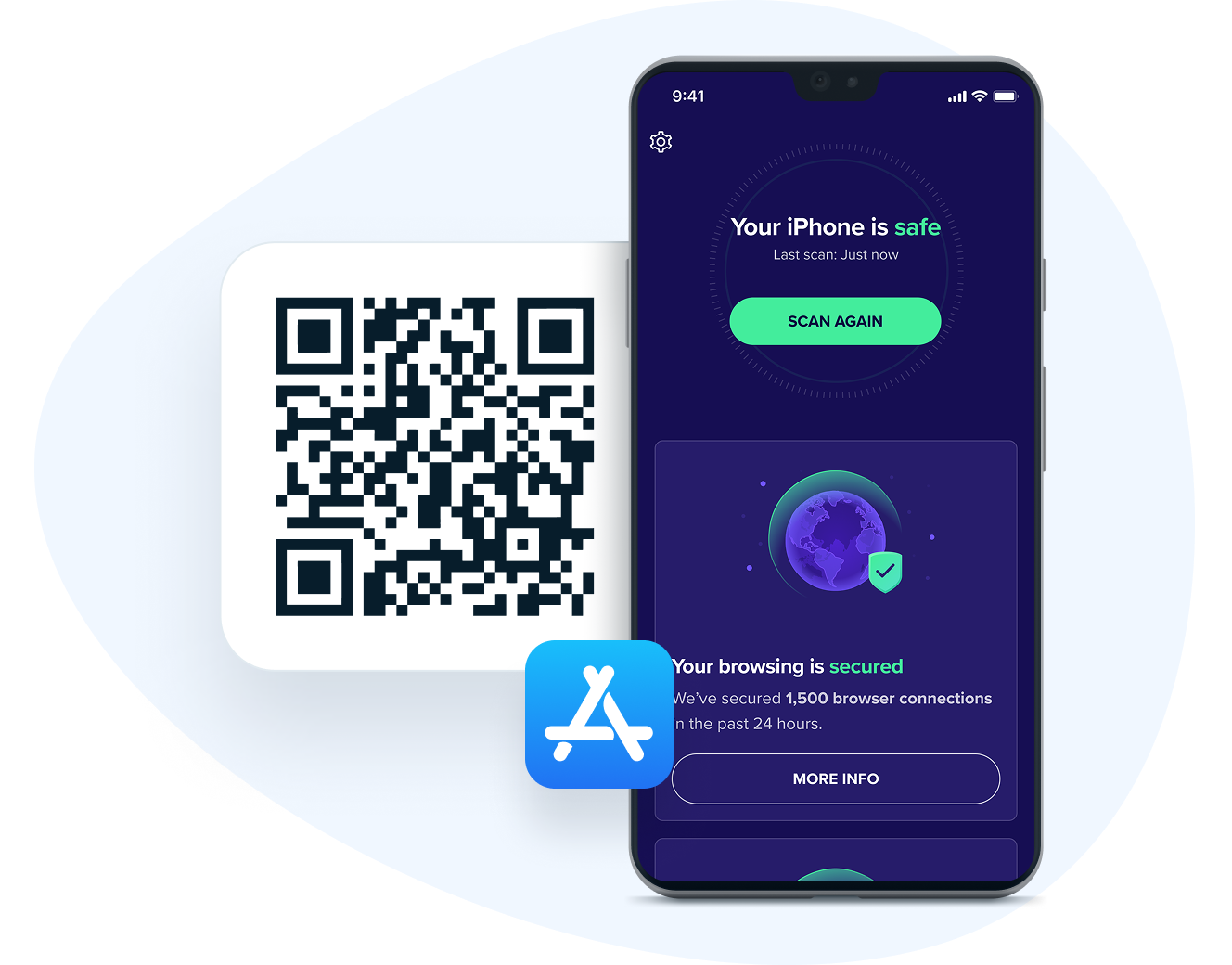
Avast is a popular choice for those looking for a strong free tier. While the premium version offers a “Photo Vault” and more advanced scanning, the free version provides a solid Wi-Fi scanner that checks if the network you’ve joined is secure and encrypted.
- Pros: High-quality free version and intuitive design.
- Best for: Budget-conscious users who still want a secondary layer of network security.
Key Features to Look for in an iPhone Security App
If you are deciding which premium service to invest in, you should prioritize features that address the specific vulnerabilities of mobile users. Since the “virus” threat is low, these features provide the real value.
Web Protection and Anti-Phishing
The most significant threat to an iPhone user is a phishing attack. This occurs when you click a link in an email or text that takes you to a fake website (like a fake bank login page) designed to steal your credentials. A high-quality security app will use a database of known malicious URLs to block these sites before they load in Safari or Chrome.
Integrated VPN (Virtual Private Network)
Many iPhone security apps bundle a VPN. A VPN encrypts your internet connection, which is vital when using public Wi-Fi at coffee shops or airports. Without a VPN, hackers on the same network could potentially intercept your data. Look for apps that offer an “Auto-connect” feature for unsecured networks.
Identity Theft and Dark Web Monitoring
In the modern tech era, your data is often stolen from a server, not your device. Security suites that monitor the Dark Web will scan breached databases for your email address, Social Security number, or credit card info. Being alerted early allows you to change passwords before a hacker can do damage.
System Update Alerts
Outdated software is one of the few ways an iPhone can actually be “hacked.” Cyber-mercenaries often use “zero-day” vulnerabilities that are patched in the latest iOS updates. A good security app will nag you to update your OS and your apps, ensuring you always have the latest security patches from Apple.
How to Stay Safe Without a Third-Party App
While third-party apps provide peace of mind and extra features, Apple has built several “invisible” security features into iOS that every user should know how to leverage.
Keeping iOS Updated
This is the single most important security measure. Apple frequently releases “Rapid Security Responses” to patch vulnerabilities that are being exploited in the wild. Enable “Automatic Updates” in your settings to ensure you are never the low-hanging fruit for a cyber-attack.
Managing App Permissions
Privacy is a subset of security. Go to Settings > Privacy & Security to see which apps have access to your camera, microphone, and location. If an app doesn’t need your location to function (like a simple calculator or game), revoke that permission. This limits the amount of data being harvested and potentially leaked.
Recognizing Social Engineering Attacks
Technology can only protect you so far; “Human Hacking” is often more effective. Be wary of any message that creates a sense of urgency—such as “Your iCloud account will be deleted in 24 hours” or “Suspicious activity detected on your Amazon account.” Apple will never ask for your password via a text message.
Utilizing Lockdown Mode
For users who might be targets of sophisticated, state-sponsored cyberattacks (such as journalists or activists), Apple introduced “Lockdown Mode.” This is an extreme level of security that restricts certain web technologies, attachments, and even incoming FaceTime calls from unknown numbers, drastically reducing the “attack surface” of the device.
Conclusion: Choosing the Right Protection for Your Digital Life
So, what is the best antivirus for iPhone? The answer depends on your threat model.
If you are a tech-savvy user who only uses secure home Wi-Fi, never clicks suspicious links, and keeps your software updated, you may not need a third-party security app at all. Apple’s native sandboxing and App Store vetting provide a formidable defense.
However, for most users, the digital world is a minefield. If you frequently use public Wi-Fi, manage high-value financial accounts on your phone, or want the proactive safety net of dark web monitoring, a suite like Bitdefender or Norton 360 is a wise investment. These tools don’t just “scan for viruses”—they provide a comprehensive shield for your digital identity in an era where data is the most valuable currency.
By combining Apple’s robust hardware security with a reputable mobile security suite and a healthy dose of digital skepticism, you can ensure that your iPhone remains the secure, private vault it was designed to be.
aViewFromTheCave is a participant in the Amazon Services LLC Associates Program, an affiliate advertising program designed to provide a means for sites to earn advertising fees by advertising and linking to Amazon.com. Amazon, the Amazon logo, AmazonSupply, and the AmazonSupply logo are trademarks of Amazon.com, Inc. or its affiliates. As an Amazon Associate we earn affiliate commissions from qualifying purchases.