
In the modern digital landscape, our smartphones serve as the primary gateway to our professional and personal lives. We use them for biometric authentication, multi-factor security, and seamless communication. Ironically, because we rarely call ourselves, forgetting our own phone number has become a surprisingly common occurrence.
While it may seem like a minor inconvenience, your phone number is more than just a string of digits; it is a critical identifier in the global telecommunications infrastructure. Whether you have just purchased a new SIM card, switched carriers, or are setting up a secondary device, knowing how to retrieve this information through technical means is an essential skill. This guide explores the sophisticated methods used to identify your phone number across various operating systems, network protocols, and hardware configurations.
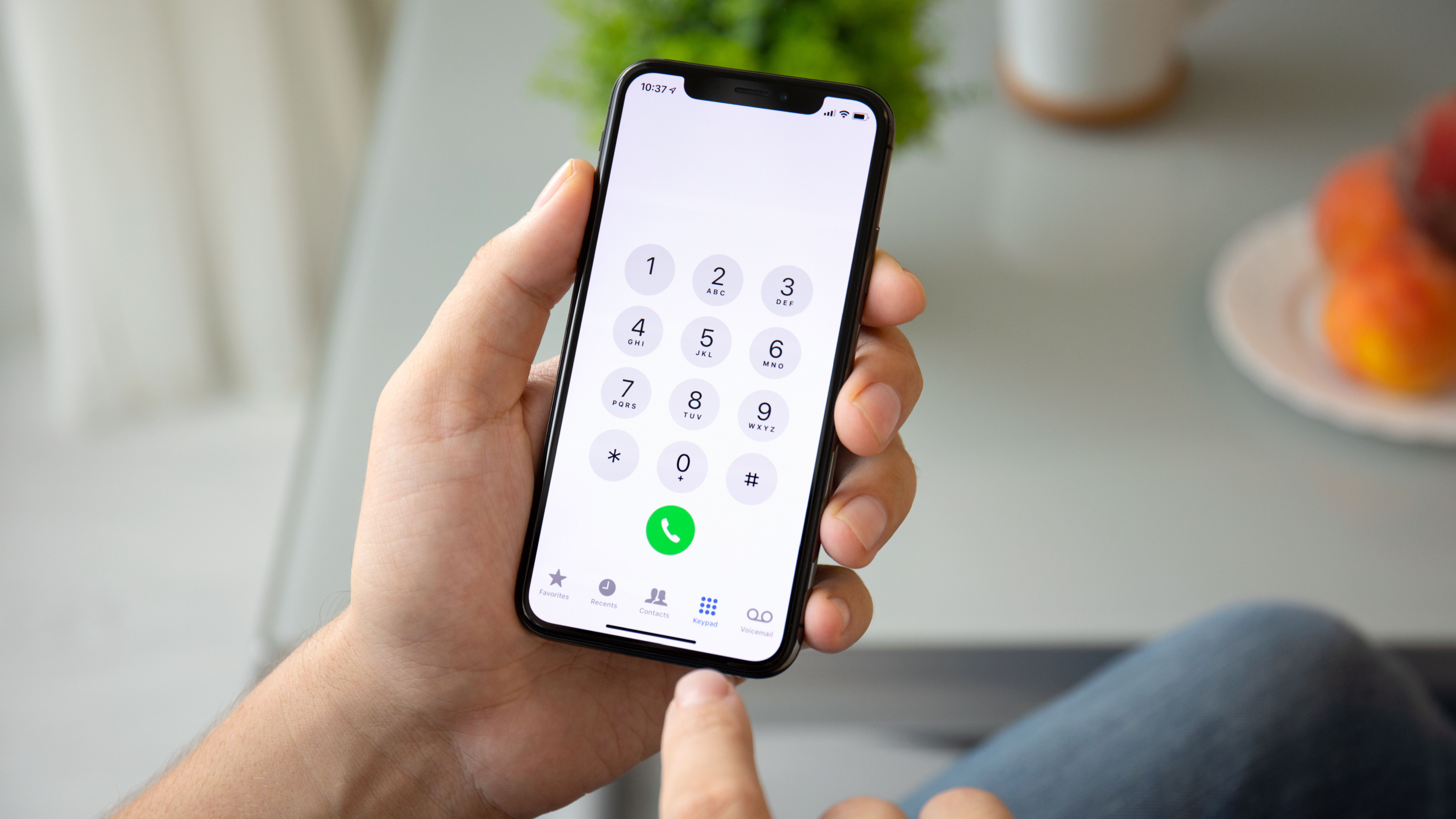
1. Navigating Device Settings: The Native Software Approach
The most direct way to retrieve a forgotten phone number is through the mobile operating system’s internal database. Both iOS and Android store subscriber information provided by the SIM card during the initial “handshake” with the cellular network.
Finding Your Number on iOS (iPhone)
Apple’s ecosystem is designed for intuitive navigation, yet the phone number is tucked away in settings that users rarely visit. To find it, navigate to the Settings app and scroll down to Phone. At the very top of this menu, you will see a field labeled “My Number.”
Alternatively, the Contacts app provides a “My Card” feature at the top of the list, which pulls data directly from the device’s identity settings. It is important to note that if the number appears as “Unknown,” it often indicates a provisioning error where the carrier has not successfully written the MSISDN (Mobile Station International Subscriber Directory Number) to the SIM card’s metadata.
Locating the Number on Android Devices
Due to the fragmented nature of Android distributions (One UI, OxygenOS, Pixel UI), the path may vary slightly, but the logic remains consistent. The standard route is Settings > About Phone or Settings > About Device. Within this menu, “Status” or “SIM Status” will typically display the phone number associated with the active slot.
For users on newer Android versions, the “Google” section within Settings often displays the primary contact number associated with the linked Google Account, providing a secondary software-based verification method if the SIM hardware data is temporarily inaccessible.
2. Beyond Settings: Network-Side and Hardware Retrieval
If the device software fails to display the number—often due to a recent porting process or an unactivated SIM—you must look toward the hardware and the network infrastructure itself.
Using USSD Codes and Shortcodes
Unstructured Supplementary Service Data (USSD) is a protocol used by GSM cellular telephones to communicate with the service provider’s computers. By inputting a specific “shortcode” into the dialer, you can request your number directly from the carrier’s Home Location Register (HLR).
While these codes vary by global region and carrier, common examples include:
- T-Mobile (US): #NUM# (#686#)
- Vodafone (UK): *#100#
- EE (UK): Text “NUMBER” to 150
- Generic GSM: *#62# (This often reveals the number associated with call forwarding, which is usually your own).
Using USSD is a highly reliable technical workaround because it bypasses the local device’s UI and queries the network directly.
Inspecting the Physical SIM Card and Packaging
Every physical SIM card is etched with an ICCID (Integrated Circuit Card Identifier), a unique 19- or 20-digit serial number. While the ICCID is not the phone number itself, it is the hardware key linked to your account in the carrier’s database.
If you are unable to power on the device, checking the original SIM starter pack or the plastic “credit card” holder the SIM was popped out of will almost always list the phone number. In the enterprise tech world, keeping these ICCID records is a standard practice for fleet management and digital asset tracking.
3. Digital Workarounds and App Integrations
In an era of “Over-the-Top” (OTT) messaging services, our phone numbers are often tethered to third-party applications. These apps frequently store our contact information in their own encrypted databases, providing an alternative retrieval method.
Leveraging Messaging Apps (WhatsApp, Telegram, Signal)
Messaging platforms like WhatsApp and Telegram require a phone number for account verification. If you are logged into these apps, your number is stored within your profile settings.
On WhatsApp, navigating to Settings > [Your Name] will display the registered phone number. Because these apps sync with the cloud, this information remains available even if the SIM card is malfunctioning, provided the app was previously verified on that device. This is a prime example of how application-level data can serve as a redundancy for system-level information.
Checking Linked Cloud Accounts (Google and Apple ID)
Both Apple and Google use your phone number as a primary recovery tool and a component of your digital identity. By logging into your Apple ID (via iCloud.com) or your Google Account (via myaccount.google.com), you can view the “Trusted Phone Numbers” or “Recovery Phone” associated with your profile.
In the context of digital security, these platforms keep a historical log of verified numbers. Even if you have forgotten your current number, these dashboards provide a verified technical record of the digits assigned to your identity for two-factor authentication (2FA).
4. Security Implications of Your Phone Number
From a technical perspective, forgetting your phone number is more than a social gaffe; it highlights the critical role the number plays in your security architecture. Your phone number is often the “Master Key” for your digital life.
Two-Factor Authentication (2FA) and Account Recovery
Most modern web services utilize SMS-based 2FA. If you do not know your phone number, you risk losing access to banking, email, and corporate portals. When you transition to a new number, the technical “handover” must be seamless.
Security experts often warn against relying solely on SMS 2FA because of the risks associated with “SIM Swapping,” where a malicious actor convinces a carrier to port your number to a new device. Knowing your number and being able to verify it quickly is the first line of defense in reclaiming an account during a security breach.
Protecting Your Number from Port-Out Scams
Once you have retrieved your forgotten number, it is vital to secure it. Many carriers offer a “Port-Out PIN” or “Transfer Lock.” This technical safeguard prevents your number from being moved to a different carrier without a secondary authentication step. In the world of digital security, treating your phone number with the same level of secrecy as a password is a growing necessity.
5. Future-Proofing Your Digital Contact Information
As we move toward a hardware-less future, the way we interact with and remember our phone numbers is shifting. Technological advancements are making the physical SIM card—and the risk of “forgetting” its associated data—obsolete.
Transitioning to eSIM Technology
The move from physical SIMs to eSIM (Embedded SIM) technology changes the retrieval process. An eSIM is a small chip embedded directly into the motherboard of the device. Instead of swapping plastic cards, users download an “eSIM profile.”
The technical advantage of eSIM is that it allows for multiple profiles on a single device. You can manage these through a centralized “Cellular Plans” menu. Forgetting a number becomes less likely when the information is integrated into a digital dashboard provided by the carrier’s app, which often features “one-tap” identification.
Saving Your Own Contact Information
A simple yet effective technical “best practice” is to create a contact entry for yourself. By adding “Me” or “My Number” to your contact list and syncing it with a cloud provider (Google Contacts or iCloud), you ensure that the data is indexed and searchable across all your devices, including tablets and laptops.
Furthermore, labeling this contact with your MSISDN, ICCID, and carrier details creates a comprehensive “Digital Identity Card” that can be invaluable during technical support calls or when configuring new hardware.
Conclusion
Forgetting your phone number is a byproduct of a technology-dependent lifestyle where our devices do the heavy lifting of memory for us. However, by understanding the underlying technical frameworks—from USSD protocols and SIM metadata to cloud-based identity management—you can quickly recover this vital piece of information.
As the phone number continues to evolve from a simple communication tool into a sophisticated security token, maintaining a clear technical record of your digital identity is not just a matter of convenience; it is a fundamental aspect of digital literacy and security in the 21st century.
aViewFromTheCave is a participant in the Amazon Services LLC Associates Program, an affiliate advertising program designed to provide a means for sites to earn advertising fees by advertising and linking to Amazon.com. Amazon, the Amazon logo, AmazonSupply, and the AmazonSupply logo are trademarks of Amazon.com, Inc. or its affiliates. As an Amazon Associate we earn affiliate commissions from qualifying purchases.