
The landscape of home entertainment has undergone a seismic shift over the last decade. As traditional cable subscriptions dwindle, the demand for sophisticated, high-performance streaming hardware has surged. Among the elite tier of Android-based media players, VSeeBox has emerged as a prominent name. But what exactly is VSeeBox, and how does it distinguish itself in a market saturated with generic streaming sticks and set-top boxes?
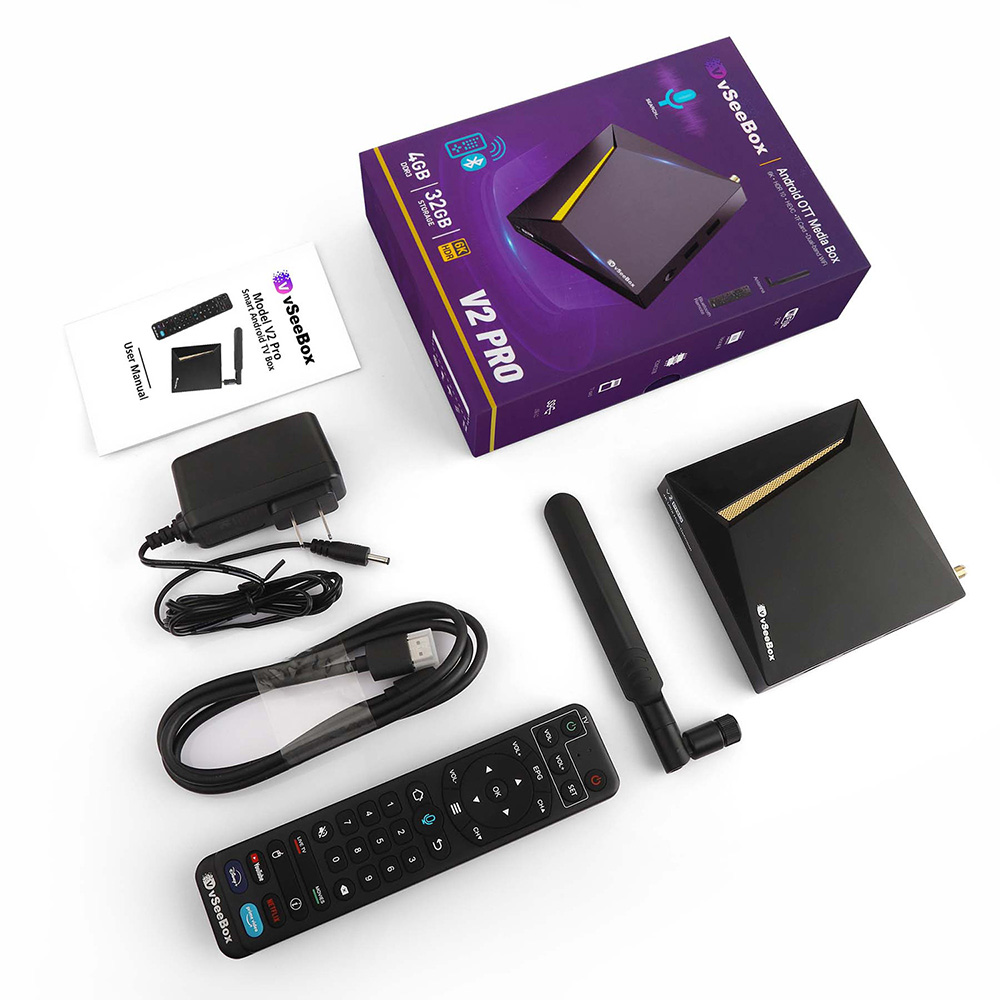
At its core, VSeeBox is a high-definition Android TV box designed to bridge the gap between traditional broadcasting and modern digital streaming. It is engineered for users who demand high stability, superior image quality, and a seamless user interface. By leveraging powerful internal hardware and optimized software, it serves as a centralized hub for live television, video-on-demand (VOD), and a variety of multimedia applications.
Understanding the Core Technology Behind VSeeBox
To understand the VSeeBox, one must look beneath the chassis at the components that drive its performance. Unlike entry-level streaming devices that often suffer from lag and limited storage, VSeeBox is built on a foundation of robust technical specifications designed for longevity and high-bitrate media consumption.
Hardware Specifications and Build Quality
The performance of any media player is dictated by its chipset. VSeeBox typically utilizes high-end Quad-core ARM Cortex processors, which provide the computational power necessary to decode 4K video streams without stuttering. This is complemented by a dedicated Graphics Processing Unit (GPU) that handles image rendering, ensuring that transitions within the UI are fluid and that high-dynamic-range (HDR) content is processed accurately.
Memory management is another area where VSeeBox excels. With 2GB to 4GB of RAM (depending on the specific model, such as the V2 Pro or V3), the device can maintain multiple background processes—such as system updates and EPG (Electronic Program Guide) data syncing—without interrupting the viewer’s experience. Furthermore, the inclusion of 32GB or 64GB of internal storage allows users to download secondary apps, store local media, or cache stream data for smoother playback.
The Android-Based OS Integration
While the hardware provides the muscle, the software provides the intelligence. VSeeBox operates on a customized version of the Android operating system. This architectural choice is significant for several reasons. First, it allows for native compatibility with the Google Play Store, giving users access to thousands of applications ranging from productivity tools to games.
Second, the VSeeBox developers have implemented a proprietary “skin” or launcher over the base Android OS. This interface is optimized for television screens and remote control navigation, moving away from the touch-centric design of standard Android. This technical optimization ensures that even users who are not “tech-savvy” can navigate complex menus with ease, while power users can still dive into the system settings to tweak network configurations or display outputs.
Key Features and Streaming Capabilities
The primary appeal of VSeeBox lies in its ability to aggregate vast amounts of content into a single, cohesive ecosystem. It isn’t just a vehicle for third-party apps like Netflix or YouTube; it is a specialized tool designed for a specific type of high-efficiency streaming.
Live TV and Video on Demand (VOD)
VSeeBox is most famous for its integration of high-stability streaming protocols. It utilizes advanced H.265 (HEVC) video compression. From a technical standpoint, H.265 is a successor to the widely used H.264. It offers about double the data compression ratio at the same level of video quality. For the user, this means that the VSeeBox can deliver high-definition 1080p or 4K streams even on relatively modest internet bandwidths, significantly reducing the “buffering” that plagues lower-end hardware.
The VOD library integrated into the VSeeBox ecosystem functions similarly to a private cloud server. It indexes thousands of titles, allowing for instant metadata retrieval, including movie posters, cast information, and plot summaries, all rendered locally on the device to ensure a snappy browsing experience.
4K UHD and HDR Support
In the realm of modern display technology, resolution is only half the story. VSeeBox supports 4K Ultra High Definition (UHD) at 60 frames per second (fps). However, the inclusion of HDR10 and HLG (Hybrid Log-Gamma) support is what truly elevates the visual experience. These technologies allow for a broader range of colors and higher contrast ratios. When the VSeeBox communicates with a compatible 4K TV via its HDMI 2.0 or 2.1 port, it engages in a “handshake” that optimizes the brightness levels and color space, ensuring that deep blacks and bright highlights are preserved in the stream.
The 7-Day Playback Functionality
One of the most technically impressive features of the VSeeBox ecosystem is its “Playback” or “Catch-up” feature. While most streaming devices require the user to be present at the time of broadcast or wait for a VOD upload, VSeeBox servers constantly record a wide array of live channels. This data is then accessible to the user via a 7-day rolling window. This requires significant server-side infrastructure and sophisticated client-side indexing, allowing the user to scroll back through the EPG and play a program that aired three days prior as if it were a local file.
Installation, Setup, and User Experience
A significant barrier to entry for many advanced “TV boxes” is the complexity of setup. VSeeBox addresses this through a philosophy of “Plug-and-Play” engineering, designed to minimize the friction between unboxing and viewing.
Plug-and-Play Connectivity
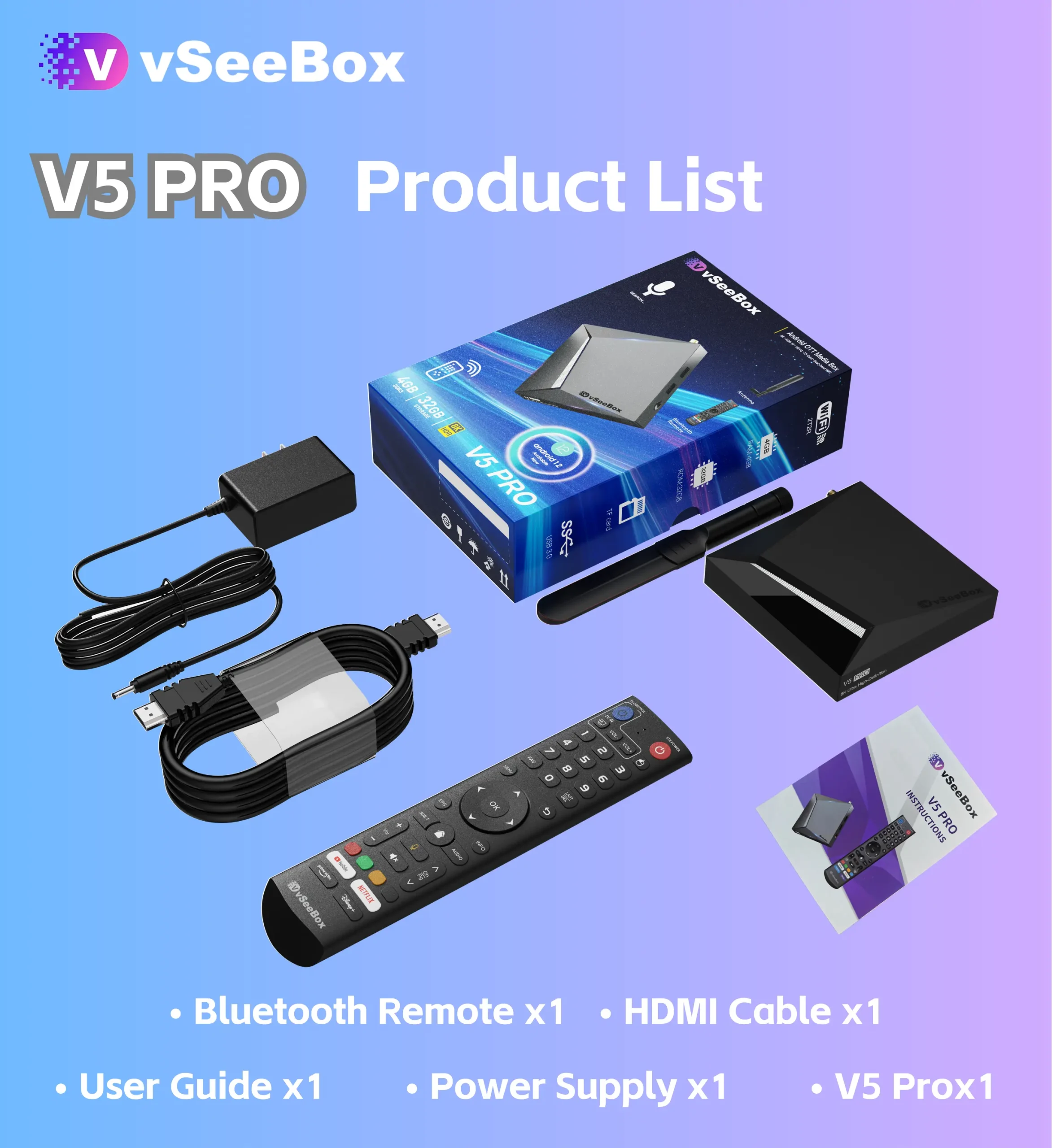
The physical setup of a VSeeBox is straightforward but technically sound. It utilizes an HDMI output for both digital video and multi-channel audio. For users with older audio systems, it often includes an Optical (SPDIF) output to ensure high-fidelity sound. The inclusion of multiple USB ports (often including USB 3.0) allows for the connection of external hard drives or wireless keyboards. Once the power is connected and the HDMI is plugged into the display, the device initializes a setup wizard that guides the user through network selection and display calibration.
Navigating the User Interface (UI)
The VSeeBox UI is designed around the concept of “Lean-back” UX. Unlike a smartphone where the user is inches away from the screen, a TV interface must be legible from ten feet away. The VSeeBox developers use high-contrast tiles and a logical grid system.
Moreover, the VSeeBox often comes with a Bluetooth or Infrared remote that includes voice search capabilities. Technically, this involves an integrated microphone and a voice-to-text API that allows the device to parse user queries and search across different apps simultaneously. This “Universal Search” is a hallmark of high-end tech, reducing the time spent typing on a virtual keyboard.
Security, Connectivity, and Longevity
In the digital age, a device is only as good as its connection to the world. VSeeBox prioritizes high-speed data transfer and system security to ensure the user’s data remains private and the stream remains uninterrupted.
Dual-Band Wi-Fi and Bluetooth 5.0
Wireless interference is the enemy of high-quality streaming. To combat this, VSeeBox utilizes Dual-Band Wi-Fi (2.4GHz and 5GHz). The 2.4GHz band provides better range through walls, while the 5GHz band provides the high speeds necessary for 4K streaming. Many of the newer VSeeBox iterations also include Wi-Fi 6 (802.11ax) support, which offers better efficiency in homes with many connected devices.
Bluetooth 5.0 integration allows for the connection of peripherals with minimal latency. This is crucial for users who wish to connect wireless headphones for private listening or game controllers for Android-based gaming. The increased bandwidth of Bluetooth 5.0 ensures that audio remains perfectly synced with the video on the screen.
Regular Firmware Updates and Longevity
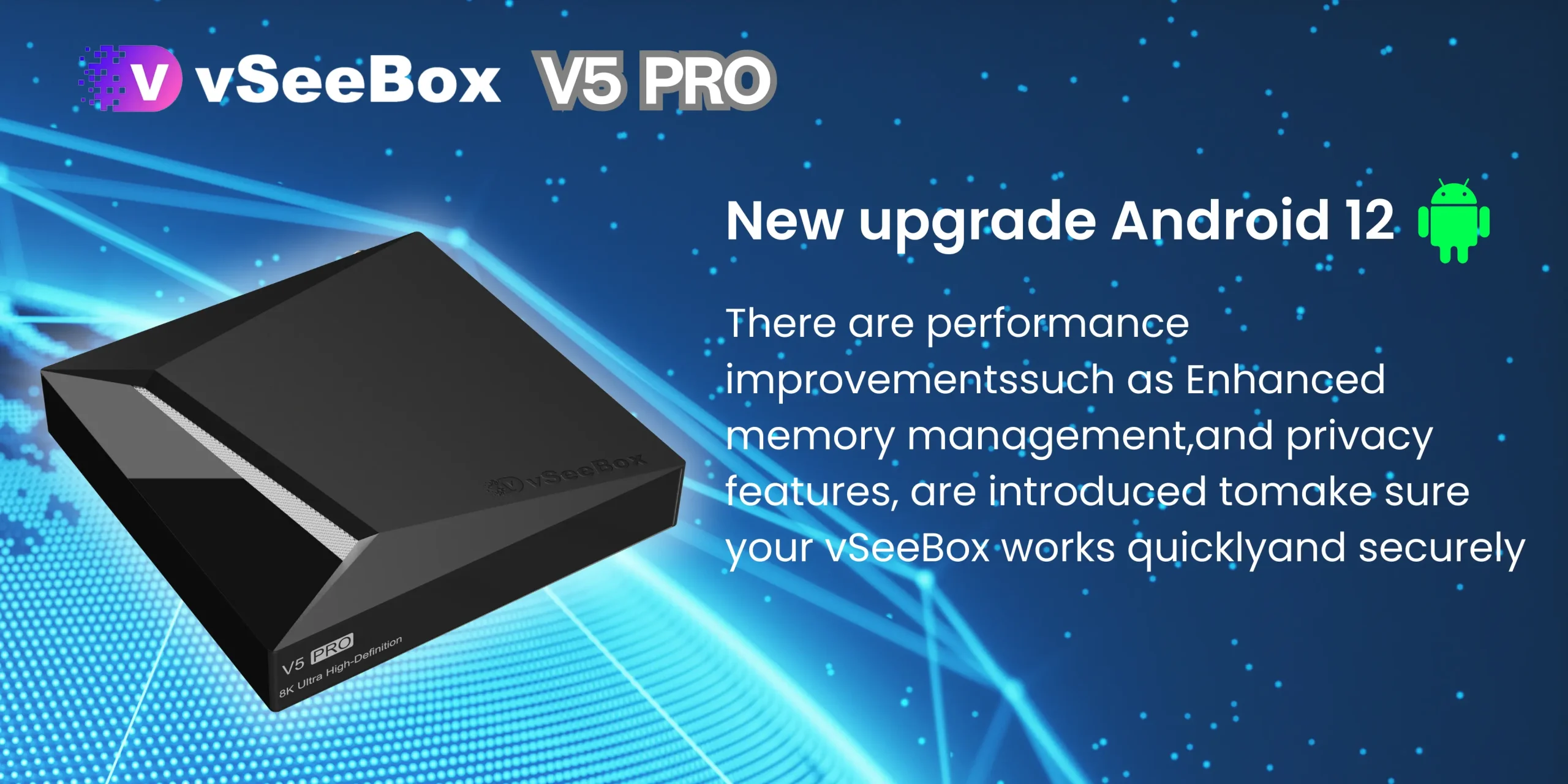
One of the major risks with generic Android boxes is “abandonware”—hardware that never receives a software update, leaving it vulnerable to security exploits and incompatible with new app versions. VSeeBox maintains an Over-The-Air (OTA) update system. These updates provide more than just new features; they include critical Android security patches and kernel optimizations that improve the hardware’s efficiency over time. This commitment to software maintenance extends the lifecycle of the hardware, making it a more sustainable tech investment.
The Future of Home Entertainment Ecosystems
VSeeBox represents a shift toward “specialized” hardware. As the world moves away from physical media (DVDs and Blu-rays) and faces “subscription fatigue” from having a dozen different streaming services, the VSeeBox offers a consolidated solution. It uses technology not just to deliver content, but to organize it intelligently.
By combining powerful ARM architecture, efficient H.265 decoding, and a user-centric Android overlay, VSeeBox has positioned itself as a leader in the high-end media player market. For the tech enthusiast, it offers the customizability of Android; for the casual viewer, it offers the simplicity of a cable box. As 8K resolution and even more advanced AI-upscaling technologies begin to emerge, the groundwork laid by devices like the VSeeBox suggests that the future of television is not just “smart”—it is integrated, high-performance, and entirely user-controlled.
aViewFromTheCave is a participant in the Amazon Services LLC Associates Program, an affiliate advertising program designed to provide a means for sites to earn advertising fees by advertising and linking to Amazon.com. Amazon, the Amazon logo, AmazonSupply, and the AmazonSupply logo are trademarks of Amazon.com, Inc. or its affiliates. As an Amazon Associate we earn affiliate commissions from qualifying purchases.