
Discord has evolved from a niche communication tool for gamers into a global powerhouse for community building, professional networking, and real-time collaboration. With over 150 million monthly active users, the platform manages a staggering amount of data. However, in an era where digital privacy and “the right to be forgotten” are paramount, many users eventually decide to part ways with the service.
When a user deletes their Discord account, they don’t simply vanish into thin air. Instead, they leave behind a specific digital footprint—a “ghost” profile that serves to maintain the structural integrity of the conversations they were part of while stripping away their personal identity. Understanding what a deleted Discord account looks like is essential for administrators, remaining friends, and users curious about their own digital legacy. This guide provides a deep dive into the technical visual indicators, data retention policies, and the procedural mechanics of Discord account deletion.
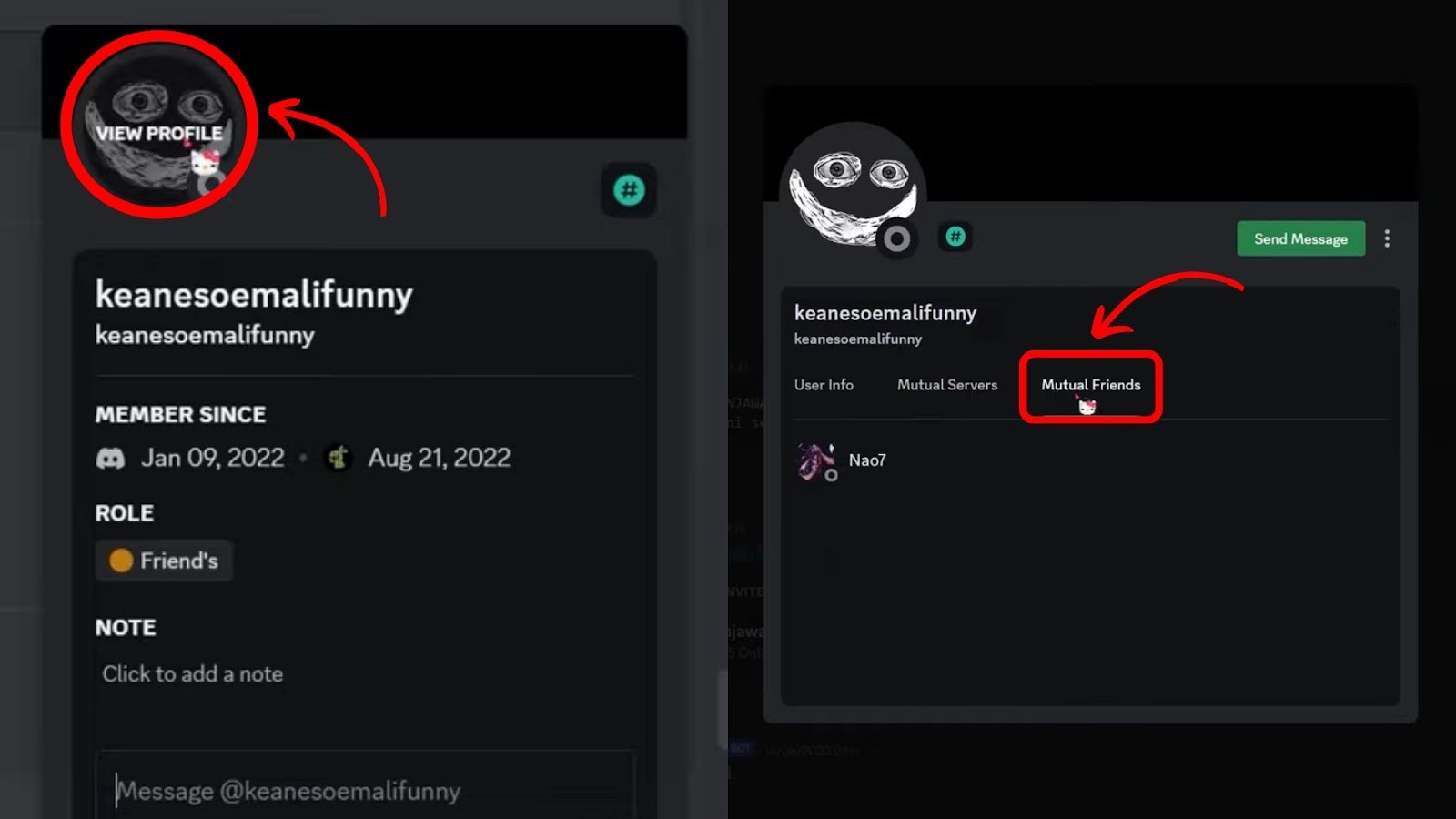
Visual Indicators of a Deleted Discord Account
When an account is successfully deleted, Discord undergoes a process of anonymization. The goal is to remove personally identifiable information (PII) while ensuring that the chat logs in servers and direct messages remain readable for the remaining participants.
The “Deleted User” Username Change
The most immediate and obvious sign of a deleted account is the change in the username. In the past, Discord used a system of usernames followed by a four-digit discriminator (e.g., User#1234). Following the 2023 transition to unique alphanumeric handles, the display remains consistent in how it handles deletions.
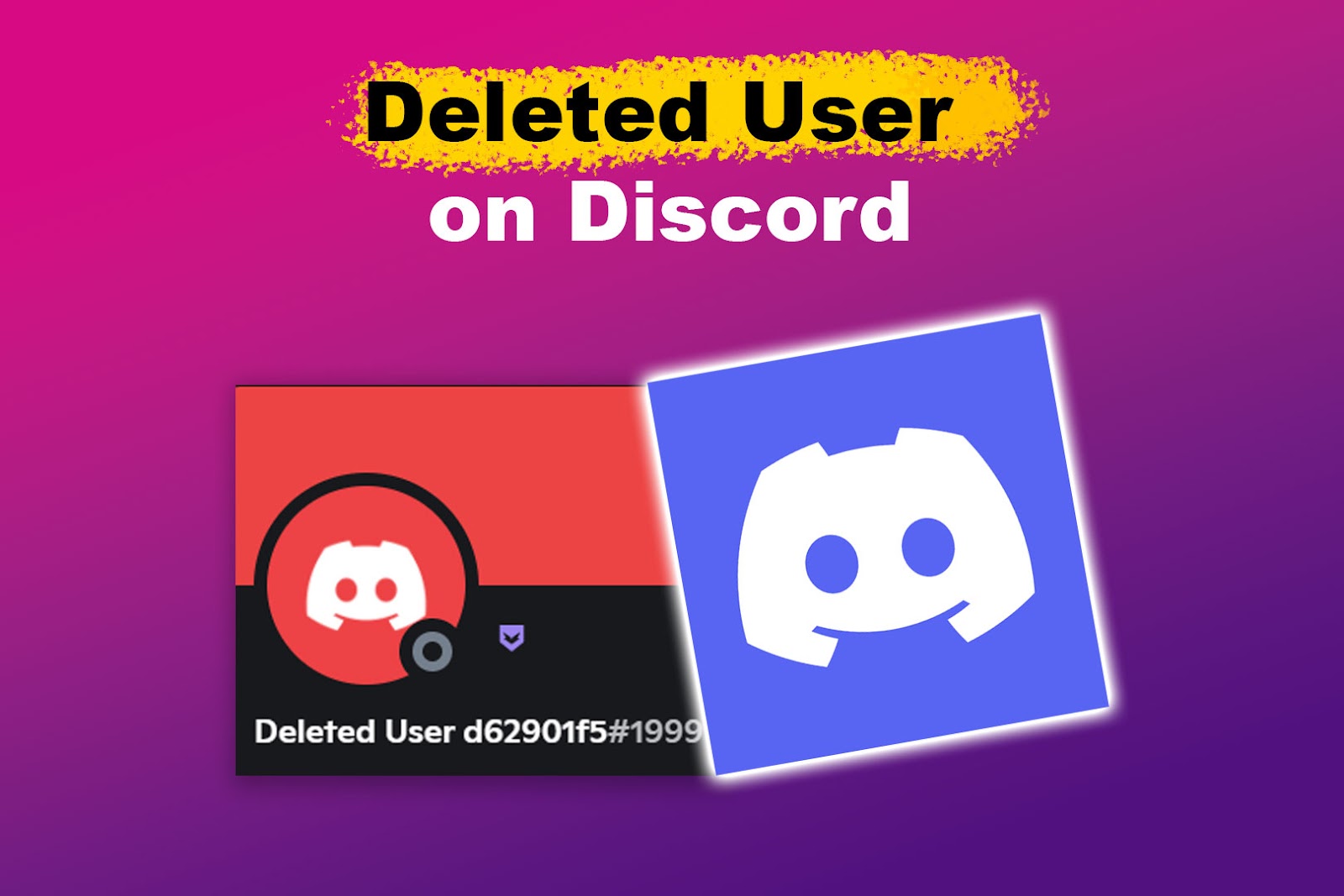
When an account is scrubbed, the original username is replaced by the string “Deleted User,” followed by a unique, randomized string of characters or numbers (e.g., Deleted User 5b8e2f). This ensures that if multiple people in a server delete their accounts, the system can still distinguish between different “Deleted Users” in the backend database, even if they look identical to the casual observer.
The Default Avatar Transformation
Discord profiles are often defined by their custom avatars—ranging from personal photos to stylized illustrations. Upon deletion, Discord’s servers purge the custom image file associated with that user ID.
The profile picture is replaced by the default Discord logo (the “Clyde” icon) set against a neutral grey background. Unlike active users who may have a colored background (blue, green, red, etc.) based on their discriminator or internal ID, a deleted account almost always reverts to a desaturated, uniform appearance. This visual “graying out” serves as a psychological cue to other users that the person is no longer active or reachable.
Message Persistence and Metadata
A common misconception is that deleting an account will automatically delete every message that user ever sent. From a technical standpoint, this is not the case. Discord’s architecture prioritizes the continuity of conversations. If every message from a deleted user vanished, many threads would become incoherent, losing vital context.
The messages themselves remain in the text channels or Direct Messages (DMs). However, the metadata linking those messages to a real person is severed. The messages will now appear under the “Deleted User” name and the grey avatar. Furthermore, any custom status, “About Me” bio, or linked social media accounts (like Spotify, Twitch, or Steam) are permanently wiped from the profile interface.
Communication Dynamics: DMs and Server Interactions
The way a deleted account interacts with the platform’s social features changes drastically. Because the account no longer exists in Discord’s active database, the “bridge” between the user and their contacts is effectively burned.
Direct Messages (DMs) After Deletion
If you have an ongoing DM thread with someone who deletes their account, the conversation history does not disappear. You can still scroll back and read every message you exchanged. However, you will notice several changes:
- No New Messages: The chat box at the bottom of the screen is typically disabled or will return an error if you attempt to send a message.
- Profile Inaccessibility: Clicking on the “Deleted User” profile will show a blank card. You cannot add them as a friend, send a “Wave,” or see any mutual servers.
- Search Functionality: You can still use the “In: Channel” or “From: User” search filters within the DM, but you will have to search for the specific “Deleted User” string assigned to them.
Group Chats and Server Roles
In a group DM (GDM), the deleted user remains in the list of participants but is listed as “Deleted User.” They cannot be mentioned using the @ symbol in a way that generates a notification.
In larger servers, the impact is more administrative. When an account is deleted, it is automatically removed from the server’s member list. Consequently, any roles that were manually assigned to that user (such as “Moderator,” “VIP,” or custom color roles) are stripped away. The user’s ID is removed from the server’s role-assignment table, meaning that even if the user were to create a new account and rejoin, they would start from scratch with no permissions.
Mentions and Tagging
Historical mentions of the user undergo a transformation. If you previously tagged the user in a message (e.g., “@Username”), that tag might remain as “ghosted” text. In some cases, the mention will resolve to the user’s old ID (a long string of numbers) rather than a clickable link. Because the account no longer exists to receive a push notification, these mentions become purely cosmetic remnants of past interactions.
Behind the Scenes: Data Retention and Privacy
Discord’s approach to account deletion is heavily influenced by global data protection regulations, such as the General Data Protection Regulation (GDPR) in Europe and the California Consumer Privacy Act (CCPA) in the United States. These laws dictate how a tech company must handle the “anonymization” of data.
Does Discord Really Delete Everything?
When you click “Delete Account,” Discord does not wipe the data instantly. There is a “grace period”—usually 14 to 30 days—during which the account is merely deactivated. This is a security measure to prevent “impulse deletion” or to allow a user to recover their account if it was compromised by a hacker who initiated the deletion.
During this grace period, the account looks like it is in a state of limbo. Once the period expires, Discord begins the permanent deletion process. At this stage, the email address and phone number associated with the account are unlinked and hashed, and the PII is removed from the primary production databases.
Anonymization vs. Erasure
It is important to distinguish between erasing data and anonymizing it. Discord chooses anonymization for messages. By reassigning messages to a “Deleted User” ID, Discord fulfills its legal obligation to remove your identity from the data while maintaining the integrity of the platform’s service.
However, if a user wants their messages to be gone entirely, they must manually delete their messages before initiating the account deletion process. Once the account is gone, Discord’s support team generally cannot go back and delete specific messages for you, as they can no longer verify that you were the original author of those messages.
Legal and Security Implications
In certain circumstances, Discord may retain some data even after an account is deleted. If an account was involved in a violation of the Terms of Service (ToS) or is subject to a legal preservation order (such as an ongoing law enforcement investigation), Discord may keep specific logs to comply with legal requirements. These logs are stored in a highly restricted environment and are not visible to the general public or other users on the platform.
How to Delete or Disable a Discord Account
For users looking to manage their digital presence, Discord offers two distinct paths: Disabling and Deleting. Each has a different impact on how the account appears to others.
Deletion vs. Disabling: Key Differences
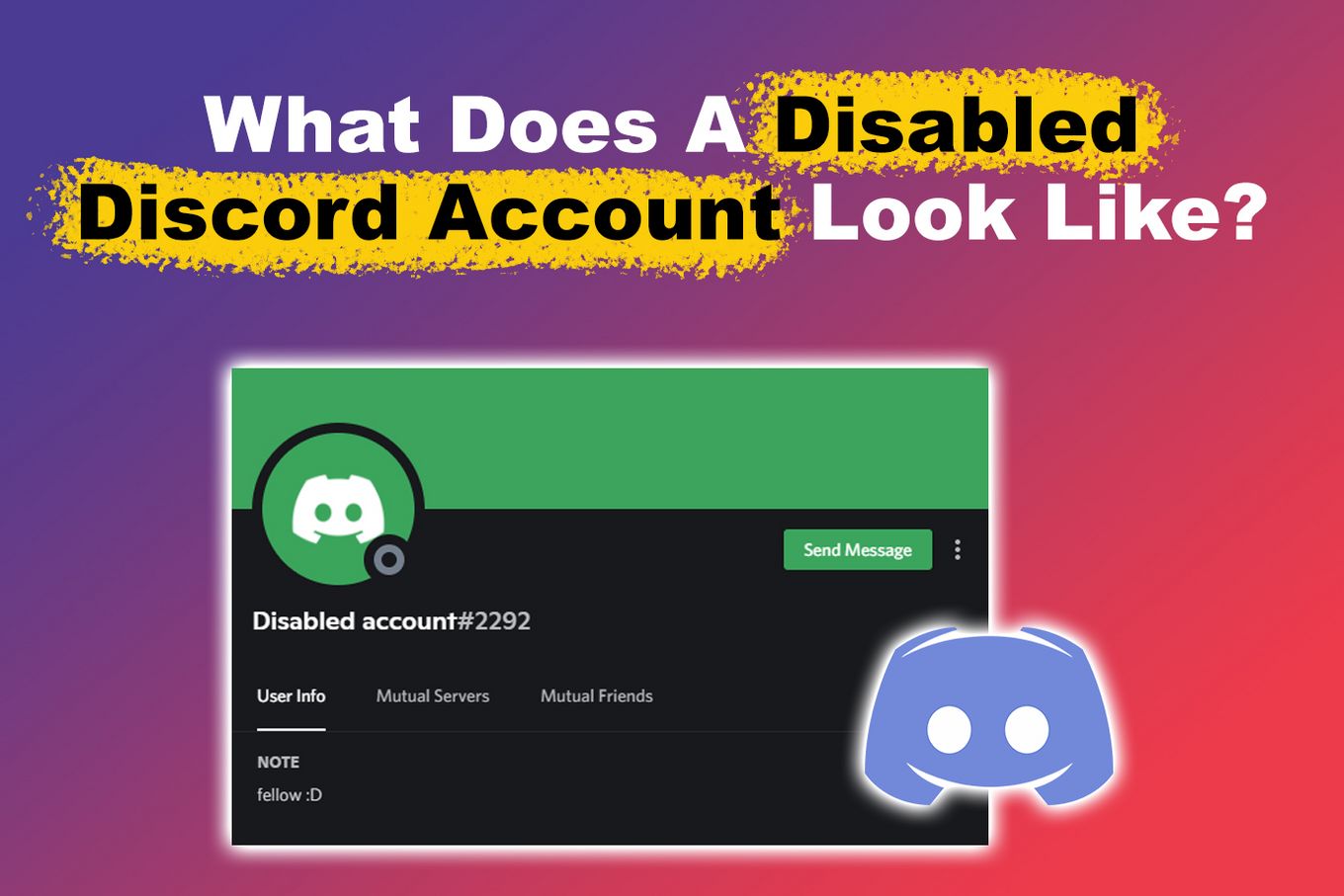
- Disabling: This is a “soft” exit. Your account is put on hold. You will no longer receive notifications, but your username and profile picture remain intact. To your friends, you simply look like an offline user. You can reactivate the account at any time by logging back in.
- Deleting: This is the “hard” exit. As described throughout this article, this process is permanent. After the grace period, your username, avatar, and personal data are gone forever.
Step-by-Step Deletion Guide
If you have decided to delete your account, the process is straightforward but requires you to handle server ownership first:
- Transfer Ownership: If you own any Discord servers, you cannot delete your account until you either delete the servers or transfer ownership to another user.
- User Settings: Open Discord and click the gear icon (User Settings) in the bottom-left corner.
- My Account: Under the “My Account” tab, scroll to the bottom.
- Initiate Deletion: Click the “Delete Account” button. You will be prompted to enter your password and your Six-Digit 2FA code (if enabled).
Impact on Server Ownership
The technical “look” of a deleted account is most disruptive when the user was a server owner. If a server owner manages to delete their account without transferring ownership (which usually requires manual intervention or happens if a server is empty), the server effectively becomes “headless.” In large, active communities, this can lead to an “Ownership Transfer Request” through Discord Support, where a high-ranking moderator can petition to take control of the server to ensure its continued operation.
Conclusion: The Digital Legacy of a Discord Ghost
A deleted Discord account serves as a fascinating case study in modern digital identity management. By transforming active users into “Deleted User” placeholders, Discord balances the individual’s right to privacy with the community’s need for conversational context.
Visually, a deleted account is a shell—a grey avatar and a randomized name that marks the spot where a person once engaged with a digital community. For the tech-savvy user, it is a reminder that while our identities can be retracted, our contributions to the digital dialogue often remain as anonymized fragments of a larger social puzzle. Whether you are cleaning up your digital footprint or wondering why a friend has turned into a “ghost,” understanding these technical nuances provides clarity in the ever-shifting landscape of online communication.
aViewFromTheCave is a participant in the Amazon Services LLC Associates Program, an affiliate advertising program designed to provide a means for sites to earn advertising fees by advertising and linking to Amazon.com. Amazon, the Amazon logo, AmazonSupply, and the AmazonSupply logo are trademarks of Amazon.com, Inc. or its affiliates. As an Amazon Associate we earn affiliate commissions from qualifying purchases.