
In the contemporary landscape of ubiquitous technology, we interact with dozens of devices daily—smartphones, laptops, smart TVs, and desktop workstations. One of the most common yet frequently misunderstood features of these devices is “Standby Mode.” Often symbolized by a glowing amber light or a pulsing LED, standby mode serves as the middle ground between a device being fully operational and completely powered off.
As hardware becomes more sophisticated and our reliance on “instant-on” technology grows, understanding the mechanics, benefits, and technical nuances of standby mode is essential for any tech-savvy user. This guide explores the technical architecture of power states, the evolution of energy management, and how to optimize your devices for the best balance of performance and efficiency.
Understanding the Mechanics of Standby Mode
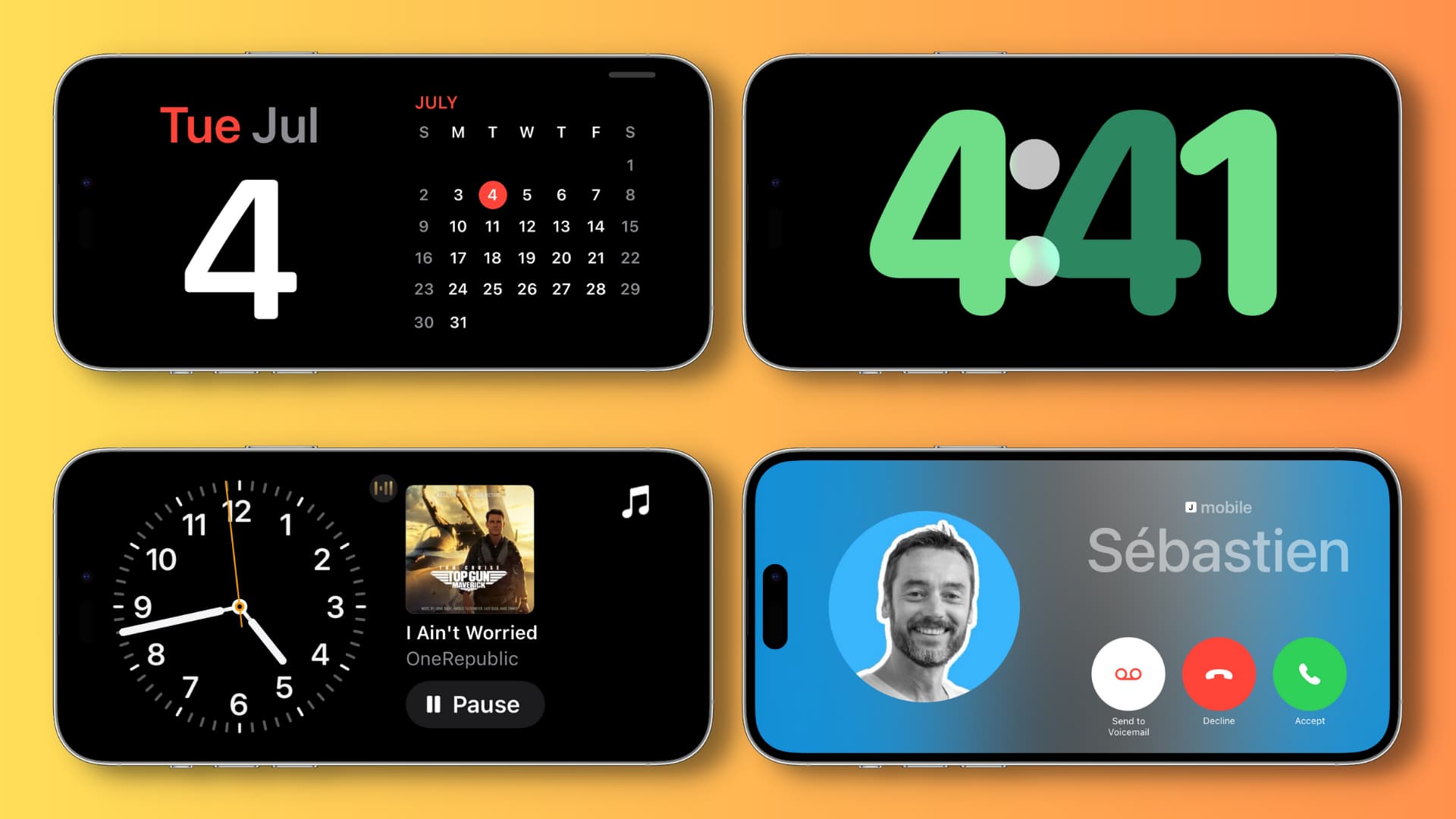
At its core, standby mode—often referred to as “Sleep Mode” in the context of personal computers—is a low-power state that allows a device to resume full-power operation within seconds. Unlike a hard shutdown, which terminates all processes and clears the system’s volatile memory (RAM), standby mode preserves the current state of the operating system.
The Technical Evolution of Power States (ACPI)
To understand how standby works, we must look at the Advanced Configuration and Power Interface (ACPI) specification. This is an industry standard used by operating systems to handle power management.
- S0 (Working): The device is fully functional.
- S1/S2/S3 (Sleep States): These are varying levels of standby. S3 is the most common “Suspend to RAM” state, where the CPU is powered down, but the RAM remains powered to hold your open applications and data.
- S4 (Hibernation): This is “Suspend to Disk.” The system saves the RAM content to the Hard Drive or SSD and powers down completely.
- S5 (Soft Off): The system is shut down, though it may still draw a tiny amount of power to respond to a power button press or a “Wake-on-LAN” command.
RAM vs. Storage in Power Management
The primary reason standby mode is so fast is its reliance on Random Access Memory (RAM). RAM is volatile, meaning it requires a constant stream of electricity to keep data alive. When you put a laptop into standby, the system cuts power to the screen, the cooling fans, and the storage drives, but it maintains a trickle of power to the RAM modules. Because the data—your open browser tabs, your half-written email, your unsaved document—stays in the RAM, the computer doesn’t need to “reboot” or reload files from the slower storage drive when you wake it up.
The Benefits of Using Standby Mode for Modern Devices
The transition from the “always off” mentality of the 1990s to the “always standby” mentality of today is driven by the need for speed and background maintenance. Modern software environments are rarely static; they require constant updates and synchronization.
Instant-On Functionality and Productivity
The most immediate benefit of standby mode is the elimination of boot times. In a professional environment, waiting three to five minutes for a desktop to initialize, load drivers, and open essential software suites can lead to significant cumulative productivity loss. Standby mode reduces this transition to a matter of two or three seconds. This “Instant-On” capability is what makes modern tablets and smartphones feel so responsive; they are essentially always in a highly optimized standby state.
Maintaining Background Tasks and Modern Standby
With the advent of Windows 10 and 11, and macOS’s “Power Nap,” standby has evolved into something more active. “Modern Standby” (or S0 Low Power Idle) allows a computer to stay connected to the internet even while the screen is off.
- Software Updates: Your OS can download and install security patches during low-usage hours.
- Cloud Syncing: Applications like OneDrive, Dropbox, or iCloud can sync files in the background, ensuring your data is up to date the moment you wake the device.
- Notifications: Just like a smartphone, a laptop in Modern Standby can receive VOIP calls or email notifications, providing a seamless transition between mobile and desktop experiences.
The Environmental and Technical Impact: Power Consumption and “Vampire Power”

While standby mode offers undeniable convenience, it does come with a cost—both in terms of electricity consumption and hardware wear. This has led to the coining of the term “Vampire Power” or “Phantom Load,” referring to the energy consumed by electronic appliances while they are switched off or in a standby state.
What is Vampire Power?
Even when a device appears to be “off,” it is often drawing a small amount of current. For a single device, this might be as low as 0.5 to 2 watts. However, in a household or office with dozens of devices—monitors, printers, speakers, and coffee makers—the cumulative effect is measurable. According to various energy studies, standby power can account for 5% to 10% of total residential electricity usage.
From a technical perspective, this power is used to keep sensors active (for remote controls), maintain internal clocks, and keep capacitors charged so the device can “jump” to life quickly. In the world of “Internet of Things” (IoT) gadgets, this power is also used to maintain a constant Wi-Fi or Zigbee connection to your home network.
Balancing Hardware Longevity with Energy Savings
There is a long-standing debate in the tech community: is it better for the hardware to stay on in standby or be turned off completely?
- Thermal Stress: Repeatedly turning a device completely off and on subjects components to “thermal cycling”—the expansion and contraction of materials as they heat up and cool down. Keeping a device in standby maintains a more consistent, albeit low, internal temperature, which can theoretically extend the life of some solder joints and integrated circuits.
- Component Wear: Conversely, keeping a device in standby means the power supply unit (PSU) is always active. Over many years, this can lead to the gradual wear of capacitors.
For most modern solid-state electronics (those without moving parts like HDDs), standby mode is the recommended default, as the mechanical stress of a full cold boot often outweighs the minor electrical wear of a low-power state.
Best Practices for Managing Standby on Different Systems
To get the most out of your technology, you should configure your standby settings based on your specific use case. Different operating systems offer various levels of granularity for power management.
Optimizing Windows and macOS Power Settings
Both major desktop operating systems provide “Power Plans” or “Energy Saver” settings.
- On Windows: Users can go to “Power & Sleep settings” to define exactly when the screen turns off versus when the PC goes to sleep. Advanced users can use the “Command Prompt” (powercfg /a) to see exactly which sleep states their specific hardware supports.
- On macOS: The “Energy Saver” (on Intel Macs) or “Battery” (on Apple Silicon Macs) tab allows users to toggle “Wake for network access” and “Enable Power Nap.” Apple Silicon (M1/M2/M3) chips are particularly efficient at standby, consuming almost negligible power while remaining ready to work instantly.
Standby in the World of Mobile and IoT
For smartphones (Android and iOS), standby is the default state. These devices use sophisticated “Doze” modes or “Low Power Modes” that aggressively throttle background CPU usage to preserve battery life.
In the world of smart home technology, standby mode is critical. A smart bulb must be in standby (drawing about 0.5W) to “hear” the command from your smartphone to turn on. If you cut the power at the wall switch, the “smart” functionality ceases to exist. When building a smart home, the goal is to choose devices with high-efficiency standby ratings (such as Energy Star certified products) to minimize the collective phantom load.
Conclusion: The Future of Standby Technology
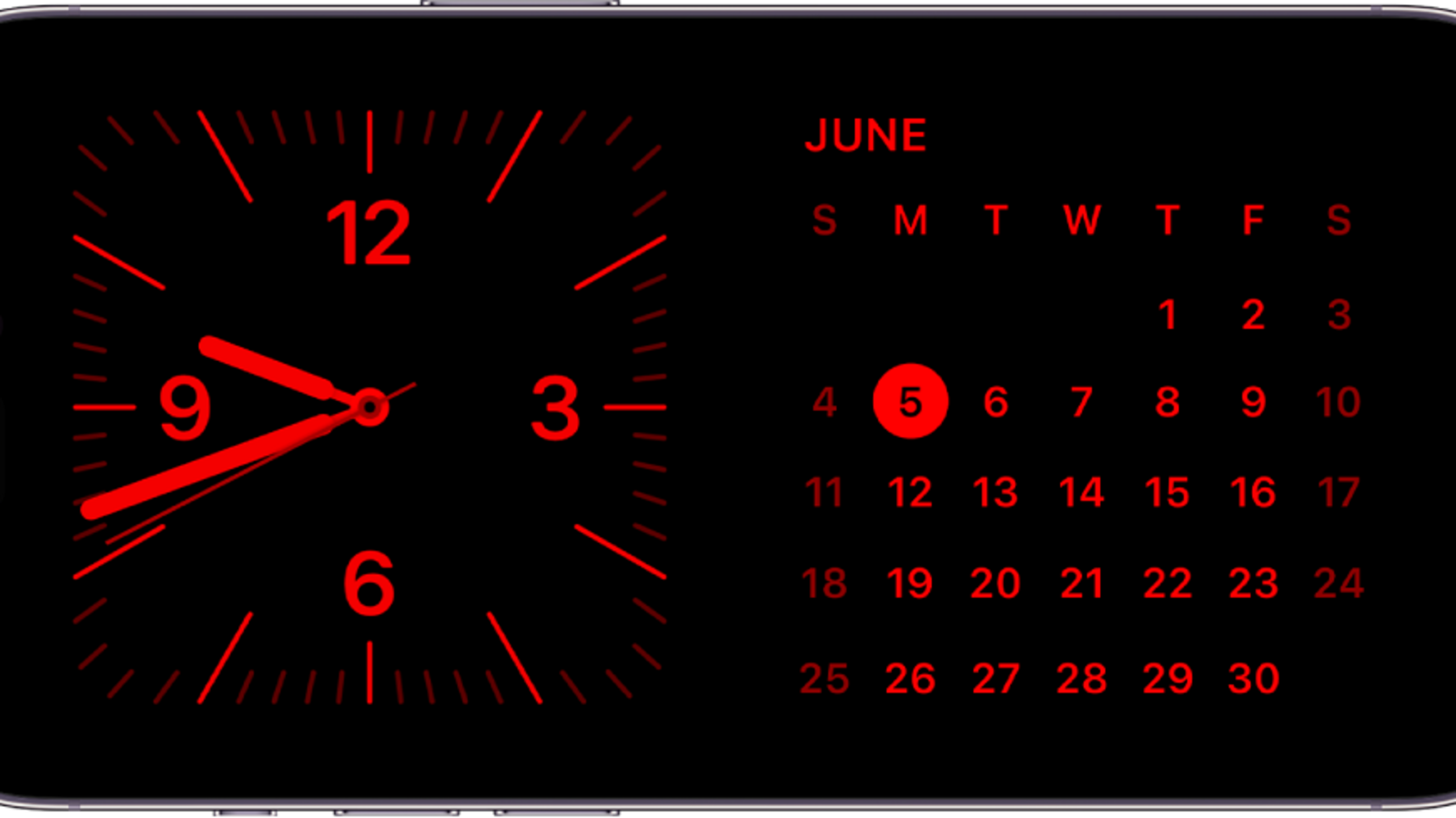
As we move toward a more sustainable future, the technology behind standby mode is focusing on “Zero-Watt Standby.” Engineers are developing new types of non-volatile memory (like MRAM) that can hold data without any power, potentially allowing for the speed of Standby (S3) with the zero-energy consumption of Shutdown (S5).
Until those technologies become mainstream, standby mode remains one of the most vital features of the modern digital experience. It bridges the gap between human impatience and machine processing, allowing our tools to be ready the moment inspiration strikes. By understanding how to manage these power states, you can ensure your gadgets remain responsive, updated, and as energy-efficient as possible in an always-connected world.
aViewFromTheCave is a participant in the Amazon Services LLC Associates Program, an affiliate advertising program designed to provide a means for sites to earn advertising fees by advertising and linking to Amazon.com. Amazon, the Amazon logo, AmazonSupply, and the AmazonSupply logo are trademarks of Amazon.com, Inc. or its affiliates. As an Amazon Associate we earn affiliate commissions from qualifying purchases.