
Navigating the landscape of credit card payments can sometimes feel like a complex puzzle, especially when it involves a popular and widely used card like the Amazon credit card. Whether you’re a new cardholder or looking for more efficient ways to manage your payments, understanding the available options is crucial for maintaining good credit health and avoiding unnecessary interest charges. This guide will delve into the various methods for paying your Amazon credit card bill, offering insights into their convenience, security, and effectiveness. We will explore both the digital and traditional avenues, empowering you to choose the payment method that best suits your financial habits and preferences.

Understanding Your Amazon Credit Card Payment Options
The Amazon credit card, often issued by Synchrony Bank, offers a range of flexible payment methods designed to accommodate different user needs. From quick online transactions to automated recurring payments, each option provides a distinct experience. Familiarizing yourself with these choices is the first step towards streamlined payment management. It’s important to remember that the specific options and their functionalities might vary slightly depending on the exact Amazon credit card product you hold (e.g., the Amazon Rewards Visa Signature Card, the Amazon Prime Store Card, etc.), but the core principles remain consistent.
Online Payments: The Digital Gateway to Convenience
In today’s digital-first world, online payments have become the go-to method for many consumers due to their speed, accessibility, and ease of use. For your Amazon credit card, this typically involves logging into your online account portal provided by the card issuer.
Logging In and Navigating Your Account
The initial step to making an online payment is to access your account. If you haven’t already, you’ll need to register for online access. This usually involves providing your credit card number, personal identifying information (like your Social Security Number or date of birth), and creating a username and password. Once registered, simply navigate to the card issuer’s website (commonly Synchrony Bank for most Amazon-branded cards) and log in.
Upon logging in, you’ll typically be presented with a dashboard or account summary. Look for sections labeled “Payments,” “Pay Bill,” “Make a Payment,” or “Billing.” This is where you’ll initiate your payment. You’ll usually see your current balance, minimum payment due, and the payment due date clearly displayed.
Setting Up One-Time Payments
To make a one-time payment, you’ll need to link a payment method. This typically includes a checking or savings account from a bank or credit union. You’ll need to provide your bank’s routing number and your account number. Some issuers may also allow payments via debit card, though this is less common for credit card bills. Once your bank account is linked, you can choose the amount you wish to pay (full balance, minimum payment, or a custom amount) and the date on which you want the payment to be processed. It’s advisable to schedule your payment a few business days before the due date to account for processing times.
Automating Your Payments with AutoPay
For ultimate convenience and to ensure you never miss a payment, consider setting up Automatic Payments (AutoPay). This feature allows you to authorize recurring payments from your linked bank account. You can typically choose to have the full statement balance, the minimum payment due, or a fixed amount paid automatically each month. AutoPay is an excellent tool for preventing late fees and maintaining a positive payment history, which is crucial for your credit score.
When setting up AutoPay, carefully review the terms and conditions, especially regarding the payment amount. Opting to pay the full statement balance is generally recommended to avoid interest charges. If you choose to pay only the minimum, remember that interest will accrue on the remaining balance. You can usually modify or cancel your AutoPay settings at any time through your online account portal.
Alternative Payment Methods: Beyond the Online Portal
While online payments are highly efficient, there are alternative methods available for those who prefer them or encounter issues with online access. These options, while perhaps less instantaneous, still offer reliable ways to settle your Amazon credit card balance.
Paying by Phone: A Direct Approach
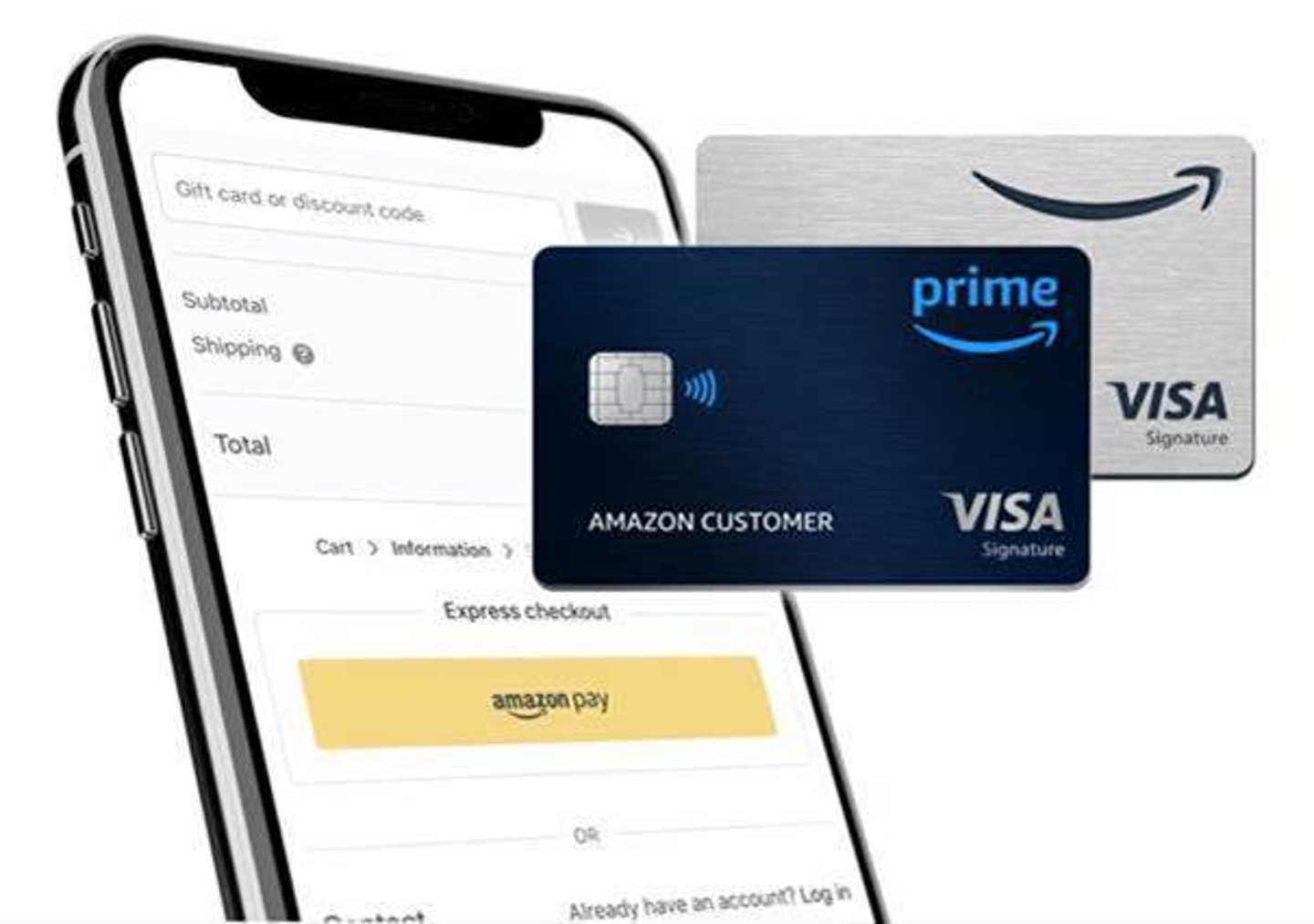
If you prefer speaking with a representative or need assistance, you can often make your Amazon credit card payment by phone. The customer service number for your card issuer will be listed on your credit card statement, on the back of your physical credit card, or on their website. When you call, be prepared to provide your account information and details of your bank account or preferred payment method.
The representative will guide you through the payment process, confirming the amount and processing the transaction. This method can be particularly helpful for those who are less comfortable with online platforms or who need to resolve specific payment-related queries concurrently. Keep in mind that some issuers might impose a fee for phone payments, so it’s wise to inquire about this beforehand.
Paying by Mail: The Traditional Route
For those who prefer a more traditional approach, mailing a payment is still an option. Your Amazon credit card statement will clearly indicate the payment address to which you should send your checks or money orders. It’s crucial to use the correct address to ensure your payment is processed promptly.
When mailing a payment, always include your credit card account number on your check or money order. It’s also a good practice to write the payment amount clearly and to make it payable to the card issuer. Sending your payment well in advance of the due date is highly recommended, as postal delivery and processing times can vary. Allow at least 7-10 business days for your payment to be received and credited to your account. Consider using certified mail for added security and tracking.
Key Considerations for Smooth Payment Management
Regardless of the payment method you choose, there are several overarching principles that contribute to a seamless and stress-free experience. Proactive management and understanding the nuances of your credit card agreement can prevent common pitfalls and ensure your financial obligations are met efficiently.
Understanding Your Billing Cycle and Due Dates
Your credit card operates on a billing cycle. At the end of each cycle, a statement is generated detailing your transactions, balance, minimum payment due, and the payment due date. It is imperative to know these dates. The payment due date is the last day you can make a payment without incurring a late fee and without it negatively impacting your credit score. Payments are typically due a few weeks after the end of your billing cycle.
Many card issuers offer a grace period, which is the time between the end of your billing cycle and your payment due date. If you pay your statement balance in full by the due date, you typically won’t be charged interest on new purchases made during that billing cycle. Missing the due date can result in late fees, increased interest rates (penalty APR), and damage to your credit history. Regularly checking your statement or logging into your online account to confirm these dates is a fundamental aspect of responsible credit card management.
The Importance of Paying More Than the Minimum
While paying the minimum amount due will keep your account in good standing and prevent late fees, it is rarely the most financially prudent choice. When you only pay the minimum, the remaining balance is carried over to the next billing cycle, and interest is charged on that outstanding amount. Credit card interest rates are typically high, and if you consistently pay only the minimum, you could end up paying significantly more for your purchases over time due to accrued interest.
To minimize interest charges and pay off your balance more quickly, it’s always advisable to pay as much as you can towards your balance each month. Paying the full statement balance is the ideal scenario, as it means you’re not paying any interest at all. If you can’t pay the full balance, aim to pay an amount considerably higher than the minimum. This approach not only saves you money in the long run but also helps you reduce your overall debt faster.
Security Measures and Best Practices
When managing your Amazon credit card payments, particularly online, security should always be a top priority. Protecting your personal and financial information is paramount to preventing fraud and identity theft.
When accessing your account online, ensure you are on the official website of the card issuer. Look for “https” in the web address and a padlock icon in your browser’s address bar, indicating a secure connection. Avoid accessing your account on public Wi-Fi networks, as these are more susceptible to security breaches. Use strong, unique passwords for your online accounts and consider enabling two-factor authentication if offered. This adds an extra layer of security, requiring a second form of verification (like a code sent to your phone) in addition to your password.
If you opt to pay by mail, never send cash. Use checks or money orders and keep a record of the payment. For phone payments, only provide your information to verified customer service representatives. Be wary of unsolicited calls or emails asking for your credit card details. If you suspect any unauthorized activity on your account, contact your card issuer immediately. By adhering to these security best practices, you can confidently manage your Amazon credit card payments and protect yourself from potential financial risks.
aViewFromTheCave is a participant in the Amazon Services LLC Associates Program, an affiliate advertising program designed to provide a means for sites to earn advertising fees by advertising and linking to Amazon.com. Amazon, the Amazon logo, AmazonSupply, and the AmazonSupply logo are trademarks of Amazon.com, Inc. or its affiliates. As an Amazon Associate we earn affiliate commissions from qualifying purchases.