
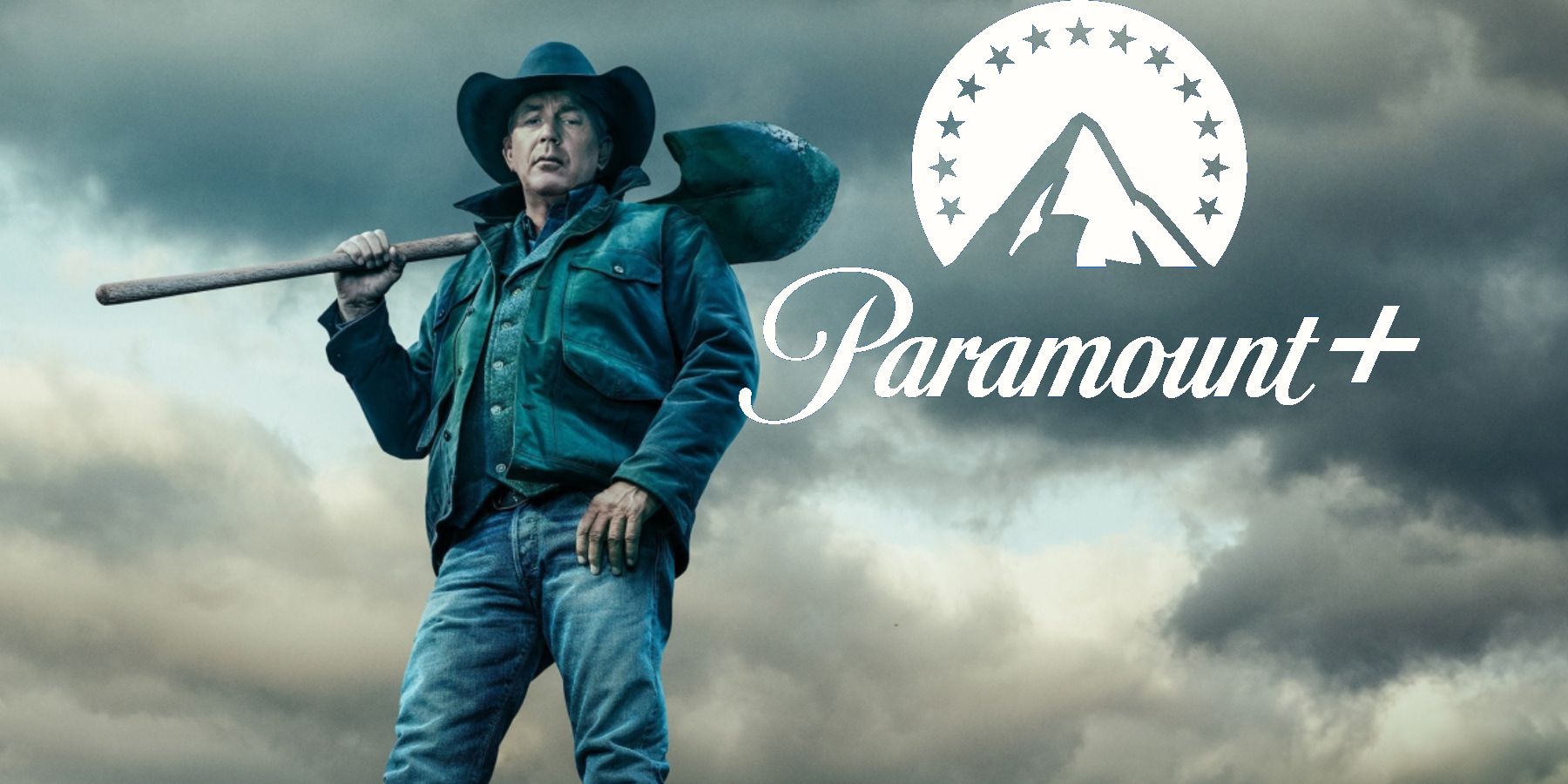
It’s a common frustration in the modern streaming landscape: you subscribe to a service, only to find the highly anticipated show you wanted to watch isn’t there, or perhaps only partially. For many fans of the critically acclaimed neo-western “Yellowstone,” this scenario has played out repeatedly with Paramount Plus. Despite the series being a flagship show produced by Paramount Global, its primary streaming home hasn’t always been its namesake platform. This isn’t just a quirky anomaly; it’s a symptom of the complex web of content licensing, legacy deals, and technical hurdles that define the digital entertainment era.

Understanding why you might struggle to watch “Yellowstone” on Paramount Plus requires a dive into streaming rights, common technical issues that plague all streaming platforms, and even the nuances of geographic content distribution. As technology continues to reshape how we consume media, these intricacies become ever more critical for users to grasp, transforming a simple act of watching TV into a multi-layered technical puzzle.
The Peculiar Case of Streaming Rights: Yellowstone’s Complicated Journey
The primary reason many subscribers are perplexed by “Yellowstone’s” absence (or incomplete presence) on Paramount Plus boils down to a fundamental aspect of the streaming industry: content licensing. Unlike traditional cable television where a network owns and broadcasts its shows, the digital realm operates on a system of exclusive rights, often negotiated years in advance.
Understanding Legacy Deals and Licensing Agreements
Before Paramount Plus even existed in its current form (it launched as CBS All Access in 2014 and rebranded in 2021), Paramount Global made strategic decisions about its content. In a significant move in 2020, ViacomCBS (now Paramount Global) licensed the exclusive streaming rights for “Yellowstone” to Peacock, NBCUniversal’s streaming service. This deal covered the first three seasons and subsequent future seasons at the time. This was a common practice in the nascent stages of the streaming wars, where studios would license their content to rival platforms to generate immediate revenue and build initial viewership for their shows.
These “legacy deals” are binding contracts that dictate where content can be streamed for a specific period. They often predate the studio’s own dedicated streaming service or at least predate its full strategic vision for content consolidation. For “Yellowstone,” this meant that even as Paramount Plus launched and began to accumulate Paramount Global’s vast library, the flagship series remained contractually obligated to Peacock. Such agreements often include clauses for exclusivity, preventing the content from appearing on other platforms during the contract term, even the content owner’s own.
Paramount’s Strategy vs. Yellowstone’s Reality
From a business perspective, these deals made sense at the time. They provided immediate capital and helped “Yellowstone” gain wider exposure on a well-established platform. However, as Paramount Global pivoted to an aggressive direct-to-consumer strategy with Paramount Plus, this legacy agreement became a significant point of contention and confusion for subscribers. The company was essentially competing with itself, having its most popular show driving subscriptions to a rival service.
While Paramount Plus is the streaming home for “Yellowstone” spin-offs like “1883” and “1923” (which were produced specifically for Paramount Plus and launched after its rebranding), the main “Yellowstone” series itself has been a different story. This highlights a strategic shift where studios now prioritize keeping new, original content exclusively on their own platforms to drive subscriptions directly. The disconnect between the original series and its prequels underscores the fragmented nature of streaming rights, where different content within the same franchise can reside on entirely different services.
The Split: Where to Find Each Season
So, where does that leave the average viewer?
- Seasons 1-5 (Part A): For the entirety of “Yellowstone” seasons one through five (the first half of season five, specifically), the exclusive streaming home in the U.S. remains Peacock Premium. This is due to that aforementioned legacy licensing deal. To watch these seasons, you need a subscription to Peacock Premium.
- Season 5 (Part B) and Beyond (Future Seasons): The second half of “Yellowstone” Season 5 and any subsequent new seasons will eventually likely stream on Peacock Premium first, following the existing agreement. However, there’s always industry speculation and negotiation around such major properties, so it’s wise to stay updated on official announcements.
- Yellowstone Spin-offs: The critically acclaimed prequel series, “1883” and “1923,” along with other planned “Yellowstone” universe shows, are indeed exclusive to Paramount Plus worldwide. This distinction is crucial and often adds to the confusion.
This complex arrangement illustrates that simply having a subscription to a service named after the producing studio isn’t always enough to access all related content. Technology, in this case, is merely the delivery mechanism for rights dictated by business and legal contracts.
Troubleshooting Common Technical Hurdles on Paramount Plus
Even if “Yellowstone” were fully available on Paramount Plus, various technical issues could still prevent you from enjoying a seamless viewing experience. These problems are not unique to Paramount Plus but are common across all streaming platforms and often stem from app performance, internet connectivity, or device compatibility.
App Performance and Software Glitches
Streaming applications, like any software, are susceptible to bugs, crashes, and performance issues. A common reason for playback problems is a temporary glitch within the Paramount Plus app itself.
- Solution 1: Restart the App: A simple restart can often resolve minor software conflicts. Force close the Paramount Plus app completely (don’t just minimize it) and then reopen it.
- Solution 2: Clear App Cache and Data: Over time, app caches can become corrupted, leading to playback issues. On most smart TVs, streaming devices (Roku, Fire Stick), and mobile devices, you can go into the app settings to clear the cache or data. Be aware that clearing data might log you out and require you to re-enter your credentials.
- Solution 3: Update the App: Ensure your Paramount Plus app is running the latest version. Developers frequently release updates to fix bugs, improve performance, and add new features. Check your device’s app store for available updates.
- Solution 4: Reinstall the App: If all else fails, uninstalling and reinstalling the app can often resolve persistent issues by providing a fresh installation.
Internet Connectivity and Streaming Quality Issues
A stable and fast internet connection is paramount for high-quality streaming. Without adequate bandwidth or a reliable connection, you’ll experience buffering, pixelation, or outright playback failures.
- Solution 1: Check Your Internet Speed: Use an online speed test (e.g., Speedtest.net) to verify your internet speed. Paramount Plus recommends at least 5 Mbps for HD streaming and higher for 4K content.
- Solution 2: Troubleshoot Your Router/Modem: Restart your router and modem by unplugging them for 30 seconds and then plugging them back in. This can refresh your network connection.
- Solution 3: Reduce Network Congestion: If multiple devices are using your home network simultaneously, they could be consuming bandwidth. Pause downloads, other streaming sessions, or online gaming to free up resources.
- Solution 4: Use a Wired Connection (Ethernet): Whenever possible, connect your streaming device directly to your router via an Ethernet cable. This provides a more stable and often faster connection than Wi-Fi, reducing interference and latency.
- Solution 5: Move Closer to Router/Improve Wi-Fi: If using Wi-Fi, ensure your streaming device is within a reasonable range of your router. Obstacles like walls and other electronics can interfere with Wi-Fi signals. Consider Wi-Fi extenders or mesh systems for larger homes.
Device Compatibility and Operating System Requirements
Streaming services often have specific requirements for devices and operating systems. An outdated device or OS can lead to compatibility issues.
- Solution 1: Verify Device Compatibility: Check the Paramount Plus support page to ensure your specific device model (smart TV, streaming stick, game console, mobile phone) is officially supported. Older devices may eventually lose support.
- Solution 2: Update Your Device’s Operating System: Ensure your smart TV, streaming device, or mobile phone’s operating system is up to date. OS updates often include critical security patches and performance improvements that can impact app functionality.
- Solution 3: Free Up Device Storage: For mobile devices or certain streaming sticks, low storage space can sometimes affect app performance. Delete unnecessary apps or files to free up space.
- Solution 4: Try a Different Device: If problems persist on one device, try accessing Paramount Plus on another compatible device (e.g., a different smart TV, a computer, or a tablet) to determine if the issue is device-specific.
Navigating Geographic Restrictions and VPN Challenges
Another common technical barrier, especially for international viewers, is geographic content restrictions, often referred to as geo-blocking. Even if “Yellowstone” were available on Paramount Plus, its availability could vary significantly based on your physical location.
The Mechanics of Geo-blocking and Content Licensing
Geo-blocking is a technology that restricts access to internet content based on the user’s geographical location. For streaming services, this is primarily driven by licensing agreements. Studios often sell distribution rights for their content on a country-by-country or regional basis. This means a show available on Paramount Plus in the United States might not be available on Paramount Plus in Canada, the UK, or Australia, and vice-versa. Instead, it might be licensed to a local broadcaster or another streaming service in those territories.
Streaming services detect your location using your IP address, which is assigned by your internet service provider and typically corresponds to your physical location. When your IP address indicates you’re in a region where the content isn’t licensed, access is denied. This is a legal requirement for streaming platforms to uphold their licensing agreements and prevent unauthorized distribution across borders.
Why VPNs Often Fail with Streaming Services
Many users attempt to bypass geo-restrictions using a Virtual Private Network (VPN). A VPN encrypts your internet connection and routes it through a server in a different location, making it appear as though you are browsing from that server’s geographical region. While VPNs are excellent tools for privacy and security, their effectiveness for bypassing streaming geo-blocks has significantly diminished.
- VPN Detection: Streaming services like Paramount Plus invest heavily in sophisticated VPN detection technologies. They continuously monitor IP addresses and identify those commonly associated with VPNs.
- IP Blacklisting: Once a VPN server’s IP address is detected as originating from a VPN service, it’s often blacklisted, preventing any users connecting through that server from accessing the streaming content.
- Constant Cat-and-Mouse Game: This creates a constant cat-and-mouse game: VPN providers acquire new IP addresses, and streaming services quickly block them. This means a VPN that works one day might fail the next.
Legal and Service Implications of Bypassing Region Locks
Attempting to bypass geo-restrictions, even with a VPN, can have several implications:
- Violation of Terms of Service: Most streaming services explicitly state in their terms of service that users are not permitted to use VPNs or other technologies to circumvent geo-blocking. While it rarely leads to account termination for a first offense, it can result in temporary access blocks or account warnings.
- Unreliable Streaming Experience: Even if a VPN temporarily works, the connection might be slower, less stable, and more prone to buffering, as your data is routed through an additional server.
- No Guarantee of Content: There’s no guarantee that using a VPN will unlock the specific content you’re looking for, especially with the sophisticated detection methods in place.
Ultimately, for reliable access to region-locked content, the most straightforward and compliant method is to be physically located within the licensed territory.
Beyond Yellowstone: Optimizing Your Overall Streaming Experience
The “Yellowstone” conundrum is a perfect microcosm of the modern streaming landscape. While the initial frustration is often content-specific, the underlying issues—licensing complexities, technical glitches, and geo-restrictions—are ubiquitous. Moving forward, understanding and mitigating these factors will be crucial for any tech-savvy streamer.
Keeping Tabs on Content Availability
The streaming world is dynamic, with shows moving between platforms, new services emerging, and old ones merging.
- Use Third-Party Watch Guides: Websites and apps like JustWatch, Reelgood, or TV Guide allow you to search for a specific show or movie and see which streaming services it’s currently available on in your region. These tools are invaluable for navigating content migrations.
- Follow Official Announcements: Keep an eye on official social media channels, press releases, and reputable tech/entertainment news sites for updates on content licensing and platform availability for your favorite shows.
- Check the Service Itself: Sometimes, the simplest way is to directly check the Paramount Plus (or Peacock) app’s search function. While it might confirm your disappointment, it’s a definitive current status.
Best Practices for a Seamless Streaming Setup
To minimize technical headaches regardless of the platform, adopt these best practices:
- Dedicated Streaming Device: While smart TVs are convenient, a dedicated streaming stick (Roku, Fire TV, Apple TV, Chromecast with Google TV) often provides a more robust and frequently updated platform, especially for older TVs.
- Reliable Internet: Invest in a good internet plan with sufficient bandwidth for your household’s streaming habits. Consider upgrading your router, especially if it’s several years old.
- Regular Updates: Keep all your streaming apps, devices, and operating systems updated. This isn’t just for features, but for security and performance.
- Organized Subscriptions: Manage your subscriptions carefully. Use a spreadsheet or a dedicated app to track which services you have, what you’re watching on each, and when billing cycles occur. Cancel services you’re not actively using to save money and reduce clutter.

The Future of Streaming: What to Expect
The streaming industry is still evolving rapidly. We are seeing a trend towards consolidation, with major media companies prioritizing their own streaming platforms. This could mean more exclusive content wars, but also potentially more clarity as studios bring all their content “home.” Ad-supported tiers are becoming standard, and hybrid models (e.g., linear channels within streaming apps) are emerging.
For the user, this means staying informed will be more critical than ever. The days of a single subscription granting access to everything are long gone, if they ever truly existed. Instead, we navigate a complex, technologically-driven ecosystem where understanding licensing, troubleshooting common issues, and leveraging digital tools are key to unlocking the content we desire. So, while “Yellowstone’s” journey on Paramount Plus remains complicated, knowing why offers valuable insight into the broader tech landscape of entertainment.
aViewFromTheCave is a participant in the Amazon Services LLC Associates Program, an affiliate advertising program designed to provide a means for sites to earn advertising fees by advertising and linking to Amazon.com. Amazon, the Amazon logo, AmazonSupply, and the AmazonSupply logo are trademarks of Amazon.com, Inc. or its affiliates. As an Amazon Associate we earn affiliate commissions from qualifying purchases.