
In the complex ecosystem of the Android operating system, there are hundreds of processes running simultaneously in the background to ensure a seamless user experience. Many of these applications remain invisible to the average user until they encounter them while digging through system settings or reviewing app permissions. One such component that often triggers curiosity—and sometimes concern—is Google Partner Setup.
Identified technically by the package name com.google.android.partnersetup, this application is a fundamental part of the Google Mobile Services (GMS) suite. To understand what Google Partner Setup is, one must look beyond the surface level of a simple “app” and view it as a critical bridge between Google’s software and the hardware produced by various manufacturers like Samsung, Xiaomi, Pixel, and OnePlus.
Defining Google Partner Setup: The Core Functionality
At its heart, Google Partner Setup is a system-level application designed to facilitate the integration of Google’s proprietary services with the specific hardware configurations of various device manufacturers (Original Equipment Manufacturers, or OEMs). While the Android Open Source Project (AOSP) provides the foundation for the operating system, Google’s most popular features—such as the Play Store, Maps, and Gmail—require a specialized layer of software to function correctly on diverse hardware.
The Bridge Between Google and Hardware Manufacturers
Every Android manufacturer has a slightly different way of designing their hardware. From screen aspect ratios and sensor types to processor architectures, the physical makeup of a phone varies wildly. Google Partner Setup acts as a configuration tool that helps Google’s services “understand” the hardware they are running on. It ensures that when you boot up a new device, the Google services are optimized for that specific model’s capabilities. This process is essential for maintaining a consistent user experience across thousands of different Android devices.
Is it Malware or Bloatware?
A common misconception among users who discover Google Partner Setup in their app list is that it might be malware or unnecessary bloatware. Because the app often requests various permissions and runs in the background, security-conscious users may become suspicious. However, in the world of mobile technology, Google Partner Setup is a legitimate, first-party system component. It is not bloatware in the traditional sense, as it performs vital system functions that go beyond simple pre-installed promotional apps. It is a core utility required for the device to meet the standards of the Android compatibility program.
How Google Partner Setup Works on Your Device
To appreciate the technical necessity of this component, we must examine the specific roles it plays during the lifecycle of a mobile device. It is primarily active during the initial configuration phase, but its presence remains necessary for ongoing updates and service synchronization.
Facilitating the Initial Device Configuration
When you take a new Android phone out of the box and turn it on for the first time, you are greeted by a setup wizard. This wizard guides you through connecting to Wi-Fi, signing into your Google account, and configuring basic settings. Google Partner Setup works behind the scenes during this phase. It coordinates with the OEM’s setup process to ensure that Google services are initialized correctly. It handles the “handshake” between the device’s unique ID and Google’s servers, ensuring that the device is recognized as a certified Android product.
Managing Licensing and Compliance
Google does not give away its full suite of apps (GMS) to every manufacturer without conditions. To include the Play Store and other Google apps, manufacturers must pass a series of compatibility tests and adhere to licensing agreements. Google Partner Setup serves as a compliance check mechanism. It verifies that the device meets the technical requirements set by Google to provide a stable environment for third-party apps. This ensures that an app downloaded from the Play Store will behave predictably, whether it’s installed on a budget-friendly device or a high-end flagship.
The Role of the com.google.android.partnersetup Package
In technical terms, the package name com.google.android.partnersetup is used by the system to call specific APIs. These APIs allow the device to download configuration files that are specific to the “partner” (the manufacturer). For instance, if a manufacturer has a specific agreement with Google to provide certain premium features or storage offers (like Google One storage for specific phone buyers), this package often handles the backend verification for those entitlements.
Why You Should Not Disable or Remove Google Partner Setup
Given that it is a system app, many advanced users who enjoy “debloating” their devices via ADB (Android Debug Bridge) might feel tempted to remove Google Partner Setup to save resources. However, from a technical and functional standpoint, this is generally discouraged for several reasons.
Maintaining System Stability
Because Google Partner Setup is deeply integrated into the system’s framework, removing or disabling it can lead to unforeseen stability issues. Many other Google apps depend on the configurations managed by this tool. If the partner setup process is interrupted or missing, users may experience frequent crashes in the Google Play Store, account sync errors, or even “boot loops” in extreme cases where the system expects a configuration response that never arrives.
Ensuring App Compatibility and Updates
The Android ecosystem relies on the Google Play Services framework to keep apps updated and secure. Google Partner Setup plays a role in identifying the device’s software version and hardware profile to ensure that the correct versions of apps are delivered. Without this silent background worker, your device might fail to receive critical security patches for specific Google components, or you might find that certain apps in the Play Store are suddenly listed as “incompatible with your device.”
Troubleshooting Common Issues Related to Partner Setup
While Google Partner Setup is designed to run silently, users occasionally encounter errors associated with it. Understanding how to address these issues is key to maintaining a healthy digital environment on your smartphone.
Handling “Google Partner Setup has stopped” Errors
One of the most common issues users report is a popup notification stating that “Google Partner Setup has stopped working.” This usually occurs due to a corrupted cache or a conflict after a major system update.
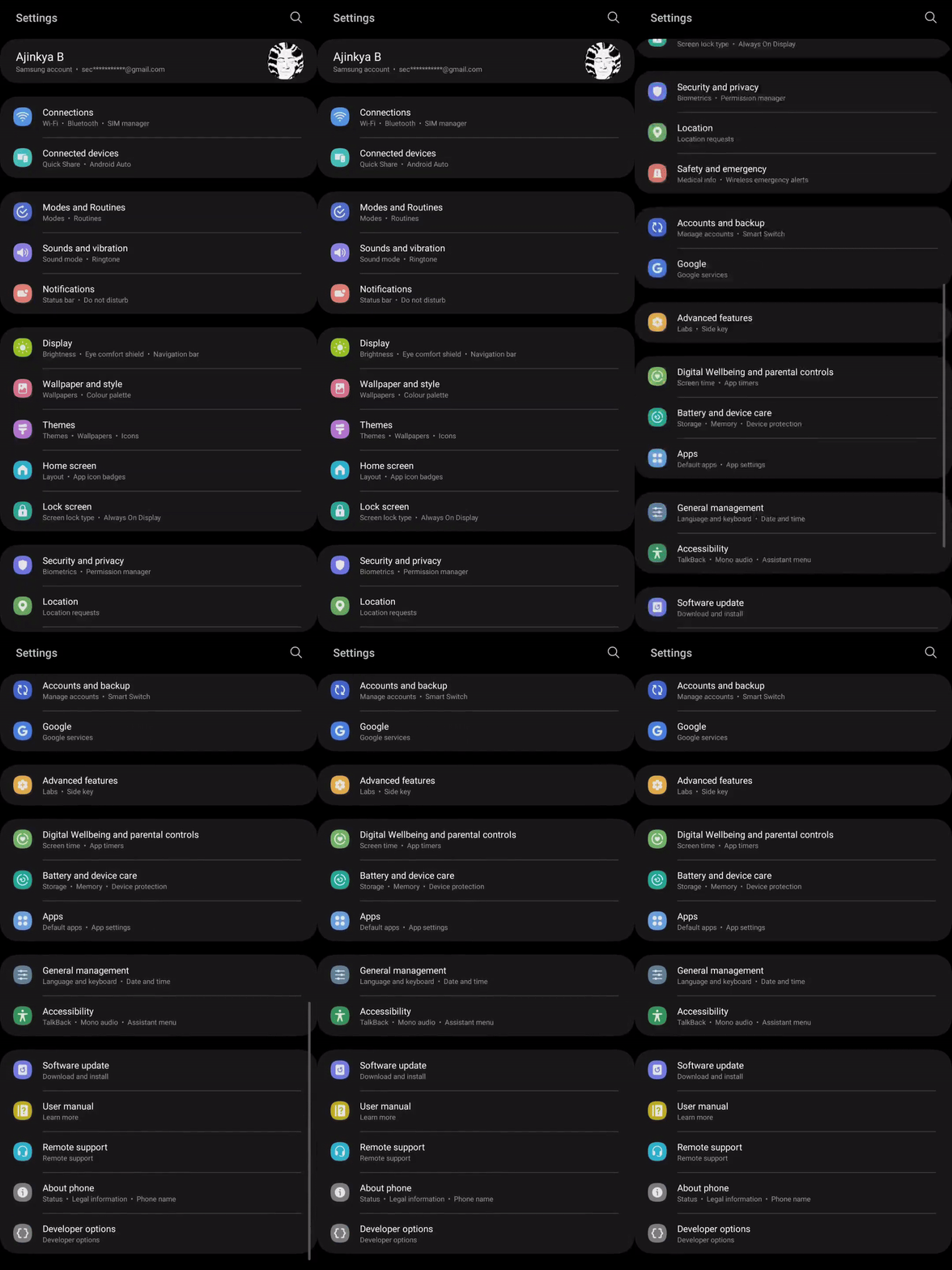
- Clear Cache and Data: Go to Settings > Apps > See All Apps > Show System. Find Google Partner Setup, tap on Storage & Cache, and select “Clear Cache.”
- Reset App Preferences: If the error persists, resetting app preferences (Settings > System > Reset Options > Reset App Preferences) can often resolve conflicts between system background processes.
- Check for System Updates: Often, these glitches are known bugs that Google or the manufacturer fixes via a “Security Patch” or “Google Play System Update.”
Battery Drain and Resource Management
In rare instances, users might notice Google Partner Setup consuming a disproportionate amount of battery in the system settings. This usually happens if the app is struggling to complete a configuration handshake due to a poor internet connection or a server-side issue at Google. If you notice high battery usage, ensuring a stable Wi-Fi connection and restarting the device typically allows the process to complete its task and return to a dormant, low-power state.
The Future of Android System Services and Modular Updates
The existence of components like Google Partner Setup highlights the shift in Android development toward modularity. In the early days of Android, every small change required a full OS update from the manufacturer. Today, Google uses Project Mainline and components like Partner Setup to update the system “under the hood.”
Toward a More Modular Android
By separating specific configurations into packages like com.google.android.partnersetup, Google can push updates to how your phone interacts with its services without waiting for the manufacturer to release a full Android version update. This modularity increases security and ensures that even if your phone is a year or two old, it can still support the latest features of the Google ecosystem.
The Role of AI and Automation in Partner Setup
As we look toward future iterations of Android, we can expect the partner setup process to become even more automated. With the integration of AI-driven optimization, these background services will likely become even more efficient at managing hardware resources, further reducing the “footprint” they leave on the device’s battery and RAM while providing even deeper integration between Google’s AI tools and the physical hardware of our devices.
In conclusion, while Google Partner Setup might seem like an obscure technical detail, it is an essential component of the modern smartphone experience. It represents the collaborative effort between software developers and hardware engineers to create a unified, functional, and secure platform. For the user, it is a “set it and forget it” utility that ensures that the moment you sign into your phone, the entire world of Google’s digital services is ready to work exactly as intended. Understanding its role allows users to navigate their device settings with more confidence, knowing that this silent partner is working to keep their digital life running smoothly.
aViewFromTheCave is a participant in the Amazon Services LLC Associates Program, an affiliate advertising program designed to provide a means for sites to earn advertising fees by advertising and linking to Amazon.com. Amazon, the Amazon logo, AmazonSupply, and the AmazonSupply logo are trademarks of Amazon.com, Inc. or its affiliates. As an Amazon Associate we earn affiliate commissions from qualifying purchases.