
In the vast, interconnected landscape of the World Wide Web, billions of pages, images, and videos exist simultaneously across millions of servers globally. To navigate this immense digital ocean, we rely on a fundamental piece of technology that most of us use hundreds of times a day without a second thought: the URL.
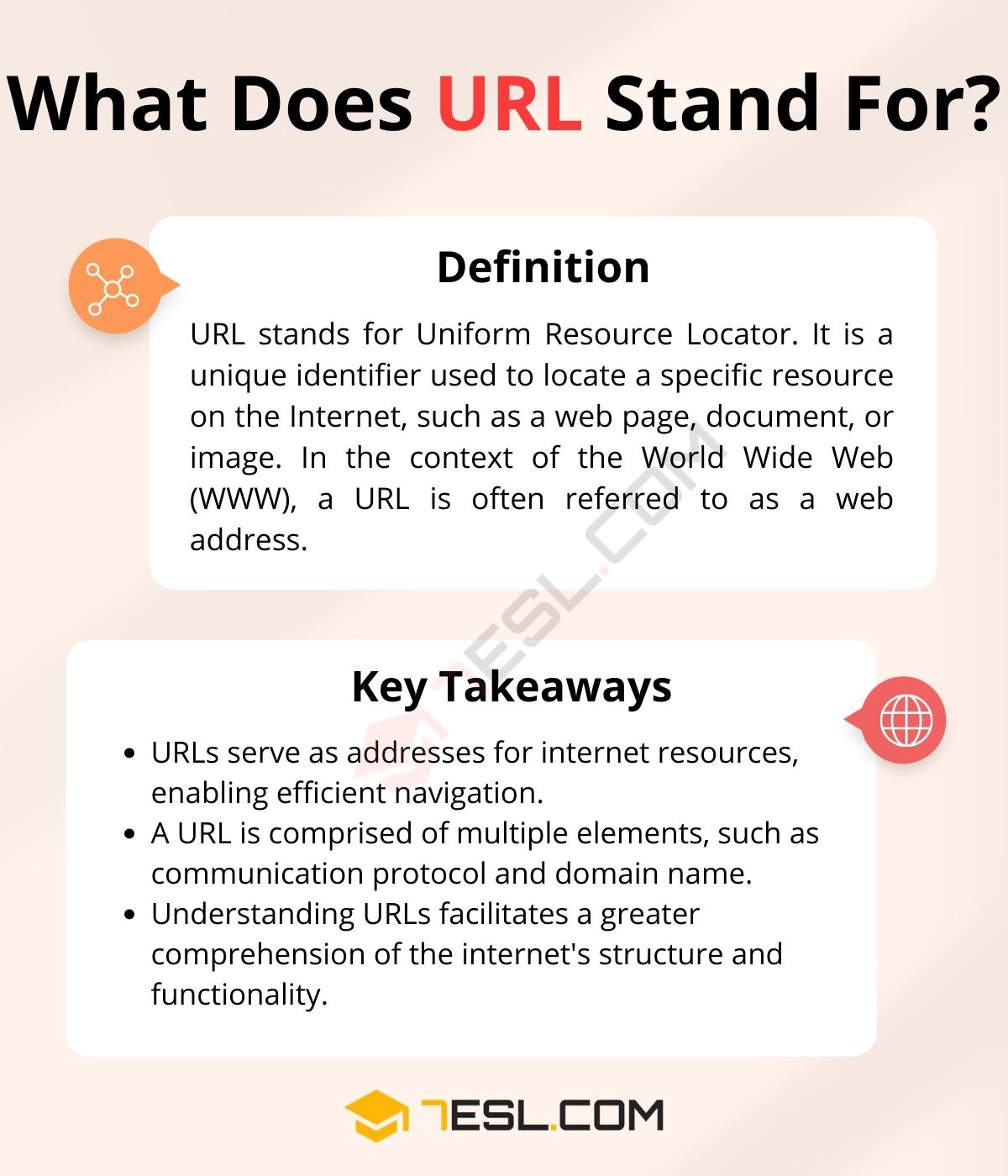
URL stands for Uniform Resource Locator. At its simplest level, a URL is the address of a specific resource on the internet. Whether you are checking your email, streaming a video, or reading a technical blog, the URL is the mechanism that tells your browser exactly where to go and how to retrieve the information you’ve requested. Developed by Tim Berners-Lee in 1994, the URL remains one of the foundational pillars of web architecture. Understanding what a URL is—and how its various components function—is essential for anyone looking to grasp the underlying mechanics of modern technology.

The Anatomy of a URL: Breaking Down the Components
A URL is not just a random string of characters; it is a highly structured identifier designed to be read by both humans and machines. To understand “what a URL means,” one must first deconstruct it into its constituent parts.
The Protocol: Setting the Communication Rules
The first part of any URL is the protocol (or scheme). This tells the browser which “language” or set of rules it should use to communicate with the server. The most common protocols are HTTP (Hypertext Transfer Protocol) and HTTPS (Hypertext Transfer Protocol Secure).
The ‘S’ in HTTPS signifies that the data transferred between your browser and the server is encrypted using SSL/TLS. In the modern tech ecosystem, HTTPS has become the industry standard, prioritized by search engines and browsers alike for its role in data integrity and security. Other protocols include FTP (File Transfer Protocol) for file movements and mailto for initiating emails.
The Domain Name and TLD: Your Digital Address
Following the protocol is the domain name. This is the human-readable version of an IP address. Since humans find it difficult to remember strings of numbers like 192.168.1.1, the Domain Name System (DNS) allows us to use names like google.com or wikipedia.org.
The domain name itself is often broken down into the Second-Level Domain (the “google” part) and the Top-Level Domain or TLD (the “.com” part). Today, TLDs have expanded far beyond the traditional .com, .net, and .org to include tech-specific extensions like .io, .ai, and .dev, reflecting the specialized nature of different web platforms.
The Path and Parameters: Navigating Specific Resources
While the domain gets you to the “building” (the server), the path takes you to the specific “room” (the file or folder). For example, in the URL example.com/blog/article-one, /blog/article-one is the path.
Furthermore, URLs often contain query strings or parameters, which usually appear after a question mark (?). These are used to pass specific data to the server, such as search terms or tracking IDs. For instance, ?search=technology&sort=recent tells the server to filter the results accordingly. Finally, a fragment identifier, preceded by a hash (#), points to a specific location within the page itself, allowing the browser to scroll automatically to a specific section.
How URLs Work: From Browser Request to Server Response
Understanding what a URL means also requires understanding the technical journey that occurs once you hit “Enter.” This process, known as the request-response cycle, happens in milliseconds but involves several complex technological layers.
The Role of DNS: Translating Names to IP Addresses
Every device connected to the internet has a unique IP address. When you type a URL into your browser, the system doesn’t immediately know where that server is. It first contacts a DNS Resolver.
Think of the DNS as the internet’s phonebook. Your browser asks the DNS, “Where is ‘example.com’ located?” The DNS server looks up the domain and returns the corresponding IP address. Once the browser has this numerical address, it can establish a direct connection with the web server hosting the site. This translation layer is critical for the scalability of the internet, as it allows servers to change IP addresses without users ever needing to learn a new URL.
The Request-Response Cycle and Server Interaction
Once the IP address is resolved, the browser sends an HTTP Request to the server. This request includes the URL, the method (usually GET or POST), and headers that provide information about the browser.
The server receives this request, processes it—which might involve querying a database or running server-side code—and then sends back an HTTP Response. This response includes a status code (like the famous “404 Not Found” or the successful “200 OK”) and the content of the resource, usually in the form of HTML, CSS, or JavaScript. The URL acts as the primary key throughout this entire transaction, ensuring that the correct data is fetched from the correct location.
Types of URLs and Their Specific Functions
In the world of software development and web management, not all URLs are created equal. Depending on the technical context, a URL might be classified in different ways to suit specific functional needs.
Absolute vs. Relative URLs
An Absolute URL contains the entire address, including the protocol and domain (e.g., https://www.techsite.com/images/logo.png). These are necessary when linking to an external website.
A Relative URL, on the other hand, is used for internal linking within a single website. It omits the protocol and domain, providing only the path (e.g., /images/logo.png). The browser assumes the missing information is the same as the current page. Using relative URLs is a common practice in web development because it makes it easier to migrate a site from a staging environment to a live server without breaking all the links.
Static vs. Dynamic URLs
A Static URL is one that stays the same and typically points to a specific file on a server. It is easy for search engines to index and easy for users to read.
A Dynamic URL is generated by a database-driven website. These often contain many parameters (like &id=543&session=xyz). While powerful for personalizing user experiences or displaying product catalogs, overly complex dynamic URLs can sometimes present challenges for search engine optimization (SEO) and user accessibility. Modern web frameworks often use “URL rewriting” to make dynamic URLs look like static ones, a process known as creating “clean URLs.”
URL Security and Best Practices in the Modern Tech Landscape
As our reliance on the digital world grows, the URL has become a primary vector for cybersecurity threats. Understanding the technical nuances of URL security is a vital component of digital literacy.
HTTPS and SSL Encryption
The transition from HTTP to HTTPS is perhaps the most significant change in URL history. Without HTTPS, the data sent via a URL—including passwords and credit card numbers—is sent in “plain text,” meaning anyone sitting on the same network (like a public Wi-Fi) could potentially intercept it. HTTPS uses the Transport Layer Security (TLS) protocol to encrypt communications. In a tech-centric world, a URL without the padlock icon is now widely considered a major security risk and a technical “red flag.”
Recognizing Malicious URLs and Phishing Attempts
Cybercriminals often use deceptive URLs to facilitate phishing attacks. This can involve Typosquatting (registering gogle.com instead of google.com) or Punycode attacks, where characters from different alphabets that look like Latin letters are used to trick users.
Furthermore, the rise of URL shorteners (like bit.ly) has added a layer of abstraction. While useful for saving space, shortened URLs hide the final destination, making it easier for attackers to mask malicious sites. Technical tools like “URL expanders” and built-in browser security filters work constantly to analyze these links for known threats before a user clicks.
The Future of Resource Locators: Beyond the Standard URL
While the URL has served us well for decades, the evolution of technology is beginning to push its boundaries. We are seeing a shift toward more decentralized and persistent ways of identifying digital resources.
Semantic Web and Linked Data
The concept of the Semantic Web aims to make URLs more than just locators; it aims to make them identifiers of concepts. Using technologies like RDF (Resource Description Framework), a URL can represent a person, a place, or an abstract idea, allowing machines to understand the relationship between different data points across the web.

Decentralized Identifiers (DIDs) and IPFS
In the realm of Web3 and decentralized technology, the traditional URL is being challenged. Systems like IPFS (InterPlanetary File System) use content-addressing rather than location-addressing. In a traditional URL, you ask “where” the file is. In IPFS, you ask for the file based on “what” it is (using a unique cryptographic hash). If the file moves to a different server, the address remains the same. This shift could solve the problem of “link rot”—where URLs break because a website’s internal structure changes—ensuring that digital resources remain accessible regardless of their physical location.
In conclusion, a URL is much more than just a web address. It is a sophisticated piece of technical architecture that facilitates the global exchange of information. By understanding the anatomy, the underlying DNS processes, and the security implications of URLs, we gain a deeper appreciation for the seamless digital experiences we enjoy today. As technology continues to evolve into decentralized and semantic models, the way we “locate” resources will continue to change, but the core principle of providing a unique path to knowledge will remain at the heart of the internet.
aViewFromTheCave is a participant in the Amazon Services LLC Associates Program, an affiliate advertising program designed to provide a means for sites to earn advertising fees by advertising and linking to Amazon.com. Amazon, the Amazon logo, AmazonSupply, and the AmazonSupply logo are trademarks of Amazon.com, Inc. or its affiliates. As an Amazon Associate we earn affiliate commissions from qualifying purchases.