
In the landscape of consumer electronics, few gadgets have bridged the gap between industrial manufacturing and home-based creativity as effectively as the smart cutting machine. While often phonetically referred to as a “cricket machine,” the brand name is Cricut. These devices represent a significant leap in desktop fabrication technology, essentially serving as a high-precision CNC (Computer Numerical Control) machine designed for the average consumer.
Whether you are a tech enthusiast looking to automate design tasks or a professional creator seeking precision tools, understanding the architecture, software, and hardware capabilities of these machines is essential. This guide explores the technological ecosystem of the Cricut machine, its software infrastructure, and its place in the broader evolution of smart gadgets.
The Evolution of Smart Cutting Hardware
At its core, a Cricut is an electronic cutting machine that uses sophisticated motors and software-driven instructions to move a small, sharp blade or other tool across various materials. Unlike traditional die-cutting machines that relied on physical templates or manual hand-cranking, modern smart cutters are fully integrated digital devices.
Understanding the Core Mechanics
The mechanical design of a Cricut machine is rooted in plotter technology. Much like a traditional printer moves a head back and forth to deposit ink, the Cricut moves a carriage along a horizontal axis while the material—fed on a sticky mat or as “smart” material—moves along a vertical axis. The coordination of these two axes, managed by high-resolution stepper motors, allows for pinpoint accuracy.
The tech inside these machines has evolved from basic 2D pathing to complex three-dimensional pressure sensing. The latest flagship models can apply up to 4 kilograms (10 pounds) of force, enabling them to cut through thick leather or even 2.4mm balsa wood. This shift from “hobby tool” to “desktop CNC” is what defines the current tech era of these devices.
From Basic Blade to Advanced Tooling
One of the most impressive hardware advancements in the niche is the Adaptive Tool System. This technology allows the machine to recognize which tool is inserted into the carriage and adjust its speed and pressure accordingly. The evolution of tool heads has expanded the machine’s utility far beyond simple paper cutting:
- Rotary Blades: Using a rolling motion to cut delicate fabrics without snagging.
- Knife Blades: For high-density materials that require multiple passes and intense pressure.
- Engraving and Debossing Tools: Using diamond-tipped or weighted points to alter the surface of metals and cardstock.
- Scoring Wheels: Applying precise pressure to create fold lines for 3D packaging.
The Software Ecosystem: Design Space and Beyond
Hardware is only half of the equation. The true power of a Cricut machine lies in its software ecosystem, primarily a platform called Cricut Design Space. This software serves as the interface between the user’s creative vision and the machine’s mechanical output.
Cloud-Based Innovation and User Interface
Design Space is a cloud-based application available on Windows, macOS, iOS, and Android. The shift to a cloud-resident model was a strategic tech move that allows for seamless cross-device synchronization. A user can begin a design on a mobile app while commuting and finish the technical calibration on a desktop computer.
From a technical standpoint, the software processes vector graphics (typically .SVG files). Vectors are essential in this niche because, unlike raster images (pixels), vectors are defined by mathematical paths. This allows the software to tell the machine exactly where to move the blade along an X and Y coordinate system without losing resolution or precision.
The Role of AI and Machine Learning in Contemporary Design
As AI tools continue to dominate the tech landscape, the software supporting these machines has begun integrating smarter features. Recent updates in design software have introduced “Remove Background” features powered by machine learning algorithms, which can distinguish between a subject and its surroundings to create a clean cut-path automatically.
Furthermore, the “Print Then Cut” feature uses optical sensors located on the machine’s carriage to “read” registration marks printed on a page. The onboard firmware then calibrates the blade’s position relative to the printed image, accounting for any slight paper shifts or printer alignment errors. This synergy between optical hardware and software processing is a hallmark of modern consumer-grade automation.
Comparing Models: Choosing the Right Gadget for Your Workflow
In any tech review or overview, it is important to distinguish between the various tiers of hardware available. Cricut has segmented its market into three primary categories: The Maker, The Explore, and The Joy.
The Cricut Maker Series: The Professional Grade
The Maker 3 is the flagship of the lineup. From a tech perspective, it is the most robust, featuring the full Adaptive Tool System. It is designed for users who require high-volume output and the ability to work with the widest range of materials (over 300 types). It features a “Fast Mode” for high-speed cutting and a built-in USB port for charging other devices, reflecting its role as a central hub in a digital workspace.
The Explore and Joy Series: Portability vs. Power
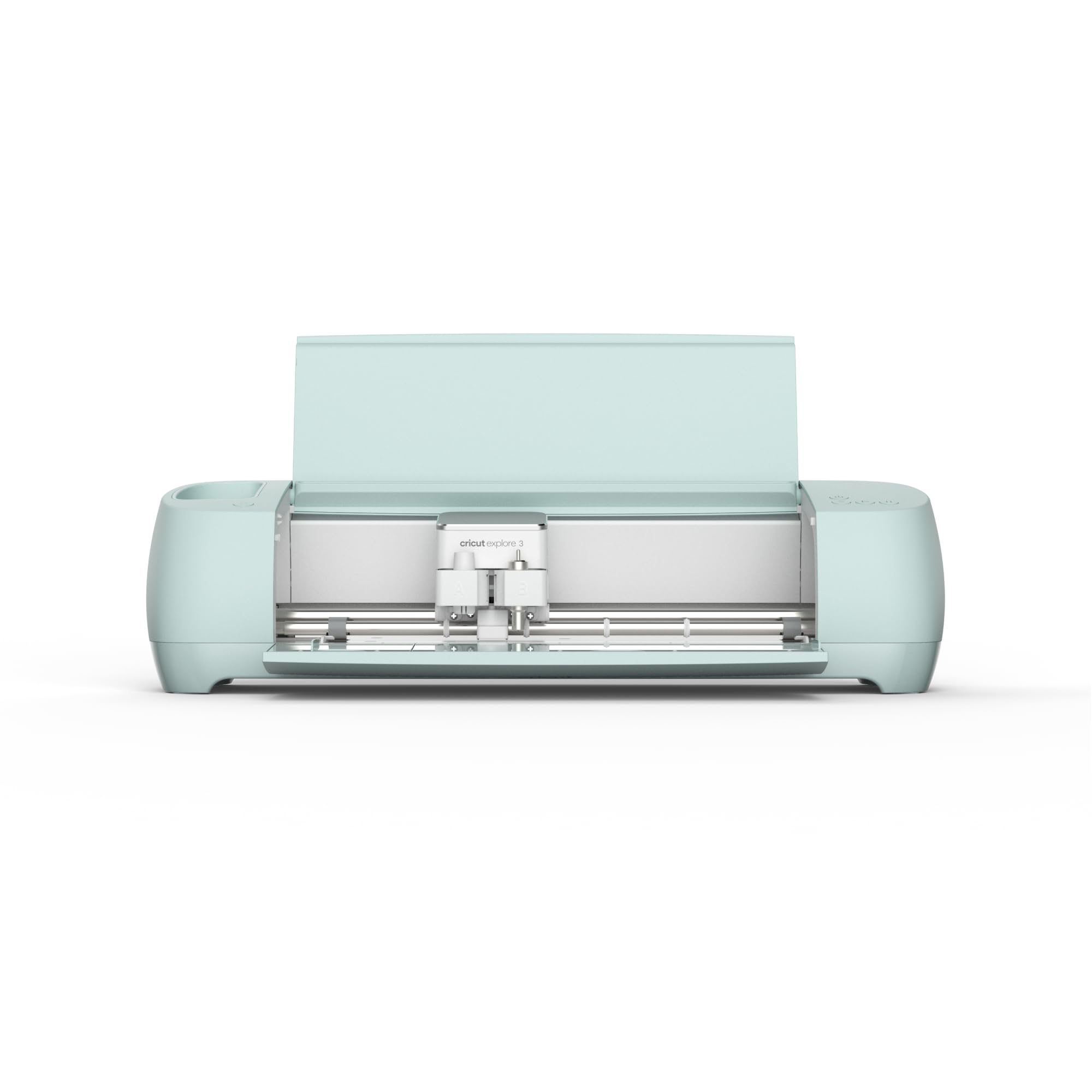
The Explore series (such as the Explore 3) is the mid-range “workhorse.” It lacks some of the industrial-strength pressure of the Maker but includes the essential dual-tool carriage, allowing it to cut and write or score simultaneously.
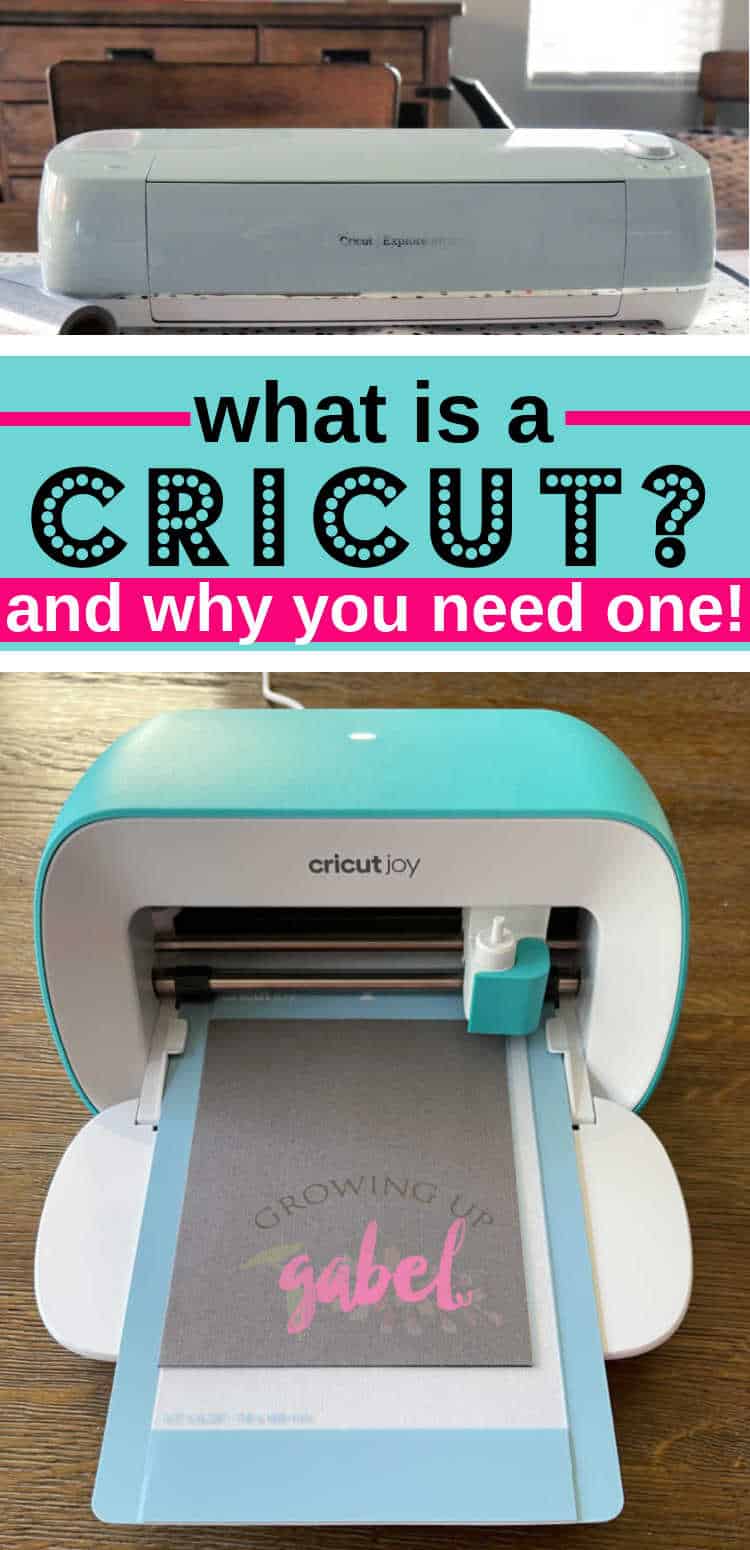
The Cricut Joy and Joy Xtra represent the “micro-tech” segment. These are compact, portable devices designed for quick, small-scale tasks. While they lack the breadth of the larger machines, they utilize Bluetooth-only connectivity and a simplified sensor array, making them an ideal entry point for those interested in smart home gadgets without the footprint of a full desktop machine.
Digital Security and Connectivity in Smart Home Devices
As with any IoT (Internet of Things) device, digital security and connectivity are paramount. Modern Cricut machines primarily connect via Bluetooth or USB.
Safeguarding Personal Data in Creative Clouds
Because Design Space is a cloud-based platform, users often store personal designs, proprietary business assets, and even photographs on Cricut’s servers. This necessitates robust digital security measures. The company employs standard encryption protocols for data transmission, ensuring that user-uploaded assets remain private. Furthermore, the transition to mandatory account logins and two-factor authentication possibilities reflects a broader trend in tech toward securing user identities within creative software ecosystems.
The Impact of Wireless Connectivity Standards
The move toward Bluetooth 4.0 and 5.0 in the latest models has significantly reduced latency. In older iterations of smart cutters, users often experienced “lag” between hitting the “Make It” button and the machine starting its operation. Modern hardware utilizes Low Energy (LE) Bluetooth modules that provide a stable, long-range connection, allowing the machine to be operated from across a room without the need for cumbersome cables.

The Future of Consumer-Grade Fabrication Technology
The trajectory of the “cricket machine” or Cricut points toward an increasingly automated and integrated future. We are seeing a convergence of different technologies—3D printing, laser engraving, and smart cutting—all moving toward a unified “desktop factory” concept.
As we look forward, we can expect further integration with broader tech trends:
- Voice Control: Integration with smart home assistants (like Alexa or Google Home) to check on cutting progress or initiate simple tasks.
- Advanced Material Sensing: Hardware that can automatically detect the thickness and density of a material and adjust blade depth without user input.
- Sustainability in Tech: A shift toward more energy-efficient motors and the development of “Smart Materials” that reduce waste through optimized nesting algorithms (software that fits as many shapes as possible on a single sheet).
In conclusion, a Cricut is far more than a simple crafting tool. It is a sophisticated piece of technology that combines precision engineering, cloud-based software, and intelligent sensors to bring digital designs into the physical world. For the tech-savvy individual, it represents a powerful entry point into the world of digital fabrication, offering a glimpse into the future of personalized manufacturing. Whether you are automating a workflow or exploring the boundaries of modern design software, the Cricut ecosystem stands as a testament to how far home-based tech has come.
aViewFromTheCave is a participant in the Amazon Services LLC Associates Program, an affiliate advertising program designed to provide a means for sites to earn advertising fees by advertising and linking to Amazon.com. Amazon, the Amazon logo, AmazonSupply, and the AmazonSupply logo are trademarks of Amazon.com, Inc. or its affiliates. As an Amazon Associate we earn affiliate commissions from qualifying purchases.