
The Amazon Echo Show has become a ubiquitous presence in many smart homes, its distinctive screen offering a visual dimension to the capabilities of Amazon’s Alexa voice assistant. Far more than just a smart speaker, the Echo Show is a versatile hub designed to integrate seamlessly into daily life, providing information, entertainment, communication, and smart home control through a combination of voice commands and touch interface. This article will delve into the multifaceted functionalities of the Echo Show, exploring its core features, its role as a smart home command center, its entertainment and communication capabilities, and how it enhances productivity and learning.
The Core Functionalities: Voice, Vision, and Interaction
At its heart, the Echo Show is powered by Amazon’s Alexa, a cloud-based voice service. This means that the device is constantly listening for its wake word (“Alexa” by default) and, once activated, can process a vast array of voice commands. However, the “Show” aspect introduces a crucial visual element that differentiates it from its audio-only counterparts.
Voice Commands and Information Retrieval
The fundamental function of the Echo Show is to respond to voice queries. This spans a wide range of needs, from simple factual questions to complex requests.
Everyday Information Access
When you ask “Alexa, what’s the weather like today?” or “Alexa, what’s the capital of Australia?”, the Echo Show not only delivers the answer audibly but often displays it on its screen. This visual reinforcement is particularly helpful for information that benefits from being read, such as recipes, news headlines, or stock prices. Similarly, traffic updates for your commute or sports scores can be presented both verbally and visually, offering a richer understanding.
Setting Reminders, Alarms, and Timers
The Echo Show excels at managing your daily schedule and tasks. You can verbally set reminders for appointments, create alarms for waking up, or set multiple timers for cooking or other activities. The visual interface allows you to see active timers and easily manage your set alarms, providing a clear overview of your temporal commitments.
Smart Home Control Hub
One of the most significant functionalities of the Echo Show is its role as a central command center for your smart home devices. It seamlessly integrates with a vast ecosystem of compatible smart lights, thermostats, locks, cameras, and more, allowing you to control them using only your voice or the touch screen.
Visual Display and Enhanced Interaction
The integrated screen is what truly elevates the Echo Show beyond a standard smart speaker. This visual component unlocks a new layer of interaction and utility.
Displaying Information Visually
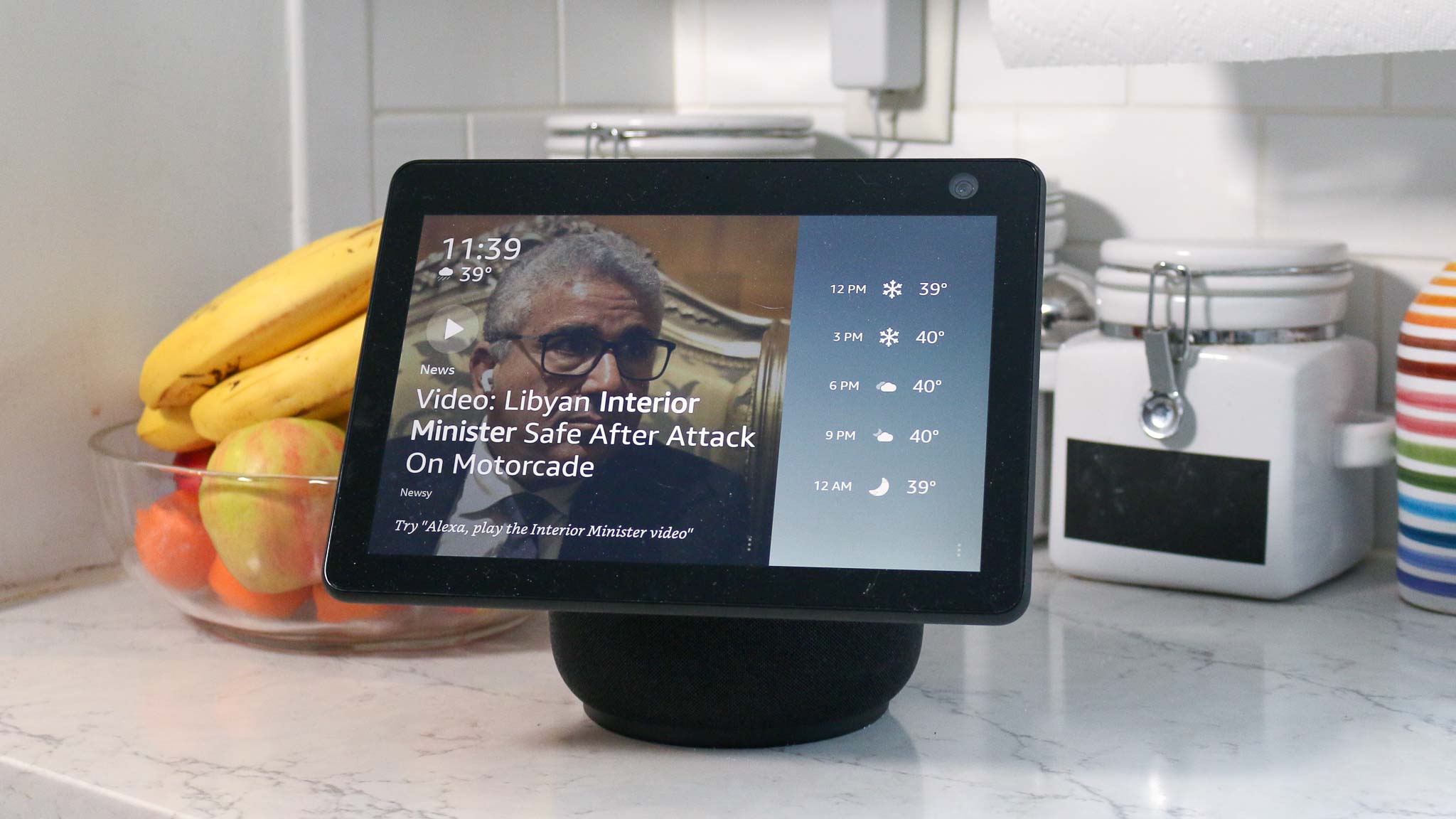
Beyond just text-based answers, the screen can display rich visual content. When asking about a recipe, for instance, it can show step-by-step instructions, ingredient lists, and even images. For news, it can present headlines with accompanying images or short video clips. Weather forecasts can include detailed radar maps, and sports scores can show game progress in real-time.
Interactive Touchscreen Capabilities
While voice is primary, the touchscreen provides an intuitive alternative and complementary input method. You can tap to navigate menus, select options, adjust settings, or even manually input search queries if preferred. This dual-interface approach caters to different user preferences and situations, making the Echo Show more accessible and user-friendly.
Customizable Home Screen
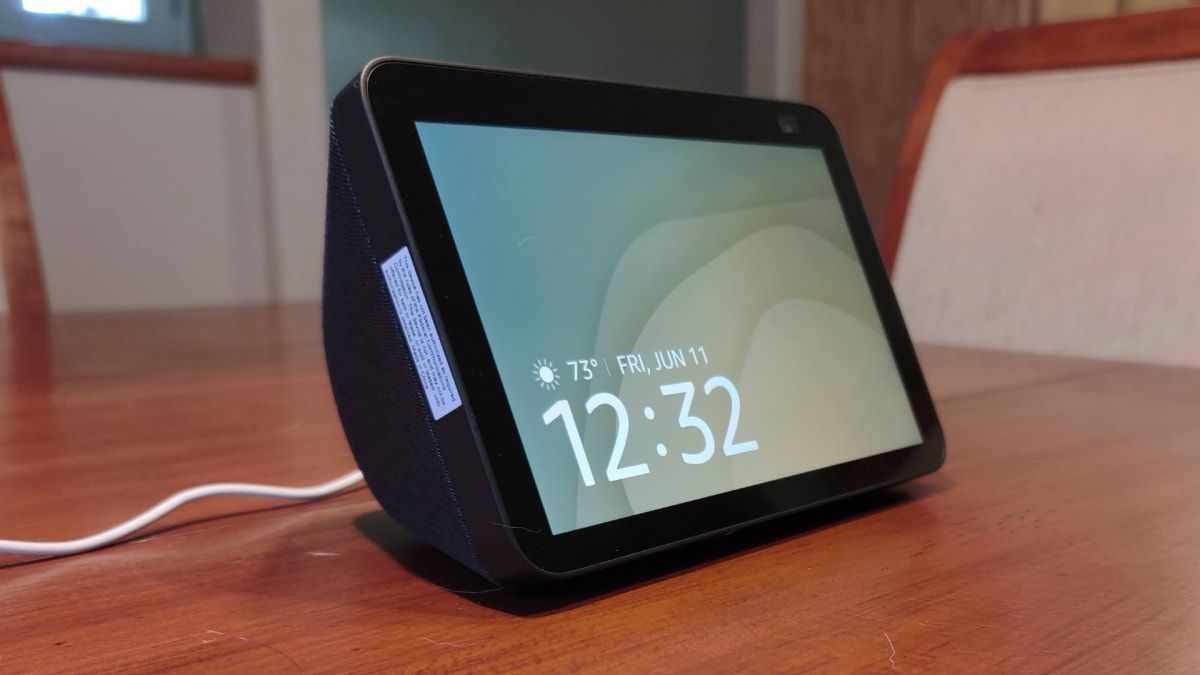
The Echo Show’s home screen can be personalized to display a variety of glanceable information. This can include the time and date, weather forecasts, upcoming calendar events, news headlines, or even a slideshow of your personal photos. This ensures that important information is always visible and easily accessible without needing to ask.
Entertainment and Communication Powerhouse
The Echo Show is not just about utility; it’s also a robust platform for entertainment and staying connected with loved ones. Its visual capabilities significantly enhance these aspects.
Multimedia Consumption
The screen transforms the Echo Show into a compact multimedia device, perfect for casual viewing and listening.
Streaming Music and Videos
With access to popular music streaming services like Amazon Music, Spotify, and Apple Music, the Echo Show can play your favorite tunes with accompanying album art and lyrics displayed on screen. For video content, it integrates with services like Amazon Prime Video, Netflix, Hulu, and YouTube, allowing you to watch shows, movies, or video clips on its screen. This makes it an ideal companion in the kitchen for following cooking tutorials or in a bedroom for winding down with a short video.
Listening to Podcasts and Audiobooks
Beyond music, the Echo Show is an excellent device for consuming podcasts and audiobooks. You can ask Alexa to play specific episodes or titles, and the screen can display playback controls, episode information, and even cover art.
Viewing Photos and Slideshows
You can link your Amazon Photos account or other compatible cloud storage services to display personal photos as a screensaver or a dedicated slideshow. This transforms the Echo Show into a digital photo frame, bringing your memories to life.
Enhanced Communication Features
The Echo Show bridges distances with its advanced communication capabilities, leveraging both voice and video.
Video Calling with Alexa Communications
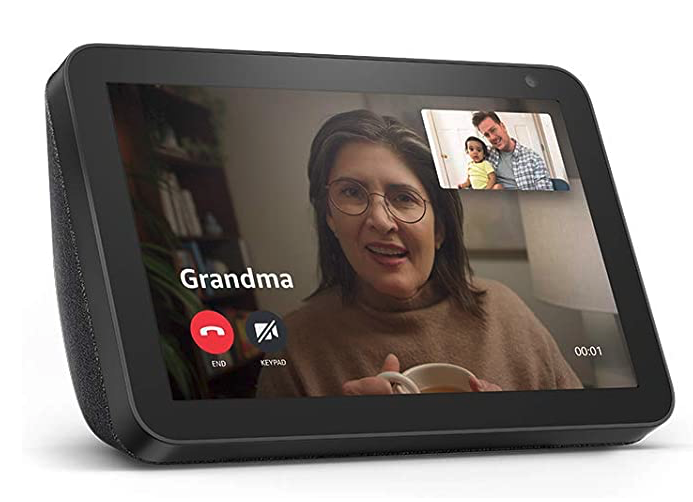
One of the standout features is its ability to make video calls. Using Alexa Communications, you can call other Echo Show devices, the Alexa app on a smartphone or tablet, or even other Amazon devices. This feature is invaluable for staying in touch with family and friends, especially for quick check-ins or when you want to see the person you’re speaking with.
“Drop In” Functionality
The “Drop In” feature allows you to initiate an audio or video call to another Echo device in your home or to a contact’s Echo device with their permission. This can be used for inter-room communication within your house, like calling out to family members, or for checking in on elderly relatives who also have an Echo Show.
Making Voice Calls
Beyond video calls, the Echo Show can also make standard voice calls to any phone number, acting as a hands-free speakerphone. This is convenient for making calls while your hands are busy.
Productivity and Learning Companion
The Echo Show can also be a valuable tool for improving productivity and facilitating learning, offering dynamic ways to access information and manage tasks.
Staying Organized and Productive
The combination of voice commands and visual cues makes the Echo Show an efficient tool for managing your daily affairs.
Calendar Management and To-Do Lists
By linking your calendar accounts (e.g., Google Calendar, Outlook), Alexa can read out your daily schedule, remind you of upcoming events, and allow you to add new entries via voice. Similarly, you can create and manage to-do lists, asking Alexa to add items or mark them as complete. The visual display provides a clear overview of your commitments.
Setting Up Routines and Skills
Alexa’s routines allow you to automate a series of actions with a single voice command. For example, a “Good Morning” routine could turn on your lights, read the news, and give you a weather update. The Echo Show’s screen can visually confirm when these actions are being performed. Furthermore, you can enable thousands of “Skills” – third-party applications that extend Alexa’s capabilities, ranging from games and educational content to specific brand integrations.
Shopping and Ordering
The Echo Show can facilitate online shopping. You can ask Alexa to add items to your Amazon shopping cart, check order status, or even reorder past purchases. The screen will display product images and details, making the shopping experience more informed.
Educational and Informational Resources
The Echo Show serves as an accessible portal for learning and acquiring new knowledge.
Accessing Educational Content
You can ask Alexa to explain concepts, define words, or provide historical facts. For children, there are various educational games and quizzes available through Alexa Skills. The visual component can enhance learning by displaying diagrams, maps, or illustrative images.
Following Recipes and Tutorials
As mentioned earlier, the Echo Show is a fantastic kitchen assistant. You can ask it to find recipes, read out instructions step-by-step, set timers, and even convert measurements. The visual display of ingredients and steps is incredibly helpful for home cooks of all skill levels. Similarly, it can guide you through DIY projects or other visual tutorials.
Quick Fact-Checking and Research
For students or anyone who needs quick information, the Echo Show can act as an immediate research tool. Whether it’s checking a spelling, finding a synonym, or looking up a historical date, the instant access to information, often presented visually, saves time and effort.
In conclusion, the Amazon Echo Show is a sophisticated and multi-functional device that goes far beyond simple voice commands. By integrating a visual display with the power of Alexa, it provides a more intuitive, engaging, and comprehensive user experience. From managing your smart home and staying organized to enjoying entertainment and connecting with others, the Echo Show has firmly established itself as a central component of the modern smart home, offering a glimpse into the future of seamless, voice-and-vision-enabled technology.
aViewFromTheCave is a participant in the Amazon Services LLC Associates Program, an affiliate advertising program designed to provide a means for sites to earn advertising fees by advertising and linking to Amazon.com. Amazon, the Amazon logo, AmazonSupply, and the AmazonSupply logo are trademarks of Amazon.com, Inc. or its affiliates. As an Amazon Associate we earn affiliate commissions from qualifying purchases.