
For most travelers, an expired passport is a nostalgic relic—a collection of ink stamps, visas, and memories of borders crossed. However, from a technical and cybersecurity perspective, an old passport is far more than a souvenir; it is a sophisticated piece of hardware containing sensitive biometric data and cryptographic signatures. In an era where identity is the new currency, the way we handle, store, or dispose of these documents has significant implications for our digital security.
As we transition toward a world of Digital Travel Credentials (DTC) and blockchain-based identities, understanding the technical anatomy of your old passport is essential. This guide explores the digital lifecycle of a passport, the cybersecurity risks associated with expired documents, and the best practices for technical archiving and disposal.

The Anatomy of a Biometric Identity: What Data Lives Inside Your Old Passport?
Since the mid-2000s, the “e-passport” has become the global standard, regulated by the International Civil Aviation Organization (ICAO). When you look at your old passport, you aren’t just looking at paper and ink; you are looking at an embedded integrated circuit.
Understanding the e-Passport Chip (RFID)
The heart of the modern passport is the Radio Frequency Identification (RFID) chip, usually embedded in the back cover or the center page. This chip stores the same information printed on the data page: your full name, date of birth, nationality, and passport number. Crucially, it also contains a high-resolution digital version of your passport photo, which is used for facial recognition at automated border gates.
From a technical standpoint, this chip uses a protocol known as Basic Access Control (BAC). To read the chip, a scanner must first “unlock” it using information found in the Machine Readable Zone (MRZ)—the two lines of text at the bottom of your data page. While the chip is designed to be secure, an expired passport still contains a functional chip. If left unprotected, this chip can be targeted by “skimming” attacks where a high-gain RFID reader attempts to extract the digital signature, potentially allowing a sophisticated actor to clone the digital identity.
The Risks of Optical Character Recognition (OCR) Scams
Even if the RFID chip is deactivated or degraded, the physical data page remains a goldmine for Optical Character Recognition (OCR) software. Modern AI-driven scrapers can extract every bit of text from a photo of an old passport in milliseconds.
The MRZ contains a specific checksum algorithm designed to verify the validity of the data. For a hacker, having access to an old passport’s MRZ allows them to understand the syntax of your specific government’s identity issuance. This technical data is often used to create “synthetic identities,” where real data from an expired document is blended with fake information to bypass low-level verification systems used by some fintech apps or digital services.
Safeguarding Your Digital Legacy: Why Old Passports Are Prime Targets for Hackers
We often hear about database leaks and password breaches, but physical documents are the “root of trust” for your entire digital persona. An expired passport provides a chronological roadmap of your movements, which can be weaponized in social engineering attacks.
The Evolution of Synthetic Identity Theft
Synthetic identity theft is a sophisticated technical crime where an attacker combines real (stolen) and fake information to create a new credit file. An old passport is particularly valuable here because it provides a legitimate, government-verified “anchor.”
Because the passport is expired, the original owner is less likely to monitor its use. A hacker might use the technical details of your old passport—such as the issuing authority code and the specific font/spacing metrics—to forge “proof of identity” for digital-only banks that have laxer “Know Your Customer” (KYC) protocols. By the time the fraud is detected, the attacker has moved on, leaving a trail of digital wreckage attached to your name.
Data Aggregation and Social Engineering
An old passport contains a history of visas and entry/exit stamps. To a cybersecurity professional, this is metadata. If a malicious actor obtains pictures of your old passport pages, they can reconstruct your travel history.
Why does this matter? Many high-security verification processes use “knowledge-based authentication.” An attacker could call a service provider and, using the stamps in your old passport, “prove” their identity by citing exactly which countries you visited in the summer of 2018. This technical exploitation of historical data makes the physical security of expired documents a digital necessity.
Digitization and Archiving: Best Practices for Secure Records
Many people choose to keep their old passports for record-keeping or to assist with future visa applications that require travel history. If you choose to digitize these documents, you must treat them with the same level of security as a primary password or a private key.
Using Encrypted Cloud Storage for Travel History
Simply saving a JPEG of your old passport to a local folder or an unencrypted cloud drive is a major security vulnerability. If you must digitize your old passport, follow these technical steps:
- Scanning: Use a high-resolution scanner but ensure the software does not automatically upload the scan to a “convenience” cloud service.
- Encryption: Store the files in a “Zero-Knowledge” encrypted vault. Services that offer AES-256 encryption ensure that even if the cloud provider is breached, your document remains unreadable without your master key.
- Metadata Scrubbing: Before saving the file, use a tool to strip the EXIF metadata. This prevents the file from containing information about the GPS location where the scan was taken or the specific hardware used.
Multi-Factor Authentication (MFA) and Travel Documentation
Your digital travel archive should be protected by hardware-based Multi-Factor Authentication (MFA). Using a physical security key (like a YubiKey) to access the folder containing your passport scans adds a layer of protection that SMS-based codes cannot provide. In the hierarchy of digital assets, an image of a passport is a “Tier 1” asset; it requires the highest level of technical friction to access.
Physical Disposal vs. Technical Destruction: How to Retire a Passport
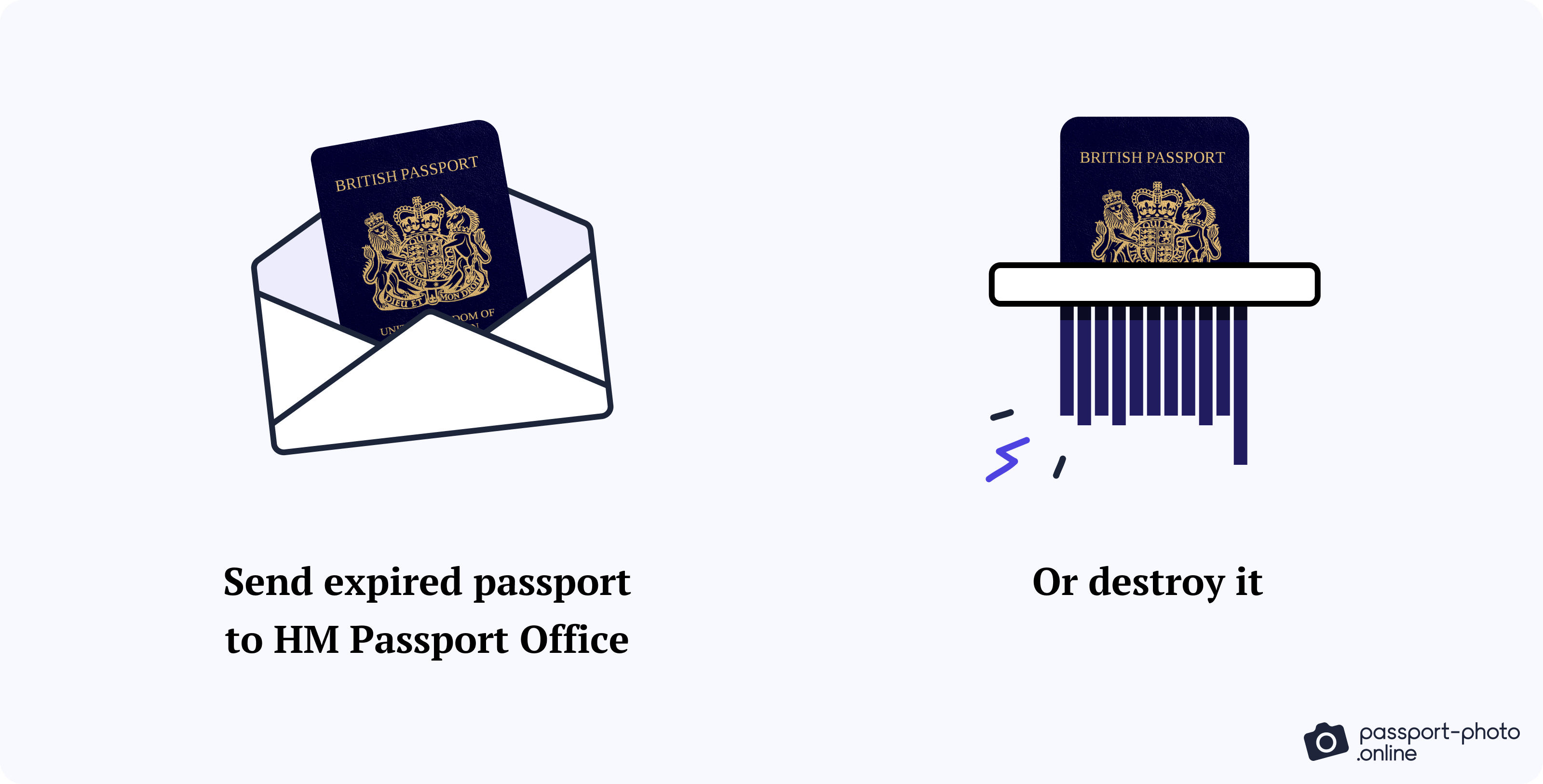
If you decide you no longer need your old passport, simply throwing it in the trash is a catastrophic failure of data hygiene. There are two primary ways to handle the retirement of the document: official cancellation or technical destruction.
The Official Cancellation Process
Most passport agencies will “cancel” an old passport by punching holes through the cover and the data page. From a technical perspective, this is a signal to any inspector (or automated system) that the document’s unique ID is no longer valid in the global database. However, the RFID chip may still be intact. When you receive your cancelled passport back, check if the chip has been physically compromised. If not, the data remains on the silicon.
Secure Technical Disposal
If you do not wish to keep the document, it must be destroyed using methods that account for both the paper and the electronics.
- The RFID Chip: To technically “kill” the chip without destroying the whole book, one can use a specialized RFID-blocking sleeve or, more permanently, use a heavy-duty hole punch directly through the area where the chip is housed.
- Cross-Cut Shredding: A standard strip-cut shredder is insufficient. Modern identity thieves can use reconstruction software to “re-puzzle” strip-cut documents. A high-security cross-cut or micro-cut shredder is required to ensure the MRZ and biometric data are unrecoverable.
- Incineration: This remains the most effective method for technical data destruction, as it ensures both the physical ink and the microscopic electronic components are rendered into ash.
The Future of Digital Travel Credentials (DTC)
The “old passport” of tomorrow will likely not be a book at all. We are currently witnessing a shift toward Digital Travel Credentials (DTC), which aim to replace physical booklets with cryptographically signed data stored on mobile devices or in the cloud.
From Physical Books to Blockchain Identity
The technology powering the next generation of passports involves Self-Sovereign Identity (SSI). In this model, your travel history and identity are stored in a decentralized ledger. Your “old” passport data will eventually be migrated into these digital wallets. Understanding how to manage your old physical passport today is the first step in learning to manage your digital “private keys” tomorrow.
How Old Passports Inform AI-Driven Border Control
Governments are currently using the data from millions of expired passports to train machine learning models for border security. These models learn to identify patterns of forgery and typical travel behaviors. As a user, your old passport contributes to your “Digital Reputation” within these systems. Ensuring that your old data isn’t compromised is vital for maintaining a “clean” technical profile in the eyes of international customs algorithms.

Conclusion
In the context of modern technology, an old passport is a legacy device. It contains a wealth of biometric data, a functional RFID chip, and a roadmap of your physical movements. To treat it as mere “trash” is to ignore the technical reality of identity theft in the 21st century.
Whether you choose to archive your old passport in an encrypted digital vault or destroy it using high-security methods, the goal is the same: protecting the integrity of your digital identity. As we move closer to a fully digitized world, the discipline we apply to our physical documents today will define our digital safety tomorrow. Secure your past to protect your digital future.
aViewFromTheCave is a participant in the Amazon Services LLC Associates Program, an affiliate advertising program designed to provide a means for sites to earn advertising fees by advertising and linking to Amazon.com. Amazon, the Amazon logo, AmazonSupply, and the AmazonSupply logo are trademarks of Amazon.com, Inc. or its affiliates. As an Amazon Associate we earn affiliate commissions from qualifying purchases.