
The traditional automotive industry has long been defined by the dealership model—a labyrinth of high-pressure sales tactics, physical paperwork, and inventory lot browsing. Tesla, however, has disrupted this century-old paradigm by treating its vehicles less like traditional machinery and more like high-performance hardware running sophisticated software. Buying a Tesla is not merely a financial transaction; it is an onboarding process into a tech ecosystem.
For the tech-savvy consumer, the journey of acquiring a Tesla is remarkably similar to purchasing a high-end smartphone or a custom-built workstation. From the digital-first interface to the software-locked performance tiers, the process reflects a “Silicon Valley” approach to mobility. This guide explores how to navigate the technological nuances of purchasing a Tesla, ensuring you select the right hardware and software configurations for your digital lifestyle.
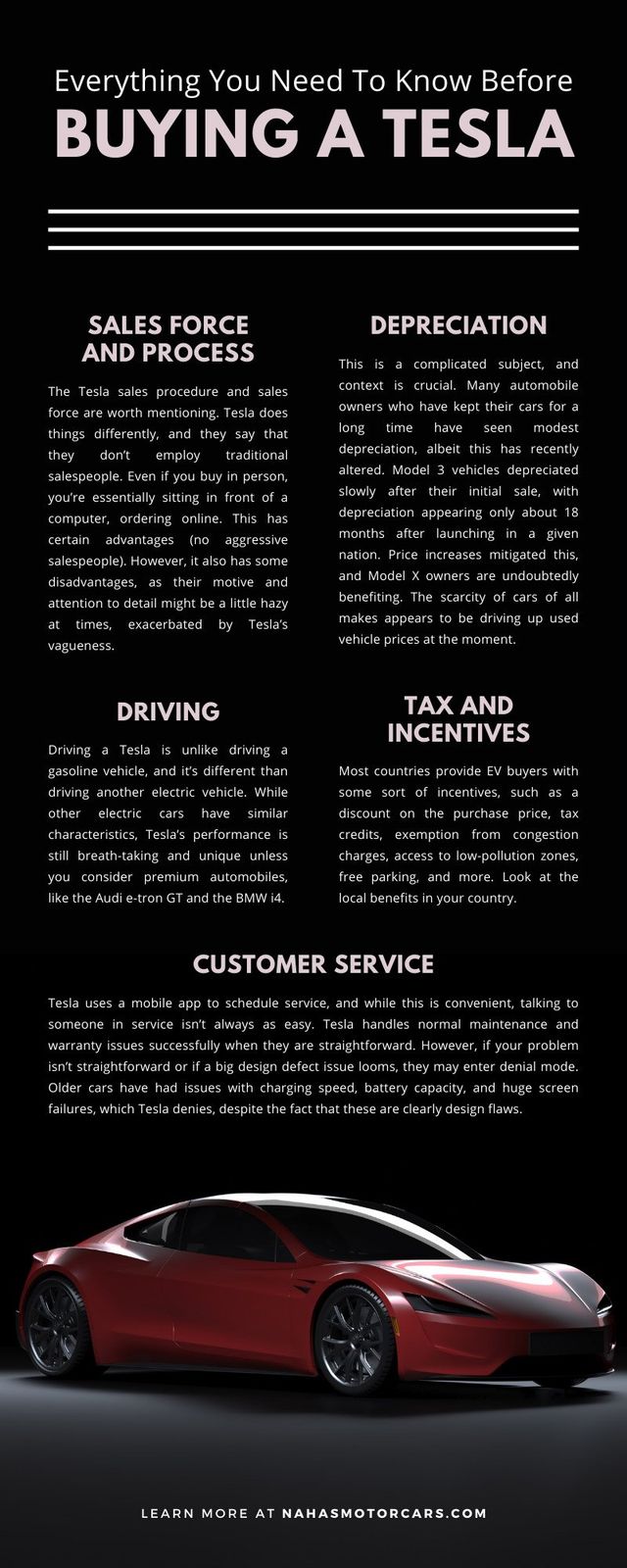
The Digital-First Procurement Process
Tesla’s primary innovation isn’t just the electric drivetrain; it is the elimination of the middleman through a direct-to-consumer digital model. When you ask, “How do I buy a Tesla?” the answer begins not at a lot, but on a screen.
The Tesla Design Studio: A UI Masterclass
The core of the Tesla buying experience is the online Design Studio. Unlike traditional car configurators that often hide pricing behind “contact dealer” buttons, Tesla provides a transparent, real-time interface. Here, you select your model—Model 3, Y, S, or X—and begin the configuration of your hardware.
The interface is designed for simplicity. You choose your paint, wheels, and interior layout, but the most significant tech decisions happen at the drivetrain level. In the tech world, this is akin to choosing between an M3 Pro or an M3 Max chip in a MacBook. You are deciding on the number of motors and the energy density of the battery pack, which directly influences the vehicle’s compute power and range.
The Tesla App: Your Transactional Command Center
Once the order is placed, the center of gravity shifts to the Tesla mobile app. In the Tesla ecosystem, the app is the primary interface for the ownership lifecycle. You will use it to upload your identification, sign digital documents, and track the manufacturing status of your vehicle.
This app-centric approach serves as a precursor to the ownership experience. By the time you take delivery, you are already accustomed to the UI that will eventually act as your key, your climate control, and your service scheduler. The integration of the purchase process into a mobile app highlights Tesla’s identity as a software company that happens to manufacture hardware.
Navigating the Silicon Valley Specs: Software-Locked Features
In the realm of traditional cars, “options” usually refer to physical additions like leather seats or a sunroof. In the Tesla ecosystem, many of the most important “buys” are actually software licenses for hardware that is already physically present in the car.
Full Self-Driving (FSD) and Autopilot Tiers
When configuring your Tesla, one of the most significant tech decisions involves the autonomy suite. Every Tesla comes with Basic Autopilot, but the path to “Full Self-Driving” capability is a software upgrade.
- Basic Autopilot: Includes traffic-aware cruise control and autosteer within a lane.
- Enhanced Autopilot: Adds features like Auto Lane Change, Autopark, and Summon.
- Full Self-Driving (Supervised): This is the flagship software product, utilizing Tesla’s neural networks to navigate city streets, stop signs, and traffic lights.
From a tech perspective, you are purchasing a seat at the table of the largest distributed AI training experiment in history. Because these features are software-defined, they can be purchased upfront or added later via an “In-App Purchase,” much like a premium subscription on a digital platform.
Performance Boosts and Software-Locked Range
Tesla has frequently utilized software to differentiate its product tiers. In certain models, the physical battery might be capable of more range or the motors capable of more torque, but these features are “locked” behind a software wall. For example, some Model 3 and Model Y owners can purchase a “Performance Boost” through the app after delivery, which recalibrates the motor controllers to shave half a second off the 0-60 mph time. Understanding this allows a buyer to treat their vehicle as an upgradable platform rather than a static piece of hardware.
The Hardware Foundation: Battery Tech and Drivetrain Architecture
While the software gets the headlines, the hardware architecture is what makes the software possible. When buying a Tesla, you must understand the underlying engineering to make an informed decision on which “version” of the hardware suits your needs.
Choosing Your Battery Chemistry: LFP vs. NCA
Tesla utilizes different battery chemistries depending on the model and trim. This is a critical technical distinction for buyers.
- Lithium Iron Phosphate (LFP): Typically found in Rear-Wheel Drive models. These batteries are more durable, have a longer cycle life, and—critically—can be charged to 100% daily without significant degradation.
- Nickel Cobalt Aluminum (NCA): Found in Long Range and Performance models. These have higher energy density (more range for the weight) but are generally recommended to be charged to 80% for daily use to preserve longevity.
As a tech-focused buyer, your choice depends on your “duty cycle.” If you want a “set it and forget it” battery that functions like a standard appliance, LFP is the superior tech choice. If you need maximum energy for long-range “compute” and travel, the NCA chemistry is the high-performance option.
The Media Control Unit (MCU) and Sensors
The “brain” of the Tesla is the Media Control Unit. Over the years, Tesla has transitioned from Intel Atom processors to AMD Ryzen chips to power the infotainment system. When buying new, you are receiving the latest silicon capable of running high-end video games (via Steam integration in Model S/X) and smooth 60fps UI transitions. Furthermore, Tesla’s shift to “Tesla Vision”—an all-camera-based sensing system—means you are buying into a computer vision philosophy that eschews Radar and LiDAR. Understanding this “Vision-only” approach is vital, as it dictates how the car perceives the world.
Integration and Logistics: The App-Controlled Delivery Experience
The culmination of the buying process is “Delivery Day,” which Tesla has engineered to be as low-friction as possible, often involving zero human interaction.
The “Touchless” Delivery Tech
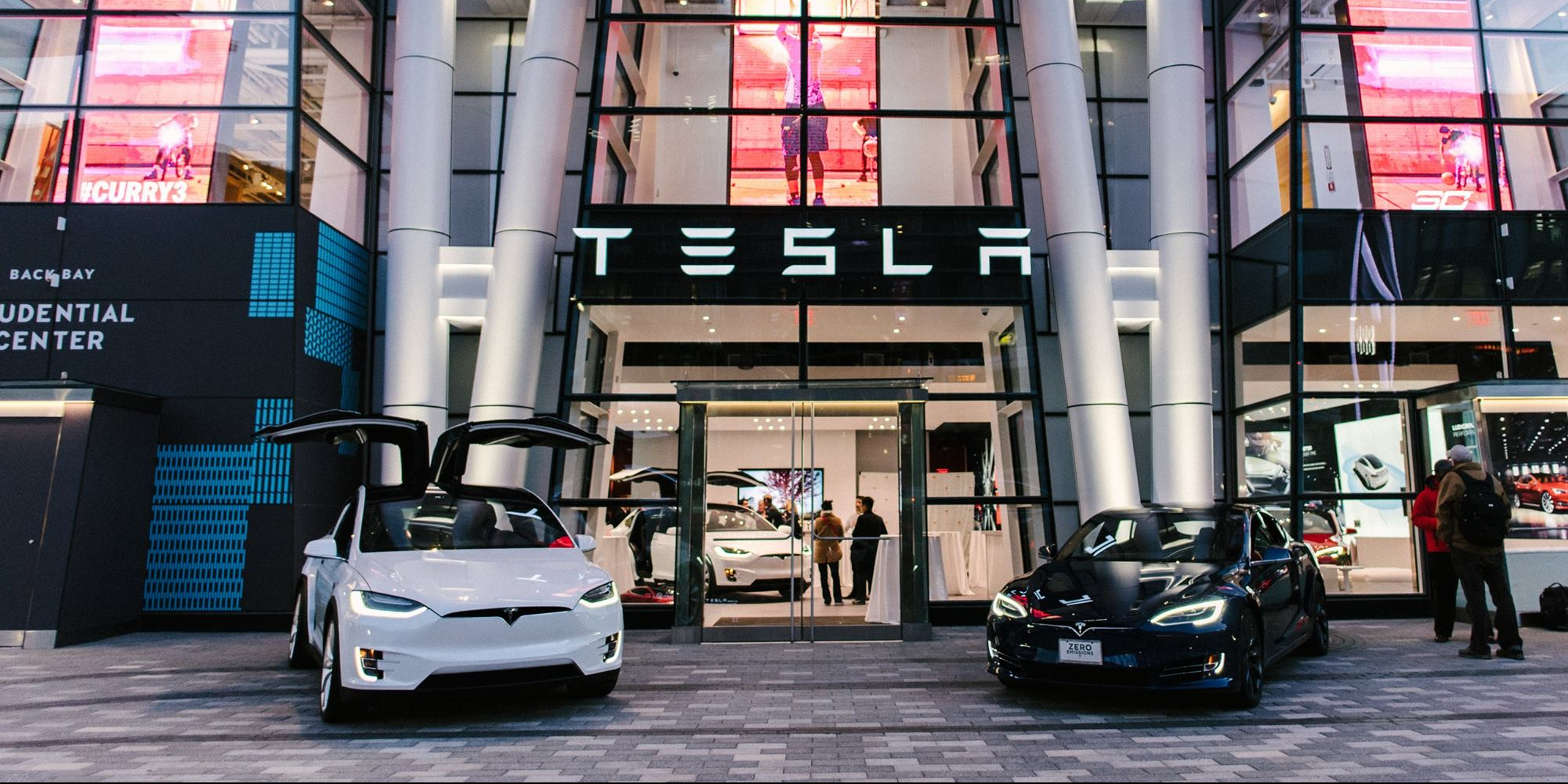
In many jurisdictions, Tesla offers touchless delivery. You arrive at a delivery center, locate your car via the GPS coordinates in your app, and tap a button to “Accept Delivery.” This triggers the digital key transfer to your phone. The car’s doors unlock, and the ownership of the vehicle’s digital certificate is officially transferred to your Tesla account.
This process relies heavily on Bluetooth Low Energy (BLE) and cellular handshakes. It is a stark contrast to the hours spent in a finance office at a traditional dealership. For the tech enthusiast, this is the ultimate validation of the digital-first model: the vehicle is essentially a massive IoT (Internet of Things) device that you activate through a secure cloud handshake.
The Supercharger Network Integration
One of the most important “features” you buy when you purchase a Tesla is access to the North American Charging Standard (NACS) and the integrated Supercharger network. This isn’t just about the plugs; it’s about the software integration. The car’s navigation system handles the “handshake” with the charger, managing pre-conditioning (warming the battery so it accepts a charge faster) and automated billing. You simply “plug and play,” a level of hardware-software synergy that remains the gold standard in the EV tech space.
Lifecycle Technology: Over-the-Air Updates and the “Software-Defined Vehicle”
The most significant difference between buying a Tesla and any other vehicle is that the product you buy today is not the product you will own in two years.
The OTA Revolution
Tesla pioneered Over-the-Air (OTA) updates for vehicles. When you buy a Tesla, you are buying into a continuous deployment cycle. These updates aren’t just for the maps; they can improve braking distances, increase motor efficiency, add new UI features, or even introduce “Sentry Mode”—a sophisticated 360-degree security camera system that uses the car’s existing Autopilot cameras.
Remote Diagnostics and the Service Tech
Even the “repair” tech is different. Tesla’s vehicles are constantly running diagnostics that can be accessed remotely by Tesla’s engineers. If a component is failing, the car can often self-diagnose and “pre-order” the necessary parts to a service center before you even realize there is an issue. In many cases, a “Mobile Service” technician can come to your location and perform the hardware swap in your driveway, coordinated entirely through—you guessed it—the app.

Conclusion: Buying a Platform, Not Just a Car
Buying a Tesla is an exercise in adopting a new technological lifestyle. It requires a shift in mindset from “buying a machine” to “subscribing to a hardware platform.” By focusing on the digital interface, understanding the software-locked capabilities, and choosing the right battery and processor architecture, you ensure that your vehicle remains a relevant piece of technology for years to come.
In the Tesla ecosystem, the purchase is just the “Version 1.0” of your ownership experience. As the company pushes new code to the fleet, your car evolves, learns new tricks, and integrates more deeply with your digital world. If you approach the process with the same scrutiny you would apply to a high-end tech ecosystem, you will find that “buying a Tesla” is the most streamlined and advanced acquisition experience in the modern world.
aViewFromTheCave is a participant in the Amazon Services LLC Associates Program, an affiliate advertising program designed to provide a means for sites to earn advertising fees by advertising and linking to Amazon.com. Amazon, the Amazon logo, AmazonSupply, and the AmazonSupply logo are trademarks of Amazon.com, Inc. or its affiliates. As an Amazon Associate we earn affiliate commissions from qualifying purchases.