
In an era where our smartphones have become the central hubs of our personal and professional lives, the importance of robust mobile security cannot be overstated. We use these devices for everything from banking and shopping to confidential business communications and social networking. This high level of connectivity, however, brings with it a significant degree of risk. Cybersecurity threats are no longer confined to desktop computers; they have migrated to the palms of our hands. Recognizing this shift, Verizon introduced “Digital Secure,” a comprehensive security suite designed to protect users from the myriad of threats lurking in the digital shadows.
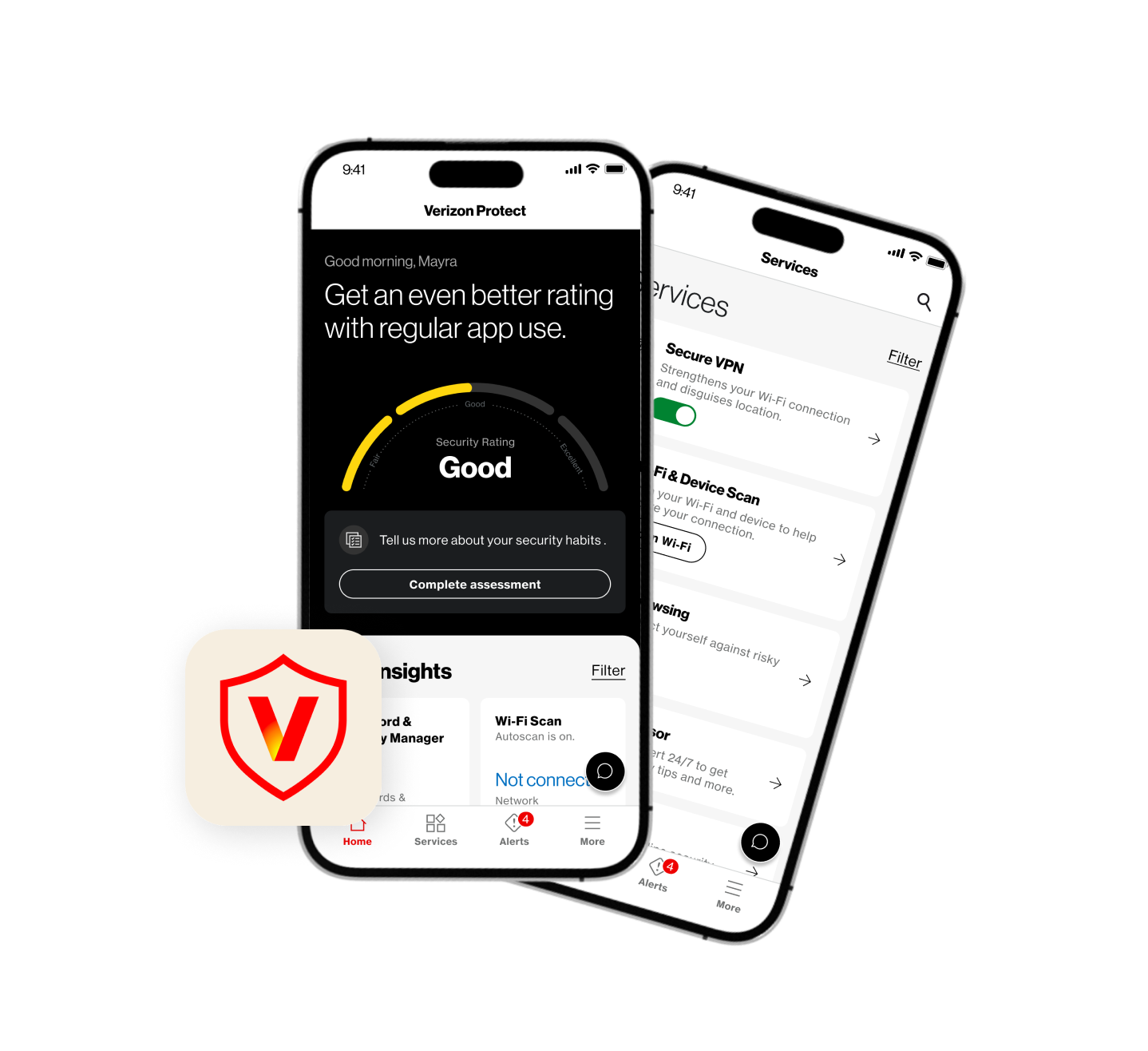
Digital Secure is not merely a single tool but an integrated platform that combines antivirus, VPN services, identity theft protection, and privacy monitoring into a single application. For Verizon customers, it represents a first line of defense against phishing, malware, and data breaches. This article explores the intricacies of the service, its technical components, and how it fits into the broader landscape of modern digital security.
The Evolution of Mobile Security: Why Verizon Digital Secure Matters
The landscape of technology has shifted dramatically over the last decade. Previously, mobile security was often an afterthought because mobile operating systems were considered “sandboxed” and relatively safe compared to the open architecture of Windows or macOS. However, as mobile adoption surpassed desktop usage, cybercriminals followed the data. Today, mobile-specific threats like “smishing” (SMS phishing), malicious apps, and unsecured public Wi-Fi exploits are common.
The Growing Threat Landscape for Smartphone Users
The modern smartphone is a treasure trove of data. It contains location history, biometric data, saved passwords, and direct access to financial accounts. Hackers utilize various methods to infiltrate these devices. Malicious software can be hidden within seemingly benign applications, and “man-in-the-middle” attacks can intercept data sent over public Wi-Fi networks at cafes or airports. Digital Secure was developed to address these specific vulnerabilities, providing a proactive rather than reactive approach to security.
Bridging the Gap Between Connectivity and Security
Verizon, as one of the world’s largest telecommunications providers, occupies a unique position in the tech ecosystem. By offering Digital Secure, they bridge the gap between providing a connection and ensuring that the connection is safe. For the average user, the technicalities of setting up a firewall or choosing a reputable VPN can be daunting. Verizon simplifies this by embedding these sophisticated technologies into a user-friendly app that works seamlessly with their cellular and fiber-optic networks.
Core Features of Digital Secure: More Than Just an Antivirus
When many people hear the term “digital security,” they immediately think of antivirus software. While scanning for malware is a critical component of Verizon’s offering, Digital Secure provides a much broader spectrum of protection. It is designed to be a multi-layered shield that monitors different points of entry for potential threats.
Safe Wi-Fi and VPN: Guarding Your Data on Public Networks
One of the most powerful features of the Digital Secure suite is its “Safe Wi-Fi” functionality. Whenever a user connects to a public Wi-Fi network, the app can automatically initiate a Secure VPN (Virtual Private Network). A VPN creates an encrypted tunnel for your data, making it unreadable to anyone else on the same network. This is crucial for preventing “packet sniffing,” where hackers monitor public airwaves to steal login credentials or credit card numbers. By encrypting the connection at the source, Digital Secure ensures that your browsing remains private, regardless of where you are connected.
Security and Privacy Tools: Monitoring App Behavior
Not all threats come from outside sources; some come from the apps we choose to download. Digital Secure includes a privacy advisor that audits the applications installed on your device. It alerts you to which apps have access to your camera, microphone, contacts, or location. More importantly, it flags apps that may be sharing your data with third-party advertisers or suspicious servers. This level of transparency allows users to make informed decisions about their digital footprint and remove software that oversteps its bounds.
Web Protection: Blocking Malicious Sites in Real-Time
The internet is rife with “spoof” websites—pages designed to look like legitimate banking or login portals to steal user information. Digital Secure’s Web Protection feature acts as a real-time filter. As you browse the web using your mobile browser, the software checks the URLs against a massive database of known malicious sites. If you inadvertently click a link in a phishing email or a suspicious text, the app blocks the site before it can load, preventing the threat from ever reaching your device.

Identity Theft Protection: Safeguarding Your Digital Footprint
Beyond the device itself, Digital Secure focuses on the user’s overall digital identity. In the age of massive corporate data breaches, personal information like Social Security numbers and email addresses are frequently traded on the dark web. Verizon has integrated identity monitoring tools into the Premium version of Digital Secure to help users stay ahead of these risks.
Dark Web Monitoring and Personal Data Alerts
Digital Secure allows users to register specific pieces of sensitive information, such as email addresses, phone numbers, and bank account details. The system then scans the dark web—unindexed parts of the internet where stolen data is often sold—for any matches. If your information appears in a known breach, the app provides an immediate alert. This early warning system is vital because it allows users to change passwords or freeze credit reports before a criminal can exploit the stolen data.
Recovery Assistance and Insurance Coverage
Perhaps the most “professional-grade” aspect of the service is the support provided in the event of identity theft. Recovering from a stolen identity can be a bureaucratic nightmare involving hundreds of hours of phone calls and legal paperwork. Digital Secure Premium often includes access to identity recovery specialists who guide users through the process of restoring their credit and identity. Furthermore, many tiers of the service include insurance policies that cover certain out-of-pocket expenses associated with identity restoration, providing both technical and financial peace of mind.
Free vs. Premium: Choosing the Right Tier for Your Needs
Verizon offers Digital Secure in various tiers to accommodate different types of users. Understanding the distinction between the free version and the paid subscription is essential for determining which level of protection is necessary for your lifestyle.
The Free Version: Essential Protection for Everyone
The base version of Digital Secure is available to Verizon customers at no additional cost. It provides fundamental security features that every smartphone user should have. This usually includes the basic security scan (checking the OS for vulnerabilities), the privacy advisor for apps, and basic web protection. For a casual user who primarily uses their phone for social media and stays on trusted home or work networks, the free version provides a solid baseline of defense.
Digital Secure Premium: Advanced Tools for Power Users
The Premium version, typically offered for a monthly fee per line or per account (for multiple devices), unlocks the more advanced technical features. This includes the Safe Wi-Fi VPN, the comprehensive identity theft monitoring suite, and the 24/7 access to Security Advisors. The Security Advisors are particularly noteworthy; they are human experts who can help users with complex security setups or provide guidance if they suspect they have been hacked. For power users, remote workers, or those who handle sensitive financial information on their devices, the premium tier is a small investment for a significantly higher level of security.
How to Set Up and Maximize Verizon Digital Secure
Possessing a security tool is only half the battle; the other half is ensuring it is configured correctly to provide maximum protection. Digital Secure is designed to be “set and forget,” but there are specific steps users should take to optimize its performance.
Installation and Initial Configuration
To get started, users must download the Digital Secure app from the Apple App Store or Google Play Store. Once installed, the app performs an initial scan of the device to identify any existing vulnerabilities, such as outdated operating system versions or “risky” system settings. Users are prompted to grant certain permissions, such as “Accessibility” or “VPN Configurations,” which are necessary for the app to monitor web traffic and block malicious sites effectively.
Best Practices for Maintaining a Secure Device
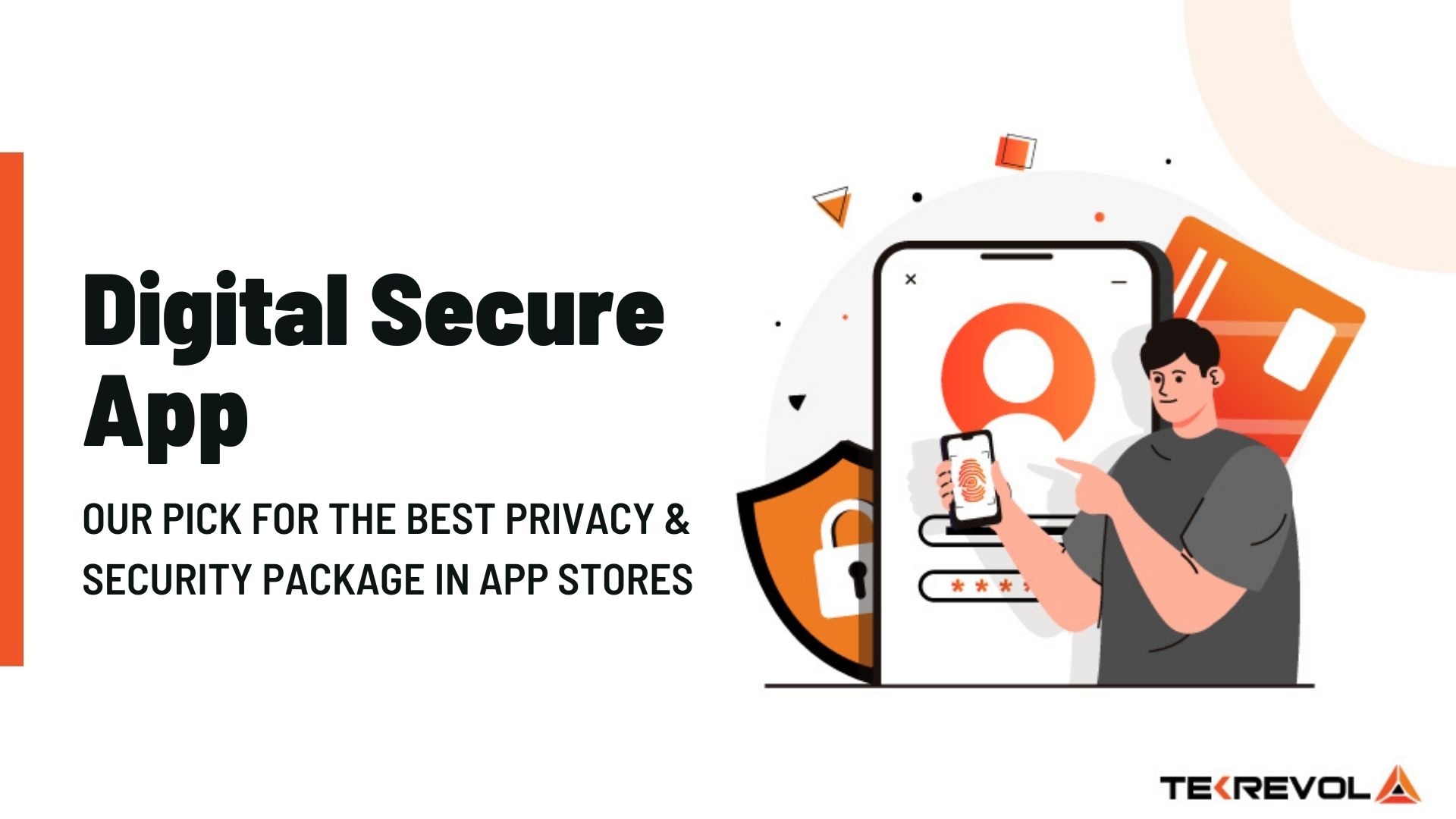
While Digital Secure provides a robust safety net, it should be part of a broader “digital hygiene” strategy. Tech experts recommend several habits to complement the software:
- Always enable Two-Factor Authentication (2FA): Even if your password is stolen, 2FA provides a second layer of defense.
- Keep Software Updated: Digital Secure will often remind you to update your OS. These updates frequently contain critical security patches that close “zero-day” vulnerabilities.
- Review App Permissions Regularly: Periodically check the Digital Secure Privacy Advisor to see if newly installed apps are requesting unnecessary access to your data.
- Trust the Alerts: If the app flags a website or a Wi-Fi network as “unsecure,” heed the warning. Many breaches occur when users bypass security warnings for the sake of convenience.
By integrating Verizon Digital Secure into their daily tech routine, users can navigate the digital world with confidence. In an environment where cyber threats are becoming more sophisticated, having a multi-layered, carrier-grade security solution is no longer a luxury—it is a technical necessity. Whether you are protecting a single device or an entire family’s worth of hardware, understanding and utilizing tools like Digital Secure is a vital step in maintaining modern digital integrity.
aViewFromTheCave is a participant in the Amazon Services LLC Associates Program, an affiliate advertising program designed to provide a means for sites to earn advertising fees by advertising and linking to Amazon.com. Amazon, the Amazon logo, AmazonSupply, and the AmazonSupply logo are trademarks of Amazon.com, Inc. or its affiliates. As an Amazon Associate we earn affiliate commissions from qualifying purchases.