
In the modern era of air travel, the physical paper ticket has largely become an artifact of the past. For ultra-low-cost carriers like Spirit Airlines, the transition to a digital-first ecosystem is not merely a convenience—it is a core component of their operational efficiency. Navigating the technical landscape to secure your boarding pass requires an understanding of mobile application interfaces, web-based document generation, and the integration of digital wallets. This guide provides an in-depth technical walkthrough of the various methods available to retrieve your Spirit Airlines boarding pass, ensuring a friction-free transition from your device to the departure gate.

Leveraging the Spirit Mobile App for a Seamless Digital Check-In
The most efficient method for securing a boarding pass in today’s mobile-centric environment is through the official Spirit Airlines mobile application. Available on both iOS and Android platforms, the app acts as a comprehensive portal for passenger data management and real-time flight updates.
Navigating the User Interface for Faster Document Retrieval
The Spirit app is designed with a specific UX (User Experience) flow intended to minimize the time between logging in and displaying the boarding pass. Upon launching the application, users are greeted with a dashboard that prioritizes upcoming trips. The “Check-In” module typically activates exactly 24 hours prior to the scheduled departure.
To initiate the process, the software requires two primary data points: the passenger’s last name and the Confirmation Code (a six-digit alphanumeric string). Once these credentials are authenticated against Spirit’s backend database, the app guides the user through a series of technical prompts—including hazardous materials acknowledgments and optional add-on modules. The final output is a high-resolution QR code optimized for airport scanners.
The Technology Behind Real-Time Flight Updates and Notifications
One of the primary advantages of utilizing the app over a static paper pass is the integration of push notification technology. The app utilizes background data synchronization to monitor flight status, gate changes, and boarding times. When a gate is updated in the airline’s central management system, the app pushes an update to the user’s device, often faster than the airport’s physical display screens can refresh. This real-time data loop ensures that the digital boarding pass remains an accurate reflection of the flight’s current status.
Optimizing the Online Web Portal Experience
For users who prefer a desktop environment or require a physical backup, the Spirit Airlines web portal provides a robust platform for document generation. This method relies on browser-based technologies and secure PDF rendering.
Browser Compatibility and Security Protocols for Document Printing
Accessing the boarding pass via the Spirit website involves a secure HTTPS connection to ensure that personal identifiable information (PII) is encrypted during transmission. The web portal is optimized for modern browsers such as Chrome, Firefox, and Safari. When the check-in process is completed online, the system generates a dynamic document that can be either emailed to the passenger or downloaded directly.
From a technical standpoint, the “Print at Home” option generates a PDF file formatted for standard 8.5 x 11-inch paper. It is critical that the printer settings are configured to “Actual Size” rather than “Fit to Page” to ensure that the barcode density remains within the readable parameters of the TSA and gate scanners. A blurred or improperly scaled barcode can lead to read errors, requiring manual data entry by gate agents.
Understanding PDF Generation and Digital Encryption
The digital boarding pass generated via the web portal contains more than just your seat number. It includes an encrypted barcode—often a PDF417 or Aztec code—which stores a significant amount of data, including the passenger’s name, flight number, date, and security status (such as TSA PreCheck eligibility). This data is encoded using specific industry standards set by the International Air Transport Association (IATA). Understanding that this document is a piece of encrypted data helps underscore the importance of maintaining the integrity of the file, whether it is stored on a local drive or printed.
Integrating Digital Passes with Mobile Wallets: Apple Wallet and Google Pay
For power users, the peak of travel technology is the integration of the boarding pass into a native mobile wallet. This removes the need to hunt through emails or re-open the Spirit app at the security checkpoint.
The .pkpass File Format and NFC/QR Infrastructure
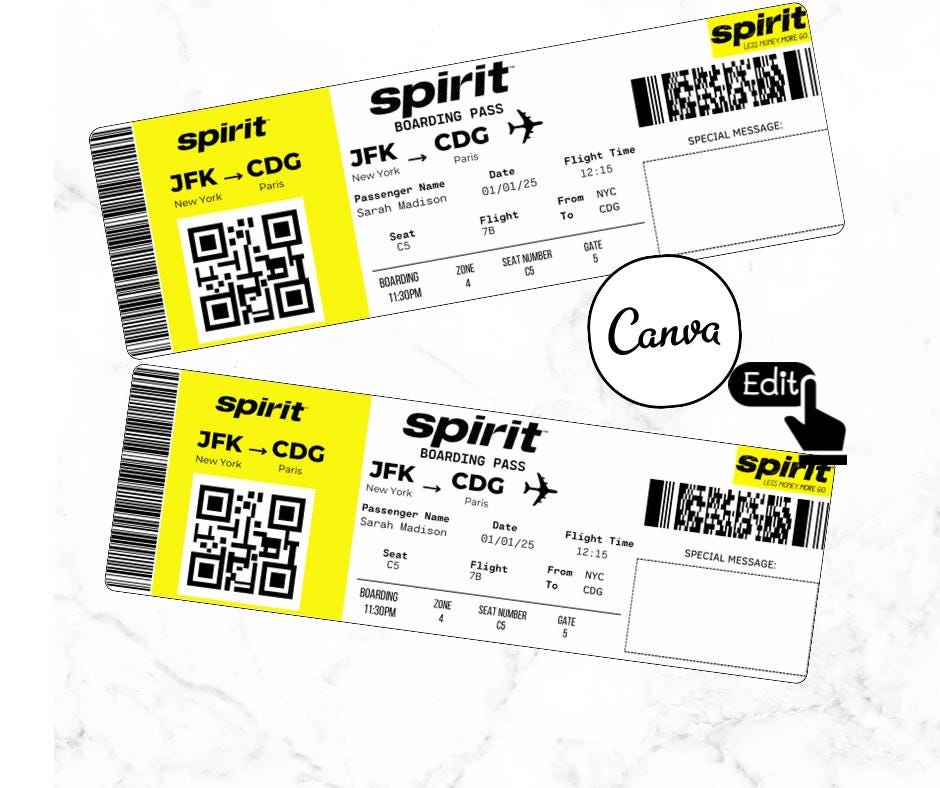
When you complete the check-in process on a mobile device, the Spirit app provides an option to “Add to Apple Wallet” or “Save to Google Pay.” This action generates a .pkpass file, a specialized compressed folder containing a JSON manifest, images, and localized strings.
The primary benefit of this integration is the use of “Time and Location-Based Triggers.” Using the device’s GPS and the flight’s scheduled time, the mobile wallet can automatically surface the boarding pass on the lock screen as the passenger approaches the airport. This is achieved through geofencing technology, where the device recognizes it is within the vicinity of a specific set of coordinates (the airport) and moves the relevant pass to the foreground for instant access.
Enhancing Security with Biometric Authentication
Using a mobile wallet adds an extra layer of digital security that a paper pass cannot provide. Accessing a boarding pass within Apple Wallet or Google Pay typically requires biometric authentication—such as FaceID, TouchID, or a secure passcode. This ensures that even if a device is lost or stolen, the traveler’s flight details and PII remain protected. Furthermore, these digital passes are updated dynamically; if a seat assignment changes, the file in the wallet can be updated via a push update, ensuring the user always possesses the most current version of their travel authority.
Troubleshooting Technical Hurdles in the Digital Boarding Process
Even with a robust digital infrastructure, technical anomalies can occur. Being able to troubleshoot these issues is essential for maintaining a stress-free travel experience.
Resolving Connectivity and Synchronization Errors
A common issue travelers face is the “Session Timed Out” error or the inability of the app to fetch the latest reservation data. This is often caused by a cache mismatch or a localized network disruption. To resolve this, users should attempt to toggle their device’s Airplane Mode to reset the network stack or clear the application cache in the device settings.
In some instances, the airline’s backend server may be undergoing maintenance or experiencing high traffic. If the mobile app fails to generate a pass, the secondary technical fallback is the mobile web browser. By logging into the Spirit website through a mobile browser (like Chrome or Safari on a smartphone), users can often bypass app-specific bugs and retrieve a PDF version of their pass.
Cybersecurity Best Practices for Protecting Your Travel Data
In the digital age, a boarding pass is a sensitive document. The barcodes contain information that can be harvested if shared improperly. It is a vital security practice to avoid posting photos of your boarding pass on social media platforms. High-resolution photos allow for the extraction of the barcode data, which could potentially grant unauthorized individuals access to your frequent flyer account or personal contact information.
Furthermore, when using public airport Wi-Fi to download your boarding pass, it is highly recommended to use a Virtual Private Network (VPN). This encrypts your traffic and prevents “Man-in-the-Middle” (MitM) attacks, where malicious actors might attempt to intercept the data being sent between your device and Spirit’s servers.
Hardware and the Airport Interface: The Scanning Ecosystem
The final stage of the boarding pass’s lifecycle occurs at the airport, where it interacts with specialized hardware. Whether you are using a mobile screen or a printed page, the success of the check-in process relies on the compatibility between your document and the airport’s scanning infrastructure.
The Optics of QR and Barcode Scanning
Airport scanners use either laser-based or imaging-based technology. Imaging scanners are more prevalent today as they are capable of reading screens. If you are using a digital boarding pass, it is a technical best practice to increase your screen brightness to 100%. This maximizes the contrast between the black and white elements of the QR code, allowing the scanner’s image sensor to capture the data more accurately. Many apps, including Spirit’s, are programmed to automatically override system settings and boost brightness when the boarding pass screen is active.
The Role of Kiosk Technology as a Technical Fail-Safe
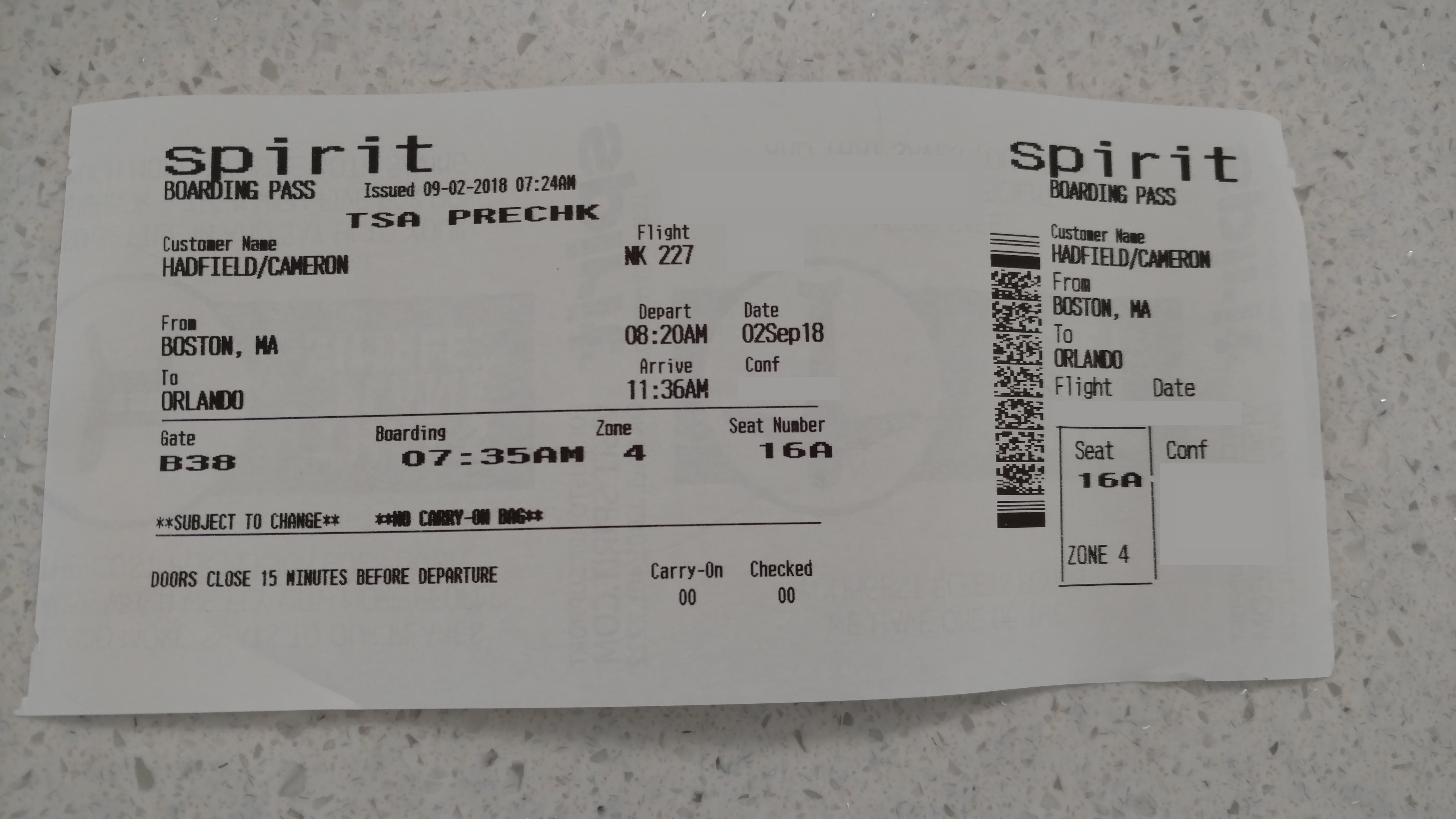
In the event of a total mobile device failure—such as a depleted battery or a shattered screen—the airport kiosk serves as the final hardware solution. These kiosks are essentially hardened industrial computers running specialized thin-client software. By interacting with the kiosk’s capacitive touchscreen and scanning a passport or entering a confirmation code, the system can bypass the digital mobile workflow and print a thermal-paper boarding pass. While Spirit often charges a fee for agent-printed passes to encourage digital adoption, the self-service kiosk remains a vital piece of the technological ecosystem for travelers who encounter hardware malfunctions with their personal devices.
aViewFromTheCave is a participant in the Amazon Services LLC Associates Program, an affiliate advertising program designed to provide a means for sites to earn advertising fees by advertising and linking to Amazon.com. Amazon, the Amazon logo, AmazonSupply, and the AmazonSupply logo are trademarks of Amazon.com, Inc. or its affiliates. As an Amazon Associate we earn affiliate commissions from qualifying purchases.