
For many small business owners and aspiring bookkeepers, QuickBooks represents the gold standard of financial management. It is the gatekeeper to financial clarity, the engine behind tax preparation, and the primary tool for tracking the lifeblood of any enterprise: cash flow. However, the question of how difficult it is to learn the platform often acts as a significant barrier to entry. The answer is nuanced, depending less on technical aptitude and more on one’s foundational understanding of accounting principles and the specific complexity of the business in question.
QuickBooks is designed to be user-friendly, yet it is built upon the rigid, centuries-old framework of double-entry bookkeeping. This intersection of modern software design and traditional accounting logic creates a learning curve that can feel steep at first but becomes manageable once the underlying patterns are recognized. To master QuickBooks is to master the language of business finance itself.
The Learning Curve: Software Mechanics vs. Financial Strategy
The difficulty of learning QuickBooks is often misunderstood. There are two distinct hurdles every learner must clear: the technical interface of the software and the financial logic that governs it.
Technical Navigation and Interface
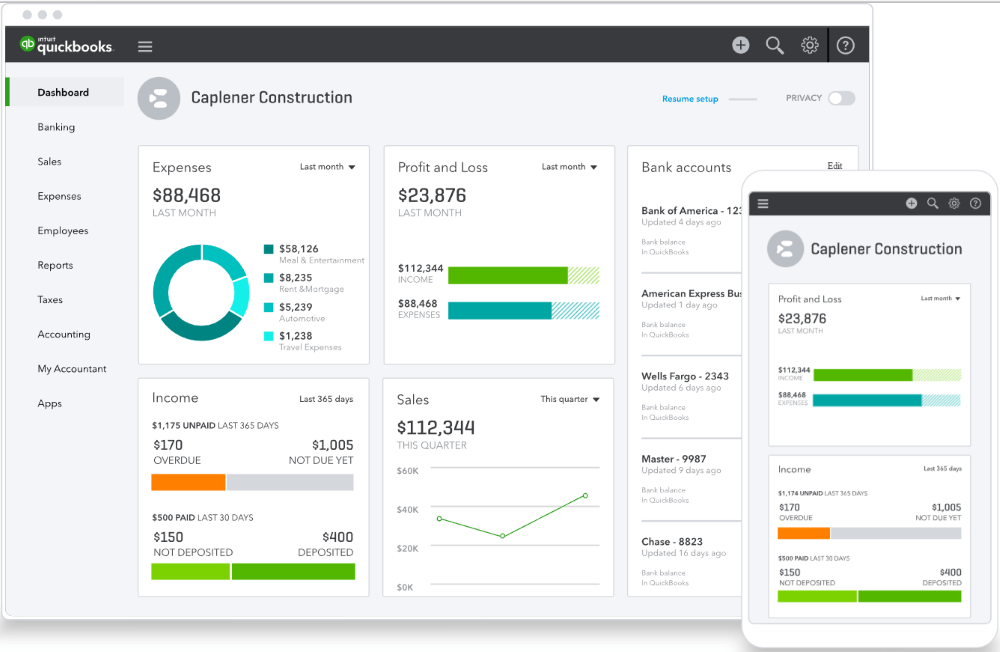
From a purely technical standpoint, modern iterations like QuickBooks Online (QBO) are intuitive. The user interface is clean, featuring dashboards that visualize income, expenses, and profit margins. For a user who is comfortable with modern web applications, the “how-to” of clicking through menus, creating an invoice, or uploading a receipt is relatively simple. Most users can learn to perform basic data entry tasks within a few hours of exploration.
However, the ease of data entry can be deceptive. QuickBooks is highly automated, but automation does not equate to accuracy. The challenge arises when a user must troubleshoot an error or reconcile a bank statement that does not match the software’s records. At this point, the “technical” skill of using the app transitions into the “strategic” skill of financial management.
The Barrier of Accounting Fundamentals
The true difficulty of QuickBooks lies in the user’s grasp of accounting basics. If you do not understand the difference between an asset and an expense, or the distinction between accounts payable and accounts receivable, the software will eventually become a source of confusion rather than clarity.
QuickBooks operates on a “Garbage In, Garbage Out” (GIGO) principle. If a user incorrectly categorizes a loan payment as income, or fails to understand how a journal entry affects the general ledger, the resulting financial reports—such as the Balance Sheet or the Profit and Loss statement—will be fundamentally flawed. Therefore, for someone with zero background in finance, the learning curve is less about the software and more about the education required to manage a set of books accurately.
Variable Factors in the Learning Experience
Not every QuickBooks journey is the same. The difficulty level fluctuates based on the version of the software selected and the specific needs of the business entity.
QuickBooks Online vs. QuickBooks Desktop
There is a significant divide between the two primary versions of the software. QuickBooks Online is built for accessibility and collaboration, making it the preferred choice for service-based businesses and solopreneurs. It is generally considered “easier” to learn because it automates many bank feeds and offers a more streamlined experience.
In contrast, QuickBooks Desktop (QBD) is a powerhouse of functionality often favored by manufacturing, construction, and high-inventory businesses. It follows a more traditional, module-based layout. QBD has a much steeper learning curve because it offers deeper customization and more complex inventory tracking features. Learning Desktop requires a more methodical approach and often a longer time investment to achieve proficiency.
Industry-Specific Complexity
The nature of the business significantly impacts how hard it is to master the software. A freelance consultant with a few monthly invoices and simple expenses might find QuickBooks easy to learn within a week. However, a retail business with thousands of SKUs, multi-state sales tax obligations, and a large payroll will face a much more daunting task.
Managing inventory, tracking work-in-progress (WIP) for construction projects, or handling complex payroll tax filings requires advanced knowledge of QuickBooks’ deeper features. For these users, mastery is a process that can take months of consistent practice and perhaps formal training.

Strategic Milestones for Financial Mastery
To move from a novice to a proficient user, one must move through several strategic milestones. Each of these steps builds the confidence necessary to manage business finances without the constant fear of making a catastrophic error.
Mastering the Chart of Accounts
The Chart of Accounts (COA) is the backbone of any QuickBooks file. It is a categorized list of every account the business uses to record transactions. Learning how to set up and maintain a clean COA is perhaps the most critical step in the learning process. A poorly organized COA leads to cluttered reports and difficult tax seasons. Mastering this requires the user to think like an analyst: How should these transactions be grouped to provide the best insight into the company’s financial health?
Bank Reconciliation and Data Integrity
Reconciliation is the process of ensuring that the transactions recorded in QuickBooks match the reality of the bank statements. While QuickBooks offers “Bank Feeds” that pull transactions automatically, the user must still “match” or “add” them correctly.
Learning the nuances of reconciliation—such as handling outstanding checks or identifying duplicate entries—is where many beginners struggle. Proficiency in this area is a signal that the learner has moved past simple data entry and into the realm of data integrity. It ensures that the “Money” being tracked in the software actually exists in the bank.
Understanding Financial Reporting
The ultimate goal of using QuickBooks is not just to record history, but to inform the future. A proficient user must learn how to generate and interpret key financial reports. This includes:
-
The Profit and Loss Statement (P&L): Tracking revenue against expenses over a specific period.
-
The Balance Sheet: Viewing the company’s net worth through its assets, liabilities, and equity.
-
Statement of Cash Flows: Understanding how cash moves in and out of the business, which is vital for survival.
Learning to read these reports is often the most rewarding part of the process, as it turns “software training” into “business intelligence.”
Overcoming the Psychological and Technical Hurdles
For many, the difficulty of learning QuickBooks is psychological. The fear of “messing up the taxes” or “breaking the books” can lead to procrastination or avoidance. To overcome this, a systematic approach to learning is required.
Avoiding the “Garbage In, Garbage Out” Trap
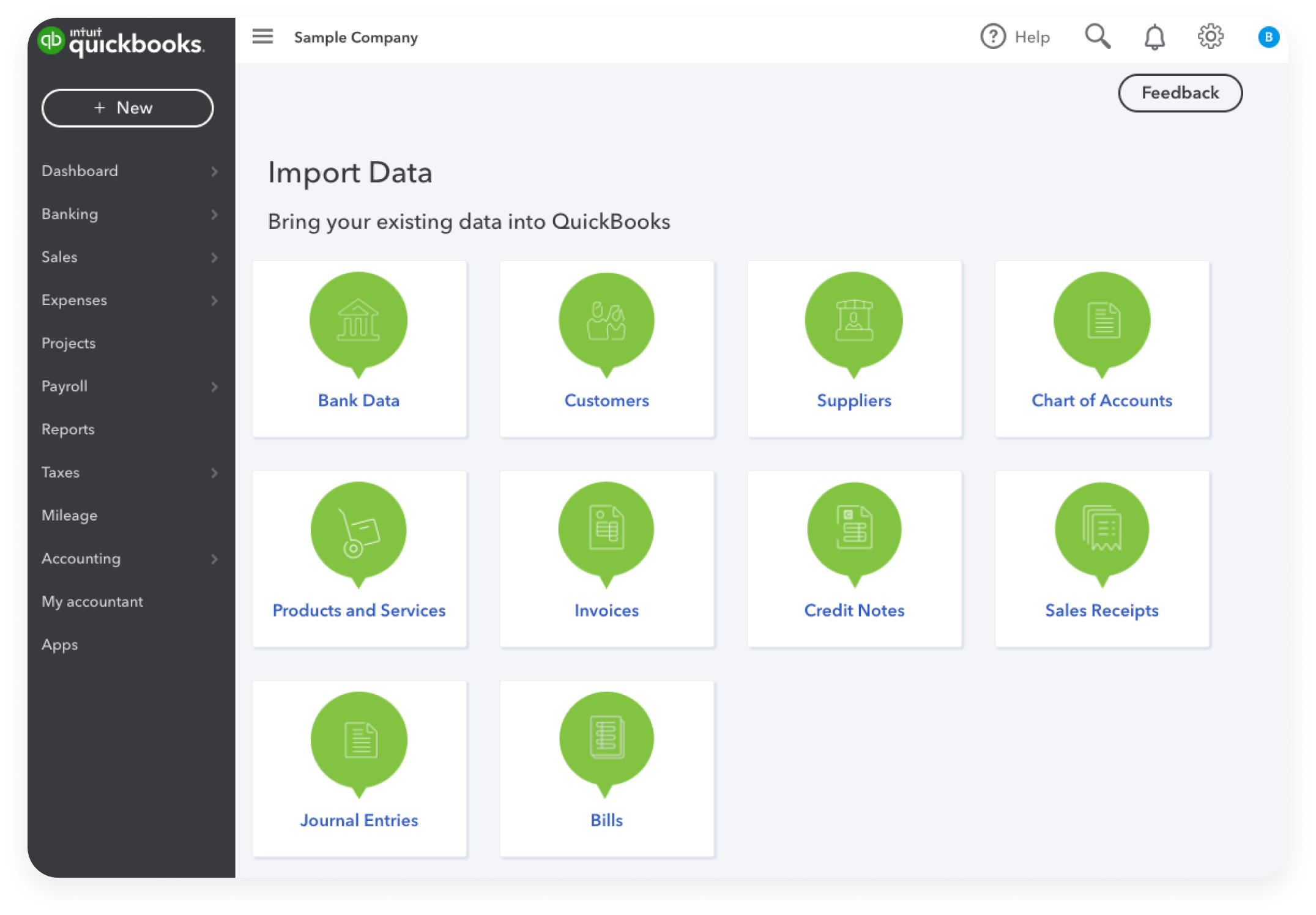
The most common mistake is attempting to learn the software by simply “winging it.” This leads to a messy General Ledger that eventually requires an expensive cleanup by a professional accountant. The most efficient way to learn is to start with a “Sample Company” file, which QuickBooks provides. This allows users to practice invoicing, paying bills, and running payroll in a sandbox environment where mistakes have no real-world financial consequences.
Leveraging Training and Certification
While the software is “learnable” on one’s own, the speed of mastery is greatly increased through structured education. There are countless resources, from free YouTube tutorials to the official QuickBooks ProAdvisor certification. For those looking to use QuickBooks as a career path, the ProAdvisor program is an intensive but highly effective way to learn every corner of the software. For the business owner, even a basic 10-hour course can save dozens of hours of frustration and potentially thousands of dollars in accounting fees later on.
The Long-term Value of Financial Literacy
Is QuickBooks hard to learn? It is certainly more challenging than a simple spreadsheet or a basic mobile banking app. However, the difficulty is proportional to the value it provides.
Learning QuickBooks is essentially an investment in financial literacy. It forces a business owner to confront the reality of their margins, the weight of their debt, and the efficiency of their operations. The software serves as a mirror, reflecting the financial health of the organization.
While the initial weeks may involve a steep climb—learning the vocabulary of debits and credits, the mechanics of the interface, and the discipline of weekly reconciliation—the view from the top is one of total control. A person who has mastered QuickBooks no longer wonders if they are making money; they know exactly how much they are making, where it is going, and how to optimize it for the future. In the world of business finance, that clarity is worth every hour of the learning process.
aViewFromTheCave is a participant in the Amazon Services LLC Associates Program, an affiliate advertising program designed to provide a means for sites to earn advertising fees by advertising and linking to Amazon.com. Amazon, the Amazon logo, AmazonSupply, and the AmazonSupply logo are trademarks of Amazon.com, Inc. or its affiliates. As an Amazon Associate we earn affiliate commissions from qualifying purchases.