
In the modern landscape of commerce, financial literacy is the cornerstone of sustainable growth. For small business owners, freelancers, and aspiring accountants, QuickBooks has become more than just a software tool; it is the industry standard for managing the fiscal health of an organization. Understanding how to navigate this platform is akin to learning the language of business itself. Mastering QuickBooks allows a professional to track every dollar, optimize tax liabilities, and generate the insights necessary to pivot during shifting market conditions.
Learning QuickBooks is not a monolithic task but a journey that evolves from basic data entry to sophisticated financial analysis. Whether you are aiming to manage your own books or provide professional services to others, the path to proficiency requires a strategic approach that balances technical know-how with fundamental accounting principles.
Establishing the Foundation of Business Finance
Before touching the software, one must understand the underlying principles of business finance. QuickBooks is designed to automate and organize financial data, but it operates on the age-old logic of double-entry bookkeeping. Without a grasp of these basics, a user risks creating a “garbage in, garbage out” scenario where the reports generated are fundamentally flawed.
Understanding the Chart of Accounts
The Chart of Accounts (COA) is the backbone of any financial system in QuickBooks. It is a categorized list of every place money comes from and every place it goes. To learn QuickBooks effectively, you must first learn how to structure a COA that reflects your specific business model.
A well-organized COA separates assets, liabilities, equity, income, and expenses. For example, a service-based business will have a vastly different account structure than a manufacturing firm with heavy inventory requirements. Learning how to categorize transactions correctly from the start prevents the common “Uncategorized Income” or “Misc Expense” traps that make tax season a nightmare for business owners.
Accrual vs. Cash Basis Accounting
One of the most critical decisions in the QuickBooks setup process is choosing between cash and accrual accounting. Learning how these two methods impact your financial statements is essential for accurate reporting.
Cash basis accounting records income when the money hits your bank account and expenses when they are paid. Accrual accounting, which is more common for larger entities or those with inventory, records income when it is earned (invoiced) and expenses when they are incurred. Mastering QuickBooks involves knowing when to toggle between these views to understand your real-time cash position versus your long-term profitability.
Strategic Educational Pathways for Financial Mastery
The “best” way to learn QuickBooks depends on your ultimate goal. A business owner needs to know how to invoice and pay bills, while a professional bookkeeper needs to know how to reconcile complex accounts and perform year-end closings.
Utilizing Official Intuit Training and Certification
Intuit, the creator of QuickBooks, offers a robust ecosystem of learning materials. For those looking to enter the field of professional finance, the QuickBooks ProAdvisor program is the gold standard. This pathway provides structured modules that cover everything from initial company setup to advanced inventory management.
The benefit of following an official certification path is the emphasis on best practices. You aren’t just learning where to click; you are learning the “Intuit way” of handling reconciliations and payroll, which minimizes errors and ensures that your books are “accountant-ready” at the end of the fiscal year.
The Value of Hands-On Simulation
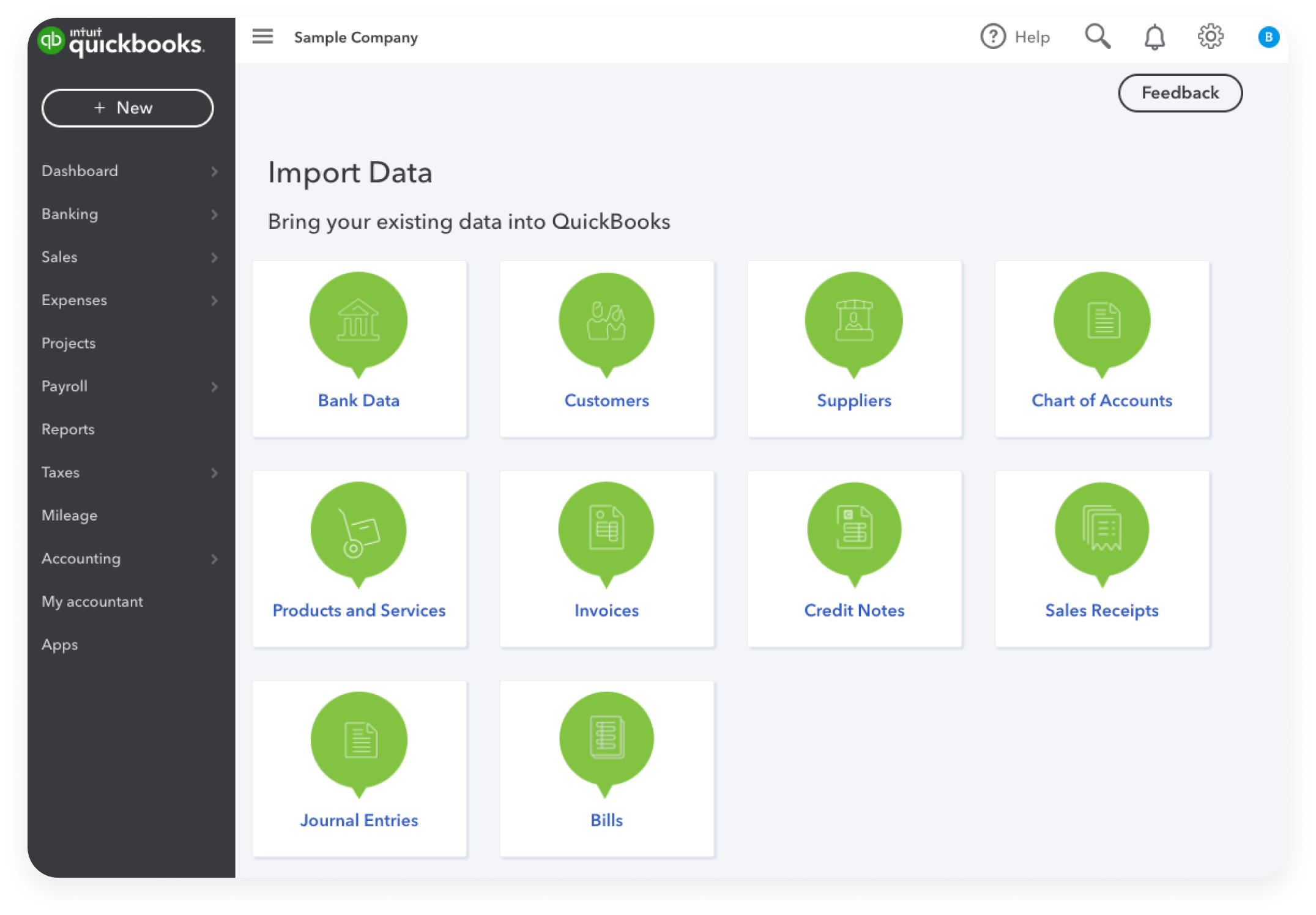
Financial software is best learned through doing. Many learners find success by using a “sample company” file—a feature built into QuickBooks that allows users to experiment with transactions without affecting real-world data.
To learn quickly, practice a full monthly cycle:
-
Create several fictitious customers and vendors.
-
Generate invoices and record payments.
-
Enter bills and schedule payments.
-
Download “mock” bank transactions and categorize them.
-
Perform a month-end reconciliation.
Repeating this cycle multiple times builds the muscle memory required to handle high volumes of data with accuracy.
Leveraging Automation for Fiscal Efficiency
The true power of QuickBooks lies in its ability to save time through automation. A significant portion of the learning curve involves moving away from manual entry and toward a system of automated oversight.
Mastering Bank Feeds and Rules
The most transformative feature in modern QuickBooks is the Bank Feed. By linking business bank accounts and credit cards directly to the software, transactions flow in automatically. However, the software requires a human touch to ensure these transactions are coded correctly.
Learning to create “Bank Rules” is a high-level skill that separates beginners from experts. Rules allow the software to recognize recurring transactions—such as a monthly software subscription or a utility bill—and automatically categorize them. Mastering this function reduces manual work by up to 80%, allowing the user to focus on high-level financial strategy rather than clerical data entry.
Managing Accounts Receivable and Payable
Cash flow is the lifeblood of any business. Learning how to use QuickBooks to manage the timing of money coming in and going out is vital.
-
Accounts Receivable (AR): Learn to set up automated invoice reminders. This ensures that the business is not acting as an interest-free lender to clients who are slow to pay.
-
Accounts Payable (AP): Learn to use the “Bill Pay” features to schedule payments so they occur at the optimal time for cash flow preservation, ensuring you never incur late fees while keeping as much cash in your account as possible for as long as possible.
Analyzing Financial Health through Reporting
Once the data is in the system, the final stage of learning QuickBooks is learning how to extract and interpret that data. A business owner who only looks at their bank balance is flying blind; a professional uses QuickBooks to see the whole horizon.
The Three Essential Reports
To truly master the financial side of QuickBooks, one must be able to generate and analyze three specific reports:
-
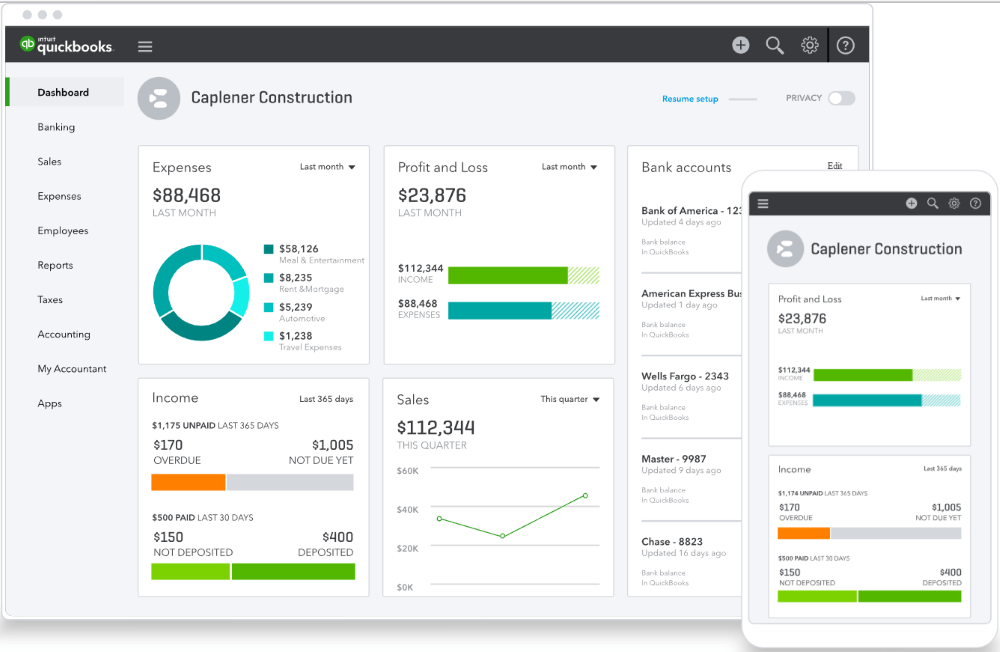
The Profit and Loss Statement (P&L): This tells you if you are making money over a specific period. Learning to read a P&L involves looking at “Gross Profit” versus “Net Income” and identifying which expense categories are eating into your margins.
-
The Balance Sheet: This provides a snapshot of what the business owns (assets) and what it owes (liabilities). It is the ultimate measure of the company’s value.
-
The Statement of Cash Flows: This is perhaps the most misunderstood report. It shows how changes in the balance sheet and income affect cash and cash equivalents. Learning to interpret this report is what allows a business to survive “growth spurts” where they might be profitable on paper but cash-poor in reality.
Customizing Reports for Decision Making
Standard reports are useful, but custom reports are where the strategic value lies. Learning how to filter data by “Class” or “Location” allows a user to see which specific branch or product line is the most profitable. For instance, a construction company might use “Job Costing” features to see exactly how much profit was made on a specific renovation project versus another. Mastering these advanced reporting tools turns QuickBooks from a compliance tool into a powerful engine for business growth.
Avoiding Common Pitfalls and Ensuring Compliance
A major part of the QuickBooks learning process is understanding what not to do. Financial mismanagement often stems from small errors that compound over time.
The Importance of Regular Reconciliation
Many novice users skip the reconciliation process, believing that because their bank is linked via a feed, the data must be correct. This is a dangerous assumption. Reconciliation is the process of cross-referencing your QuickBooks records against your actual bank statements to ensure they match perfectly. Learning how to troubleshoot reconciliation discrepancies—such as duplicate entries or missing checks—is a fundamental skill for maintaining fiscal integrity.

Preparing for Tax Season and Audits
Finally, learning QuickBooks means learning how to stay on the right side of the tax authorities. This involves more than just tracking income; it involves proper documentation. Learning how to use the “Receipt Capture” feature allows users to attach digital copies of receipts directly to transactions. This creates a digital audit trail that provides immense peace of mind.
When you learn to keep your books in a state of “perpetual readiness,” tax season becomes a non-event. Instead of scrambling to find documents, you simply grant your CPA access to your QuickBooks file. This level of organization not only saves money on accounting fees but also ensures that the business can maximize its legal deductions, ultimately keeping more money in the company’s coffers.
Mastering QuickBooks is an investment in your professional capital. It transitions you from a passive observer of your finances to an active manager of your economic future. By combining a solid understanding of accounting theory with the technical proficiency of the software’s automation and reporting tools, you position yourself—and your business—for long-term financial success.
aViewFromTheCave is a participant in the Amazon Services LLC Associates Program, an affiliate advertising program designed to provide a means for sites to earn advertising fees by advertising and linking to Amazon.com. Amazon, the Amazon logo, AmazonSupply, and the AmazonSupply logo are trademarks of Amazon.com, Inc. or its affiliates. As an Amazon Associate we earn affiliate commissions from qualifying purchases.