
In the modern era of personal finance, the traditional brick-and-mortar banking experience has been largely superseded by the convenience of mobile applications. PNC Bank, one of the largest financial institutions in the United States, has leaned heavily into this digital transformation with its Virtual Wallet and mobile banking ecosystem. One of the most fundamental yet critical tasks for any account holder is maintaining accurate personal information. Knowing how to change your address on the PNC app is more than just a matter of convenience; it is a vital component of maintaining your financial security, ensuring the continuity of legal documentation, and managing your overall financial health.
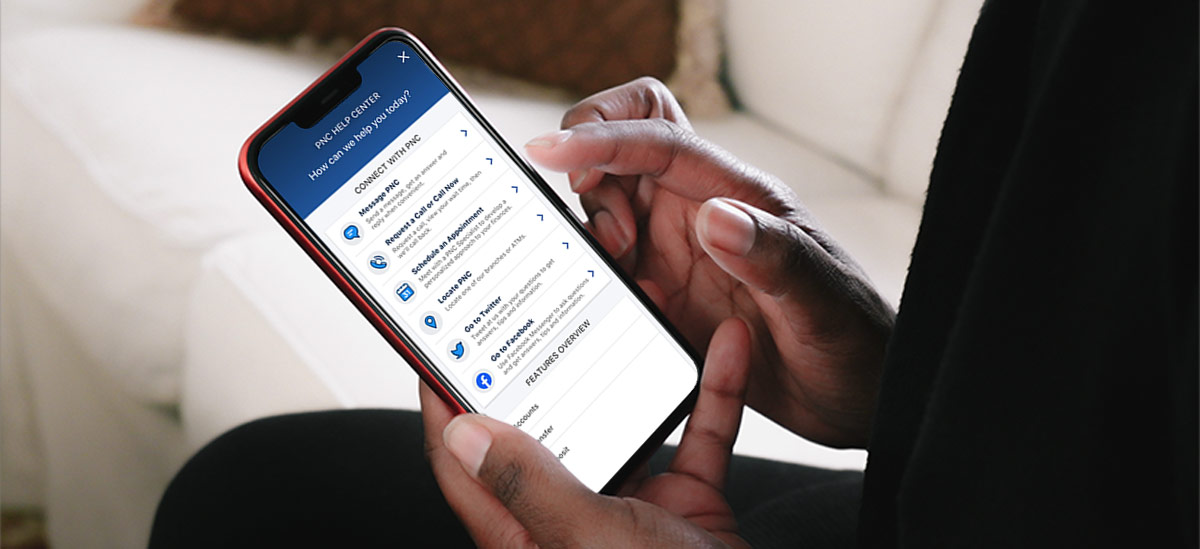
Why Keeping Your Banking Address Current Is Essential for Financial Health
The address associated with your bank account serves as a primary identifier within the global financial system. While we often view it as merely a destination for physical mail, its implications stretch far into the realms of credit reporting, fraud prevention, and regulatory compliance.
The Legal and Regulatory Importance of KYC (Know Your Customer)
Financial institutions are bound by strict federal regulations, primarily under the “Know Your Customer” (KYC) mandates. These laws are designed to prevent money laundering, identity theft, and financial fraud. Your physical address is a cornerstone of this verification process. When you move and fail to update your address, you create a discrepancy in your financial profile that can trigger red flags during automated compliance checks. Keeping your address updated on the PNC app ensures that your profile remains in good standing and that the bank can verify your identity instantly when you apply for new products, such as credit cards, mortgages, or personal loans.
Security and Fraud Prevention
In an age of increasing digital threats, your physical address remains a secondary layer of authentication. Many verification systems use “Address Verification Service” (AVS) during transactions. If you attempt to make a large purchase or set up a new recurring payment and the billing address provided does not match the one on file at PNC, the transaction may be declined. Furthermore, sensitive documents—including new debit cards, credit cards, and tax forms like the 1099-INT—are often sent via physical mail. If these documents are sent to an old address, you significantly increase your risk of identity theft. By updating your information through the app immediately upon moving, you close a major vulnerability in your personal security.
Step-by-Step Instructions: Updating Your Address via the PNC Mobile App
PNC has designed its mobile interface to be intuitive, yet because address changes are sensitive actions, the process involves several layers of security. Before you begin, ensure that you have the latest version of the PNC Mobile Banking app installed on your smartphone to ensure all security patches and interface updates are active.
Preparation and Security Verification
Before navigating to the update section, make sure you are on a secure Wi-Fi connection or using cellular data. Avoid using public Wi-Fi when changing sensitive account details. Log in using your established credentials, which likely involve biometrics (Face ID or Touch ID) or a complex password.
Because an address change is a high-level account modification, PNC may require Multi-Factor Authentication (MFA). This usually involves receiving a one-time passcode via SMS or email. Having your mobile device ready to receive this code is essential for a seamless transition.
Navigating the Interface
Once you are logged into the PNC app home screen:
-
Locate the Menu: Tap on the “Menu” icon, typically represented by three horizontal lines (the “hamburger” menu) or a gear icon, usually found in one of the top corners of the screen.
-
Access Profile & Settings: Scroll through the menu options until you find “Customer Service” or “Profile & Settings.” This is the central hub for all personal data management.
-
Select Personal Information: Within the settings menu, look for a sub-section labeled “Personal Information” or “Contact Information.” Here, you will see your current phone number, email address, and physical/mailing addresses.
-
Edit the Address: Tap on the “Edit” button next to your address. You will be prompted to enter your new street address, apartment number (if applicable), city, state, and zip code.
-
Distinguish Between Physical and Mailing: PNC allows you to maintain different addresses for your physical residence and your mailing destination (such as a PO Box). Ensure you are updating the correct field.
Confirming the Change
After entering the new details, the app will display a summary of the changes. Review these carefully; a single digit error in a zip code can lead to significant logistical headaches. Once confirmed, you may be asked to re-enter your password or provide a second MFA code. After submission, PNC typically sends a confirmation email. It is prudent to keep this email until you see the change reflected across all your account statements.

The Broader Implications of Address Changes in Your Personal Finance Ecosystem
Changing your address on the PNC app is just one piece of a larger financial puzzle. In the context of comprehensive personal finance management, this update serves as a catalyst for several other necessary actions.
Impact on Credit Reports and Loan Applications
Credit reporting agencies (Equifax, Experian, and TransUnion) constantly pull data from your banking providers. When you update your address at PNC, this information is eventually transmitted to the credit bureaus. Consistent information across all financial platforms helps maintain a “clean” credit file. If you are planning to apply for an auto loan or a mortgage in the near future, having a consistent address history is vital. Lenders look for stability, and discrepancies between your application address and your bank-reported address can lead to delays or requests for additional documentation, such as utility bills or lease agreements.
Coordinating with Insurance and Investment Portfolios
For those who use PNC’s broader financial services, such as PNC Investments or their insurance products, an address change in the banking app might not automatically propagate to all subsidiaries due to different regulatory silos. It is a best practice to check if your investment accounts and insurance policies have also been updated. For example, your physical location significantly impacts insurance premiums for homeowners or auto insurance. Failing to update your address with your insurer could technically invalidate a claim if an incident occurs at a location the insurer was not aware of.
Overcoming Potential Hurdles in Digital Profile Management
While the PNC app is robust, certain circumstances may prevent a straightforward digital update. Understanding these limitations is part of sophisticated financial management.
Troubleshooting App Limitations
Sometimes, the “Edit” button may be greyed out, or the app may return an error message stating that the address cannot be updated online. This often happens if you have a pending transaction of a certain type, if you have recently changed other major security settings, or if you hold specific types of business or trust accounts that require wet-ink signatures for changes. In these instances, the app serves as a gateway; you may need to use the “Chat” feature within the app to speak with a representative or schedule an appointment at a branch through the mobile interface.
Handling Dual Addresses and PO Boxes
For digital nomads, students, or those with seasonal homes, managing addresses can be complex. PNC’s digital tools allow for some flexibility, but the “Physical Address” must always be a residential location to comply with the USA PATRIOT Act. If you use a PO Box for mail, ensure that it is correctly categorized in the app. Mislabeling a PO Box as a physical residence can result in the bank freezing certain account functionalities until a valid residential address is provided and verified.
The Future of Mobile Banking and Personal Data Control
The ability to change your address via an app is a testament to the shift toward user-centric data management in the financial sector. As we move toward an era of Open Banking and increased digital autonomy, the responsibility of maintaining an accurate financial profile rests more heavily on the consumer.
The Shift Toward User-Centric Data Management
Financial institutions are increasingly moving toward “self-service” models. This shift reduces overhead for the bank and increases speed for the consumer. However, it also requires the user to be more diligent. Regularly auditing your “Profile” section on the PNC app should be part of a monthly or quarterly financial check-up, similar to reviewing your budget or checking your investment performance.
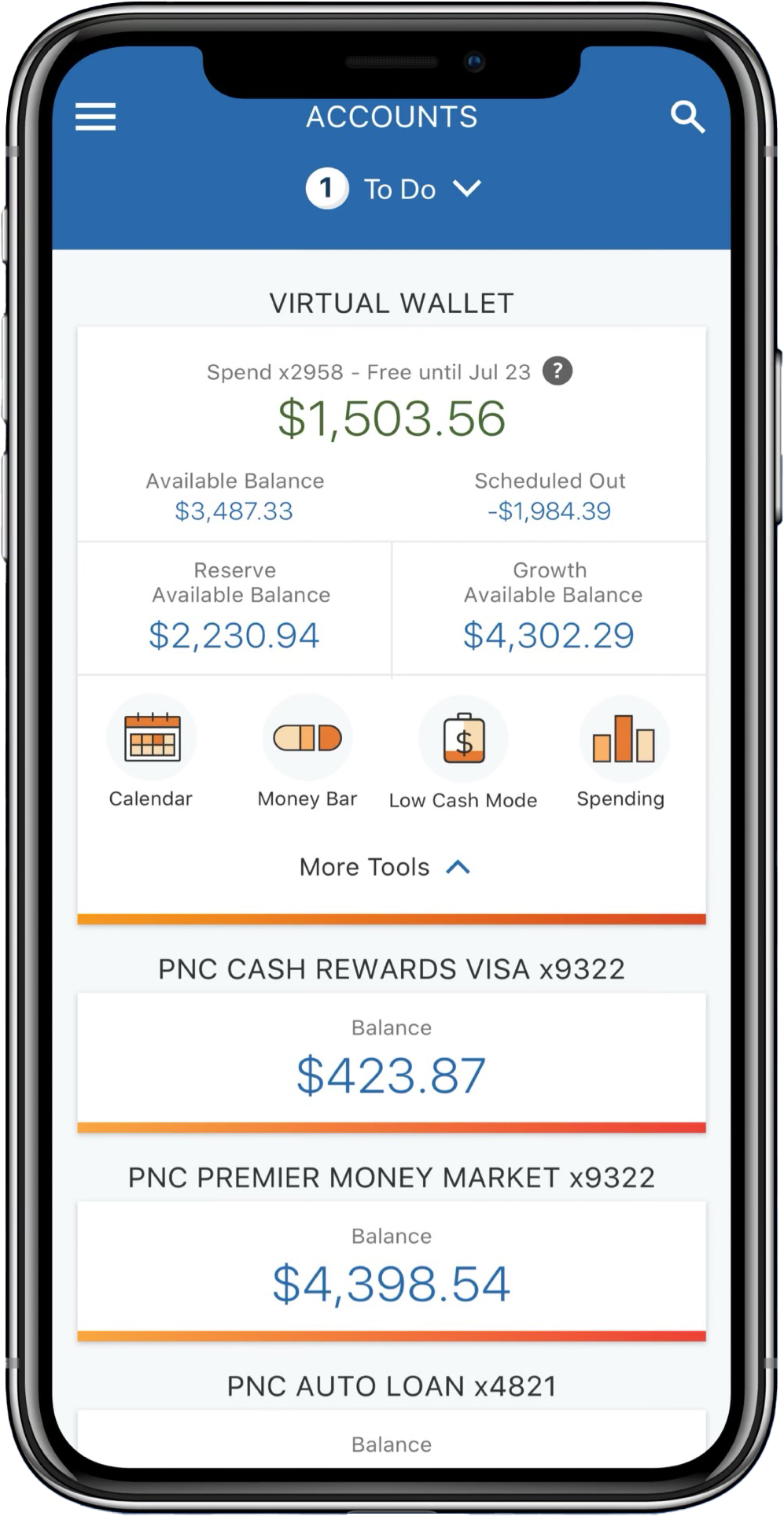
Best Practices for Maintaining a Healthy Digital Banking Profile
To make the most of PNC’s digital tools, consider the following best practices:
-
Enable Notifications: Ensure that “Account Alerts” are turned on. If an address change is ever initiated without your knowledge, an immediate push notification can be the difference between a minor inconvenience and a major identity theft crisis.
-
Audit Linked Services: When you change your address on the PNC app, take a moment to review which third-party apps (like Venmo, PayPal, or budgeting software) are linked to your PNC account. These services may also need their billing information updated to prevent transaction failures.
-
Digital Storage: After updating your address, use the app to download your latest statement. This provides you with an immediate “Proof of Residency” document with your new address, which is often required for DMV visits, voter registration, or utility setups.
By mastering the digital tools provided by PNC, you take a proactive step in managing your financial infrastructure. A simple address change, when viewed through the lens of personal finance, is an essential act of security, compliance, and organizational health. In the digital age, your data is your most valuable asset; keeping it accurate and secure is the hallmark of a savvy financial consumer.
aViewFromTheCave is a participant in the Amazon Services LLC Associates Program, an affiliate advertising program designed to provide a means for sites to earn advertising fees by advertising and linking to Amazon.com. Amazon, the Amazon logo, AmazonSupply, and the AmazonSupply logo are trademarks of Amazon.com, Inc. or its affiliates. As an Amazon Associate we earn affiliate commissions from qualifying purchases.