
PayPal Credit, formerly known as Bill Me Later, is a revolving line of credit that offers consumers a digital alternative to traditional credit cards. While it provides convenience and attractive promotional offers—such as no interest if paid in full within six months on qualifying purchases—there are many valid financial reasons why a user might choose to close their account. Whether you are looking to streamline your financial life, reduce the temptation of impulsive spending, or optimize your credit score for a future mortgage application, understanding how to properly cancel PayPal Credit is essential.

Closing a line of credit is not as simple as clicking a “delete” button. Because PayPal Credit is a financial product issued by Synchrony Bank, the process involves specific regulatory steps to ensure that all debts are settled and the credit reporting agencies are correctly notified. This guide will walk you through the strategic considerations, the step-by-step execution, and the long-term financial implications of canceling your PayPal Credit account.
Understanding the Implications of Closing Your PayPal Credit Account
Before initiating the cancellation process, it is vital to evaluate how this decision will echo through your personal finances. A line of credit is more than just a payment method; it is a component of your credit history and a factor in your overall creditworthiness.
The Impact on Your Credit Score
One of the most common misconceptions in personal finance is that closing an unused credit account will automatically improve your credit score. In reality, the opposite is often true. Your FICO score is calculated based on several factors, including the length of your credit history and your credit utilization ratio.
When you close a PayPal Credit account, you effectively shorten the average age of your accounts once that record eventually falls off your report. Perhaps more importantly, you reduce your total available credit. If you carry balances on other cards, your credit utilization ratio—the amount of debt you owe compared to your total limits—will increase, which can lead to a temporary dip in your score.
Assessing the Interest and Promotional Traps
PayPal Credit is famous for its “deferred interest” promotions. For a consumer focused on money management, these can be double-edged swords. If you fail to pay off the balance within the promotional window, interest is backdated to the purchase date. If you find that these promotions are leading you into a cycle of debt or making your monthly budgeting difficult, canceling the account may be a necessary step to regain control over your cash flow, regardless of the minor impact on your credit score.
Step-by-Step Guide: How to Successfully Close Your Account
Closing a PayPal Credit account requires a proactive approach. Unlike the standard PayPal wallet, which is managed entirely through a digital interface, the Credit line requires a formal request for termination through the issuing bank’s protocols.
Settling Your Balance
The first and most critical step in canceling any line of credit is ensuring the balance is zero. Synchrony Bank will not close an account that has an outstanding balance or pending transactions.
-
Review your statements: Check for any remaining principal, accrued interest, or late fees.
-
Make a final payment: Transfer funds from your linked bank account to cover the total remaining balance.
-
Wait for clearance: It can take several business days for a final payment to clear. Ensure the status of your account reflects a $0.00 balance before moving to the next step.
Contacting Customer Service
As of the current financial landscape, PayPal does not provide an automated “Close Account” button within the user settings for its credit line. You must communicate directly with a representative. There are two primary ways to do this:
-
Via Telephone: This is the most direct method. You can call the PayPal Credit customer service department (typically found on the back of your statement or via the PayPal website’s “Contact Us” section). Inform the representative clearly that you wish to “close the account at the request of the consumer.”
-
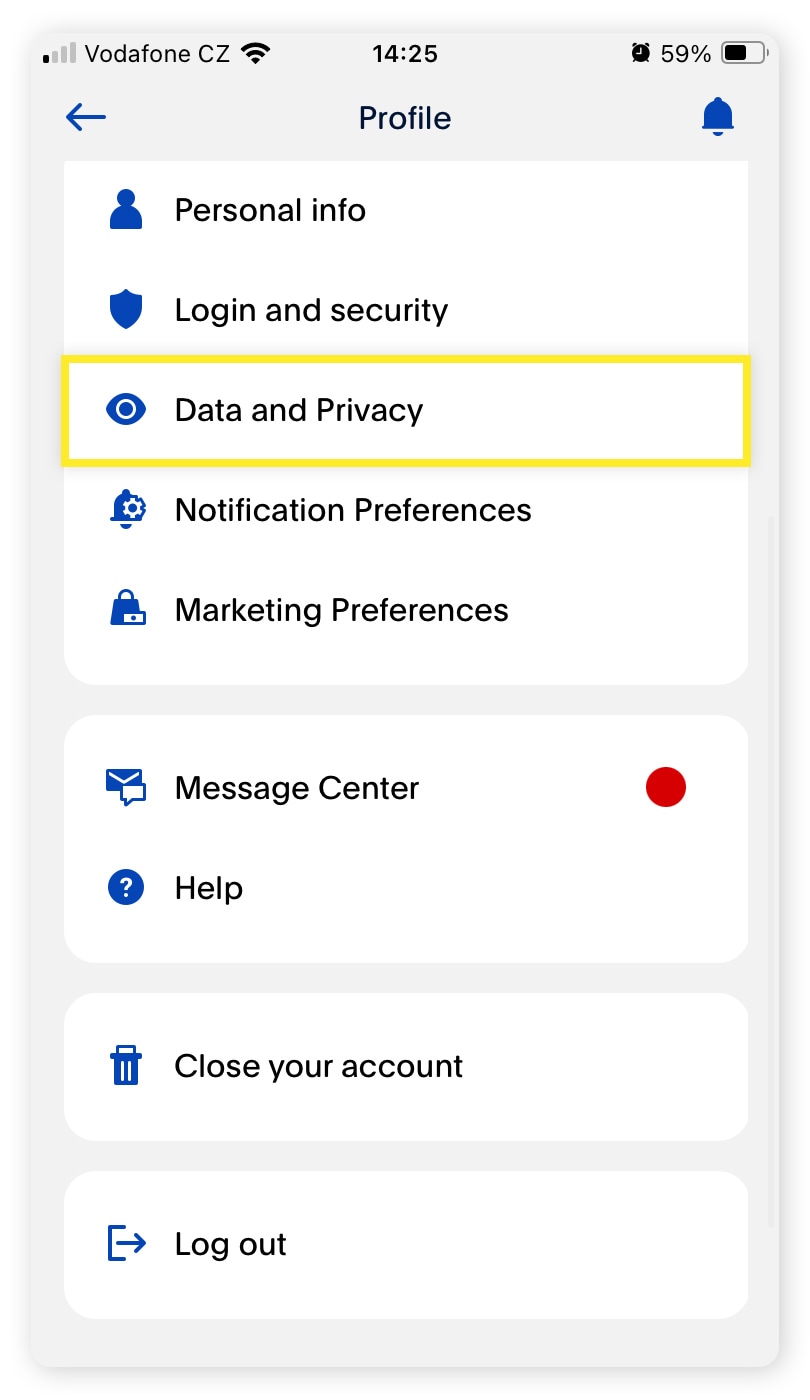
Via the Secure Message Center: If you prefer a written record, you can log in to your PayPal account, navigate to the Help Center, and use the Secure Message Center to send a formal request. Specify the account you want to close and ask for a confirmation of the closure.
Verifying the Closure and Requesting Documentation
Once the representative confirms the account is closed, do not simply take their word for it. Request a formal letter of closure. This document is your primary defense if the account accidentally remains open or if there is a discrepancy in your credit report later. Additionally, check your PayPal dashboard a week later to ensure the PayPal Credit module no longer shows an available balance or an active status.
Strategic Reasons for Canceling PayPal Credit
In the world of personal finance, every account should serve a purpose. If a financial tool is no longer providing value, it may be time to retire it.
Reducing Temptation and Impulsive Spending
Digital credit lines are designed for friction-less spending. When credit is integrated directly into a checkout flow, the “pain of paying” is significantly reduced. For individuals working on disciplined budgeting or following a debt-free lifestyle (such as those following the Dave Ramsey or similar financial philosophies), having a revolving line of credit just one click away can be a liability. Removing the account eliminates the temptation to spend money you haven’t earned yet.
Consolidating Financial Accounts
Financial complexity is the enemy of transparency. Managing multiple credit cards, store accounts, and digital lines of credit makes it easier to miss a payment or lose track of your total debt load. If you have graduated to using high-tier credit cards that offer better rewards, cash back, or lower APRs, PayPal Credit may simply be “financial clutter.” Streamlining your accounts into a few high-quality tools can make your monthly audits much simpler.
High Variable APRs
While the promotional 0% interest offers are attractive, the standard variable APR for PayPal Credit is often significantly higher than that of a traditional bank-issued credit card. If you find yourself occasionally carrying a balance outside of promotional periods, you are likely paying a premium for the convenience. In such cases, moving your spending to a lower-interest card and closing the PayPal Credit line is a sound move for your long-term wealth.
Alternatives to Outright Cancellation
If you are worried about the impact on your credit score but want to stop using PayPal Credit, there are middle-ground strategies that might serve your financial goals better than a full cancellation.
Keeping the Account Dormant
You do not have to close an account to stop using it. You can simply remove PayPal Credit as a preferred payment method in your PayPal wallet. By keeping the account open with a $0 balance, you continue to benefit from the “length of credit history” and the “total available credit” portions of your credit score. This is particularly useful if PayPal Credit is one of your oldest accounts. To prevent the bank from closing it due to inactivity, you might choose to make one small, manageable purchase every six to twelve months and pay it off immediately.
Adjusting Your Credit Limit
If the issue is the risk of overspending, you can contact Synchrony Bank and request a lower credit limit. This limits your “buying power” and reduces the potential damage of impulsive decisions while keeping the account active on your credit report. This maintains the account’s age but puts a hard ceiling on your digital debt.
Navigating the Post-Cancellation Landscape
The work does not end the moment you hang up the phone with customer service. Maintaining your financial health requires follow-up.
Monitoring Your Credit Report
Approximately 30 to 60 days after closing your account, you should check your credit reports from the three major bureaus: Equifax, Experian, and TransUnion. You are entitled to a free report from each annually via AnnualCreditReport.com. Ensure the account is listed as “Closed by Consumer.” If it appears as “Closed by Grantor,” it could imply the bank closed it for delinquency, which can negatively impact your reputation with future lenders.
Reevaluating Your Digital Wallet
With PayPal Credit gone, take the opportunity to audit your other digital payment methods. Ensure your primary bank account and a low-interest credit card are your default options. This ensures that when you do shop online, you are doing so with funds you have or through a medium that offers superior consumer protections and rewards.
Building a Healthier Financial Future
Canceling a line of credit is often a symbolic step toward financial maturity. It represents a shift from relying on borrowed money to living within your means. Use the mental energy you previously spent managing that credit line to focus on building an emergency fund or increasing your contributions to an investment portfolio.
In conclusion, while PayPal Credit offers significant utility for some, it is not a permanent fixture for everyone’s financial journey. By settling your balance, communicating clearly with the issuer, and monitoring the aftermath on your credit report, you can successfully close the account and move toward a more streamlined, secure, and intentional financial life. Managing your credit is about making the tools work for you, and sometimes the best way to make a tool work is to set it aside when its utility has reached its end. Closing your PayPal Credit account is a definitive step in taking control of your financial destiny and ensuring that your credit profile reflects your current financial goals and values. Making this move with a clear understanding of the “why” and the “how” ensures that you protect your credit health while simplifying your path to wealth.# How to Cancel PayPal Credit: A Comprehensive Guide to Managing Your Financial Profile
PayPal Credit, formerly known as Bill Me Later, is a revolving line of credit that offers consumers a digital alternative to traditional credit cards. While it provides convenience and attractive promotional offers—such as no interest if paid in full within six months on qualifying purchases—there are many valid financial reasons why a user might choose to close their account. Whether you are looking to streamline your financial life, reduce the temptation of impulsive spending, or optimize your credit score for a future mortgage application, understanding how to properly cancel PayPal Credit is essential.
Closing a line of credit is not as simple as clicking a “delete” button. Because PayPal Credit is a financial product issued by Synchrony Bank, the process involves specific regulatory steps to ensure that all debts are settled and the credit reporting agencies are correctly notified. This guide will walk you through the strategic considerations, the step-by-step execution, and the long-term financial implications of canceling your PayPal Credit account.
Understanding the Implications of Closing Your PayPal Credit Account
Before initiating the cancellation process, it is vital to evaluate how this decision will echo through your personal finances. A line of credit is more than just a payment method; it is a component of your credit history and a factor in your overall creditworthiness.
The Impact on Your Credit Score
One of the most common misconceptions in personal finance is that closing an unused credit account will automatically improve your credit score. In reality, the opposite is often true. Your FICO score is calculated based on several factors, including the length of your credit history and your credit utilization ratio.
When you close a PayPal Credit account, you effectively shorten the average age of your accounts once that record eventually falls off your report. Perhaps more importantly, you reduce your total available credit. If you carry balances on other cards, your credit utilization ratio—the amount of debt you owe compared to your total limits—will increase, which can lead to a temporary dip in your score.
Assessing the Interest and Promotional Traps
PayPal Credit is famous for its “deferred interest” promotions. For a consumer focused on money management, these can be double-edged swords. If you fail to pay off the balance within the promotional window, interest is backdated to the purchase date. If you find that these promotions are leading you into a cycle of debt or making your monthly budgeting difficult, canceling the account may be a necessary step to regain control over your cash flow, regardless of the minor impact on your credit score.
Step-by-Step Guide: How to Successfully Close Your Account
Closing a PayPal Credit account requires a proactive approach. Unlike the standard PayPal wallet, which is managed entirely through a digital interface, the Credit line requires a formal request for termination through the issuing bank’s protocols.
Settling Your Balance
The first and most critical step in canceling any line of credit is ensuring the balance is zero. Synchrony Bank will not close an account that has an outstanding balance or pending transactions.
-
Review your statements: Check for any remaining principal, accrued interest, or late fees.
-
Make a final payment: Transfer funds from your linked bank account to cover the total remaining balance.
-
Wait for clearance: It can take several business days for a final payment to clear. Ensure the status of your account reflects a $0.00 balance before moving to the next step.
Contacting Customer Service
As of the current financial landscape, PayPal does not provide an automated “Close Account” button within the user settings for its credit line. You must communicate directly with a representative. There are two primary ways to do this:
-
Via Telephone: This is the most direct method. You can call the PayPal Credit customer service department (typically found on the back of your statement or via the PayPal website’s “Contact Us” section). Inform the representative clearly that you wish to “close the account at the request of the consumer.”
-
Via the Secure Message Center: If you prefer a written record, you can log in to your PayPal account, navigate to the Help Center, and use the Secure Message Center to send a formal request. Specify the account you want to close and ask for a confirmation of the closure.
Verifying the Closure and Requesting Documentation
Once the representative confirms the account is closed, do not simply take their word for it. Request a formal letter of closure. This document is your primary defense if the account accidentally remains open or if there is a discrepancy in your credit report later. Additionally, check your PayPal dashboard a week later to ensure the PayPal Credit module no longer shows an available balance or an active status.
Strategic Reasons for Canceling PayPal Credit
In the world of personal finance, every account should serve a purpose. If a financial tool is no longer providing value, it may be time to retire it.
Reducing Temptation and Impulsive Spending
Digital credit lines are designed for friction-less spending. When credit is integrated directly into a checkout flow, the “pain of paying” is significantly reduced. For individuals working on disciplined budgeting or following a debt-free lifestyle (such as those following the Dave Ramsey or similar financial philosophies), having a revolving line of credit just one click away can be a liability. Removing the account eliminates the temptation to spend money you haven’t earned yet.
Consolidating Financial Accounts
Financial complexity is the enemy of transparency. Managing multiple credit cards, store accounts, and digital lines of credit makes it easier to miss a payment or lose track of your total debt load. If you have graduated to using high-tier credit cards that offer better rewards, cash back, or lower APRs, PayPal Credit may simply be “financial clutter.” Streamlining your accounts into a few high-quality tools can make your monthly audits much simpler.
High Variable APRs
While the promotional 0% interest offers are attractive, the standard variable APR for PayPal Credit is often significantly higher than that of a traditional bank-issued credit card. If you find yourself occasionally carrying a balance outside of promotional periods, you are likely paying a premium for the convenience. In such cases, moving your spending to a lower-interest card and closing the PayPal Credit line is a sound move for your long-term wealth.
Alternatives to Outright Cancellation
If you are worried about the impact on your credit score but want to stop using PayPal Credit, there are middle-ground strategies that might serve your financial goals better than a full cancellation.
Keeping the Account Dormant
You do not have to close an account to stop using it. You can simply remove PayPal Credit as a preferred payment method in your PayPal wallet. By keeping the account open with a $0 balance, you continue to benefit from the “length of credit history” and the “total available credit” portions of your credit score. This is particularly useful if PayPal Credit is one of your oldest accounts. To prevent the bank from closing it due to inactivity, you might choose to make one small, manageable purchase every six to twelve months and pay it off immediately.
Adjusting Your Credit Limit
If the issue is the risk of overspending, you can contact Synchrony Bank and request a lower credit limit. This limits your “buying power” and reduces the potential damage of impulsive decisions while keeping the account active on your credit report. This maintains the account’s age but puts a hard ceiling on your digital debt.
Navigating the Post-Cancellation Landscape
The work does not end the moment you hang up the phone with customer service. Maintaining your financial health requires follow-up.
Monitoring Your Credit Report
Approximately 30 to 60 days after closing your account, you should check your credit reports from the three major bureaus: Equifax, Experian, and TransUnion. You are entitled to a free report from each annually via AnnualCreditReport.com. Ensure the account is listed as “Closed by Consumer.” If it appears as “Closed by Grantor,” it could imply the bank closed it for delinquency, which can negatively impact your reputation with future lenders.
Reevaluating Your Digital Wallet
With PayPal Credit gone, take the opportunity to audit your other digital payment methods. Ensure your primary bank account and a low-interest credit card are your default options. This ensures that when you do shop online, you are doing so with funds you have or through a medium that offers superior consumer protections and rewards.

Building a Healthier Financial Future
Canceling a line of credit is often a symbolic step toward financial maturity. It represents a shift from relying on borrowed money to living within your means. Use the mental energy you previously spent managing that credit line to focus on building an emergency fund or increasing your contributions to an investment portfolio.
In conclusion, while PayPal Credit offers significant utility for some, it is not a permanent fixture for everyone’s financial journey. By settling your balance, communicating clearly with the issuer, and monitoring the aftermath on your credit report, you can successfully close the account and move toward a more streamlined, secure, and intentional financial life. Managing your credit is about making the tools work for you, and sometimes the best way to make a tool work is to set it aside when its utility has reached its end. Closing your PayPal Credit account is a definitive step in taking control of your financial destiny and ensuring that your credit profile reflects your current financial goals and values. Making this move with a clear understanding of the “why” and the “how” ensures that you protect your credit health while simplifying your path to wealth.
aViewFromTheCave is a participant in the Amazon Services LLC Associates Program, an affiliate advertising program designed to provide a means for sites to earn advertising fees by advertising and linking to Amazon.com. Amazon, the Amazon logo, AmazonSupply, and the AmazonSupply logo are trademarks of Amazon.com, Inc. or its affiliates. As an Amazon Associate we earn affiliate commissions from qualifying purchases.