
The transition from physical media to digital streaming has fundamentally altered how consumers interact with cinema. Gone are the days of driving to a local kiosk or video store, only to find the latest blockbuster out of stock. Today, Amazon Prime Video stands as one of the most robust transactional video-on-demand (TVOD) platforms, offering a library of thousands of titles for rent or purchase. However, the shift to digital has introduced a new set of rules regarding “ownership” and access windows. For users asking “how long is a movie rental on Amazon,” the answer is governed by a specific set of Digital Rights Management (DRM) protocols that define two distinct countdowns.

Understanding these timelines is crucial for any tech-savvy viewer who wants to maximize their viewing experience without losing access to content prematurely. This guide dives deep into the technical logistics of Amazon’s rental system, the software interfaces that manage your library, and how hardware compatibility affects your digital rentals.
Decoding the Two-Tier Rental Timeline
When you rent a movie on Amazon Prime Video, you aren’t just paying for a file; you are paying for a temporary license to access that content. This license is structured around two specific time-based constraints: the storage window and the viewing window.
The 30-Day Initial Window
From the exact moment your transaction is processed, Amazon grants you a 30-day window to begin watching the film. During this period, the title sits in your “My Stuff” or “Purchases & Rentals” tab, ready to be streamed or downloaded. This 30-day period is static; it does not fluctuate based on how many times you log into the app or browse your library.
Technically, this is handled via a cloud-based server-side check. When you open the Prime Video app on a smart TV, mobile device, or web browser, the software pings Amazon’s servers to verify the validity of your rental licenses. If the 30-day mark passes without you ever pressing “Play,” the license automatically expires, the metadata for the film is removed from your active rental list, and the “Watch Now” button reverts to a “Rent” button.
The 48-Hour Viewing Window
The second, and perhaps more critical, timeline begins the moment you press the “Play” button for the first time. Once playback commences, a 48-hour countdown starts. You must finish the movie within this two-day window, regardless of how much time was left in your initial 30-day period.
It is a common technical misconception that you can “reset” this timer by pausing the movie or closing the app. In reality, the moment the first frame is buffered and served to your device, a timestamp is recorded on Amazon’s DRM server. Even if you only watch the first thirty seconds to check the audio quality, the 48-hour clock has officially begun. This window allows for multiple viewings; you can watch the film as many times as you like within that 48-hour span, which is particularly useful for families with children or viewers who enjoy diving into director commentaries and bonus features.
The Technology Behind Digital Rights Management (DRM)
The enforcement of these rental periods relies on sophisticated Digital Rights Management (DRM). DRM is a systematic approach to copyright protection for digital media, ensuring that content cannot be pirated or accessed beyond the agreed-upon terms of the rental.
License Keys and Server Communication
When you rent a movie, your device receives a unique, encrypted license key. This key is what allows the Prime Video player—whether it’s integrated into a Fire TV stick, a Roku, or a browser like Chrome—to decrypt the video stream. For rentals, this license key is “time-bound.”
For streaming, the device must maintain a periodic “heartbeat” connection with Amazon’s servers. This communication ensures that the system time on your device matches the server time, preventing users from attempting to extend their rental by manually changing the clock settings on their local hardware. If the software detects a discrepancy or if the license key expires mid-stream, the player will typically trigger an error code (such as Error 7031) and terminate the session.
Cross-Platform Synchronization
One of the most impressive technical feats of the Amazon ecosystem is how it synchronizes these windows across different hardware. Because your rental is tied to your Amazon account rather than a specific device, the 48-hour countdown is universal. If you start watching a rental on an iPhone during your commute and decide to finish it on a Samsung Smart TV at home, the app uses Amazon’s “Whispersync” technology to track exactly where you are in the movie and exactly how much time is left in your rental window. This data is stored in the cloud, allowing for a seamless transition between the Prime Video app on various operating systems.
Managing Offline Access and Device Compatibility
A significant advantage of renting through Amazon is the ability to download content for offline viewing. This is a game-changer for air travel or areas with unreliable internet. However, downloading a rental introduces another layer of technical complexity regarding the rental duration.
Downloading for Travel
On compatible devices—primarily iOS, Android, Fire tablets, and the Windows 10/11 Prime Video app—you can download rented titles to local storage. When a movie is downloaded, the license key is stored on the device’s secure enclave.
It is important to note that downloading the movie does not bypass the 48-hour viewing window. The moment you start the downloaded file, the internal clock begins. If you are offline when you start the movie, the app uses the device’s internal secure clock to track the 48 hours. Once you reconnect to the internet, the app syncs this data back to Amazon’s central servers.
Hardware Limitations and Resolution
The quality of your rental (SD, HD, or 4K UHD) is often dictated by the hardware you are using. While a rental might technically be “available” for 48 hours, the playback experience is limited by the device’s High-bandwidth Digital Content Protection (HDCP) compliance. For instance, if you rent a movie in 4K but attempt to watch it on an older monitor that lacks HDCP 2.2 support, the software will downscale the stream to 1080p or even Standard Definition.
Furthermore, some studios place limits on how many devices can store a downloaded rental simultaneously. Generally, Amazon allows you to download a rented title to only one device at a time. If you wish to watch it offline on a different tablet, you must first delete the download from the original device to “release” the offline license back to the cloud.
Comparative Analysis: Amazon Prime Video vs. Other VOD Platforms
To understand the industry standard for digital rentals, it is helpful to compare Amazon’s 30-day/48-hour model with its primary competitors, such as Apple TV (formerly iTunes), Google TV (formerly Google Play Movies), and Vudu.
The Industry Standard
Most major digital storefronts adhere to the same 30/48 rule. This consistency is largely driven by the movie studios (like Warner Bros, Disney, and Sony) rather than the tech platforms themselves. The studios set the licensing terms, and platforms like Amazon must build their software architecture to enforce these rules.
However, Amazon differentiates itself through its integration with the broader Prime ecosystem. For example, the “X-Ray” feature—powered by IMDb—is a unique software layer that provides real-time data on actors, music, and trivia while the rental is active. From a technical standpoint, X-Ray is an overlay that syncs with the video’s timecode, providing an interactive experience that isn’t always available on competing platforms.
The Rise of PVOD (Premium Video on Demand)
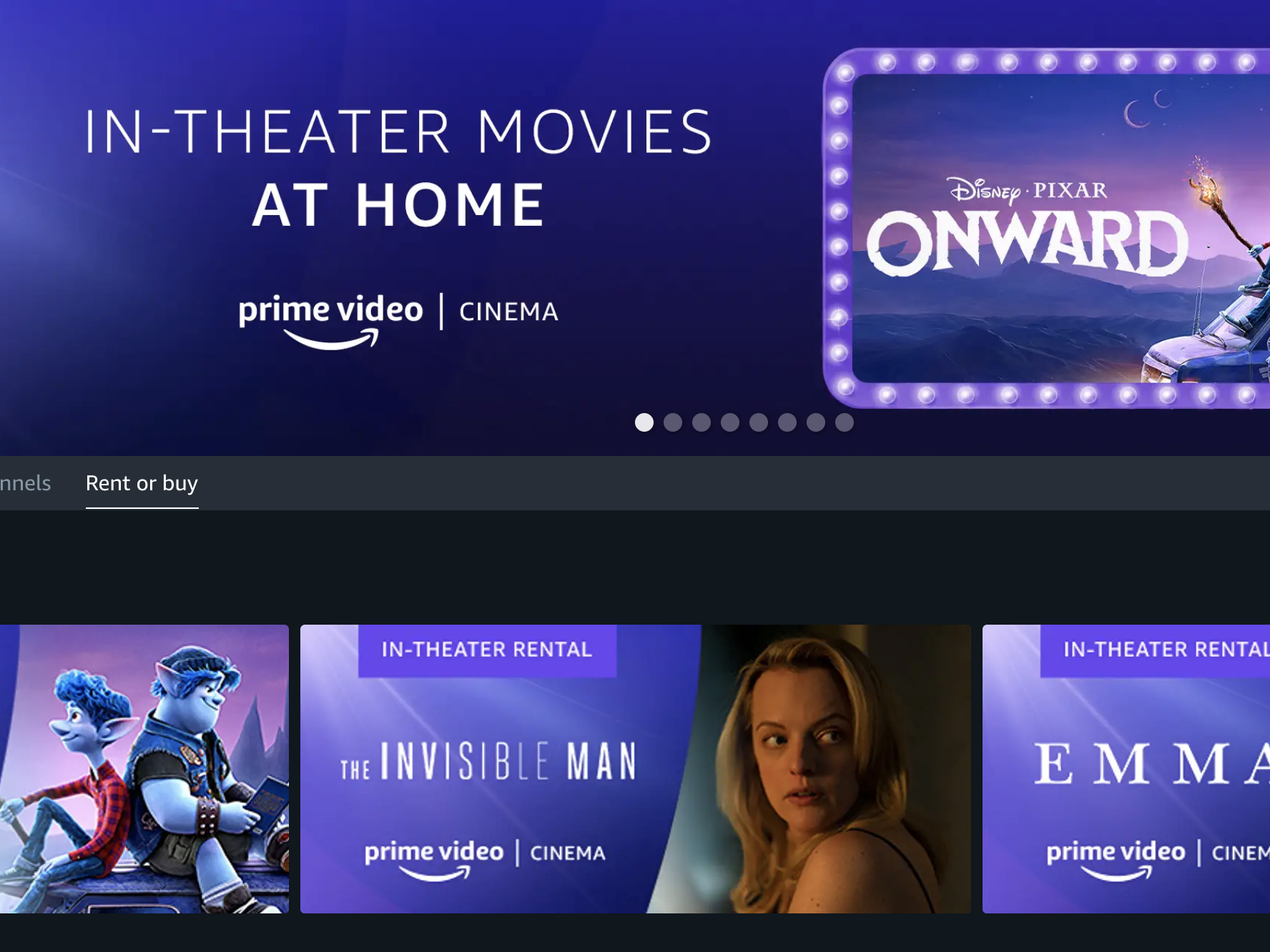
In recent years, Amazon has introduced “Home Premiere” or Premium VOD. These are movies still in theaters or very recently released. While the 30-day/48-hour rule usually remains the same for these titles, the software interface often highlights them differently, and the technical requirements for 4K HDR streaming are often more stringent to justify the higher rental price point.
Strategic Tips for Maximizing Your Digital Rental Utility
Navigating the technicalities of Amazon rentals can be simplified with a few strategic habits. Since the software is designed to be rigid regarding the 48-hour window, users should plan their viewing sessions accordingly.
Avoiding Accidental Triggering
Because any amount of playback triggers the 48-hour window, avoid “testing” the movie unless you are ready to watch it. If you want to ensure your internet speed is sufficient for 4K streaming, it is better to test with a free-to-watch Prime title or a trailer rather than the rental itself. Once that 48-hour timer starts, Amazon’s customer service bots are notoriously difficult to persuade for a reset, as the license is technically “consumed.”
Utilizing the Watchlist
A professional tip for managing multiple rentals or planning future viewing is to use the “Watchlist” feature. Adding a movie to your Watchlist does not trigger a rental or a purchase; it simply keeps the title metadata in a quick-access folder. Only click the “Rent” button when you are certain you will have time to watch the film within the next 30 days.

Troubleshooting Expiration Issues
If you encounter a technical glitch—such as the app crashing immediately after you hit play—and find that your 48-hour window has expired due to the error, Amazon’s automated “Digital Orders” help section is the first place to go. From a software perspective, Amazon tracks “successful” vs. “interrupted” streams. If the logs show that the file was never actually decrypted or served for more than a few seconds, the system may occasionally allow for an automated refund or a rental extension, though this is handled on a case-by-case basis by their AI-driven support tools.
By understanding the intersection of DRM technology, cloud synchronization, and licensing windows, users can ensure they get the most out of every Amazon movie rental. The 30-day and 48-hour constraints are the pillars of the modern digital rental economy, designed to balance consumer convenience with the rigorous copyright protections required by the global film industry.
aViewFromTheCave is a participant in the Amazon Services LLC Associates Program, an affiliate advertising program designed to provide a means for sites to earn advertising fees by advertising and linking to Amazon.com. Amazon, the Amazon logo, AmazonSupply, and the AmazonSupply logo are trademarks of Amazon.com, Inc. or its affiliates. As an Amazon Associate we earn affiliate commissions from qualifying purchases.