
In the rapidly evolving landscape of Video on Demand (VOD), Amazon Prime Video has established itself as a cornerstone of digital distribution. For users navigating the transition from physical media to cloud-based libraries, understanding the specific technical parameters of a digital rental is crucial. Unlike a physical DVD that stays in your possession until you return it to a kiosk or a store, a digital rental operates on a set of pre-programmed scripts and Digital Rights Management (DRM) protocols. When you click “Rent” on Amazon, you are essentially purchasing a temporary license to stream or download a specific encrypted file.

This license is governed by two distinct countdown timers: the retention period and the viewing window. Navigating these requires a basic understanding of how the Prime Video interface interacts with Amazon’s servers to enforce these time-bound permissions.
The Dual-Timer System: 30 Days and 48 Hours
The most common point of confusion for digital consumers is the discrepancy between how long a movie stays in your library and how long you have to finish it once you have started watching. Amazon employs a “two-clock” system that is standard across much of the tech industry, including competitors like Apple TV and Google TV, but with specific nuances within the Prime Video ecosystem.
The 30-Day Retention Window
From the moment your payment method is successfully processed, the first timer begins. In the vast majority of cases, Amazon provides a 30-day window to keep the movie in your “Your Video Library” section. During this period, the digital license is active but dormant. You have 30 days to decide when you want to initiate the viewing process.
From a technical standpoint, this 30-day period is a placeholder. The encrypted video file is accessible via your account’s unique identifier (UUID), and the DRM handshake is ready to be triggered. If you do not press “play” within these 30 days, the license expires automatically, the file becomes inaccessible, and the transaction is considered complete, regardless of whether the content was ever viewed.
The 48-Hour Viewing Window
The second timer is much more aggressive and is triggered by the “Play” action. Once you begin streaming the content—or in some cases, once you download it to a device for offline viewing—a 48-hour countdown commences. This is the “Viewing Window.”
Within this 48-hour period, you have unlimited access to the content. You can pause, rewind, fast-forward, and restart the movie as many times as you wish. However, once those 48 hours lapse, the license self-terminates. Even if you are in the middle of the final scene when the clock strikes the 48-hour mark, the stream will typically interrupt, or you will be unable to resume the video after a refresh. This automation is handled server-side, ensuring that the content rights revert to the distributor according to the contractual agreements Amazon holds with film studios.
Technical Specifications and Device Synchronization
One of the primary advantages of the Amazon tech stack is its robust cross-platform synchronization. Because your rentals are tied to your Amazon account rather than a specific piece of hardware, the rental timers are tracked globally across the cloud.
Cloud-Based Progress Tracking
If you start a rental on your Amazon Fire TV in the living room and watch for twenty minutes, the 48-hour window is triggered. Because Amazon utilizes a centralized database for user metadata, you can switch to the Prime Video app on your iPhone or an Android tablet and find your rental exactly where you left off. The “Resume” feature is a byproduct of continuous data syncing between your local client and Amazon’s AWS-powered backend.
This synchronization also ensures that the expiration timer is consistent. You cannot “reset” the 48-hour clock by switching devices, as the license status is verified against the server every time the app initializes a stream. This prevents the exploitation of local device clocks to extend rental periods.
Resolution and Bandwidth Impact
The duration and quality of your rental experience are also heavily dependent on your hardware’s ability to decode specific video formats. Amazon offers rentals in SD (Standard Definition), HD (High Definition), and UHD (4K Ultra High Definition).

Technically, the “length” of the rental doesn’t change based on resolution, but the user experience does. For example, if you rent a UHD title but your internet bandwidth drops below 15 Mbps, the Prime Video player will dynamically scale the resolution down to 1080p or 720p to prevent buffering. This adaptive bitrate streaming (ABR) is essential for maintaining the viewing window’s integrity, ensuring you don’t spend your 48 hours watching a loading icon.
Offline Viewing and Download Mechanics
A significant feature of the Prime Video mobile and tablet apps is the ability to download rented content for offline viewing. This is particularly useful for travel or areas with intermittent connectivity. However, downloading a rental introduces a new layer of technical constraints.
Encrypted Local Storage
When you download a movie, the file is not saved as a standard MP4 or MKV that can be moved to another folder. Instead, it is stored as an encrypted data blob within the app’s protected storage. This file can only be decrypted and played by the Prime Video app while your account is logged in.
The 30-day/48-hour rule still applies strictly to downloaded content. In fact, some studios impose even stricter limitations on offline viewing. Once a download is initiated, the app may require a “check-in” with the server every so often to verify that the rental period hasn’t expired. If you stay offline for an extended period, the app may lock the content until you reconnect to the internet to refresh the digital license.
Managing Storage Space
Since high-definition movie files can range from 2GB to over 10GB, managing local storage is a technical necessity. Amazon’s software includes a management interface where users can see the expiration dates of their downloads. It is a best practice to delete expired rentals manually to reclaim space, although the app is designed to revoke access to the bits and bytes of the file once the 48-hour window closes.
Troubleshooting Rental Expirations and Errors
Despite the sophisticated nature of the Prime Video platform, technical glitches can occasionally interfere with the rental period. Understanding how to navigate these issues can save a viewing experience.
Accidental Triggers
A common issue occurs when a user “accidently” starts a movie, perhaps by clicking play to check the language options or subtitles, only to realize they aren’t ready to watch the full film. This immediately triggers the 48-hour window. Amazon’s customer service interface is largely automated, but if a rental is started and less than a few minutes are watched, the system sometimes allows for a self-service refund or a reset, provided the request is made shortly after the accidental trigger.
Digital Rights Management (DRM) Failures
Sometimes, a rental may become “unavailable” even if the 30-day window is still open. This usually happens due to a DRM handshake failure between the device and Amazon’s servers. Common culprits include:
-
Outdated App Versions: If the Prime Video app is out of date, it may lack the latest security certificates required to play protected content.
-
HDMI/HDCP Issues: When streaming from a laptop to a monitor via HDMI, the “High-bandwidth Digital Content Protection” (HDCP) must be verified. If your cable or monitor is old and doesn’t support the required HDCP version, the rental may throw an error code, effectively cutting your viewing time short until the hardware is rectified.
-
Geographical Restrictions: If you rent a movie in one country and then travel to another, the license may be restricted due to regional licensing agreements. The 30-day window remains active, but the content might be geo-blocked until you return to your home region or use a compatible network.
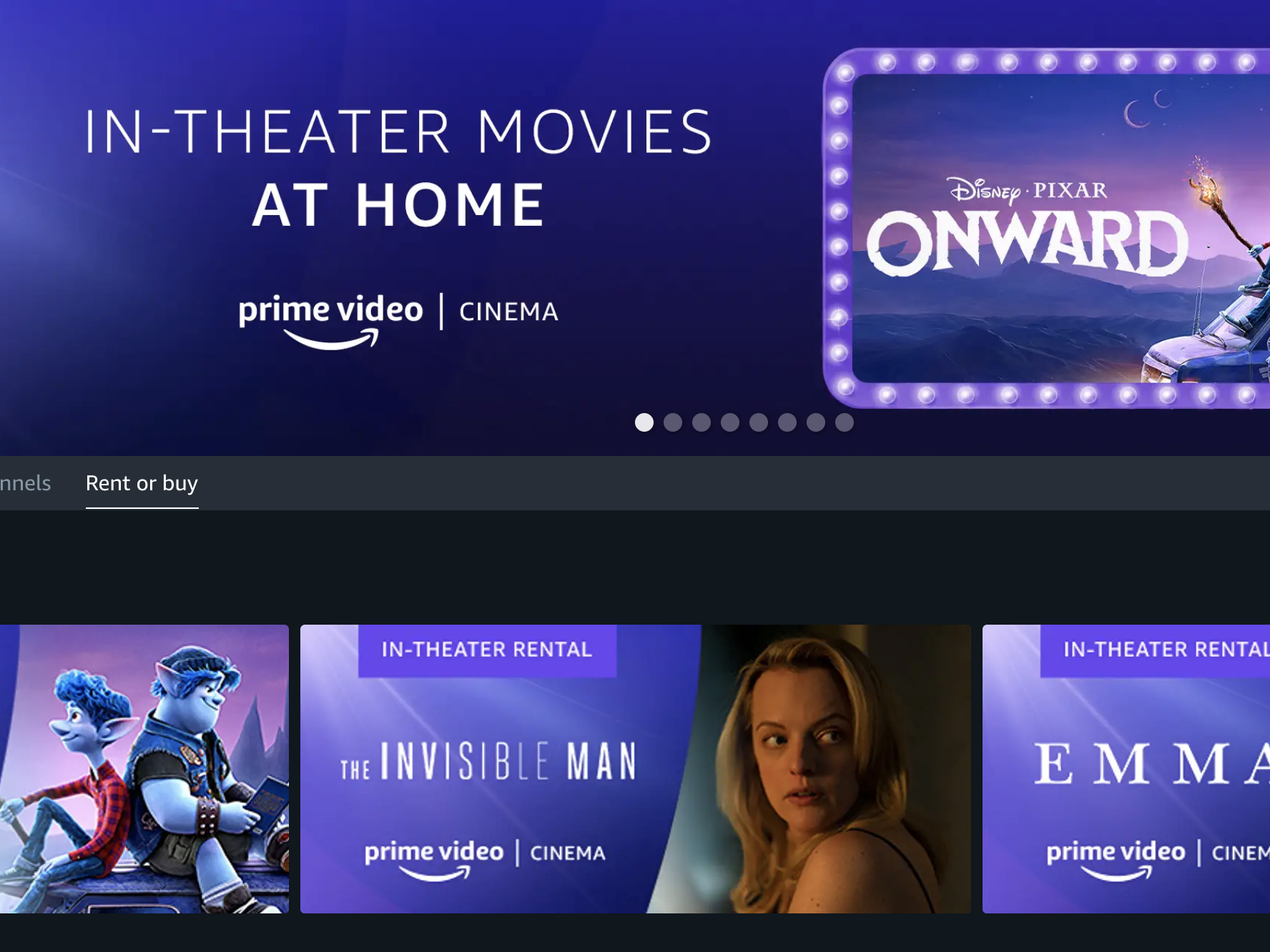
The Future of Digital Rentals and Software Integration
As we look toward the future of the Tech niche in digital entertainment, the “length” of a rental is becoming increasingly integrated with AI-driven recommendations and smarter interface designs. Amazon is already experimenting with features like “X-Ray,” which uses computer vision and IMDB metadata to provide real-time information about actors and music on screen. These features are baked into the rental license, adding value to the limited 48-hour window.
Furthermore, as 5G technology and satellite internet like Starlink become more prevalent, the technical barriers to high-bitrate streaming are diminishing. We may see a shift in how these windows are structured—perhaps moving toward a more flexible “watch-time” model rather than a strict 48-hour clock—but for now, the 30-day/48-hour framework remains the gold standard for digital asset management.
Understanding these technical boundaries ensures that users can maximize their digital purchases. By recognizing the role of DRM, cloud synchronization, and hardware compatibility, you can ensure that your next Amazon movie rental is a seamless technological experience from the moment you click “Rent” to the final rolling credits.
aViewFromTheCave is a participant in the Amazon Services LLC Associates Program, an affiliate advertising program designed to provide a means for sites to earn advertising fees by advertising and linking to Amazon.com. Amazon, the Amazon logo, AmazonSupply, and the AmazonSupply logo are trademarks of Amazon.com, Inc. or its affiliates. As an Amazon Associate we earn affiliate commissions from qualifying purchases.