
The landscape of home entertainment has undergone a seismic shift over the last decade. The traditional image of a silver-haired technician climbing a roof to adjust a localized antenna or a cable provider drilling holes into a living room wall is rapidly fading. In its place, a sophisticated digital infrastructure has emerged, allowing users to access high-definition, real-time broadcasts through a variety of software and hardware solutions. Watching live TV in the modern era is no longer about “tuning in” to a frequency; it is about managing data streams, optimizing network bandwidth, and selecting the right software ecosystem to fit your digital lifestyle.
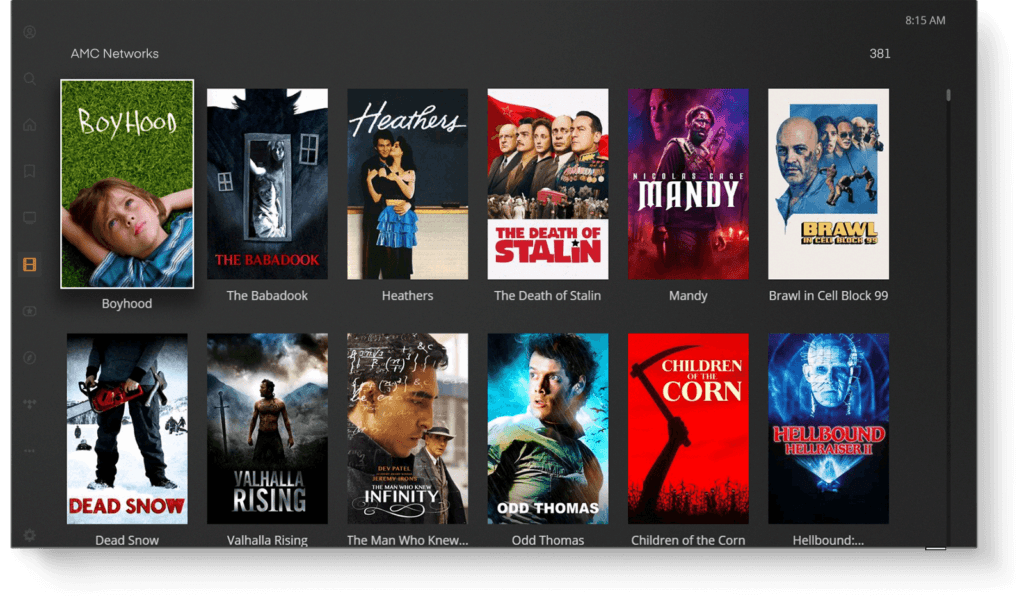
For the modern tech enthusiast, watching live TV is an exercise in cord-cutting—the process of replacing legacy cable subscriptions with versatile, internet-based alternatives. This transition offers superior flexibility, often at a lower cost, while integrating seamlessly with smart home environments. Whether your goal is to catch breaking news, live sports, or seasonal events, understanding the technology behind contemporary live television is essential for a high-quality viewing experience.
The Digital Transition: Understanding the Live Streaming Ecosystem
To understand how to watch live TV today, one must first understand the shift from linear broadcasting to IP-based delivery. Traditional television relied on “linear” scheduling, where signals were pushed to a receiver via coaxial cable or radio waves. Modern live TV primarily utilizes Virtual Multichannel Video Programming Distributors (vMVPDs) and Over-the-Top (OTT) technology.
From Linear Cable to IP-Based Delivery
The core technology behind modern live TV is Internet Protocol Television (IPTV). Instead of a continuous stream of analog or digital signals sent via a dedicated cable line, live content is broken down into data packets and transmitted over the internet. This allows for bidirectional communication, enabling features like “Start Over,” which lets viewers jump to the beginning of a live segment, and Cloud DVR, where recordings are stored on a remote server rather than a local hard drive.
The efficiency of this delivery depends heavily on Content Delivery Networks (CDNs). When millions of people tune in to a live event—such as the Super Bowl or a major political debate—the traffic load is immense. CDNs distribute the stream across various geographical nodes to ensure that the data travels the shortest distance possible to reach your device, minimizing latency and the dreaded “buffering” wheel.
The Role of Streaming Protocols
When you watch live TV via an app, the software is likely using protocols such as HLS (HTTP Live Streaming) or MPEG-DASH. These protocols are “adaptive,” meaning they constantly monitor your internet speed and adjust the video bitrate in real-time. If your bandwidth drops, the software will lower the resolution to keep the feed live rather than stopping the video entirely. This technical nuance is what allows live TV to remain stable even on mobile devices or fluctuating home networks.
Premium Live TV Streaming Services (vMVPDs)
The most direct replacement for a traditional cable package is a vMVPD. these services provide a “lineup” of channels that mimic the experience of cable but operate entirely through an application.
YouTube TV: The Integration of Google’s Ecosystem
YouTube TV has emerged as a market leader by leveraging Google’s massive data infrastructure. From a technical standpoint, its greatest advantage is its unlimited Cloud DVR. Unlike physical DVRs of the past, which were limited by gigabytes of disk space, YouTube TV manages recordings on Google Cloud, allowing users to record an infinite amount of content simultaneously.
Furthermore, YouTube TV has pioneered “Multiview” technology. This feature allows users to watch up to four live feeds at once on a single screen—a feat of server-side processing that traditional cable boxes simply do not have the CPU power to handle. It is particularly popular for sports fans who need to track multiple games concurrently without the latency of switching channels.
Hulu + Live TV: A Hybrid Powerhouse
Hulu + Live TV takes a different approach by merging its massive on-demand library with live linear channels. For the user, the technological benefit is a unified interface. By using a single AI-driven recommendation engine, the platform can suggest live news based on your on-demand viewing habits. From a hardware perspective, Hulu is highly optimized for the Disney-owned tech stack, ensuring high-bitrate streams on devices like the Apple TV and Roku.
Sling TV and Fubo: Niche Optimization
Sling TV focuses on a “skinny bundle” approach, which is ideal for users who want to minimize their data footprint and cost. Technically, Sling is known for its “AirTV” integration, a hardware bridge that allows users to merge free over-the-air (OTA) antenna signals into the Sling app interface.
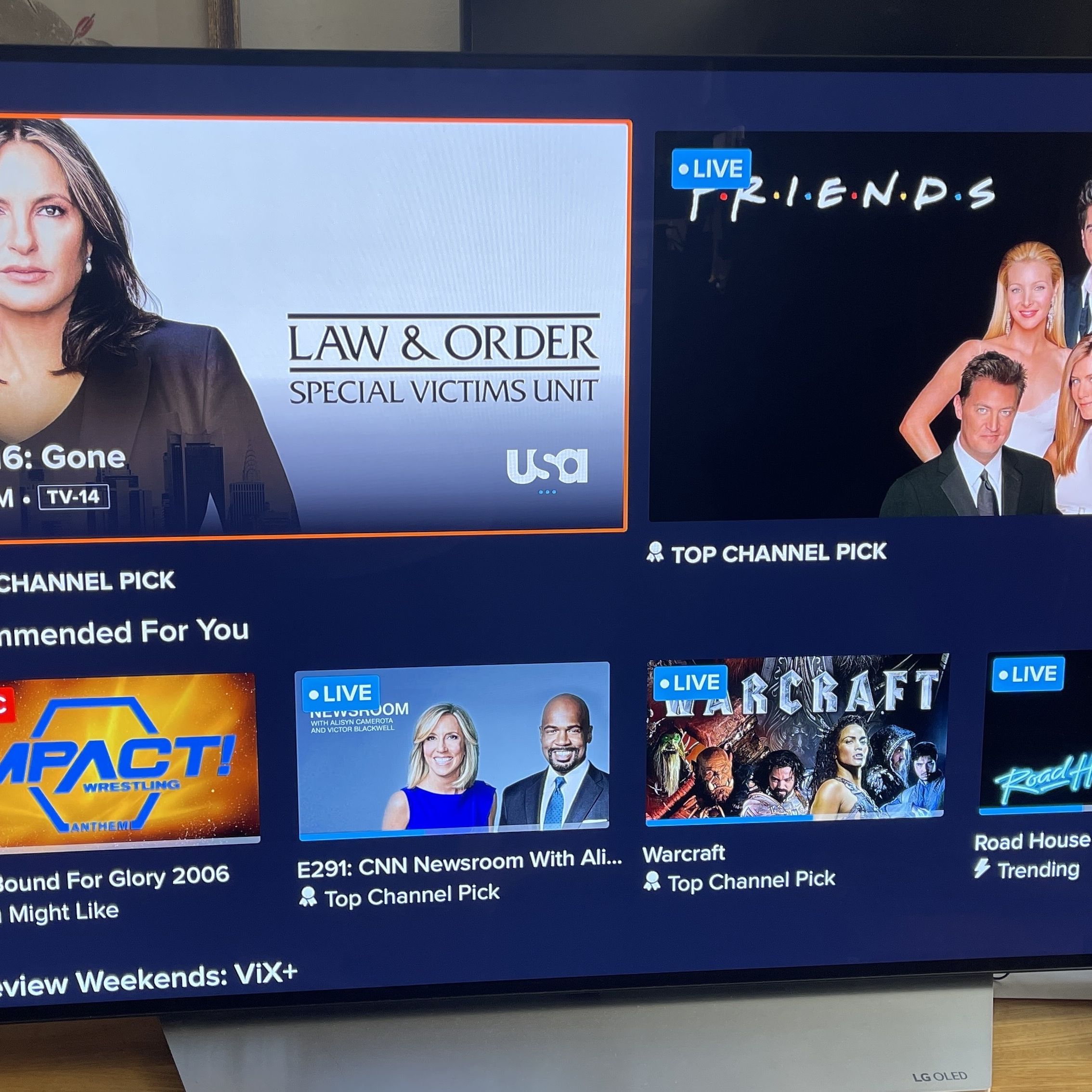
On the other end of the spectrum, Fubo is the enthusiast’s choice for high-fidelity broadcasts. It was among the first to offer live 4K streaming for sporting events. Achieving live 4K requires a robust backend capable of handling HEVC (High-Efficiency Video Coding) streams, which provide superior compression without sacrificing image detail.
The Free Revolution: FAST Channels and Hybrid Platforms
One of the fastest-growing sectors in the “how to watch live TV” category is FAST—Free Ad-Supported Streaming TV. Platforms like Pluto TV, Tubi, and The Roku Channel have revolutionized the industry by offering hundreds of live “channels” without a subscription fee.
Leveraging Proprietary Smart TV OS
If you own a Samsung, LG, or Vizio Smart TV, you likely have access to built-in live TV platforms like Samsung TV Plus or LG Channels. These are integrated directly into the television’s operating system (OS). The technology here is a mix of traditional tuner interfaces and web-based streaming. The TV’s firmware treats these internet streams as if they were physical channels, providing a seamless “lean-back” experience where users can channel-surf using a standard remote.
Pluto TV and the Linear Interface Comeback
Pluto TV, owned by Paramount, utilizes a grid-based Electronic Programming Guide (EPG) that mimics the 1990s cable experience. However, the backend is entirely modern. The “channels” are often curated playlists of on-demand content served as a continuous live stream. This tech allows media companies to monetize their deep archives by presenting them in a format that requires zero effort from the viewer to choose what to watch next.
Hardware and Infrastructure: Building the Ultimate Viewing Rig
The software is only half of the equation. To watch live TV effectively, your hardware must be capable of decoding high-resolution streams and maintaining a stable connection.
High-Performance Streaming Devices
While most Smart TVs have built-in apps, dedicated streaming players often provide a superior experience due to faster processors and more frequent software updates.
-
Apple TV 4K: Utilizes the A15 Bionic chip, making app navigation instantaneous. It supports Wi-Fi 6 and features a Gigabit Ethernet port, which is crucial for high-bitrate live streaming.
-
Nvidia Shield TV Pro: The gold standard for Android-based streaming. It features AI-upscaling, which uses machine learning to take a 720p or 1080p live broadcast and enhance it to 4K in real-time, significantly improving the look of older cable networks.
-
Roku Ultra: Known for its “Private Listening” feature and extremely stable OS, making it a reliable choice for users who want a no-fuss live TV experience.
NextGen TV: The ATSC 3.0 Standard
For those who want live TV without an internet connection, the technology of antennas has evolved. The new ATSC 3.0 standard, branded as “NextGen TV,” is a major leap forward. It brings 4K resolution, High Dynamic Range (HDR), and enhanced audio to free, over-the-air broadcasts. Unlike the older ATSC 1.0 standard, NextGen TV is IP-based, meaning it can carry data alongside the television signal, allowing for interactive features and better reception on mobile devices. To access this, you need a TV with a built-in NextGen tuner or an external converter box like the SiliconDust HDHomeRun.
Technical Best Practices for a Buffer-Free Experience
Even with the best apps and hardware, your live TV experience will only be as good as your home network. Live streaming is more sensitive to “jitter” and “latency” than on-demand streaming (like Netflix) because there is less of a buffer.
Network Congestion and Quality of Service (QoS)
If your live TV feed stutters during a big game, it may be due to local network congestion. Modern routers allow for “Quality of Service” (QoS) settings. Within your router’s admin panel, you can prioritize traffic to your streaming device. This ensures that even if someone else in the house is downloading a large file, your live TV stream gets the bandwidth it needs first.
Ethernet vs. Wi-Fi 6E
Whenever possible, connect your streaming device via an Ethernet cable. A wired connection eliminates the interference risks inherent in wireless signals. If you must use Wi-Fi, ensure you are utilizing the 5GHz or 6GHz (Wi-Fi 6E) bands. These frequencies offer much higher data throughput and are less crowded than the standard 2.4GHz band, which is often saturated by household appliances and neighboring signals.

Bandwidth Requirements
For a standard HD live stream, a consistent 5-10 Mbps connection is usually sufficient. However, for 4K live broadcasts or for households with multiple simultaneous viewers, a 100 Mbps or higher plan is recommended. It is also vital to check your “ping” or latency; for live events, a low latency (under 30ms) ensures that your “live” feed isn’t actually 60 seconds behind the real-time action, a common frustration during live sports.
By combining the right vMVPD service, a high-performance streaming device, and a robust home network, you can recreate—and exceed—the traditional television experience. The technology of live TV is no longer a static utility provided by a local monopoly; it is a dynamic, customizable suite of tools that puts the viewer in total control of their digital consumption.
aViewFromTheCave is a participant in the Amazon Services LLC Associates Program, an affiliate advertising program designed to provide a means for sites to earn advertising fees by advertising and linking to Amazon.com. Amazon, the Amazon logo, AmazonSupply, and the AmazonSupply logo are trademarks of Amazon.com, Inc. or its affiliates. As an Amazon Associate we earn affiliate commissions from qualifying purchases.