
In today’s digital world, our lives are intertwined with a vast array of file types, each serving a specific purpose in the way we store, share, and consume information. From the documents we draft to the images we capture, and the music we stream, understanding these formats is becoming increasingly crucial. Among the myriad of audio files we encounter, the .m4a extension has become a familiar sight, especially for anyone who has interacted with Apple devices or downloaded music from online stores. But what exactly is an .m4a file?
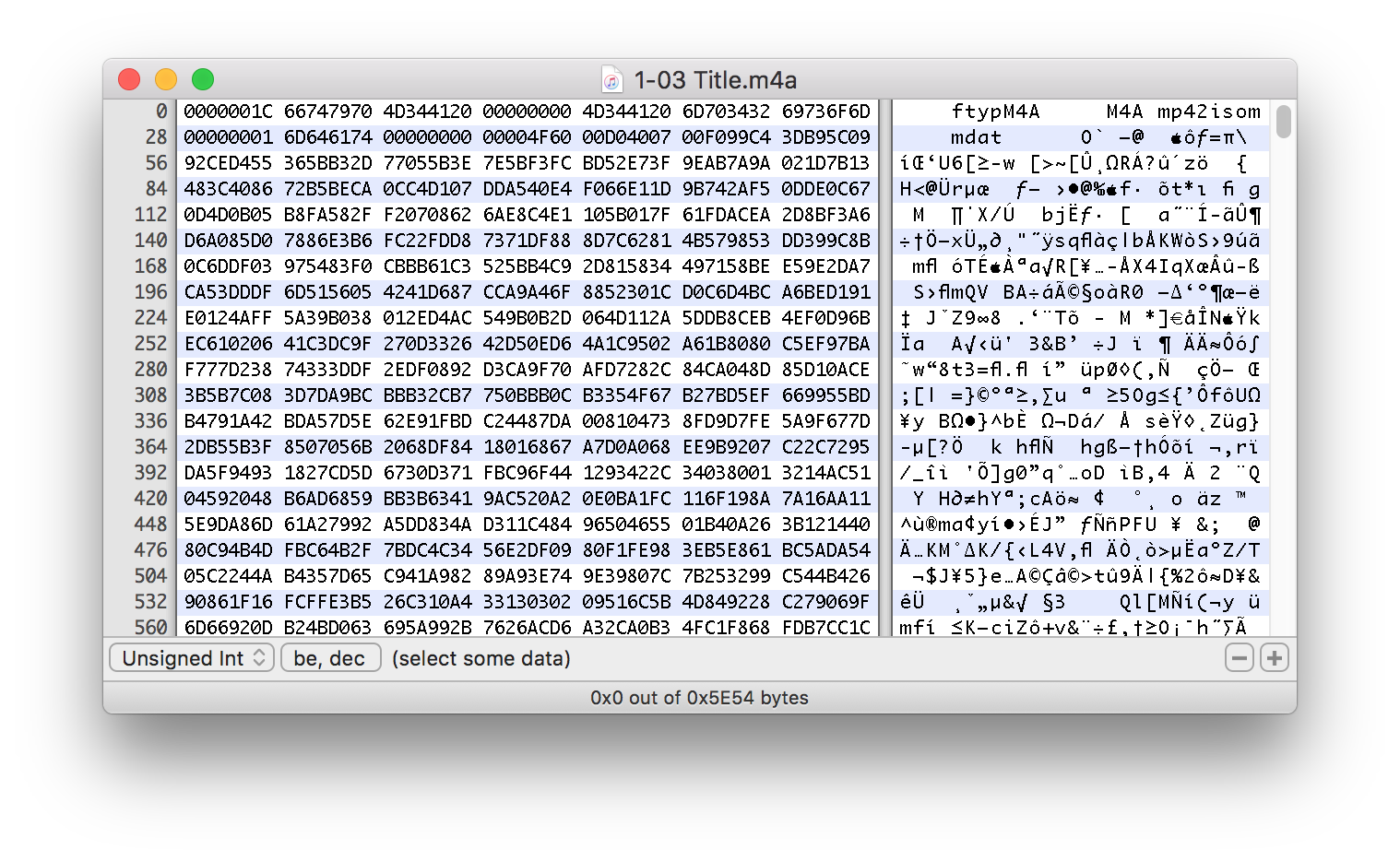
This article delves deep into the world of .m4a files, exploring their technical underpinnings, their advantages, and how they fit into the broader landscape of digital audio. We’ll uncover the technology behind this versatile format, understand why it’s become so prevalent, and even touch upon how it relates to other audio formats you might have encountered. Whether you’re a casual music listener, a content creator, or simply curious about the digital tools shaping our world, this guide will equip you with a comprehensive understanding of the .m4a file.
The Technical Foundation: Understanding Audio Codecs and Containers
To truly grasp what an .m4a file is, we need to peel back the layers and look at the fundamental technologies that enable digital audio. At its core, any digital audio file is a representation of sound waves converted into a series of binary data. However, raw audio data is incredibly large, making it impractical for storage, transmission, and playback. This is where the magic of audio codecs and container formats comes into play.
Audio Codecs: The Art of Compression
An audio codec (coder-decoder) is a piece of software or hardware that compresses and decompresses digital audio data. The primary goal of a codec is to reduce the file size of audio while maintaining acceptable sound quality. This is achieved through various algorithms that analyze the audio signal and identify redundancies or sounds that are less perceptible to the human ear, then discard or represent them more efficiently.
Think of it like zipping a file on your computer. You compress a large file into a smaller one (like a .zip file) for easier storage and transfer, and then you “unzip” it to access the original data. Audio codecs work on a similar principle, but with the added complexity of dealing with the nuances of sound.
There are two main categories of audio codecs:
- Lossless Codecs: These codecs compress audio data without discarding any information. When the audio is decompressed, it is an exact replica of the original. This results in higher fidelity but also larger file sizes. Examples include FLAC and ALAC (Apple Lossless Audio Codec).
- Lossy Codecs: These codecs achieve much higher compression ratios by discarding some audio information that is considered less important to human perception. While this results in smaller file sizes, there is a slight (often imperceptible to the average listener) loss in audio quality. Examples include MP3, AAC, and Vorbis.
Container Formats: The Digital Package
While a codec handles the actual audio data, a container format is like a digital box that holds this compressed audio data, along with other potential metadata. This metadata can include information such as the artist’s name, song title, album art, track number, and even lyrics. The container format defines how this data is organized and structured within the file.
Different container formats can hold audio encoded with different codecs. For instance, a .mp4 container can hold audio encoded with AAC, and a .wav file typically contains uncompressed audio. This is where .m4a enters the picture.
Unpacking the .m4a File: A Deeper Dive
Now that we understand the building blocks, let’s focus on the .m4a file itself. The .m4a extension is not a codec but rather a container format. It is essentially a multimedia container that typically holds audio encoded using the Advanced Audio Coding (AAC) codec.
The Role of AAC: The Dominant Codec within .m4a
AAC is a lossy audio compression standard that was developed by a consortium including Dolby Laboratories, Bell Labs, and others. It was designed to be a successor to the venerable MP3 format, offering superior audio quality at similar or even lower bitrates. This means that an AAC-encoded audio file can sound better than an MP3 file of the same file size, or achieve the same quality with a smaller file size.
Key advantages of AAC include:
- Improved Perceptual Coding: AAC is more efficient at encoding audio by leveraging a better understanding of how humans perceive sound. It can remove more imperceptible sounds, leading to better compression without a noticeable drop in quality.
- Higher Bitrate Support: AAC handles higher bitrates more effectively than MP3, allowing for richer and more detailed audio reproduction.
- Stereo and Multi-Channel Support: AAC supports stereo audio and can also be used for surround sound encoding.
- Efficient for Streaming: Its efficient compression makes AAC an excellent choice for streaming services and online music distribution.
The M4A Container: A Member of the MPEG-4 Family
The .m4a file extension is directly linked to the MPEG-4 Part 14 (MP4) standard. MP4 is a versatile multimedia container format that can store video, audio, subtitles, and other data. However, when the MP4 container is used exclusively for audio, the file extension is typically .m4a. This convention helps users quickly identify the file’s primary content.
Think of the .mp4 container as a Swiss Army knife capable of holding various media types. When you only need the knife for cutting (audio), you label it .m4a.
Therefore, a .m4a file is essentially an MP4 container holding audio encoded with AAC. This is the most common scenario, but it’s important to note that the MP4 container can technically hold audio encoded with other codecs as well, although this is less prevalent for the .m4a extension.
Advantages of Using the .m4a File Format
The widespread adoption of .m4a files, particularly within the Apple ecosystem, is driven by a number of significant advantages:
1. Superior Audio Quality for a Given File Size
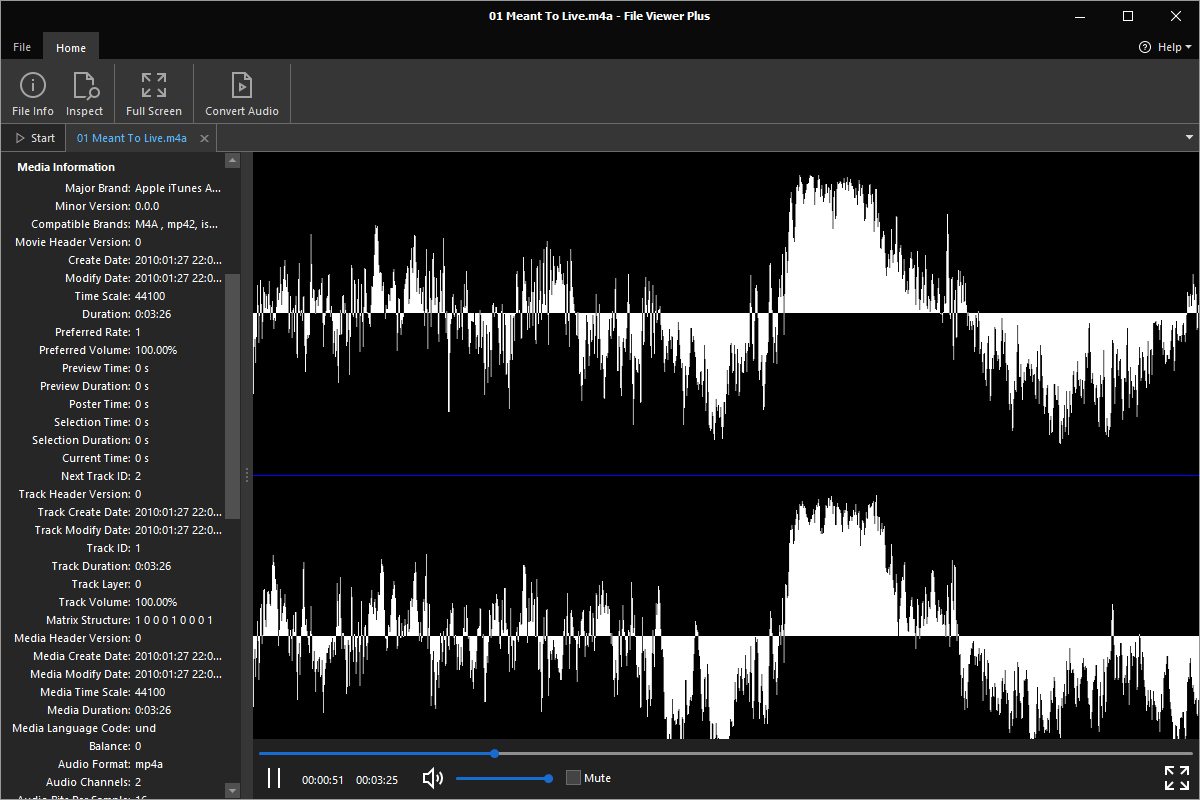
As mentioned, AAC, the dominant codec within .m4a files, offers a significant improvement in audio quality compared to older formats like MP3, especially at lower bitrates. This means you can enjoy your music with excellent clarity and detail without consuming excessive storage space. For music lovers who are also mindful of their digital footprint, .m4a strikes a fantastic balance.
For example, a 128 kbps AAC file often sounds as good as, if not better than, a 192 kbps MP3 file. This efficiency translates directly to smaller download times and more music fitting onto your devices.
2. Wide Compatibility and Ecosystem Integration
While .m4a files are strongly associated with Apple products like iPhones, iPads, and iTunes/Music app, their compatibility extends far beyond. Modern operating systems like Windows and macOS, along with most popular media players (VLC, Foobar2000, etc.), can open and play .m4a files without any issues.
The seamless integration within Apple’s ecosystem, from music purchased on the iTunes Store (though now largely transitioning to DRM-free AAC in .m4p that can be treated like .m4a after authoriztion) to audiobooks and podcasts, has cemented .m4a‘s place as a standard. This widespread support means you’re unlikely to encounter significant playback problems.
3. Versatility Beyond Music
While most commonly associated with music, the .m4a container, being part of the MP4 standard, can technically hold other audio streams. This makes it suitable for a range of audio content, including:
- Audiobooks: The efficient compression of AAC makes it ideal for long-form spoken word content, ensuring high quality without excessively large file sizes.
- Podcasts: Similar to audiobooks,
.m4ais a popular choice for podcast distribution due to its balance of quality and size. - Voice Memos and Recordings: Many devices and applications use
.m4ato store voice recordings, leveraging AAC’s efficiency for everyday audio capture.
4. Metadata Richness
The MP4 container format is designed to be rich in metadata. This means that .m4a files can store extensive information about the audio content, such as:
- Artist and Album Information: Crucial for music organization.
- Track Titles and Numbers: Essential for playlists and albums.
- Genre and Year: Helps in categorizing and discovering music.
- Album Artwork: Enhances the listening experience by displaying cover art.
- Lyrics: Some
.m4afiles can even embed lyrics for synchronized display.
This comprehensive metadata support greatly aids in organizing and managing large audio libraries, making it easier for users to find and enjoy their content.
.m4a vs. Other Audio Formats: Making the Distinction
In the vast landscape of digital audio, it’s easy to get confused by the various file extensions. Understanding how .m4a stacks up against other common formats can clarify its purpose and advantages.
.m4a vs. .mp3
The most common comparison is with the ubiquitous .mp3 format. While MP3 was the de facto standard for digital audio for years, AAC (and thus .m4a) generally offers better compression efficiency. This means a .m4a file at the same bitrate as an .mp3 file will likely sound better, or a .m4a file with the same perceived quality as an .mp3 file will be smaller.
However, MP3 remains incredibly popular due to its long-standing compatibility. Almost every device and software that plays audio can handle MP3s.
.m4a vs. .aac
This is where a common point of confusion arises. An .aac file is essentially audio encoded with the AAC codec. An .m4a file is a container that usually contains AAC-encoded audio. So, while an .aac file is just the audio data itself, an .m4a file is the audio data packaged within an MP4 container. In practice, they are often interchangeable and deliver the same audio playback experience. The .m4a extension simply provides a standardized way to signify an audio-only MP4 file.
.m4a vs. .wav and .flac (Lossless Formats)
.wav and .flac are lossless audio formats. This means they store audio data without any compression that discards information.
.wav: This is an uncompressed audio format. It offers the highest possible audio fidelity but results in very large file sizes. It’s often used in professional audio production where absolute quality is paramount..flac(Free Lossless Audio Codec): This is a lossless audio codec and container. It compresses audio data without discarding any information, resulting in smaller file sizes than.wavwhile maintaining perfect fidelity.
.m4a files, being based on the lossy AAC codec, will not offer the absolute pristine audio quality of .wav or .flac. However, for most everyday listening scenarios and for portable devices where storage is a consideration, the difference is often negligible, and the significant reduction in file size makes .m4a a more practical choice.

Conclusion: The .m4a File as a Modern Audio Standard
In conclusion, the .m4a file represents a significant evolution in digital audio technology. It is a multimedia container format, most commonly associated with the MPEG-4 standard, that efficiently stores audio encoded with the Advanced Audio Coding (AAC) codec.
The advantages of .m4a are clear: superior audio quality at smaller file sizes, excellent compatibility across a wide range of devices and software, and rich metadata support for better organization. While lossless formats like .flac and .wav offer the ultimate in audio fidelity, .m4a strikes an ideal balance for everyday listening, online streaming, and portable audio consumption.
As technology continues to advance, understanding the nuances of file formats like .m4a empowers us to make informed decisions about our digital media. Whether you’re managing your music library, downloading podcasts, or simply appreciating the sound quality of your favorite tracks, the .m4a file is a testament to the ongoing innovation in delivering rich audio experiences in an increasingly digital world.