
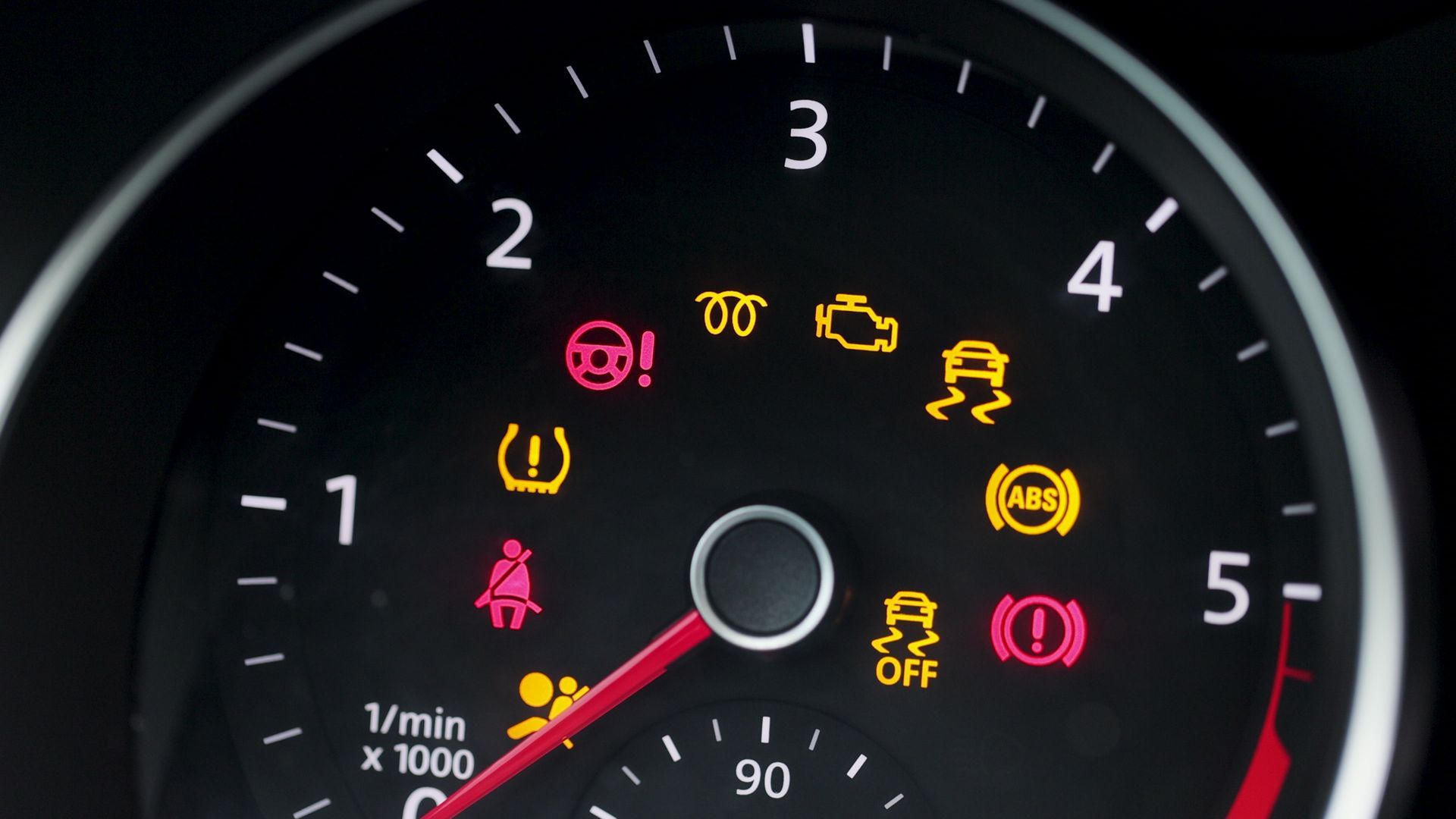
For most vehicle owners, the appearance of an illuminated dashboard light is an immediate source of anxiety. Among the various symbols that can pop up on an instrument cluster, the orange wrench light is one of the most common, yet frequently misunderstood. Unlike the “Check Engine” light, which often signals an emissions or internal combustion issue, the wrench symbol is typically a piece of software-driven maintenance logic. It is a digital notification designed to keep your vehicle’s technological systems optimized and functioning within their intended parameters.
Understanding this indicator requires looking at your vehicle not just as a mechanical machine, but as a complex integrated gadget—a rolling computer system that tracks performance intervals through sophisticated onboard software.

Understanding the Digital Maintenance Logic
Modern vehicles are equipped with sophisticated Engine Control Units (ECUs) and Infotainment systems that track usage data in real-time. When you see an orange wrench, your vehicle’s software has reached a pre-programmed threshold that triggers a service request.
The Difference Between Alerts and Warnings
It is essential to distinguish between a “maintenance” alert and a “warning” indicator. The wrench icon is rarely a sign of an immediate catastrophic failure. Instead, it is a notification that the vehicle has calculated, based on mileage, engine hours, or driving patterns, that a scheduled service interval is due. Think of it like a calendar notification on your smartphone reminding you to update your operating system or back up your cloud storage. It is proactive maintenance designed to prevent future technological or mechanical friction.
Software-Driven Service Intervals
In older vehicles, maintenance was tracked using physical stickers on the windshield. Today, your car’s “Brain”—the onboard computer—tracks these variables internally. It analyzes oil life, brake pad wear sensors, and transmission cycles. When the software determines that the cumulative data points reach a specific limit, it activates the wrench light. This is a digital implementation of preventative maintenance, ensuring the longevity of the vehicle’s integrated circuits and hardware.
Troubleshooting the Wrench Light: A Technical Approach
When the light appears, your first instinct might be to panic, but a systematic technical approach will save you time and money. Because the light is software-based, the solution often involves verifying the vehicle’s internal logs rather than tearing down the engine.
Accessing the Vehicle Information Menu
Before visiting a mechanic, interact with your vehicle’s digital interface. Most modern dashboards have a “Vehicle Info” or “Maintenance” menu hidden within the digital display settings. By navigating through these menus using your steering wheel controls or touchscreen, you can often find the specific code or category that triggered the wrench light.
Is it a simple oil change reminder? Is it an indication that a specific software update is pending for the transmission control module? The screen will typically state the nature of the request. Identifying this is the most critical step in managing your vehicle’s health.

The Role of OBD-II Scanners
If the dashboard display is vague, your best tool is an OBD-II (On-Board Diagnostics) scanner. This is a handheld gadget that plugs into the port located under the dashboard. These scanners communicate directly with the car’s ECU, retrieving standardized diagnostic trouble codes (DTCs). If the wrench light is accompanied by a specific error code, the scanner will translate that alphanumeric string into a clear explanation, allowing you to determine if the issue is a software glitch that can be reset or a genuine hardware fault that requires a professional.
Maintaining the Digital Ecosystem of Your Vehicle
Modern cars are increasingly reliant on their electronic infrastructure. Ignoring the wrench light can eventually lead to a degradation of the vehicle’s performance settings, as the car’s computer may enter a “limp mode” or restricted performance state to protect the engine if it feels that a maintenance milestone has been neglected for too long.
Clearing the Indicator After Service
One of the most common frustrations for vehicle owners is the wrench light remaining on after they have physically performed the maintenance, such as an oil change or filter replacement. Because this is a digital signal, the car does not automatically know that the physical work has been completed.
You must perform a “manual reset” of the maintenance system. Every manufacturer has a specific sequence for this, often involving holding the odometer button while turning the ignition to the “on” position or navigating to a “Reset Service” option within the infotainment settings. Failing to clear this digital flag can cause confusion, as the computer will continue to assume the service is overdue, potentially miscalculating subsequent maintenance intervals.
Why Software Updates Matter
Sometimes, the orange wrench light is not signaling a physical part replacement, but rather a “Recall” or a “Firmware Update.” Automobile manufacturers frequently push software updates to their vehicles to improve fuel efficiency, refine the performance of the transmission, or patch security vulnerabilities in the infotainment system. If your vehicle is equipped with over-the-air (OTA) update capabilities, the wrench light may signify that an update is ready to be installed. Treating this like a system update on a laptop—ensuring the vehicle is parked and the battery is sufficiently charged—is standard procedure for the modern driver.
When to Seek Professional Technical Assistance
While many wrench lights are routine reminders, there are instances where the intervention of a certified professional is mandatory.
Persistent Alerts and “Limp Mode”
If you have performed the necessary maintenance and performed a system reset, but the wrench light persists, you are likely dealing with a sensor fault. Sensors are the “eyes and ears” of your vehicle’s computer. If a sensor is malfunctioning, it may be sending faulty data to the ECU, causing the system to trigger the maintenance light as a safeguard. This is a technical issue that requires diagnostic equipment far more powerful than a consumer-grade OBD-II scanner.
The Dangers of Ignoring the Signal
Ignoring the orange wrench light is essentially ignoring a diagnostic check-up for your most expensive personal gadget. While the car may continue to drive normally in the short term, the accumulation of “neglected” digital flags can mask new, more serious issues. If a true engine or electrical fault occurs, you may not notice the secondary warning light because you have become desensitized to the orange wrench already glowing on your dash. Always prioritize these notifications; they are the primary communication channel between the vehicle’s intricate software and the driver.
In conclusion, the orange wrench light is a testament to how far automotive technology has advanced. It is a communication tool—a digital nudge designed to keep your vehicle running at peak efficiency. By viewing this light not as a mechanical failure, but as a status update from your vehicle’s onboard computer, you can take control of your maintenance, utilize the right diagnostic tools, and keep your vehicle’s software and hardware in perfect harmony. Treat the light with the same attention you would give to a system alert on your laptop or smartphone, and your vehicle will continue to serve you reliably for years to come.
aViewFromTheCave is a participant in the Amazon Services LLC Associates Program, an affiliate advertising program designed to provide a means for sites to earn advertising fees by advertising and linking to Amazon.com. Amazon, the Amazon logo, AmazonSupply, and the AmazonSupply logo are trademarks of Amazon.com, Inc. or its affiliates. As an Amazon Associate we earn affiliate commissions from qualifying purchases.