
In the landscape of digital photography, graphic design, and document archiving, the acronyms for file formats can often feel like an overwhelming alphabet soup. From the ubiquitous JPEG to the web-friendly PNG and the high-efficiency HEIC, each format serves a specific purpose. However, for professionals who prioritize quality above all else, one format has remained the industry gold standard for decades: the TIFF.
TIFF, which stands for Tagged Image File Format, is a versatile, high-quality bitmapped image format that has become the backbone of high-end digital imaging. While the average social media user may never encounter a TIFF file in their daily scrolling, this format is the silent engine powering the publishing, printing, and medical imaging industries. To understand why TIFF remains relevant in an era of rapid technological turnover, we must dive into its technical architecture, its unique advantages, and its critical role in modern digital workflows.
1. The Anatomy of a TIFF File: Understanding the Architecture
At its core, a TIFF file is designed to be a “container” for image data. Unlike formats that were built for speed or small file sizes, TIFF was built for flexibility and data integrity. Originally developed by the Aldus Corporation in the mid-1980s (and now owned by Adobe), it was created to provide a common format for desktop scanners.
The Power of Tagged Metadata
The “Tagged” in Tagged Image File Format refers to the way the file stores information. A TIFF file uses “tags” to describe the characteristics of the image. These tags include basic information like the image dimensions and color space, but they can also contain complex metadata like GPS coordinates, camera settings, and even instructions for how software should interpret the layers within the file. This extensible nature allows the format to evolve; developers can add new tags to the format without breaking its compatibility with older software.
Lossless Compression and LZW
One of the defining technical features of the TIFF format is its use of lossless compression. Most users are familiar with JPEG compression, which is “lossy”—it discards data to make the file smaller. Every time you save a JPEG, you lose a bit of quality. TIFF, by contrast, typically uses LZW (Lempel-Ziv-Welch) or ZIP compression. These algorithms reduce the file size without losing a single pixel of data. When you open a TIFF file, the image is reconstructed exactly as it was captured or created, making it the preferred choice for master files.
Support for Multi-Page Documents and Layers
Technologically, TIFF is one of the few image formats that supports multi-page documents. A single TIFF file can contain multiple images, similar to a PDF. This feature is particularly useful in document imaging and scanning, where an entire ten-page contract can be saved as a single .tif file. Furthermore, while most people associate layers with proprietary formats like Photoshop’s .PSD, TIFF files can also preserve layers, transparency, and alpha channels, making them highly functional during the editing process.
2. Why Professionals Choose TIFF: Quality and Versatility
In the tech world, there is always a trade-off between quality and convenience. While JPEGs are convenient for the web, TIFF is the choice when the final output demands perfection. Its dominance in professional sectors is due to three primary factors: color depth, non-destructive editing, and printing requirements.
Superior Bit Depth and Color Accuracy
Most digital images used on the web are 8-bit, meaning they can display 256 shades of each primary color. For basic viewing, this is sufficient. However, for professional photographers and digital artists, 8-bit depth can lead to “banding”—visible jumps between colors in a gradient. TIFF files support 16-bit and even 32-bit color depths. This allows for millions of more color variations, providing the smooth transitions and deep shadows necessary for high-end retouching and medical diagnostics, such as X-rays and MRIs.
The Foundation of Non-Destructive Workflows
In a professional tech workflow, “non-destructive” is the goal. If a designer works on an image for ten hours, they cannot afford for the file to degrade every time they hit “save.” Because TIFF is lossless, it serves as the perfect “working file.” Professionals often capture images in RAW format, convert them to TIFF for detailed editing in software like Adobe Lightroom or Capture One, and only convert them to JPEG at the very last second for web delivery. This ensures that the original “digital negative” quality is maintained throughout the entire creative process.

The Gold Standard for High-Resolution Printing
If you are sending a file to a commercial printer for a magazine, a billboard, or a fine-art gallery print, they will almost certainly request a TIFF. Unlike many other formats, TIFF handles CMYK (Cyan, Magenta, Yellow, and Key/Black) color spaces flawlessly. Since printers use ink rather than light (RGB), this color space compatibility is essential. A TIFF file ensures that the colors seen on a calibrated monitor are as close as possible to the physical ink on the paper.
3. TIFF vs. The Competition: A Comparative Analysis
To truly understand the value of TIFF, it is helpful to compare it against other common file formats used in the technology and design space. Each format has a niche, and understanding the boundaries between them is key to effective digital asset management.
TIFF vs. JPEG: Quality vs. Compression
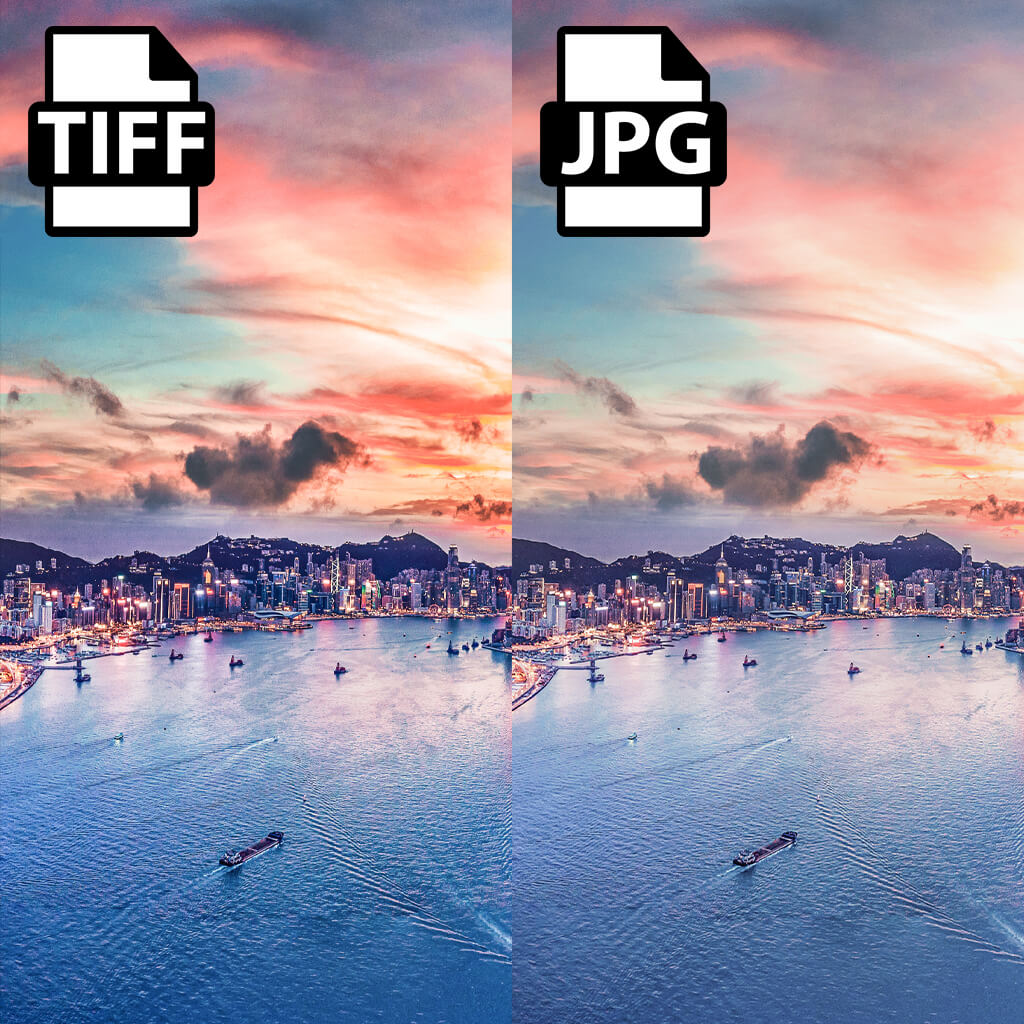
The most frequent comparison is between TIFF and JPEG. JPEG is designed for efficiency; it uses “DCT” (Discrete Cosine Transform) to discard data that the human eye is less likely to notice. This results in incredibly small files that are perfect for websites and smartphones. However, JPEG does not support transparency or layers. TIFF is the polar opposite: it prioritizes the retention of every bit of data at the cost of significantly larger file sizes. A high-resolution TIFF can easily be 50 to 100 times larger than a JPEG of the same image.
TIFF vs. PNG: Print vs. Web
PNG (Portable Network Graphics) was created as a patent-free replacement for GIF and is the king of web graphics. Like TIFF, PNG is lossless and supports transparency. However, PNG was never intended for the print industry. It does not support CMYK color spaces or multi-page layouts. While PNG is excellent for a logo on a website, TIFF remains the superior choice for any asset intended for physical production.
TIFF vs. RAW: The Master File Debate
Photographers often wonder if they should keep their files in RAW or convert them to TIFF. A RAW file is the raw data from a camera’s sensor; it isn’t even technically an “image” yet. While RAW offers the most editing flexibility, it is a proprietary format (different for Canon, Nikon, Sony, etc.). TIFF is an open industry standard. Many professionals archive their final, edited versions as TIFFs because they are confident that software 50 years from now will still be able to open a TIFF, whereas proprietary RAW formats may become obsolete.
4. Technical Best Practices: Managing TIFFs in Your Workflow
Because TIFF files are large and data-heavy, they require specific management strategies to avoid slowing down hardware or consuming excessive storage space.
Software Compatibility and Accessibility
One of the greatest strengths of the TIFF format is its near-universal compatibility. Almost every image-viewing application on Windows, macOS, and Linux can open a standard TIFF. For advanced editing, professional suites like the Adobe Creative Cloud, CorelDRAW, and GIMP offer full support for the format’s advanced features, such as layers and geo-tagging. Even web browsers, which historically did not support TIFF, can sometimes display them through specific plugins, though they are rarely used for web design due to their size.
Optimizing Storage for Large Assets
As high-resolution cameras become more common, TIFF file sizes are ballooning. A 100-megapixel image saved as a 16-bit TIFF can exceed 500MB. For organizations managing thousands of these assets, high-speed storage solutions like NVMe SSDs and robust NAS (Network Attached Storage) systems are essential. When saving TIFFs, professionals often utilize “Internal Tiling.” This technical setting allows software to load only the specific part of the image being viewed, rather than the entire 500MB file at once, significantly boosting performance during the editing process.
When to Convert (and When Not To)
Strategic tech management involves knowing when to move away from TIFF. You should keep your image in TIFF format as long as you are in the “production” phase. This includes scanning, retouching, and preparing for print. However, once an image is ready for a website, an email attachment, or social media, it should be exported to a more compressed format. Never upload a TIFF directly to a website; the file size will cause the page to load slowly, hurting both user experience and SEO rankings.

Conclusion: The Enduring Legacy of the TIFF
In a tech world that often prioritizes “fast and light,” the TIFF format stands as a monument to “heavy and perfect.” It is a format designed for the long haul—built to preserve the highest possible quality for the most demanding applications. Whether it is used for archiving historical documents in a museum, ensuring the accuracy of a medical scan, or producing a vibrant photograph for a global magazine, TIFF provides a level of reliability that lossy formats simply cannot match.
While newer formats like HEIF and WebP are making waves in the consumer space, the professional world remains anchored by the Tagged Image File Format. Its combination of lossless compression, massive color depth, and architectural flexibility ensures that as long as humans value high-quality imagery, there will always be a place for the TIFF. Understanding this format is not just a lesson in file extensions; it is an insight into the technical standards that define visual excellence in the digital age.
aViewFromTheCave is a participant in the Amazon Services LLC Associates Program, an affiliate advertising program designed to provide a means for sites to earn advertising fees by advertising and linking to Amazon.com. Amazon, the Amazon logo, AmazonSupply, and the AmazonSupply logo are trademarks of Amazon.com, Inc. or its affiliates. As an Amazon Associate we earn affiliate commissions from qualifying purchases.