
The landscape of home entertainment has shifted dramatically over the last decade, moving away from traditional cable packages toward a fragmented ecosystem of streaming platforms. At the center of this evolution is Google TV—a sophisticated interface designed to organize the chaos of modern digital media. However, for many consumers, the question of “how much does Google TV cost” remains shrouded in nuance. Unlike a standard subscription service like Netflix or a piece of software you purchase once, Google TV is a multi-layered ecosystem involving hardware, software, and optional premium services.

To understand the true cost of Google TV, one must distinguish between the operating system, the physical devices that run it, and the content subscriptions that populate the interface. In this guide, we will break down the financial requirements of entering the Google TV environment, from budget-friendly dongles to high-end integrated smart TVs and the recurring costs of premium content.
Understanding the Google TV Ecosystem: Software vs. Hardware
The first and most important distinction to make is that Google TV itself—the software interface—does not have a monthly subscription fee. When you purchase a device that features Google TV, you are not signing up for a “Google TV membership.” Instead, you are gaining access to a platform that aggregates your existing subscriptions, provides a gateway to free ad-supported television (FAST), and offers a marketplace for digital rentals.
Is Google TV Free?
Technically, the software is free to use once you have the hardware. Once you sign in with a Google Account, you can access hundreds of free live TV channels and use the “Watchlist” feature without paying Google a dime. The “cost” in this scenario is primarily your data and attention, as Google uses your viewing habits to provide personalized recommendations and targeted advertisements within the UI.
The Evolution from Android TV
Google TV is essentially a rebranded and heavily modified version of Android TV. While Android TV is still used on some legacy devices and specialized hardware, Google TV is the flagship consumer experience. From a technical standpoint, the cost difference between the two is negligible for the consumer, but Google TV offers a more refined, AI-driven content discovery engine that adds significant value to the user experience without an additional price tag.
The Hardware Investment: Chromecast and the New Google TV Streamer
To access the Google TV interface, you need compatible hardware. This is the primary upfront cost for most users. Google offers its own line of hardware, which is widely considered the gold standard for the platform experience.
Chromecast with Google TV (HD and 4K)
For years, the Chromecast with Google TV has been the most accessible entry point.
-
The HD Version: Retailing for approximately $29.99, this device is designed for older televisions or secondary rooms. It supports 1080p HDR and provides the full Google TV interface, including voice search via the Google Assistant remote.
-
The 4K Version: Retailing for approximately $49.99, this is the enthusiast’s choice for main living room setups. It supports 4K Ultra HD, Dolby Vision, and HDR10+.
The Google TV Streamer (4K)
In 2024, Google introduced the “Google TV Streamer” as a premium replacement for the high-end Chromecast. Priced at $99.99, this device represents a shift toward the set-top box market, competing directly with the Apple TV 4K. The increased cost covers significantly better internal hardware, including a 22% faster processor, double the RAM (4GB), and 32GB of storage. Furthermore, it acts as a smart home hub with integrated Thread and Matter support, justifying the higher price for users invested in the Google Home ecosystem.
Built-in Google TV: Smart TV Partnerships
If you are in the market for a new television, the cost of Google TV may be “hidden” within the price of the TV itself. Major manufacturers like Sony, TCL, and Hisense have adopted Google TV as their native operating system.
-
Budget Tier (TCL/Hisense): You can find 43-inch to 55-inch Google TVs starting as low as $250 to $400.
-
Premium Tier (Sony Bravia): High-end OLED models featuring Google TV can range from $1,200 to over $4,000. In these cases, you aren’t paying extra for the software; rather, you are paying for the panel technology and image processing, with Google TV serving as the complimentary interface.
Subscription Costs and Content Services
While the platform is free, the content is where the ongoing costs reside. Google TV acts as a “hub,” and the total monthly bill depends entirely on which services you choose to integrate.
YouTube TV: The Premium Live TV Solution
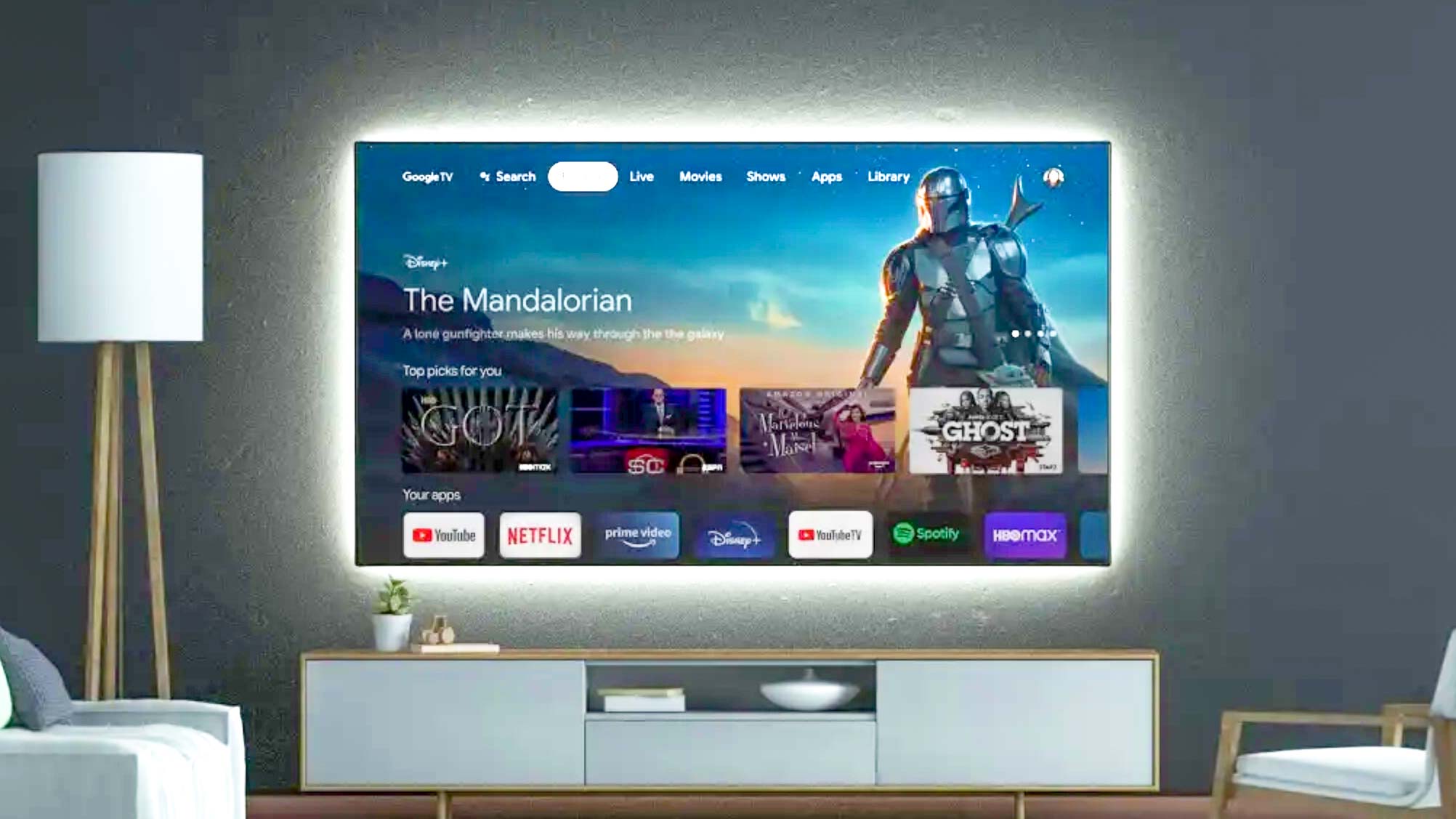
While often confused with Google TV, YouTube TV is a separate, paid service. It is Google’s alternative to cable, offering over 100 live channels, including local networks and sports. As of 2024, YouTube TV costs approximately $72.99 per month. While it is perfectly integrated into the Google TV “Live” tab, it is an optional expense.
Third-Party Streaming Services
Google TV’s primary strength is its ability to pull content from various apps into a single “For You” tab. The costs associated with these services vary:
-
Netflix: $6.99 (with ads) to $22.99 (Premium 4K) per month.
-
Disney+: $7.99 to $13.99 per month.
-
Max (formerly HBO Max): $9.99 to $20.99 per month.
-
Prime Video: $14.99 per month (as part of Amazon Prime) or $8.99 standalone.
If a user subscribes to the “standard” bundle of these services, their monthly “Google TV cost” can easily exceed $100, though these fees are paid to the respective providers, not to Google.
The Value of “Free” Content
For those looking to minimize costs, Google TV offers an impressive array of free content. The platform includes built-in access to over 800 free ad-supported channels through services like Pluto TV, Tubi, and Google’s own “Google TV Channels.” For many users, the combination of a $50 Chromecast and these free services provides a comprehensive entertainment package with zero recurring monthly fees.
Hidden Costs and Technical Considerations
Beyond the hardware and subscriptions, there are several “invisible” costs associated with maintaining a high-quality Google TV experience.
Internet Bandwidth and Data Caps
Google TV is a cloud-based platform. To stream 4K content, Google recommends an internet speed of at least 20-25 Mbps. For households with multiple users, this may require a premium high-speed internet plan, which can cost between $50 and $100 per month. Additionally, users on metered internet plans should be aware that 4K streaming can consume up to 7GB of data per hour. If you exceed your provider’s data cap, you could face overage charges.
Digital Rentals and Purchases
The Google TV interface prominently features the “Shop” tab. This replaces the old Google Play Movies & TV store. Here, users can rent movies for $3.99 to $5.99 or purchase them for $9.99 to $19.99. While these are one-time transactions, they can add up for users who prefer “transactional video on demand” (TVOD) over monthly subscriptions.
Hardware Accessories
To get the most out of the Google TV hardware, users might encounter supplementary costs:
-
Ethernet Adapters: The standard Chromecast with Google TV is Wi-Fi only. If your signal is weak, Google sells an official Ethernet power adapter for roughly $20.
-
Storage Expansion: Because the standard Chromecast only has 8GB of storage (much of which is taken up by the OS), power users often buy USB-C hubs with Power Delivery (costing $25–$50) to attach external flash drives.
Comparing Google TV to the Competition: A Value Analysis
To determine if the cost of Google TV is “worth it,” we must look at how it stacks up against its primary rivals in the tech space.
Google TV vs. Roku
Roku is the most direct competitor in terms of price. Roku sticks range from $25 to $100, mirroring Google’s hardware pricing. However, Google TV provides a more sophisticated AI recommendation engine and deeper integration with the Google Assistant. For users already in the Google ecosystem (Android phones, Google Nest speakers), the “cost” of learning a new system is lower with Google TV, providing better “tech ROI.”
Google TV vs. Apple TV 4K
Apple TV 4K starts at $129, making it significantly more expensive than the Chromecast 4K and even the new Google TV Streamer. While Apple offers a faster processor and a privacy-first approach, Google TV offers more flexibility in terms of sideloading apps and a more robust free-to-watch ecosystem. From a pure hardware-to-cost ratio, Google TV typically wins for the average consumer, while Apple TV remains the choice for the premium enthusiast.
Final Verdict: What Will You Actually Pay?
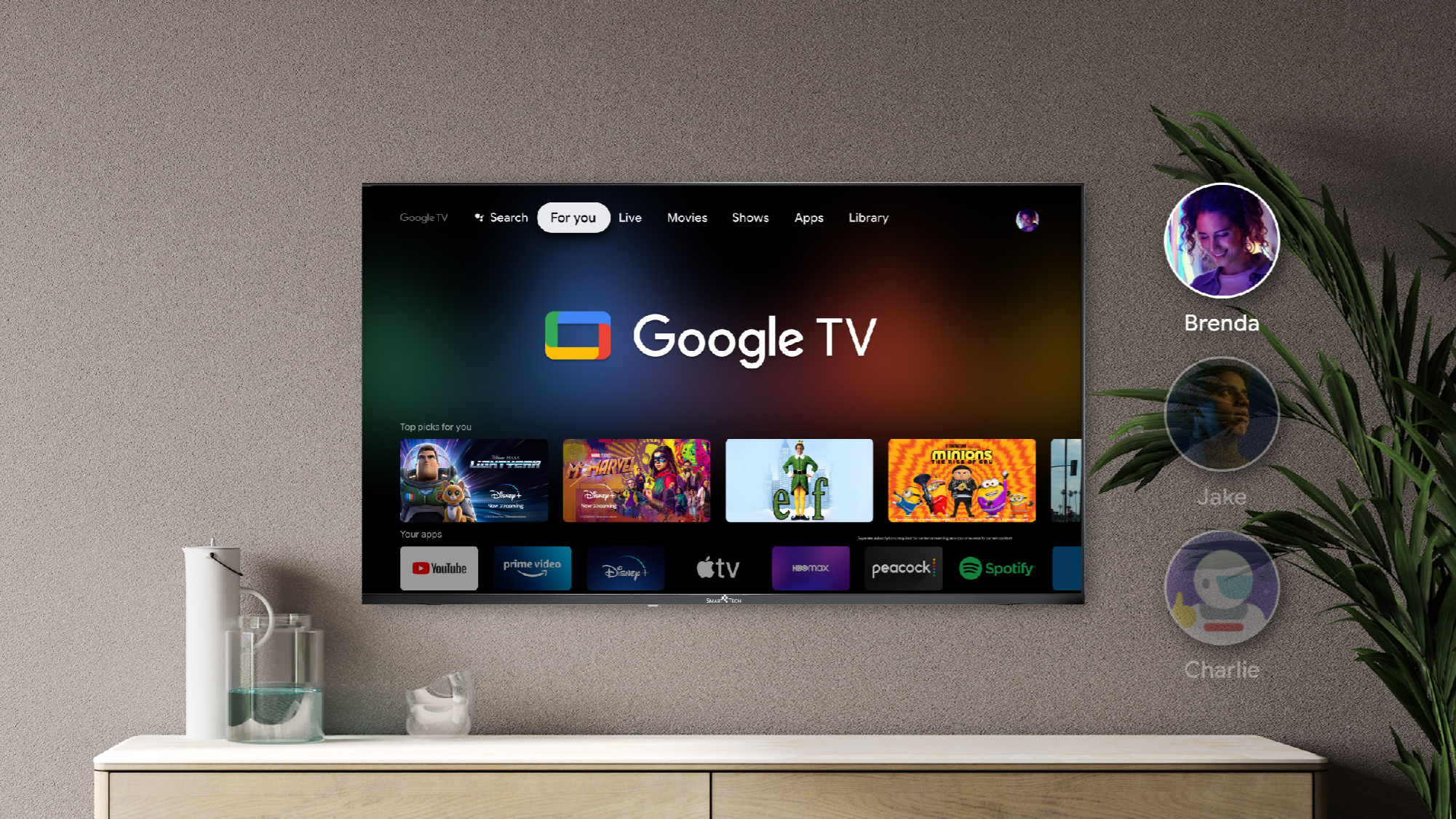
The cost of Google TV is highly scalable based on your technical needs and viewing habits.
-
The “Budget” Entry: A Chromecast with Google TV (HD) for $29.99 and reliance on free ad-supported channels. Total: $29.99 upfront, $0/month.
-
The “Standard” Setup: A Google TV Streamer for $99.99, plus Netflix and Disney+. Total: $99.99 upfront, ~$25/month.
-
The “Cord-Cutter” Experience: A high-end Sony Google TV ($1,000+), YouTube TV ($73/mo), and a suite of premium streaming apps. Total: $1,000+ upfront, ~$150/month.
In the modern tech era, Google TV stands out as one of the most flexible platforms available. It offers a low barrier to entry for those who just want to upgrade an old “dumb” TV, while providing a powerful, AI-driven hub for power users who manage dozens of subscriptions. Ultimately, while the software is free, the true cost is a reflection of your appetite for hardware performance and premium content access.
aViewFromTheCave is a participant in the Amazon Services LLC Associates Program, an affiliate advertising program designed to provide a means for sites to earn advertising fees by advertising and linking to Amazon.com. Amazon, the Amazon logo, AmazonSupply, and the AmazonSupply logo are trademarks of Amazon.com, Inc. or its affiliates. As an Amazon Associate we earn affiliate commissions from qualifying purchases.