
Navigating the complexities of personal finance requires a disciplined approach to record-keeping. Among the most critical documents in any individual’s financial portfolio are previous tax returns. Whether you are applying for a mortgage, verifying your income for a loan, or preparing for a potential IRS audit, having immediate access to your tax history is non-negotiable. For many Americans, TurboTax serves as the primary repository for this data. However, as the software evolves and account structures change, locating older filings can sometimes feel like a digital scavenger hunt.

Understanding how to efficiently retrieve these documents is not just a matter of convenience; it is a foundational skill in financial management. This guide explores the technical and strategic steps to locating your previous returns within the TurboTax ecosystem, ensuring your financial records remain organized and accessible.
Navigating the TurboTax Ecosystem for Historical Data
The first step in retrieving your financial history is understanding where TurboTax stores your data. The platform differentiates between its online cloud-based service and its desktop software versions, and the retrieval process varies significantly between the two.
Accessing the Tax Home Screen
For users of TurboTax Online, the “Tax Home” is the central nervous system of your account. Once you log in with your credentials, the dashboard typically defaults to the current tax year. To find older documents, you must scroll down to the section titled “Your Tax Returns & Documents.” This area acts as a chronological archive of your filings.
By selecting the specific year you need, the interface will expand to show options such as “Download/print return (PDF)” and “Download data file (.tax).” In the context of financial planning, the PDF version is usually what lenders and government agencies require, as it represents the finalized, official filing submitted to the IRS.
Locating PDF vs. Data Files
It is crucial to understand the difference between the two file types available for download. The .tax file is a proprietary data format used by TurboTax software to carry over information from one year to the next. While useful for software transitions, it is unreadable by humans or standard document viewers. For financial record-keeping, you should always ensure you have a saved PDF copy. This PDF includes not only the Form 1040 but also all supporting schedules, such as Schedule C for business income or Schedule D for capital gains, which provide a granular view of your annual financial health.
Managing Desktop and CD/Download Versions
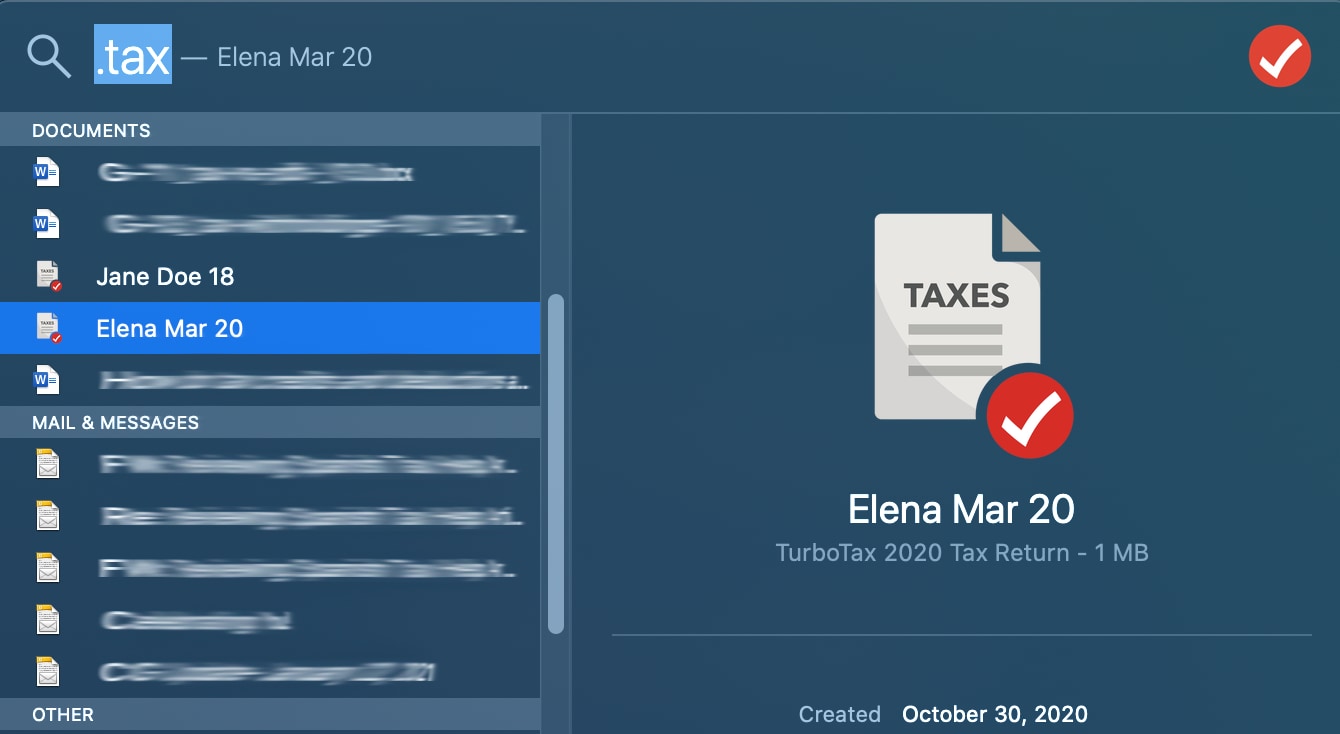
If you used the desktop version of TurboTax, your returns are likely stored locally on your hard drive rather than in the cloud. By default, TurboTax saves these files in the “Documents” folder under a subfolder named “TurboTax.” If you have transitioned computers over the years, part of your financial “housekeeping” should involve migrating these .tax and PDF files to a secure, encrypted external drive or a dedicated financial cloud storage service.
Troubleshooting Access Issues for Older Returns
Retrieving old tax returns is not always a seamless process. Several hurdles can arise, ranging from forgotten credentials to tiered access restrictions based on your service level.
Account Recovery and Credential Management
A common obstacle in financial management is the fragmentation of digital identities. If you cannot log in, the “I forgot my user ID or password” link is your first line of defense. However, for those with multiple email addresses, it is possible that returns are split across different accounts. From a financial security standpoint, it is best practice to consolidate your tax history under a single, highly secure account protected by multi-factor authentication (MFA).
Distinguishing Between Online and Desktop Records
A frequent point of confusion occurs when a user switches between the online and desktop versions of the software. TurboTax Online does not automatically import files saved locally on your computer from previous years unless you manually upload them during the filing process. If you are looking for a 2020 return online but used the CD version that year, the document will not be in your online “Tax Home.” You must locate the physical computer or backup drive where that specific year’s data was saved.
Tiered Access and the “Tax Return Access” Fee
One nuance of the TurboTax ecosystem involves the “Free Edition.” In certain years, TurboTax has required users of the Free Edition to upgrade to a paid tier or pay a separate “Tax Return Access” fee to view returns after the filing deadline has passed. From a personal finance perspective, this highlights the importance of downloading and saving a PDF copy of your return immediately after filing. Relying on a third-party platform to host your primary financial records indefinitely can lead to unexpected costs or accessibility issues.
The Role of Tax Returns in Personal Financial Management
Beyond the administrative task of finding a document, understanding why these records are vital helps prioritize their organization. Your tax return is the most comprehensive summary of your annual financial life.
Securing a Mortgage or Major Loan
When applying for a mortgage, lenders typically require at least two years of federal tax returns. They use this data to calculate your debt-to-income (DTI) ratio and verify the stability of your earnings. For entrepreneurs and freelancers, these documents are even more critical, as they serve as the primary evidence of business solvency and personal draw. If you cannot produce these documents quickly, you risk delaying your closing or missing out on competitive interest rates.
Verification for Financial Aid (FAFSA)
For families with students entering higher education, the Free Application for Federal Student Aid (FAFSA) requires precise data from two-year-old tax returns (the “prior-prior” year). While the IRS Data Retrieval Tool can automate much of this, having the physical return allows you to cross-reference the data and ensure that your Adjusted Gross Income (AGI) and asset declarations are accurate, potentially impacting the amount of aid received.
Audit Preparedness and the Statute of Limitations
The IRS generally has three years to audit a return, but this window can extend to six years if a “substantial error” is identified. Maintaining a digital archive of your TurboTax filings for at least seven years is a standard recommendation among financial advisors. These documents, along with the supporting receipts and 1099s, form your legal defense in the event of an inquiry.
Best Practices for Digital Record-Keeping
To avoid the stress of hunting for documents under a deadline, you should implement a proactive strategy for financial record-keeping that extends beyond the TurboTax platform.
Creating a Centralized Financial Vault
Relying solely on a software provider for historical data is a risky strategy. Instead, create a “Financial Vault”—a secure, encrypted folder on a cloud service like VeraCrypt, or a secure physical drive. Every year, immediately after your return is accepted by the IRS, download the “Full Filing” PDF from TurboTax. This version includes every worksheet and calculation, providing more context than the “Just my tax return” option.
Understanding IRS Retention Guidelines
While TurboTax keeps your returns for a set number of years (currently up to seven for paid users), you should be aware of the IRS’s own guidelines. If you claim a loss from worthless securities or bad debt deduction, the IRS recommends keeping records for seven years. If you do not report income that you should report, and it is more than 25% of the gross income shown on the return, keep records for six years. By aligning your TurboTax archives with these timelines, you ensure total financial compliance.
Security Protocols for Sensitive Financial Documents
Your tax return contains your Social Security number, income details, home address, and bank account numbers. It is a “gold mine” for identity thieves. When you find your previous returns on TurboTax and download them to your local machine:
-
Encrypt the file: Use a password-protected PDF format.
-
Use Secure Networks: Never download tax returns over public Wi-Fi.
-
Clean Up: If you are using a public or shared computer, ensure you delete the downloaded file and empty the trash bin immediately.

Long-Term Financial Health and Accessibility
The ability to retrieve and analyze your previous tax returns is a hallmark of financial literacy. These documents are more than just a record of what you owed the government; they are a roadmap of your financial journey. By reviewing previous returns found on TurboTax, you can track the growth of your investments, the fluctuations in your business expenses, and the efficacy of your tax-saving strategies over time.
Strategic financial management requires looking backward as often as you look forward. By mastering the retrieval of your tax history, you protect yourself against audits, streamline your loan applications, and maintain a clear, unobstructed view of your financial legacy. Whether you are navigating the “Tax Home” dashboard or migrating old files from a legacy desktop version, the effort you put into organizing these records today will pay significant dividends in your future financial stability.
aViewFromTheCave is a participant in the Amazon Services LLC Associates Program, an affiliate advertising program designed to provide a means for sites to earn advertising fees by advertising and linking to Amazon.com. Amazon, the Amazon logo, AmazonSupply, and the AmazonSupply logo are trademarks of Amazon.com, Inc. or its affiliates. As an Amazon Associate we earn affiliate commissions from qualifying purchases.