
In the modern era of digital banking, the traditional paper check remains a surprisingly resilient tool for everything from rent payments to professional services. However, the physical nature of checks introduces a unique set of risks and logistical challenges. Whether you have discovered an error in the payment amount, realized the recipient is untrustworthy, or simply lost a check in the mail, knowing how to execute a stop payment order is a critical skill for any Chase Bank customer.
Canceling a check—formally known as a stop payment order—is a time-sensitive intervention. Once a check is presented for payment and successfully cleared by the bank, the funds are legally transferred, and the stop payment window closes. This guide provides a detailed roadmap for navigating the Chase ecosystem to protect your funds and manage your personal or business finances with precision.
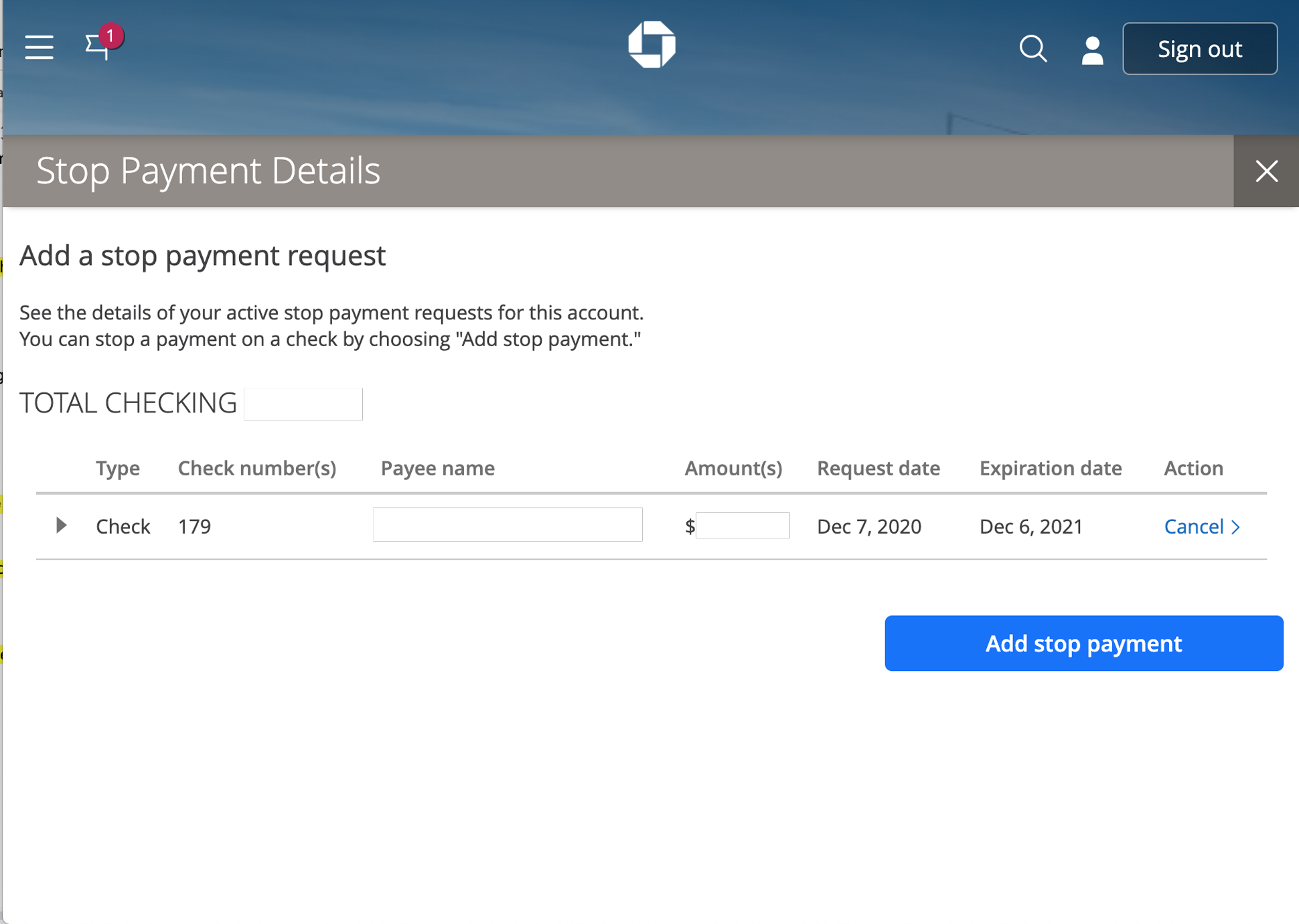
The Mechanics of a Stop Payment Order at Chase Bank
A stop payment order is a formal request made by an account holder to their financial institution to decline a specific check when it is presented for clearing. For Chase customers, this process is governed by both bank policy and federal financial regulations. Understanding the nuances of this process is the first step in ensuring your request is successful.
Why You Might Need to Cancel a Check
There are several scenarios where canceling a check is the most prudent financial move. The most common is a lost or stolen check. If a checkbook or a single signed check falls into the wrong hands, a stop payment can prevent unauthorized access to your balance.
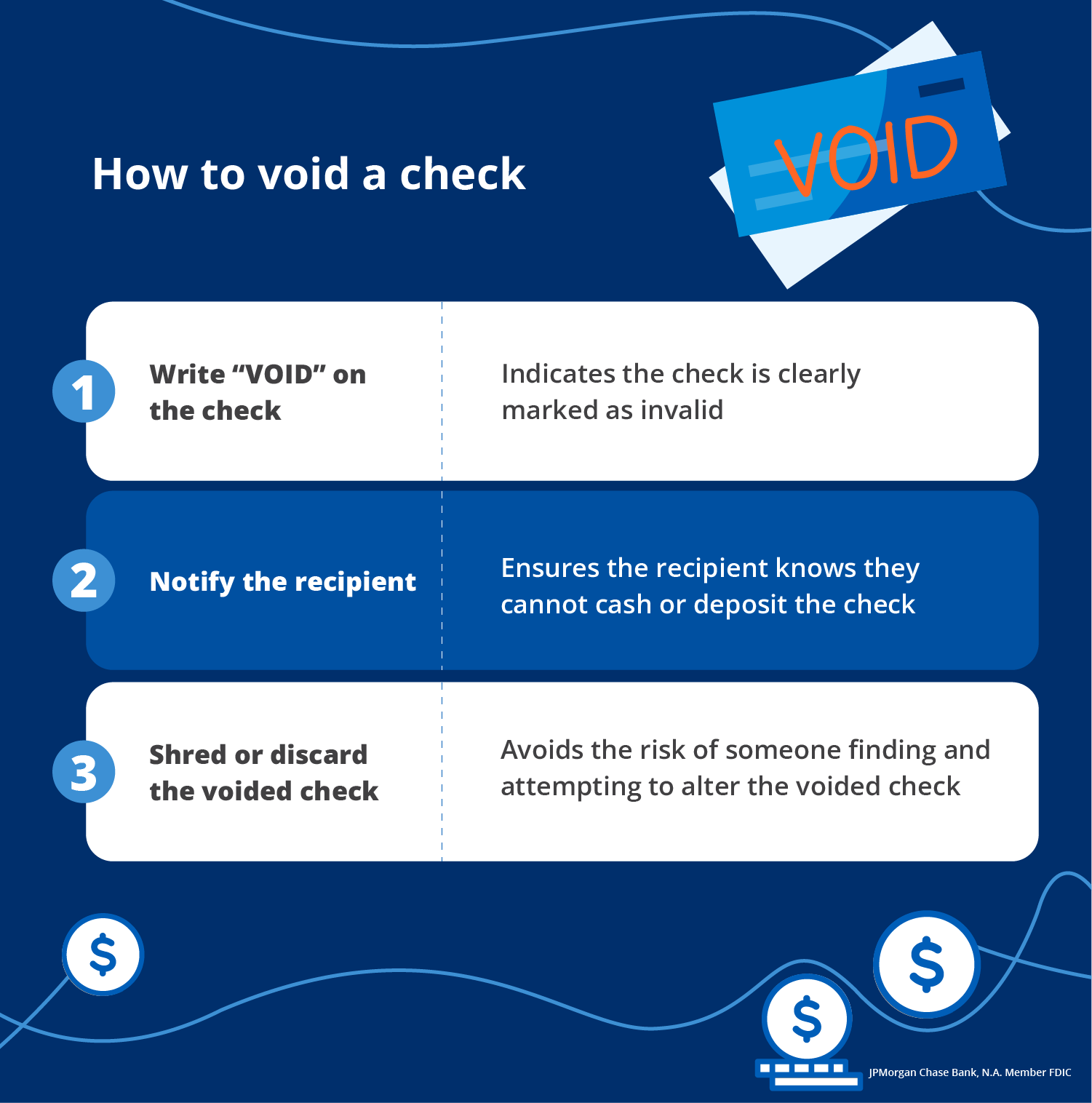
Another common scenario involves disputes with vendors or service providers. If you pay a contractor upfront but they fail to perform the work, or if you realize you have been a victim of a scam shortly after handing over a check, canceling the payment acts as a vital safeguard. Additionally, clerical errors—such as writing the wrong amount or the wrong date—often necessitate a cancellation so that a corrected check can be issued.
The Importance of Timing and Eligibility
The most important factor in canceling a check is the “clearing window.” In the United States banking system, checks typically clear within one to two business days, though some may process even faster depending on the recipient’s bank and the method of deposit (such as mobile deposit).
Chase cannot stop a payment on a check that has already been processed and deducted from your account. Therefore, as soon as you realize a check needs to be canceled, you must act. Furthermore, stop payments are generally applicable to personal and business checks. They are significantly more difficult to apply to cashier’s checks or money orders, as these are considered “guaranteed funds” where the bank’s credit, rather than your personal credit, is on the line.
Methods to Cancel a Chase Check: Digital vs. Manual
Chase offers multiple channels for initiating a stop payment. While digital methods are the fastest and often the most convenient, there are circumstances where speaking with a representative is necessary.
Canceling via the Chase Mobile® App
For most users, the Chase Mobile app is the most efficient tool for managing account security on the go. To cancel a check via the app:
-
Log in to your Chase Mobile app.
-
Select the specific checking account from which the check was written.
-
Scroll down to the “Account services” section or tap on the “See more” menu.
-
Look for the “Stop payment on a check” option.
-
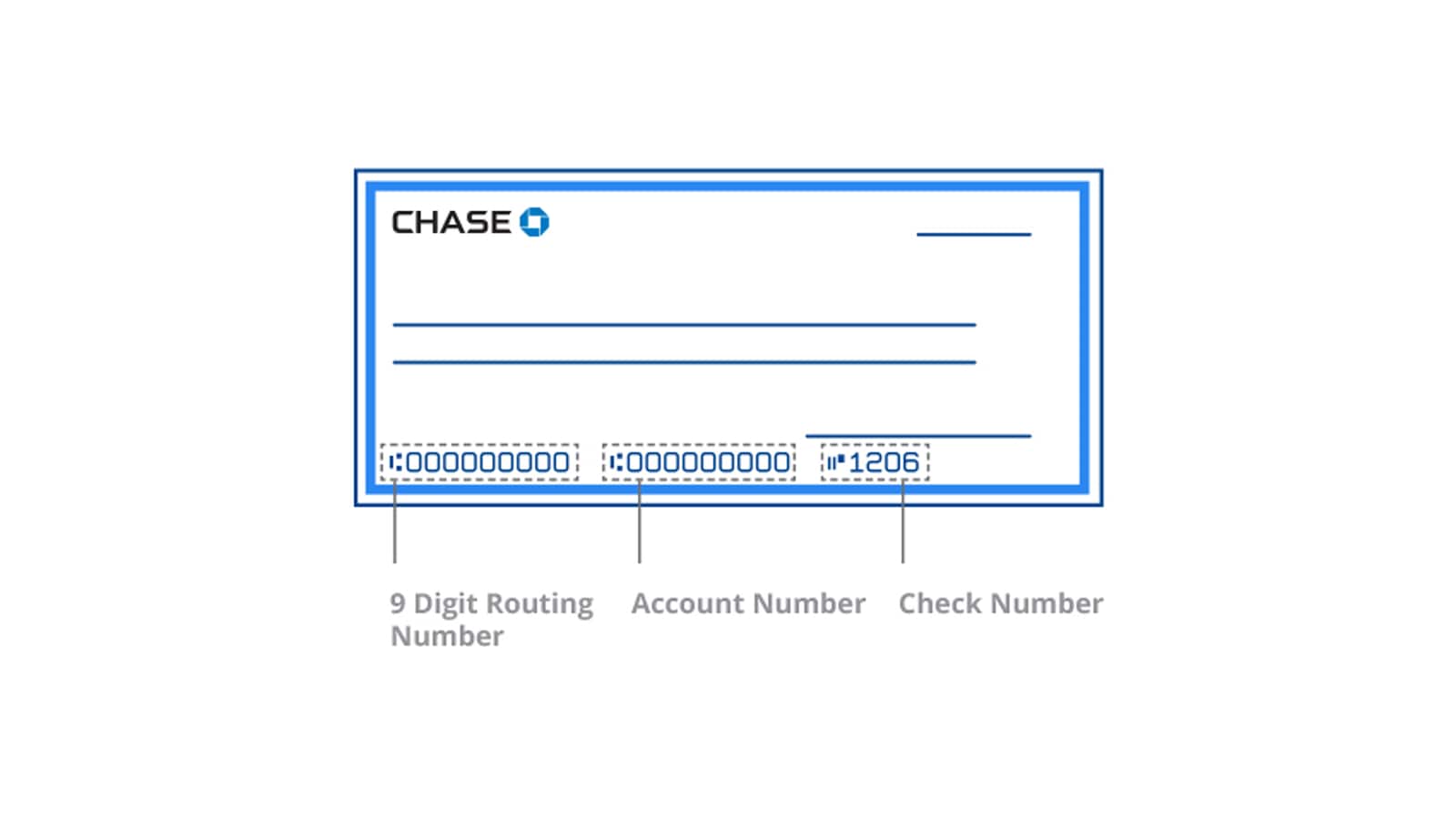
Provide the required details: the check number, the exact amount, and the date it was written.
-
Review the terms and the associated fee, then confirm the request.
The app provides an immediate confirmation number, which serves as your receipt that the order has been placed in the system.
Using the Chase Online℠ Website
If you prefer a desktop interface or need to manage multiple accounts simultaneously, the Chase online banking portal is a robust alternative. After logging in to your account at Chase.com:
-
Navigate to the “Pay & Transfer” tab at the top of the screen.
-
Under the “Checks” sub-menu, select “Stop payment on a check.”
-
Choose the appropriate account and enter the check details. Chase allows you to stop a single check or a range of checks (useful if a checkbook is stolen).
-
Follow the prompts to authorize the request and pay the necessary fee.
Phone Support and In-Branch Requests
In cases of emergency or if you do not have access to digital banking, you can call Chase Customer Service at 1-800-935-9935. Be prepared to verify your identity through several security questions. You can also visit any Chase branch and speak with a personal banker. While this method is slower, it allows you to receive a physical printout of the stop payment order, which can be useful for your records or in legal disputes.
Financial Considerations: Fees, Limits, and Duration
Stopping a payment is not a free service, nor is it a permanent solution. Account holders must be aware of the costs and the “shelf life” of a stop payment order to avoid future surprises.
Understanding Chase Stop Payment Fees
As of the current fee schedule, Chase typically charges a $30 fee for each stop payment order placed on a personal checking account. This fee applies regardless of whether the request is made online, over the phone, or in person.
However, the fee structure may vary based on your specific account type. For example, Chase Sapphire Checking or Chase Private Client customers often enjoy waived fees for stop payments as part of their premium banking benefits. Business accounts may have different structures based on their monthly service tier. It is always wise to check your specific Account Fee Disclosure or ask a banker if your account qualifies for a fee waiver.
Duration and Renewal of Stop Payment Orders
A stop payment order does not last forever. At Chase, a standard stop payment order typically remains active for six months. After 180 days, the order expires, and the bank will no longer automatically block the check if it is presented.
If you believe the check might still be presented after this period—perhaps in the case of a lost check that could be found much later—you must proactively renew the stop payment order. Renewing the order usually incurs an additional fee. This is a critical detail because “stale-dated” checks (those older than six months) are not always automatically rejected by banks; they can sometimes be processed at the bank’s discretion unless a valid stop payment is on file.
Specialized Scenarios: Cashier’s Checks and Fraud
While personal checks are relatively straightforward to cancel, other types of payments require a more complex approach.
Can You Stop Payment on a Cashier’s Check?
Stopping a cashier’s check is significantly more difficult than stopping a personal check. Because a cashier’s check is drawn against the bank’s own funds, it is essentially a contract for payment. Chase generally only permits a stop payment on a cashier’s check if it has been lost, stolen, or destroyed.
To stop a cashier’s check, you will likely need to visit a branch and complete a “Declaration of Loss.” Under the Uniform Commercial Code (UCC), the bank may require a 90-day waiting period before they will replace the funds or honor the stop payment. This is to protect the bank from “double payment” if the original check is presented by a holder in due course. In some cases, you may also be required to purchase an indemnity bond to protect the bank against potential losses.
Dealing with Lost or Stolen Checkbooks
If you lose an entire checkbook, placing individual stop payments on every check is neither cost-effective nor practical. In this scenario, the most secure course of action is to close the compromised account entirely and open a new one with a different account number. Chase’s fraud department can assist in transferring your balance and your legitimate automated payments to a new, secure account. This prevents any unauthorized checks from being honored and safeguards your identity.
Beyond the Paper Check: Enhancing Financial Security
While knowing how to cancel a check is essential, the best financial strategy involves minimizing the risks associated with paper instruments.
Leveraging Digital Payment Alternatives
To reduce the need for stop payments, many Chase customers are transitioning to digital alternatives like Zelle®, Chase Online Bill Pay, and ACH transfers. These methods offer several security advantages:
-
Immediate Tracking: You can see exactly when a payment is initiated and received.
-
Enhanced Security: You do not have to share your routing and account numbers with the recipient.
-
Easier Cancellation: Many digital “Bill Pay” transactions can be edited or canceled up until the moment they are sent, often without the steep $30 fee associated with paper checks.
Monitoring Your Account for Unauthorized Activity
The most effective way to manage your checks is through proactive monitoring. Chase offers “Account Alerts” that can notify you via text or email whenever a check clears your account. By reviewing these alerts daily, you can identify unauthorized transactions immediately, giving you the best possible chance to contact the bank and resolve the issue before the clearing window closes.
Canceling a check with Chase is a straightforward process, provided you act quickly and have the necessary information. By understanding the tools available through the Chase Mobile app and the online portal, and by staying aware of the fees and time limits involved, you can maintain total control over your financial outflows and protect your hard-earned assets.
aViewFromTheCave is a participant in the Amazon Services LLC Associates Program, an affiliate advertising program designed to provide a means for sites to earn advertising fees by advertising and linking to Amazon.com. Amazon, the Amazon logo, AmazonSupply, and the AmazonSupply logo are trademarks of Amazon.com, Inc. or its affiliates. As an Amazon Associate we earn affiliate commissions from qualifying purchases.