
Accessing your funds is a fundamental aspect of personal finance, and modern financial tools like Cash App have revolutionized how individuals manage their money. While Cash App simplifies sending and receiving funds, understanding the various methods to withdraw or “get money off” your balance is crucial for effective financial management. This guide explores the secure and efficient ways to transfer your Cash App balance into tangible cash or traditional banking accounts, emphasizing best practices for personal financial health.
Understanding Cash App’s Withdrawal Mechanisms
Cash App functions as a mobile banking alternative, providing users with a digital wallet to store funds, send money, and even invest. Before delving into specific withdrawal methods, it’s essential to grasp how your Cash App balance integrates with external financial ecosystems.

The Role of Your Cash App Balance
Your Cash App balance represents the money you have available within the application. This balance can accumulate from direct deposits (like paychecks), peer-to-peer payments received from friends and family, or funds added manually from a linked debit card or bank account. Unlike a traditional checking account, this balance primarily resides within the app until you initiate a transfer to an external account or use a linked card. Managing this balance effectively is a core tenet of modern personal finance, requiring a clear understanding of liquidity and accessibility.
Linking External Financial Accounts
To move money off Cash App, you must first establish a connection between your Cash App profile and your traditional banking infrastructure. This typically involves linking a debit card and/or a bank account.
-
Debit Card: Linking a debit card allows for instant deposits from your bank to Cash App and, in some cases, can facilitate instant withdrawals back to your linked bank account, though often with a small fee.
-
Bank Account: Linking your bank account directly, usually through account and routing numbers, enables standard deposits and withdrawals. This method is often preferred for larger sums due to potentially lower or no fees for standard transfers.
Ensuring these links are secure and up-to-date is paramount for seamless financial transactions and protecting your personal financial data. Always verify the details before confirming any linking process.
Instant Access: Cashing Out to Your Linked Bank Account
The most common method for getting money off Cash App is by cashing out your balance to your linked bank account. This process offers flexibility regarding speed and associated costs, allowing users to choose the option that best suits their immediate financial needs.
Standard vs. Instant Deposits: Cost-Benefit Analysis
Cash App offers two primary options when cashing out to your bank account:
-
Standard Deposit: This is a free service where funds typically arrive in your linked bank account within 1-3 business days. While it requires patience, the absence of fees makes it the most cost-effective option for planned transfers or when immediate access isn’t critical. From a personal finance perspective, this is the financially prudent choice when timeliness is not a primary concern, maximizing the value of your funds.
-
Instant Deposit: For those requiring immediate access to their funds, Cash App provides an instant deposit option. This service usually comes with a small fee, typically 0.5% to 1.75% of the transferred amount, with a minimum fee of $0.25. The funds are generally available in your bank account within minutes. While convenient, it’s crucial to weigh the urgency against the cost. Frequent use of instant deposits can accumulate fees, subtly eroding your funds over time. Astute financial management dictates using this feature only when truly necessary.
Step-by-Step Guide to Cashing Out
The process of cashing out is straightforward, designed for user convenience:
-
Open Cash App: Launch the application on your mobile device.
-
Tap the Banking Tab: This icon usually looks like a house or a bank building and displays your Cash App balance.
-
Select “Cash Out”: This option will be prominently displayed.
-
Enter Amount: Input the specific amount you wish to transfer from your Cash App balance.
-
Choose Deposit Speed: Select either “Standard” (free, 1-3 business days) or “Instant” (fee applies, instant transfer) based on your preference.
-
Confirm: Review the details, including the amount and any applicable fees, then tap “Confirm” to initiate the transfer.
Always double-check the amount and selected speed before confirming, as transactions are difficult to reverse once initiated. This due diligence is a cornerstone of responsible financial transaction management.
Physical Cash: Using Your Cash Card at ATMs
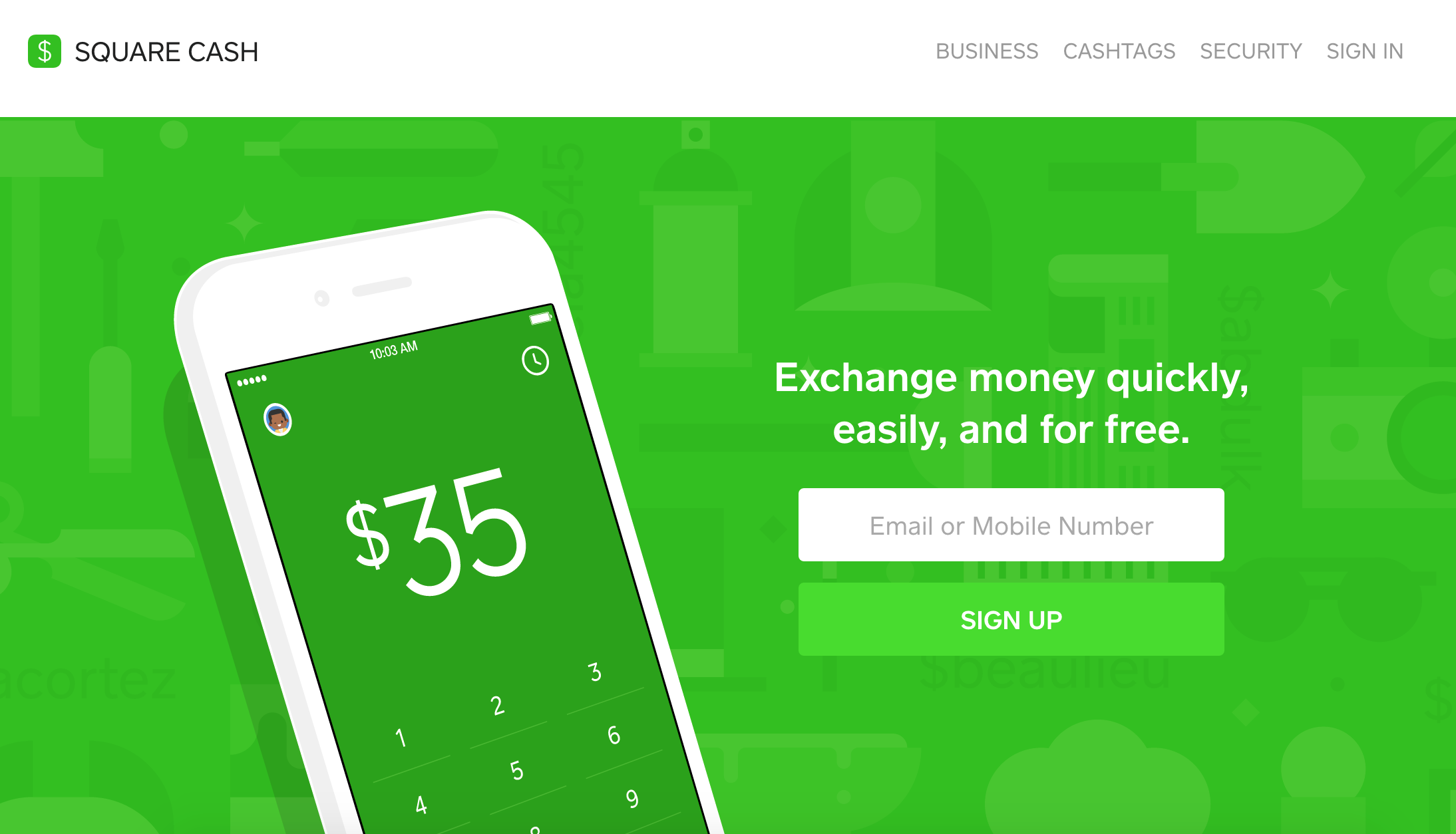
For situations where physical cash is required, the Cash Card provides a direct link to your Cash App balance, functioning like a traditional debit card. This option offers a tangible way to access your digital funds.
Activating and Using Your Cash Card
The Cash Card is a free, customizable debit card linked directly to your Cash App balance. Once ordered through the app, it typically arrives within 5-10 business days.
-
Activation: Upon receipt, you must activate the card within the Cash App. This usually involves scanning the QR code on the card packaging or manually entering the CVV and expiration date.
-
Usage: Once activated, your Cash Card can be used anywhere Visa is accepted, online or in physical stores. For ATM withdrawals, you’ll simply insert the card, enter your PIN (which you set during activation), and select the “withdrawal” option, just as you would with any other debit card.
The convenience of the Cash Card lies in its direct connection to your Cash App balance, eliminating the need to transfer funds to a separate bank account before making purchases or withdrawals.
ATM Withdrawal Fees and Limits
While the Cash Card offers excellent flexibility, it’s essential to be aware of associated fees and limits for ATM withdrawals:
-
Cash App ATM Fee: Cash App itself charges a fee for ATM withdrawals if you do not have direct deposits totaling $300 or more in a calendar month. If you meet the direct deposit threshold, ATM withdrawals are free.
-
Third-Party ATM Fees: Most ATMs that are not part of Cash App’s fee-free network will charge their own fee for transactions. These fees are independent of Cash App’s charges and vary by ATM operator. To minimize costs, look for ATMs that explicitly state “no surcharge fees” or check the ATM network’s website for participating fee-free locations.
-
Withdrawal Limits: Cash App imposes daily and weekly limits on ATM withdrawals. These limits are subject to change but generally restrict the amount of cash you can withdraw within a 24-hour period and over a 7-day rolling period. Always check the current limits within the app to avoid transactional frustrations. Understanding these limits is key to planning your cash needs and avoiding unnecessary fees or denied transactions.
Alternative Methods: Sending Funds to Others
Beyond direct withdrawals to your bank or ATM access, Cash App’s peer-to-peer functionality and merchant payment options can also serve as indirect methods of “getting money off” your balance, especially when assisting others or making direct payments.
Peer-to-Peer Transfers as an Off-Ramp
One of Cash App’s core features is its ability to send money to other users instantly. While not a direct withdrawal to your own bank, sending money to a trusted friend or family member who then provides you with cash or transfers the equivalent to your traditional bank account can act as an alternative off-ramp. This method is particularly useful in situations where your own linked bank account is experiencing issues or when you need cash from someone who doesn’t have an ATM nearby but can send you the physical equivalent. However, always exercise caution and only engage in such transfers with individuals you fully trust, as Cash App peer-to-peer transfers are generally irreversible.
Using Cash App to Pay Merchants Directly
Another way to effectively utilize your Cash App balance without formally “withdrawing” is to use it directly for purchases. Your Cash Card can be used at any merchant that accepts Visa, converting your digital balance into goods and services. Furthermore, some merchants directly accept Cash App payments through their systems, allowing you to pay directly from your balance without using the card. This method effectively reduces your Cash App balance, transforming it into real-world value without the need for a bank transfer or ATM withdrawal, thereby managing your available funds in a convenient and direct manner.
Optimizing Your Cash App Experience: Fees, Limits, and Security
Effective management of any financial tool, including Cash App, requires an understanding of its operational nuances – specifically fees, transactional limits, and security protocols. Adhering to best practices in these areas ensures both cost-effectiveness and the safety of your financial assets.
Navigating Withdrawal Fees
Fees can significantly impact your available funds. As discussed, instant bank transfers incur a percentage-based fee, and ATM withdrawals might have both Cash App and third-party surcharges. To minimize these costs:
-
Plan Ahead: Whenever possible, opt for standard bank transfers to avoid instant deposit fees.
-
Utilize Fee-Free ATMs: If you meet the direct deposit threshold for free ATM withdrawals, seek out ATMs that do not charge additional third-party fees. Many banks and credit unions offer free ATM networks.
-
Consider Direct Deposit: Setting up direct deposit of at least $300 per month into your Cash App makes ATM withdrawals free, a significant financial benefit for regular users.
These strategies contribute to smart financial planning, allowing you to retain more of your hard-earned money.
Understanding Daily and Weekly Limits
Cash App implements various limits for transactions, including sending, receiving, and withdrawing money. These limits are in place for security and regulatory compliance.
-
Sending Limits: There are limits on how much you can send per week.
-
Receiving Limits: While generally higher, there are also limits on how much you can receive.
-
ATM Withdrawal Limits: Specific daily and weekly limits govern how much cash you can obtain from an ATM.
-
Cash Out Limits: There might be daily or weekly limits on how much you can transfer to your linked bank account.
These limits can increase as you verify your identity within the app (e.g., by providing your Social Security Number). Being aware of these limits prevents unexpected transaction failures and allows for better financial planning, especially for larger transactions or regular fund movements.

Safeguarding Your Financial Assets on Cash App
Security is paramount when dealing with any financial application. Cash App employs several security measures, but user vigilance is also crucial:
-
Strong, Unique Passwords: Use complex passwords and enable two-factor authentication (2FA) for your Cash App account.
-
PIN Protection: Protect your Cash Card PIN as you would with any debit card. Never share it.
-
Beware of Scams: Be cautious of phishing attempts, fake customer support, or requests for money from unknown sources. Cash App will never ask for your PIN, sign-in code, or full debit card number outside of the app.
-
Monitor Transactions: Regularly review your transaction history for any unauthorized activity.
-
Keep App Updated: Ensure your Cash App is always updated to the latest version to benefit from the newest security patches and features.
By actively managing your Cash App account with these considerations, you not only efficiently access your funds but also protect your financial well-being in the digital age.
aViewFromTheCave is a participant in the Amazon Services LLC Associates Program, an affiliate advertising program designed to provide a means for sites to earn advertising fees by advertising and linking to Amazon.com. Amazon, the Amazon logo, AmazonSupply, and the AmazonSupply logo are trademarks of Amazon.com, Inc. or its affiliates. As an Amazon Associate we earn affiliate commissions from qualifying purchases.