
Cash App has emerged as a powerhouse in the mobile finance landscape, offering a streamlined platform for sending, receiving, and managing money directly from a smartphone. More than just a simple payment application, it integrates a suite of features that cater to modern digital banking needs. Understanding how to correctly download and set up this versatile tool is the first step toward harnessing its capabilities. This guide will walk you through the process, ensuring a secure and efficient start to your Cash App journey.
Understanding Cash App: A Technological Overview
At its core, Cash App is a mobile-first financial technology solution developed by Block, Inc. (formerly Square, Inc.). It was designed to simplify peer-to-peer payments but has since evolved into a comprehensive digital wallet. From a technological standpoint, the application prioritizes user experience with a clean interface and robust backend infrastructure, enabling rapid transactions and diverse financial functionalities.
What is Cash App?
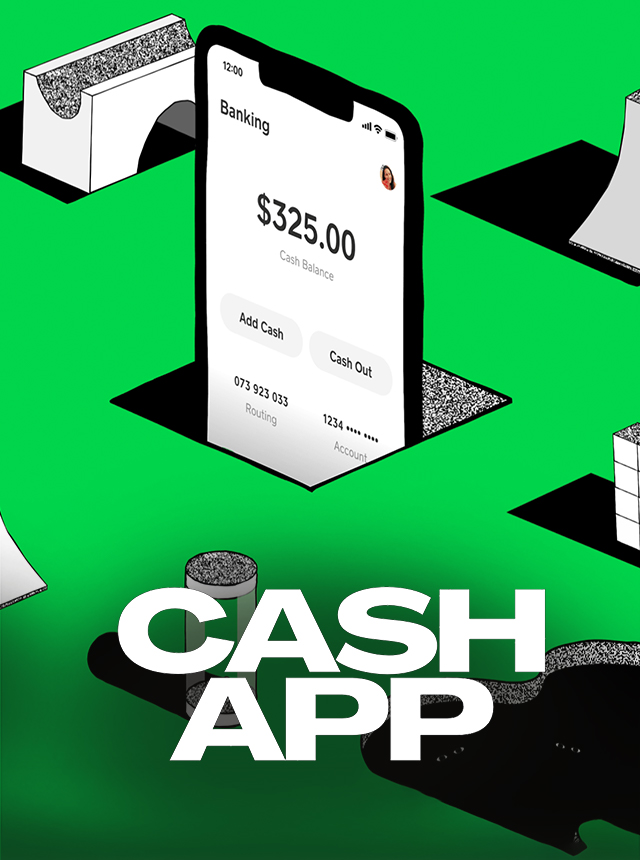
Cash App functions as a mobile banking application that allows users to send and receive money with friends and family, pay for goods and services, and even engage in basic investment activities. It operates by linking directly to a user’s bank account or debit card, providing a virtual balance within the app. Each user is assigned a unique identifier, known as a “$Cashtag,” which simplifies transactions and adds a layer of personalization. The app leverages cloud computing and secure encryption protocols to manage user data and transaction integrity, ensuring that financial exchanges are both swift and protected. Its architecture supports real-time updates and notifications, keeping users informed about their account activity.
Why Download Cash App?
Downloading Cash App offers several technological advantages and conveniences. Firstly, its cross-platform compatibility ensures a consistent experience whether you’re on iOS or Android, making it accessible to a vast user base. Secondly, the app integrates multiple financial services into a single, cohesive platform, reducing the need for separate applications for payments, direct deposits, and even micro-investing. This consolidation simplifies digital financial management. From a user perspective, the primary appeal lies in its speed and ease of use. Sending money takes mere seconds, and the instant notification system ensures transparency for both sender and receiver. Furthermore, the app’s continuous updates introduce new features and security enhancements, maintaining its relevance and reliability in a rapidly evolving tech environment.
Step-by-Step Guide to Downloading Cash App
Downloading Cash App is a straightforward process, regardless of whether you are an iOS or Android user. It involves visiting your device’s respective app store and following a few simple prompts. Always ensure you are downloading the official application to protect your financial data.
For iOS Devices (Apple App Store)
-
Open the App Store: Locate and tap the blue “App Store” icon on your iPhone or iPad’s home screen. It typically features a white ‘A’ in a circle.
-
Search for Cash App: Tap the “Search” tab (magnifying glass icon) at the bottom right of the screen. In the search bar at the top, type “Cash App” and press the search button on your keyboard.
-
Identify the Official App: Look for the app titled “Cash App” from “Block, Inc.” (formerly Square, Inc.). The app icon is typically a green and white dollar sign. Verify the developer name to avoid unofficial or fraudulent applications.
-
Download and Install: Tap the “GET” button next to the Cash App icon. You may be prompted to authenticate the download using Face ID, Touch ID, or your Apple ID password. Once authenticated, the app will download and automatically install on your device.
-
Locate the App: After installation, the Cash App icon will appear on one of your home screens or within your App Library.
For Android Devices (Google Play Store)
-
Open the Google Play Store: Tap the “Play Store” icon on your Android device’s home screen or within your app drawer. It’s usually a colorful triangle icon.
-
Search for Cash App: Tap the search bar at the top of the screen. Type “Cash App” and press the search icon (magnifying glass) on your keyboard.
-
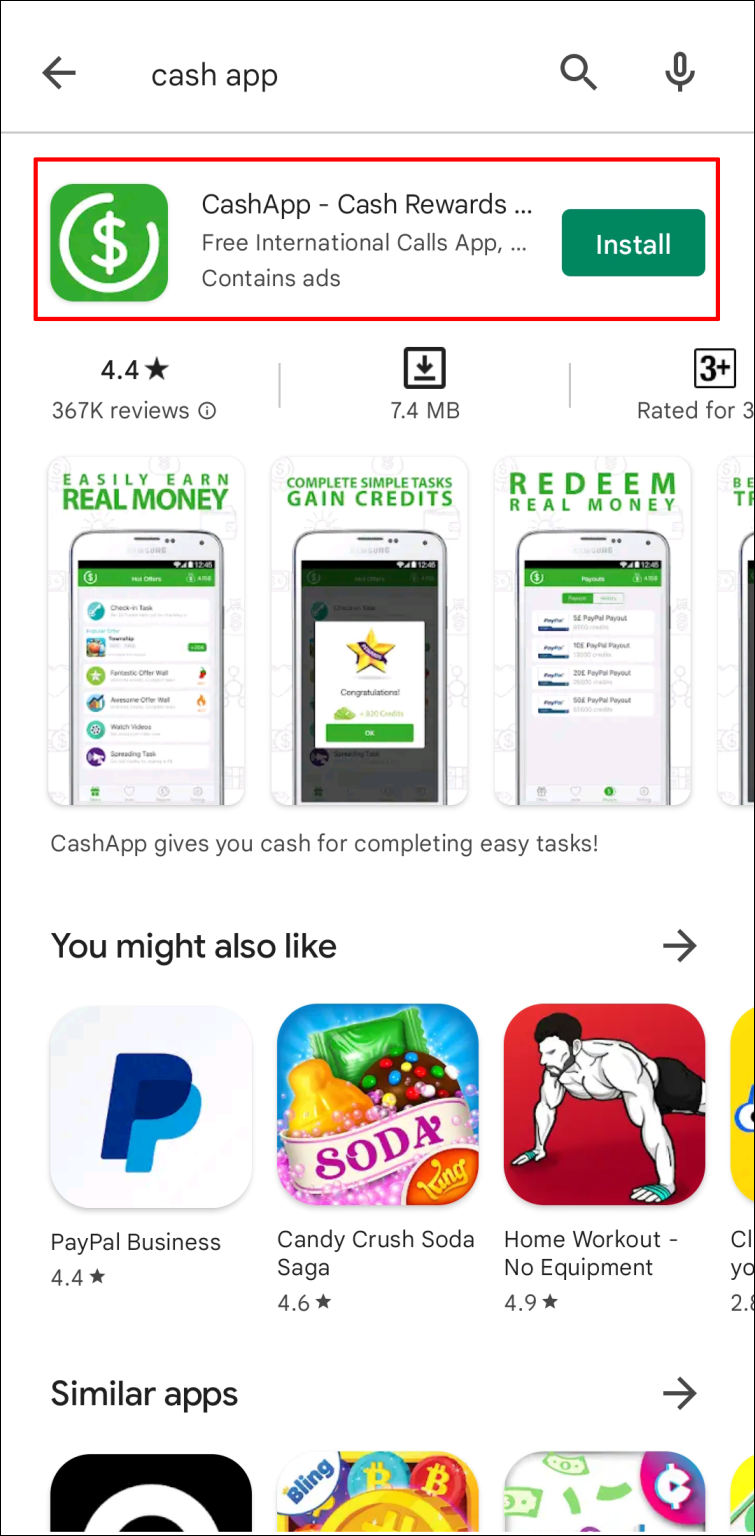
Identify the Official App: Locate the app titled “Cash App” from “Cash App.” Similar to iOS, verify the developer name to ensure authenticity. The app icon will be the familiar green and white dollar sign.
-
Install the App: Tap the “Install” button. The app will begin downloading and installing automatically. You may need to grant certain permissions during the installation process, which is standard for most applications.
-
Find the App: Once installed, the Cash App icon will be added to your home screen or within your app drawer.
Verifying the Official App
Ensuring you download the official Cash App is a critical digital security step. Fraudulent applications designed to mimic legitimate ones are a common threat. Always check the developer’s name displayed under the app title in the app store. For Cash App, the developer should be listed as “Block, Inc.” or “Cash App.” Additionally, review the number of downloads and user ratings; legitimate apps like Cash App will have millions of downloads and a high volume of positive reviews. Be wary of apps with generic descriptions, low download counts, or suspicious reviews.
Initial Setup and Account Creation
Once Cash App is downloaded, the next step is to create and configure your account. This involves providing basic information and linking a financial source, all within a secure, encrypted environment.
Providing Necessary Information
Upon opening the Cash App for the first time, you will be prompted to enter either your phone number or email address. This contact information serves as your primary identifier for the account and is used for verification purposes, including sending a login code. After this initial step, you will be asked to enter a five-digit verification code sent to the provided contact method. Next, you’ll enter your full name. This information is crucial for identity verification and compliance with financial regulations, ensuring the legitimacy of transactions conducted through the app.
Linking a Bank Account or Debit Card
To fully utilize Cash App’s functionalities, you’ll need to link an external funding source. The app typically prompts you to link a debit card first.
-
Enter Debit Card Details: You’ll input your debit card number, expiration date, CVV, and billing zip code. This data is securely transmitted and encrypted, never stored unencrypted on your device.
-
Linking a Bank Account (Optional, but Recommended): While a debit card allows you to send and receive funds, linking a bank account provides more flexibility, especially for larger transactions or direct deposits. Cash App uses secure third-party services (like Plaid) to establish a connection with your bank. This process involves logging into your online banking portal through Cash App’s secure embedded browser, which verifies your account details without Cash App ever storing your bank login credentials. This method ensures a secure, tokenized connection between your bank and the app.

Choosing a Cash App Cashtag
After linking a funding source, you will be prompted to create your unique “$Cashtag.” This is a personalized identifier that other users can use to send you money, similar to a username. It typically starts with a dollar sign followed by a unique alphanumeric string (e.g., “$YourName123”). Choose a Cashtag that is easy to remember and share. Your Cashtag is also a public URL (cash.app/$yourcashtag) that can be used to receive payments or share your profile.
Securing Your Cash App Account
Digital security is paramount for any financial application. Cash App incorporates several features to protect user accounts, and it’s essential for users to leverage these effectively.
Enabling Two-Factor Authentication (2FA)
Two-Factor Authentication adds a critical layer of security beyond just a password. When enabled, logging into your Cash App account from a new device or making certain changes will require not only your password or PIN but also a verification code sent to your registered phone number or email.
-
Access Security Settings: Within the Cash App, tap on your profile icon (top right).
-
Navigate to Privacy & Security: Scroll down and select “Privacy & Security.”
-
Enable Login Code: Ensure “Login Code” is toggled on. This feature automatically sends a unique code to your registered contact method each time you attempt to log in or modify sensitive settings.
It’s highly recommended to keep this feature active to prevent unauthorized access, even if your login credentials are compromised.
Understanding Privacy Settings
Cash App offers various privacy controls that allow you to manage your visibility and interaction with other users. You can adjust who can send you money, whether your transactions are public, and how much personal information is shared. Regularly review these settings within the “Privacy & Security” section to ensure they align with your preferences for discretion and data sharing.
Best Practices for Digital Security
Beyond the app’s built-in features, user habits play a significant role in maintaining account security:
-
Strong, Unique Passcodes: Always use a complex PIN or a strong, unique password if your device uses that for app lock. Avoid easily guessable combinations like birth dates or sequential numbers.
-
Beware of Phishing: Be highly suspicious of unsolicited emails, texts, or calls claiming to be from Cash App, especially those asking for your login credentials, PIN, or sensitive personal information. Cash App will never ask for your password or PIN outside of the app itself.
-
Secure Wi-Fi: Avoid accessing your Cash App account over unsecured public Wi-Fi networks, as these can be vulnerable to data interception. Use a secure, private network or your mobile data.
-
Keep Software Updated: Regularly update your device’s operating system and the Cash App itself. Updates often include critical security patches that protect against newly discovered vulnerabilities.
-
Monitor Activity: Periodically review your Cash App transaction history for any unauthorized or suspicious activity. Report any discrepancies immediately to Cash App support.
Exploring Key Cash App Features from a Tech Perspective
Once your account is set up and secured, you can begin to explore Cash App’s array of features, each built on a foundation of efficient, secure technology.
Sending and Receiving Money
The core functionality of Cash App revolves around peer-to-peer transactions. The app’s interface is designed for intuitive money transfers:
-
Sending: You simply enter the amount, tap “Pay,” and then input the recipient’s $Cashtag, phone number, or email. The backend system processes the transaction almost instantly, drawing funds from your Cash App balance or linked debit card.
-
Receiving: When someone sends you money, it appears in your Cash App balance, often with a real-time notification. You can then choose to keep it in the app or “Cash Out” to transfer it to your linked bank account. This transfer leverages ACH (Automated Clearing House) for standard transfers or a faster, fee-based instant transfer service that uses debit card networks.
Direct Deposit and Cash Card
Cash App extends its utility by offering features traditionally associated with banking:
-
Direct Deposit: Users can receive their paychecks, tax refunds, or other direct deposits directly into their Cash App balance. The app provides unique routing and account numbers, similar to a traditional bank account, making it a viable option for those seeking an alternative to conventional banking. This feature is powered by partnerships with FDIC-insured banks.
-
Cash Card: This is a free, customizable Visa debit card linked to your Cash App balance. It allows you to spend your Cash App funds anywhere Visa is accepted, online or in physical stores. The card features contactless payment capabilities and can be managed directly through the app, including freezing/unfreezing the card, viewing transactions, and setting PINs—all handled through secure digital channels.
Bitcoin and Stock Investing
Cash App has integrated micro-investing capabilities, allowing users to buy and sell fractions of stocks and Bitcoin directly within the application:
-
Bitcoin: The app provides a simplified gateway to purchase and sell Bitcoin. It handles the underlying blockchain technology and wallet management, abstracting the complexities for the average user. Transactions are executed through integrated cryptocurrency exchange services.
-
Stocks: Users can buy fractional shares of publicly traded companies for as little as $1. Cash App partners with brokerage services to facilitate these trades, providing an accessible entry point into the stock market without requiring a separate brokerage account.
Both investing features are presented with disclaimers regarding market volatility, emphasizing that Cash App acts as a facilitator, not a financial advisor. The technology focuses on making these processes accessible and manageable within a single app interface, rather than providing complex analytical tools or deep market insights.
aViewFromTheCave is a participant in the Amazon Services LLC Associates Program, an affiliate advertising program designed to provide a means for sites to earn advertising fees by advertising and linking to Amazon.com. Amazon, the Amazon logo, AmazonSupply, and the AmazonSupply logo are trademarks of Amazon.com, Inc. or its affiliates. As an Amazon Associate we earn affiliate commissions from qualifying purchases.