
The question “Where is the calculator on my iPad?” is a common query that baffles countless new and even seasoned iPad users. Unlike its smaller sibling, the iPhone, which has included a native calculator app since its inception, the iPad has famously lacked a first-party calculator application. This omission, spanning over a decade of iPadOS development, has led to a thriving ecosystem of third-party alternatives and a lingering sense of bewilderment among users expecting a basic utility on a sophisticated device. Understanding the reasons behind this design choice and exploring the myriad of solutions available is crucial for any iPad owner looking to perform quick calculations.
The Curious Case of the Missing iPad Calculator
Apple’s design philosophy is renowned for its meticulous attention to detail and user experience. However, the absence of a built-in calculator on the iPad stands as a peculiar anomaly. When the original iPad launched in 2010, the decision not to include a calculator was reportedly due to time constraints and the perception that simply scaling up the iPhone calculator app would result in a subpar, aesthetically displeasing user experience on the larger screen. Scott Forstall, then Senior VP of iOS Software, is said to have personally pulled the scaled-up calculator app just weeks before the iPad’s debut, deeming it not good enough. Over a decade later, despite numerous iPadOS iterations and significant advancements in tablet computing, a native calculator has yet to materialize.
Apple’s Design Philosophy and Screen Real Estate
Apple designers are known for their commitment to creating intuitive, elegant, and functional interfaces. The thinking behind the calculator’s absence likely stems from a desire to provide a more sophisticated solution than a mere scaled-up version of the iPhone’s calculator. The iPad, with its expansive screen real estate, presents an opportunity for a more powerful and feature-rich calculation tool, possibly integrating scientific functions, unit conversions, or even graphing capabilities natively. Simply dropping a basic calculator on such a canvas might be seen as a missed opportunity or an inelegant use of space. The company’s focus on productivity, creativity, and media consumption might have historically prioritized other apps deemed more central to the iPad’s identity.
Historical Context: iPhone vs. iPad Development
The divergent paths of the iPhone and iPad in terms of core utility apps reflect their distinct intended uses. The iPhone, designed for quick, on-the-go interactions, prioritizes immediate access to fundamental tools like a phone, messages, camera, and a basic calculator. The iPad, initially positioned as a consumption device and later evolving into a powerful productivity tool, has emphasized applications that leverage its larger screen for tasks like drawing, document editing, and multimedia. While the iPhone’s calculator is functional, it’s not particularly groundbreaking. The expectation might be that if the iPad were to get a calculator, it would need to offer something more substantial, perhaps akin to a powerful scientific or graphing calculator, or a multi-pane interface, to justify its presence on the larger display. This higher bar for a “proper” iPad calculator may have continually pushed its development onto the back burner.
Official and Third-Party Solutions
Despite the lack of a dedicated native app, iPad users are far from being without options for calculations. From built-in system functionalities to a vibrant market of third-party applications, solutions abound for every level of need, from basic arithmetic to complex scientific computations.
Utilizing Spotlight Search and Siri for Quick Calculations
For immediate, simple arithmetic, users don’t even need to download an app. iPadOS has integrated calculation capabilities directly into its core functionalities:
-
Spotlight Search: Swiping down from the middle of the home screen brings up Spotlight Search. Typing in a calculation (e.g., “25 * 12 + 7”) will display the result directly in the search bar. This is incredibly fast and convenient for basic operations without opening any app.
-
Siri: Apple’s virtual assistant can also perform calculations. Simply activate Siri by saying “Hey Siri” or holding the Home/Side button, then ask “What is 15% of 200?” or “What is 30 divided by 4?” Siri will audibly announce the answer and display it on screen. This hands-free option is particularly useful when multi-tasking.
These built-in methods are excellent for quick queries but lack the interface for more complex, multi-step calculations or scientific functions.
The Best Third-Party Calculator Apps for iPad
The App Store offers a plethora of calculator apps, many of which are designed specifically to leverage the iPad’s larger screen and capabilities. These apps often surpass the functionality of even a hypothetical basic native calculator, providing specialized tools for various users.
-
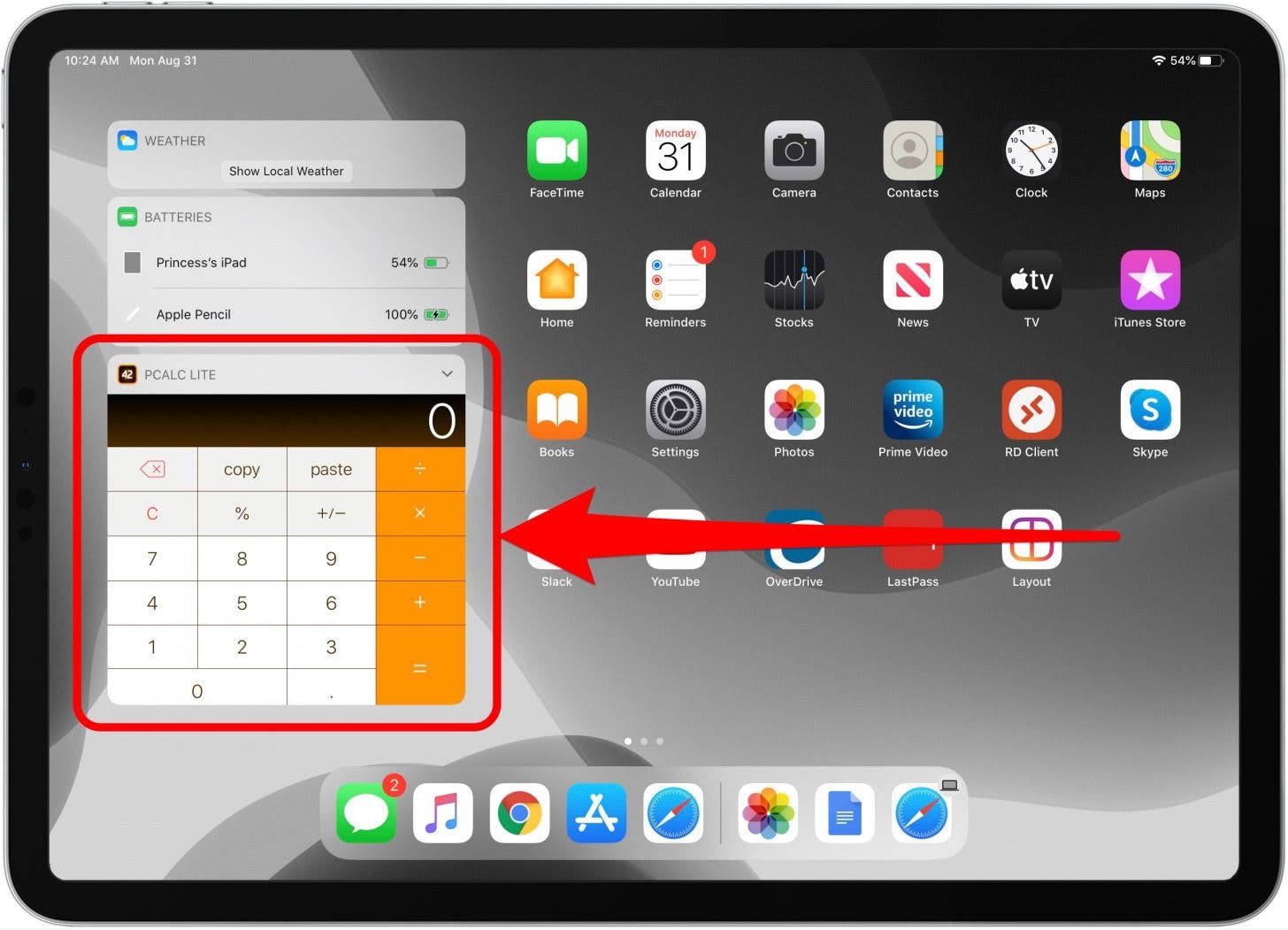
PCalc: The Professional’s Choice: Often cited as the gold standard, PCalc is a highly customizable scientific calculator. It offers a vast array of functions, RPN mode, unit conversions, constants, and multiple themes. Its adaptability, widget support, and robust feature set make it ideal for students, engineers, and anyone requiring advanced mathematical tools. It’s a paid app, but its depth justifies the cost.
-
Calcbot: A Smart Unit Converter and Calculator: From the creators of Tweetbot, Calcbot combines a scientific calculator with a powerful unit and currency converter. Its clean interface and history tape for tracking calculations make it user-friendly. It also syncs history across devices via iCloud.
-
MyScript Calculator: Handwriting Recognition: This unique app allows users to handwrite equations directly onto the screen, and it instantly converts them into digital text and solves them. This natural input method can be incredibly intuitive and efficient, especially with an Apple Pencil, making it feel less like a traditional calculator and more like a smart notepad.
-
Microsoft Math Solver: While not exclusively a calculator, this app by Microsoft offers comprehensive problem-solving capabilities. Users can type, draw, or scan math problems, and it provides step-by-step explanations, interactive graphs, and a scientific calculator interface. It’s a powerful educational tool that includes calculator functionality.
-
Default Calculator Apps from Other Devices: For those who own an iPhone, many developers create universal apps, meaning an app purchased for the iPhone will also work on the iPad. While the iPhone’s native calculator doesn’t transfer, many third-party calculator apps are universal and will provide an iPad-optimized experience.
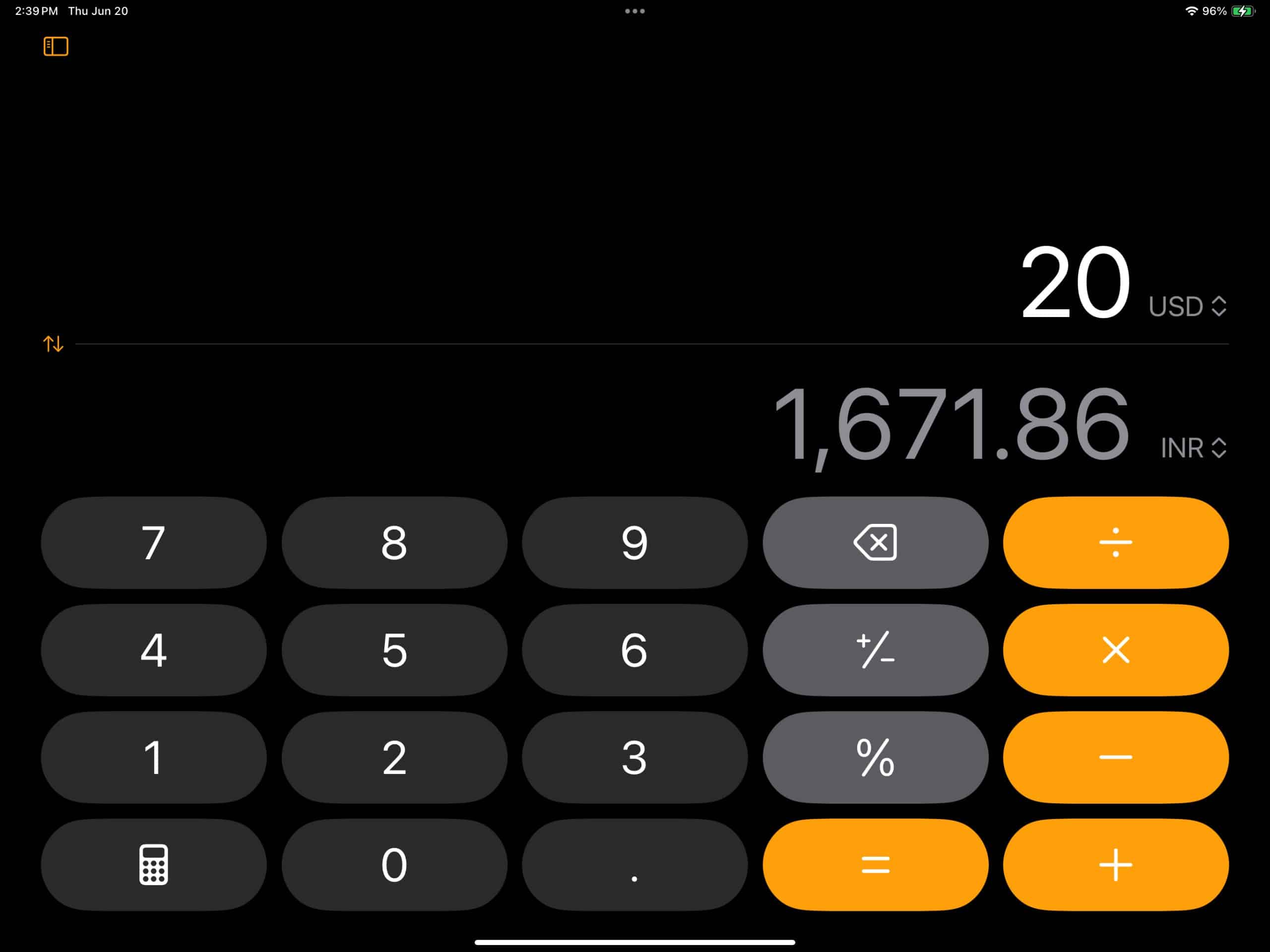
When selecting a third-party calculator, consider your primary needs: basic arithmetic, scientific functions, graphing, unit conversion, or specialized fields like finance or programming. Many apps offer free basic versions with in-app purchases for advanced features, allowing users to try before committing.
Web-Based Calculators: A Viable Alternative
For users who prefer not to download an app or need a calculator only occasionally, web-based calculators offer a flexible solution. Simply opening Safari and searching for “calculator” will often bring up a functional calculator directly in the search results or via Google’s embedded calculator tool. Many websites also host specialized calculators for mortgages, scientific equations, unit conversions, and more. These can be bookmarked for quick access, effectively creating a “web app” calculator without consuming local storage space. The downside is that they require an active internet connection.
Why the Absence Persists: User Demand vs. Developer Priorities
The continued absence of a native calculator on the iPad is a curious case study in product development and user expectations. While many users vocalize their desire for such an app, Apple has evidently not prioritized it sufficiently to allocate the necessary resources for its creation. This could be due to several factors:
iPad’s Evolving Role in Productivity and Creativity
The iPad has evolved significantly from its initial positioning as a content consumption device. With features like Split View, Slide Over, external display support, and the Magic Keyboard, it’s now a formidable machine for productivity and creative work. Apple might perceive that users engaged in these more complex tasks would naturally gravitate towards more sophisticated, specialized calculator apps (like PCalc or dedicated graphing apps) rather than a basic utility. The argument could be that a simple calculator would detract from the iPad’s image as a powerful, pro-level device.
The Argument for a Native Calculator: Convenience and Integration
Despite the availability of excellent third-party options, the argument for a native calculator remains strong. A first-party app would benefit from deep system integration, potentially offering features like:
-
Seamless Multitasking: Better integration with Split View and Slide Over, allowing for calculations alongside other apps with minimal friction.
-
Consistency: A consistent design language with other Apple apps, offering a familiar user experience.
-
Performance and Reliability: Optimized for iPadOS, ensuring smooth performance and minimal battery drain.
-
Widgets: A native widget for quick calculations from the Home Screen or Today View, without opening the full app.
-
Accessibility: Built-in accessibility features that are paramount to Apple’s ecosystem.
The convenience of having a readily available, always-there tool, much like Notes or Reminders, is a compelling reason for many users to wish for a native calculator. It eliminates the need to research, download, and pay for a third-party alternative for a basic function that feels fundamental to any computing device.
The Future of Calculator Functionality on iPadOS
The long-standing debate over the iPad calculator continues to be a hot topic in the Apple community. While there’s no official word on future plans, several avenues could see enhanced calculator functionality arrive on the iPad.
Potential for a Native App in Future Updates
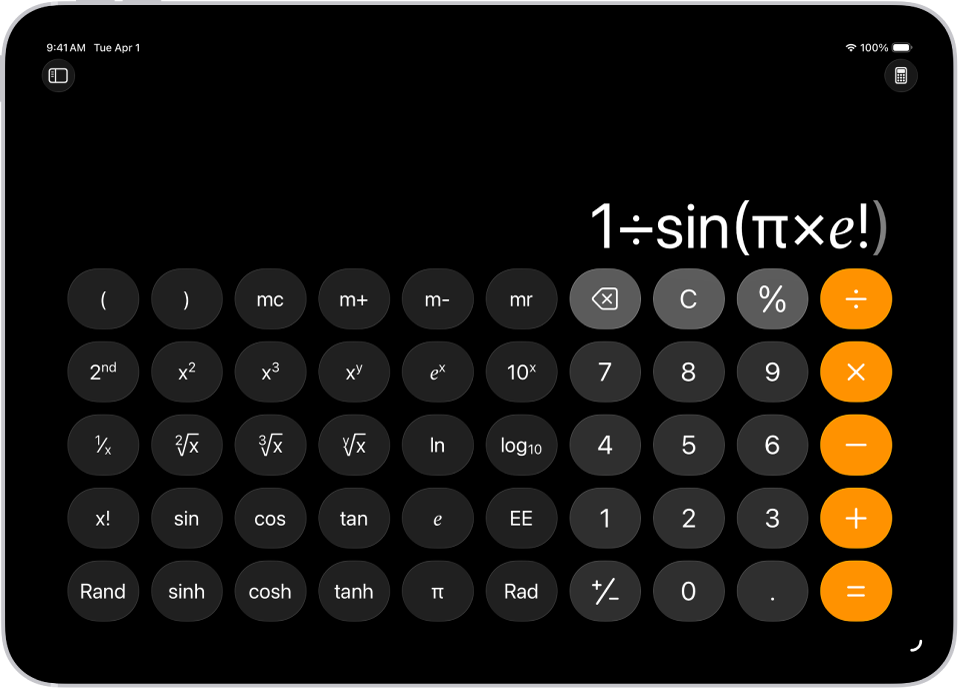
Each year, during WWDC, there’s renewed speculation about the calculator finally making its debut on the iPad. Apple has historically shown a willingness to address long-standing user requests, eventually bringing features like widgets to the Home Screen and improving multitasking. The pressure from users, coupled with the increasing maturation of iPadOS as a distinct operating system, might one day lead to the development of a native calculator. If it does arrive, it’s unlikely to be a simple port of the iPhone app but rather a thoughtfully designed, iPad-optimized application that showcases the device’s capabilities, possibly including advanced scientific functions, graphing, or even integration with the Apple Pencil for handwritten input.
Integration with Widgets and Multitasking Features
Even without a full-fledged app, Apple could significantly improve the calculation experience through better system integration. Imagine a powerful calculator widget that allows for quick calculations directly from the Home Screen, offering different sizes for basic or scientific layouts. Enhanced integration with multitasking features could also allow for a calculator to float effortlessly over other apps, making it more accessible during work sessions. Furthermore, improvements to Spotlight Search and Siri’s computational capabilities could continue to evolve, making these built-in tools even more robust for everyday use.
Ultimately, while the native calculator remains elusive on the iPad, the ecosystem of solutions is rich and diverse. Users have a wealth of options, from basic system functions to highly specialized third-party applications, ensuring that no calculation goes undone. The question is no longer “if” you can calculate on an iPad, but “how” you prefer to do it.
aViewFromTheCave is a participant in the Amazon Services LLC Associates Program, an affiliate advertising program designed to provide a means for sites to earn advertising fees by advertising and linking to Amazon.com. Amazon, the Amazon logo, AmazonSupply, and the AmazonSupply logo are trademarks of Amazon.com, Inc. or its affiliates. As an Amazon Associate we earn affiliate commissions from qualifying purchases.