
In the contemporary digital landscape, where wireless technology often dominates the conversation, the humble data cable remains the indispensable backbone of global connectivity. Whether it is transferring terabytes of information between server racks, tethering a smartphone to a workstation, or delivering high-definition video signals to a display, data cables provide the physical medium for electronic communication. Far from being a simple copper wire, a modern data cable is a sophisticated piece of engineering designed to manage signal integrity, power delivery, and electromagnetic interference in an increasingly crowded electronic environment.
Understanding what a data cable is requires looking beyond its plastic exterior. At its core, a data cable is a specialized conduit used to transmit binary information—zeros and ones—between two or more electronic devices. While wireless protocols like Wi-Fi 7 and 5G continue to evolve, they cannot yet match the reliability, security, and raw throughput of a high-quality physical connection.
The Taxonomy of Modern Data Cables: From USB to Fiber Optics
The world of data cables is diverse, with specific architectures designed for specific tasks. Navigating this ecosystem requires an understanding of both the physical interface (the connector) and the underlying protocol (the language the devices speak).
The USB Universal Standard
The Universal Serial Bus (USB) is the most ubiquitous data cable standard in the world. Since its inception in the mid-1990s, it has evolved from a slow peripheral connector into a powerhouse capable of replacing almost every other cable on a desk.
- USB-A and USB-B: These legacy connectors were the standard for decades, found on everything from keyboards to printers.
- USB-C: The current gold standard. Its reversible design and 24-pin architecture allow it to handle not just data, but also massive amounts of power (up to 240W with Power Delivery 3.1) and high-resolution video signals via Alt Mode.
High-Speed Video Interfaces: HDMI and DisplayPort
While USB-C can carry video, dedicated video data cables like HDMI (High-Definition Multimedia Interface) and DisplayPort remain critical for professional creative work and high-end gaming. These cables are engineered for high bandwidth and low latency, ensuring that millions of pixels are updated 60, 120, or even 240 times per second without visual artifacts or delay.
Thunderbolt: The Performance Pinnacle
Developed by Intel in collaboration with Apple, Thunderbolt cables represent the high-end of consumer and professional data transfer. Thunderbolt 4 and the emerging Thunderbolt 5 use the USB-C connector but require specialized internal circuitry to achieve speeds of up to 80Gbps or 120Gbps. These cables are essentially external extensions of a computer’s internal PCI Express bus, allowing for external GPUs, high-speed NVMe storage arrays, and multiple 8K displays to function as if they were plugged directly into the motherboard.
The Engineering Behind the Wire: Signal Integrity and Speed
To the average user, a cable is a passive object. To a hardware engineer, it is a complex transmission line subject to the laws of physics. As data rates increase, the challenges of maintaining a clean signal over a physical distance grow exponentially.
Differential Signaling and Shielding
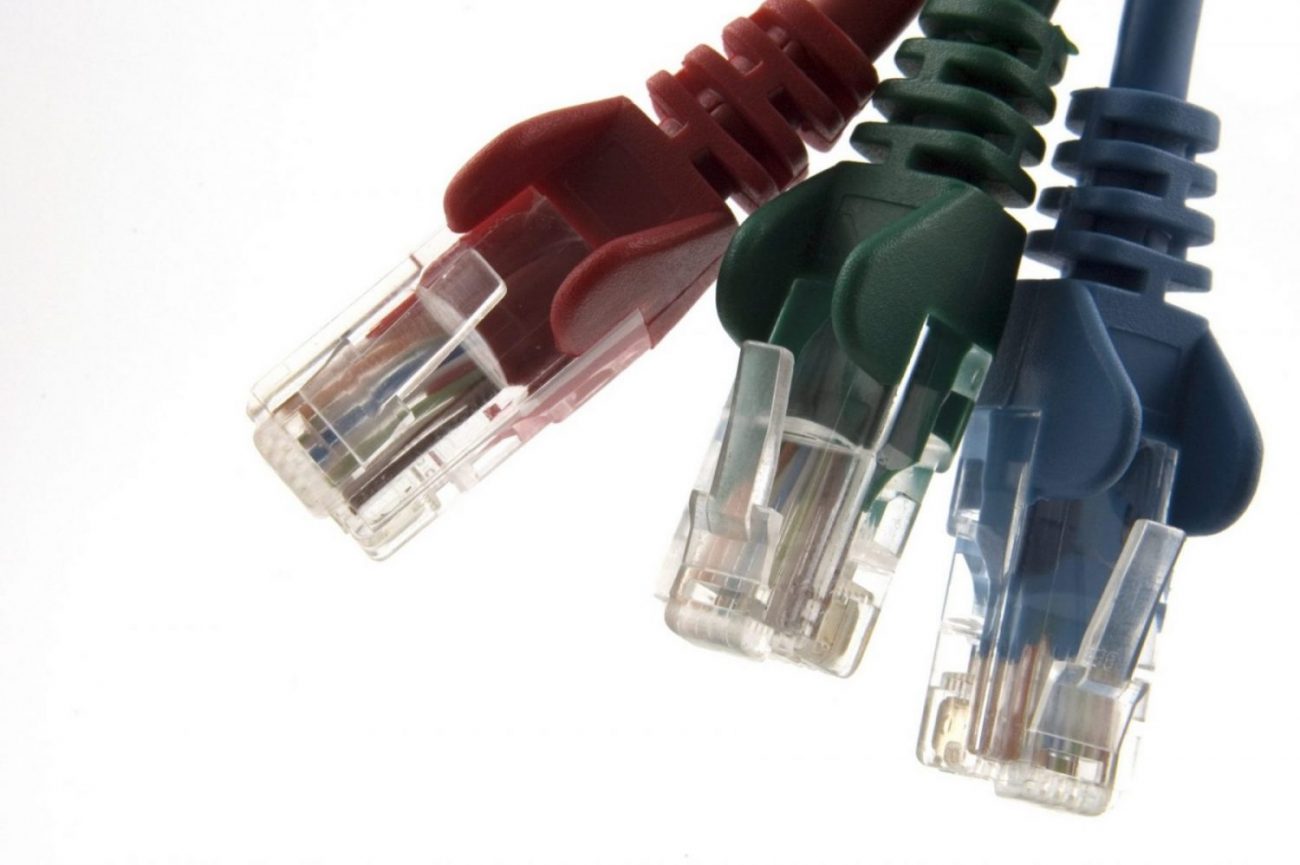
Data cables primarily use differential signaling to transmit information. This involves sending two opposite signals down a pair of wires. By comparing the difference between these two signals at the receiving end, the device can effectively cancel out “noise” or electromagnetic interference (EMI) that might have been picked up along the way. This is why high-quality Ethernet cables (Cat6a or Cat7) and USB cables feature twisted pairs and metallic foil shielding; without these, the data would become corrupted by the signals from nearby power lines or electronic devices.
Attenuation and Cable Length
One of the most significant constraints on data cables is attenuation—the gradual loss of signal strength over distance. This is why you rarely see a passive USB 3.0 cable longer than 3 meters. For longer runs, engineers must use “active” cables, which contain small integrated circuits that boost and re-condition the signal as it travels. In the enterprise space, when distances exceed the limits of copper (typically 100 meters for Ethernet), fiber optic data cables are used. These convert electrical pulses into light, allowing data to travel kilometers with virtually zero signal degradation and immunity to electrical interference.

The Role of the E-Marker Chip
In the era of USB-C, the cable is no longer “dumb.” High-performance data cables now include an “E-Marker” (Electronically Marked) chip located inside the connector housing. This chip acts as a digital ID card, communicating to the connected devices exactly how much power the cable can safely carry and what data speeds it supports. This prevents a low-quality cable from attempting to carry a 100W charge that could lead to overheating or hardware failure.
Navigating the Complex World of Standards and Certifications
One of the greatest challenges for consumers and IT professionals is the “naming confusion” surrounding data cables. A cable that fits into a port might not actually support the features that port provides.
The USB-IF and Certification
The USB Implementers Forum (USB-IF) sets the standards for USB cables. However, manufacturers often use confusing marketing terms. For example, a “USB 3.2 Gen 1” cable is the same speed as “USB 3.0” (5Gbps), while “USB 3.2 Gen 2×2” reaches 20Gbps. When selecting a data cable for professional use, it is vital to look for official certification logos which guarantee that the cable has passed rigorous testing for both safety and performance.
Bandwidth vs. Charging Capacity
A common misconception is that a cable that charges quickly must also transfer data quickly. In reality, many “fast charging” cables are wired only for power and use legacy USB 2.0 data lines (480Mbps). Conversely, some high-speed data cables may only support standard power levels. For a modern workflow—such as backing up a mobile device to a laptop or using a docking station—it is essential to verify that the cable is rated for both high-wattage Power Delivery (PD) and high-speed data (at least 10Gbps).
The Importance of Build Quality
The physical durability of a data cable is just as important as its internal specs. The “strain relief”—the point where the cable meets the connector—is the most common point of failure. Premium data cables utilize reinforced materials like Kevlar fibers, braided nylon exteriors, and gold-plated connectors to prevent oxidation and ensure a reliable connection over thousands of plug-unplug cycles. In industrial or laboratory settings, these cables may also be rated for chemical resistance or extreme temperature ranges.
The Strategic Importance of Cables in a High-Performance Tech Stack
In an era of cloud computing and remote work, the physical layer of our technology stack is often overlooked. However, for professionals in fields like video editing, software development, and data science, the choice of data cable is a strategic decision.
Minimizing Latency in Professional Environments
In competitive gaming or high-frequency trading, every millisecond counts. Wireless connections introduce “jitter” and latency that can degrade performance. A direct, wired data connection via a high-quality Ethernet or Thunderbolt cable provides a consistent, low-latency path that wireless currently cannot replicate. This is why data centers, despite the convenience of wireless, are a dense forest of meticulously managed cabling.
Security and Data Integrity
Data cables offer a layer of security that wireless signals do not. While a Wi-Fi signal can be intercepted or jammed from a distance, a physical data cable requires physical access to the line to compromise the data. For sensitive environments—such as financial institutions or government offices—hard-wired data cables remain the standard for secure communication.

Future-Proofing Your Setup
As we move toward 8K video, real-time AI processing, and massive local storage arrays, the demands on our data cables will only increase. Investing in “over-specced” cables—such as choosing a USB4 or Thunderbolt 4 cable even if your current devices only support USB 3.0—is a wise strategy for future-proofing. These cables are backward compatible, meaning they will work with older gear today and provide peak performance for the upgrades of tomorrow.
The data cable is the unsung hero of the digital age. It is the physical bridge that allows our diverse ecosystem of gadgets to function as a cohesive whole. By understanding the technology, standards, and engineering that define these cables, we can make better decisions about our digital infrastructure, ensuring that our data moves as fast and as safely as the modern world demands. Whether it is a simple sync cable or a multi-gigabit fiber link, the data cable remains the most reliable way to connect our digital lives.
aViewFromTheCave is a participant in the Amazon Services LLC Associates Program, an affiliate advertising program designed to provide a means for sites to earn advertising fees by advertising and linking to Amazon.com. Amazon, the Amazon logo, AmazonSupply, and the AmazonSupply logo are trademarks of Amazon.com, Inc. or its affiliates. As an Amazon Associate we earn affiliate commissions from qualifying purchases.