
In an increasingly digital world, financial applications like Cash App have become indispensable tools for managing money, sending funds, and making payments. Their seamless operation is often taken for granted until, suddenly, they aren’t working as expected. A malfunctioning Cash App can range from a minor annoyance to a significant hindrance, especially when urgent transactions are on the line. Understanding the common technical issues that can plague such an app and knowing how to systematically troubleshoot them is crucial for any user. This comprehensive guide delves into the myriad reasons your Cash App might be experiencing difficulties, offering practical, tech-focused solutions to get you back on track.
Navigating Initial Checks and Common Misconceptions
Before diving into complex diagnostics, it’s essential to rule out the most common and often overlooked causes of app malfunction. Many issues stem from basic connectivity problems or outdated software, which are straightforward to resolve.
Is It Just Me? Checking Cash App’s Server Status
One of the first steps in troubleshooting is to determine if the problem is localized to your device or if it’s a widespread issue affecting Cash App’s services. Server outages, maintenance, or high traffic volumes can temporarily disrupt the app’s functionality for all users.
- How to Check: Visit status.cash.app, or check reputable third-party websites like DownDetector. You can also monitor Cash App’s official social media channels (e.g., Twitter) for real-time updates on service disruptions. If the servers are down, patience is key, as the issue is beyond your control and will require Cash App to resolve it.
The Foundation: Internet Connection and Device Compatibility
A stable and reliable internet connection is the bedrock for any online application. Without it, Cash App simply cannot communicate with its servers to process transactions or update information.
- Troubleshooting Internet: Ensure your Wi-Fi is connected and strong, or that your mobile data is active and has sufficient signal. Try switching between Wi-Fi and mobile data to see if one connection type performs better. If other apps are also struggling, your internet service provider might be experiencing an outage.
- Device Compatibility: While less common for established apps, ensure your device’s operating system (iOS or Android) meets Cash App’s minimum requirements. Extremely old devices or outdated OS versions might struggle to run the app efficiently.
Software Basics: App Updates and Device Restarts
These fundamental steps are surprisingly effective in resolving a wide array of software glitches. They refresh the app and device, often clearing temporary errors.
- Update Cash App: Outdated app versions can contain bugs that have since been fixed in newer releases, or they might not be fully compatible with Cash App’s current server infrastructure. Always ensure you have the latest version installed from your device’s app store (App Store for iOS, Google Play Store for Android).
- Restart Your Device: A simple restart can work wonders. It clears your device’s RAM, stops any background processes that might be interfering with Cash App, and gives your system a fresh start.
Troubleshooting Common App-Specific Issues
Beyond general technical checks, many problems manifest as specific difficulties within the Cash App interface, often related to transactions, logins, or fund management. These usually point to more nuanced technical or account-specific issues.
Payment Failures: Card Declines, Insufficient Funds, and Transaction Limits
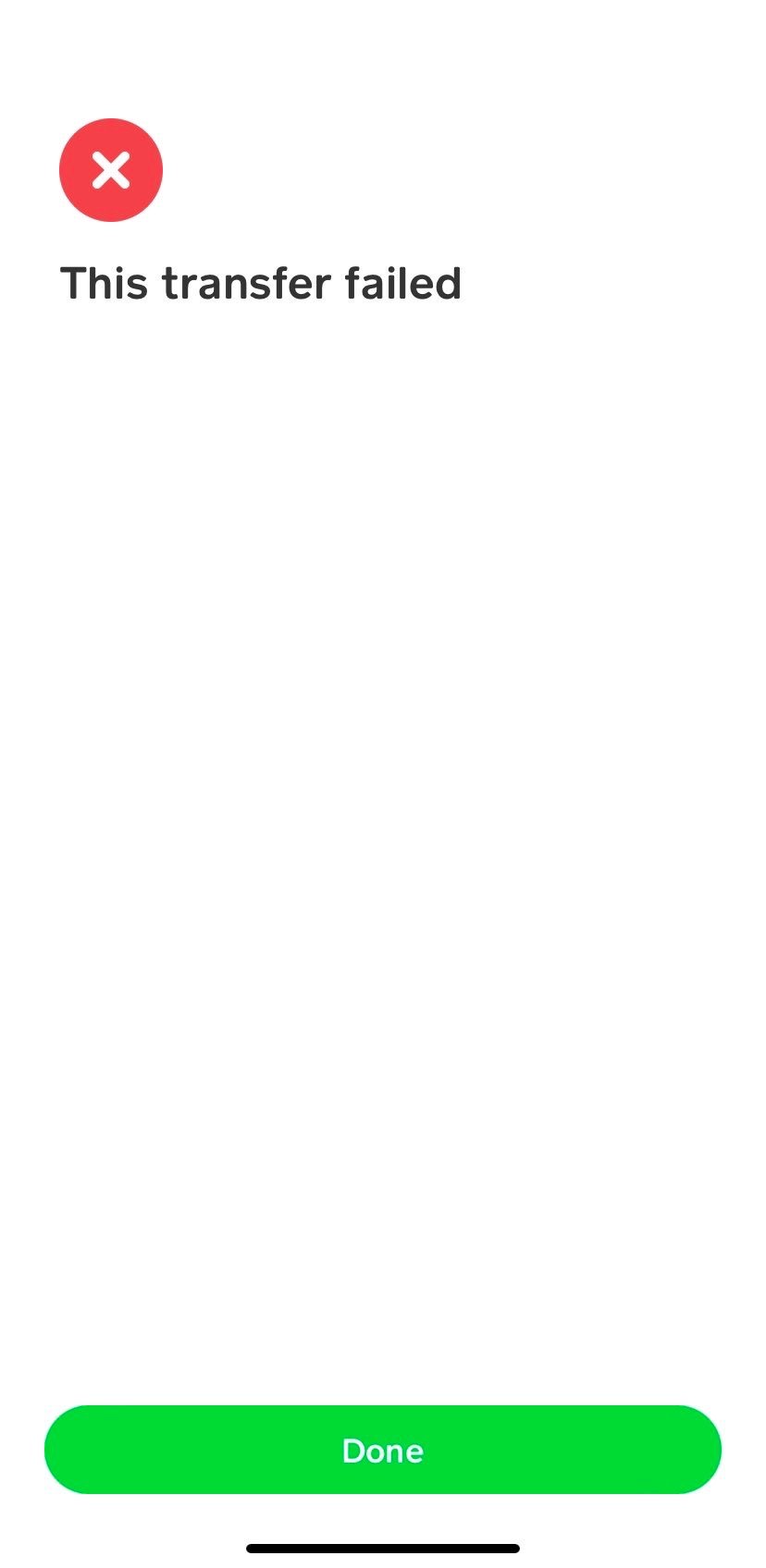
One of the most frustrating experiences is a failed payment. While often linked to financial aspects, the reasons for the failure are processed and reported through the app’s technical framework.
- Card Declines:
- Bank Issues: The most common reason. Your linked bank may be blocking the transaction due to suspected fraud, unusual activity, or an internal issue. Contact your bank directly.
- Expired Card: Ensure the linked debit or credit card is still valid.
- Incorrect Details: Double-check the card number, CVV, and expiration date if you’re entering them manually.
- Insufficient Funds: While seemingly obvious, sometimes funds might not have cleared yet or you might be overlooking a pending transaction that reduces your available balance.
- Transaction Limits: Cash App imposes daily and weekly sending/receiving limits, especially for unverified accounts. Attempting to exceed these limits will result in a failed transaction. Verification (linking a bank account, providing personal info) typically increases these limits significantly.
Sending and Receiving Glitches: Verification and Account Status
Difficulties in initiating or completing transfers often relate to the underlying verification status of your account or the recipient’s.
- Recipient Verification: If you’re trying to send money to someone who hasn’t fully verified their account, Cash App might place a hold or block the transaction.
- Your Account Status: Unverified accounts have more restrictions. Ensure your Cash App account is fully verified for seamless transactions.
- Payment Destination: Sending to a deactivated or invalid Cashtag will naturally fail. Confirm the recipient’s details.
Login Troubles: Password Resets and Multi-Factor Authentication Issues
Accessing your account is fundamental. Login issues are often related to credentials or security protocols.
- Incorrect Credentials: Double-check your phone number/email and password.
- Password Reset: If you’ve forgotten your password, use the “Forgot Password” option. Follow the recovery steps carefully, which often involve receiving a code via SMS or email.
- Multi-Factor Authentication (MFA/2FA): If you have 2FA enabled, ensure you have access to the device or method (e.g., authenticator app, backup codes) used to generate the second code. Delays in receiving SMS codes can sometimes occur due to network congestion.
Funds Transfer Delays: Bank Processing Times and Holds
While Cash App transactions can be instant, transferring funds to or from your linked bank account involves external banking systems, which operate on their own timelines.
- Standard Transfers: Standard transfers to your bank account typically take 1-3 business days. Weekends and holidays can extend this period.
- Instant Deposits: If an instant deposit fails or is delayed, it might be due to issues with your linked debit card or the receiving bank’s system. Instant deposits often incur a small fee; ensure you have sufficient funds to cover both the transfer and the fee.
- Holds: Banks can place holds on incoming funds for various reasons, including large sums, new accounts, or suspected unusual activity. This is a bank-specific technical decision, not a Cash App malfunction.
Addressing Account Security and Verification Hurdles
Security features are paramount for financial apps, but they can sometimes lead to access issues if not properly managed or if unusual activity is detected. These are digital security features designed to protect your assets.
Identity Verification (KYC) Requirements and Limitations
“Know Your Customer” (KYC) regulations require financial service providers to verify the identity of their users. This is a critical security and compliance measure.
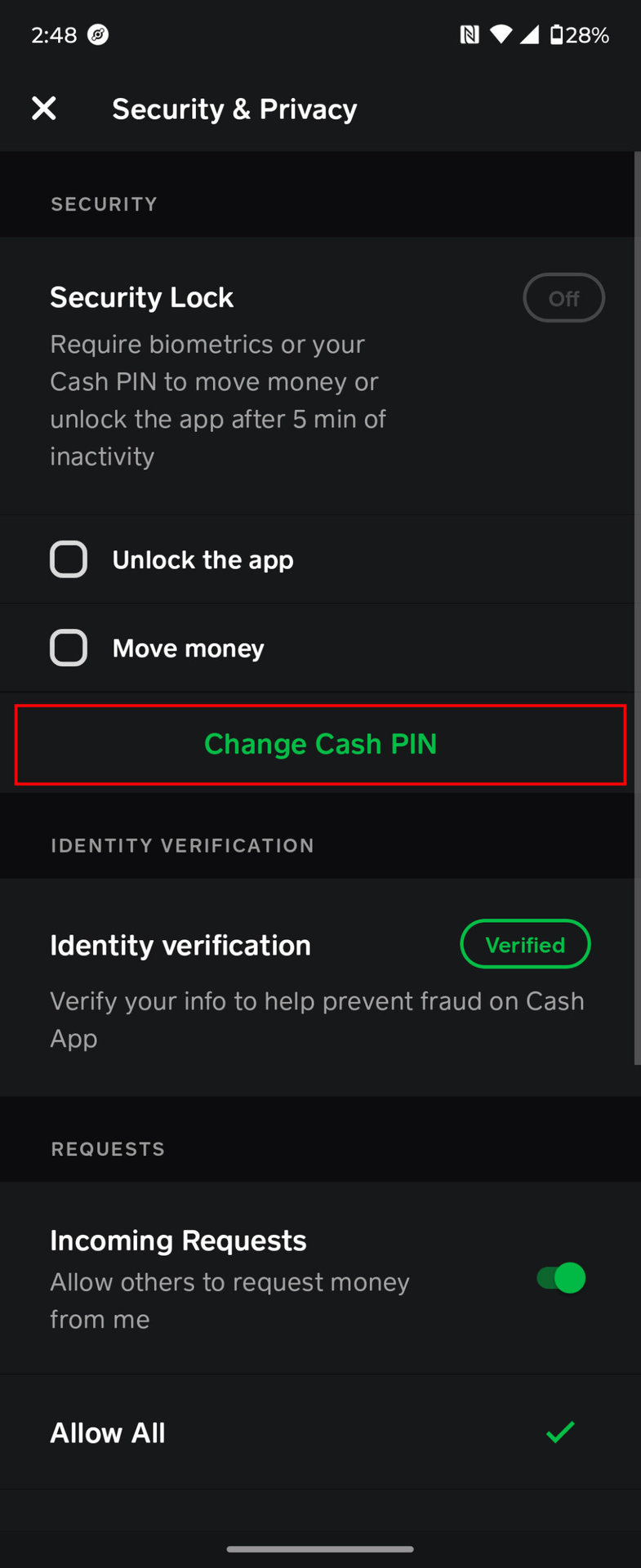
- Incomplete Verification: If you haven’t provided all the requested information (name, date of birth, last four digits of SSN, photo ID), your account might have limited functionality or even be temporarily locked. Ensure all verification steps are completed accurately.
- Verification Denied: Sometimes, verification attempts can be denied due to discrepancies in provided information or issues with the identity documents. You may need to re-submit clear documents or contact support.
Flagged Accounts: Suspected Fraud and Unusual Activity
Cash App employs sophisticated algorithms to detect and prevent fraudulent activity. If your account exhibits unusual patterns, it might be temporarily flagged or locked.
- Automated Flags: Large, unusual transactions, frequent login attempts from new locations, or rapid changes in linked accounts can trigger automated security protocols.
- Account Review: If your account is flagged, Cash App will often initiate a review process. During this time, your access might be restricted. You’ll typically be prompted to provide additional information or contact support to resolve the issue.

Recovering a Locked or Compromised Account
A locked or compromised account is a serious security concern that requires immediate action.
- Locked Account: If your account is locked due to too many failed login attempts or security concerns, follow the specific unlock instructions provided by Cash App, which often involve identity verification.
- Compromised Account: If you suspect your account has been hacked, immediately try to reset your password and enable 2FA if it wasn’t already. Contact Cash App support as quickly as possible to report the compromise and secure your funds.
Enhancing Digital Security: Best Practices for Financial Apps
Proactive security measures can prevent many account-related issues. This is purely a tech-centric approach to securing your digital assets.
- Strong, Unique Passwords: Use a complex password that isn’t reused on other services.
- Enable 2FA: Always enable multi-factor authentication for an added layer of security.
- Be Wary of Phishing: Never click on suspicious links or provide your login credentials in response to unsolicited emails or messages claiming to be from Cash App.
- Monitor Activity: Regularly review your transaction history for any unauthorized activity.
- Secure Device: Keep your device’s operating system and security software updated.
Device, Network, and Environmental Factors
Sometimes, the issue isn’t directly with the Cash App software itself but rather with the broader technological environment in which it operates – your device, network settings, or even other installed applications.
Clearing Cache and Data: Resetting App Performance
Just like any other app, Cash App accumulates temporary files (cache) over time. A corrupted or overloaded cache can lead to performance issues or malfunctions.
- How to Clear:
- Android: Go to Settings > Apps > Cash App > Storage > Clear Cache and then Clear Data. (Note: Clearing data will require you to log back in).
- iOS: Unlike Android, iOS doesn’t offer a direct “Clear Cache” button for individual apps. To achieve a similar effect, you’ll typically need to offload or delete and then reinstall the app. Offloading retains documents and data but removes the app, clearing its cache.
Operating System Updates and Device Health
The underlying operating system (OS) of your smartphone plays a crucial role in how apps perform.
- OS Updates: Ensure your phone’s operating system is up-to-date. OS updates often include critical security patches and performance improvements that can affect app stability.
- Device Performance: If your phone is old, has limited RAM, or is running many apps simultaneously, Cash App might struggle to perform optimally. Close unnecessary background apps to free up resources.
VPNs and Network Restrictions: Potential Conflicts
Virtual Private Networks (VPNs) and certain network configurations can sometimes interfere with apps that rely on location data or have strict security checks for unusual IP addresses.
- VPN Interference: If you’re using a VPN, try temporarily disabling it to see if it resolves the issue. Cash App might flag transactions coming from unusual or constantly changing IP addresses as suspicious.
- Firewalls/Routers: Corporate or public Wi-Fi networks might have firewalls or content filters that block certain app functionalities. Try connecting via mobile data or a different Wi-Fi network.
Storage Space and App Performance
While Cash App itself isn’t a massive storage hog, insufficient free space on your device can impact overall app performance and stability across the board.
- Low Storage: If your device is critically low on storage, it can lead to app crashes, slow performance, and update failures for all applications, including Cash App. Free up space by deleting unnecessary photos, videos, or apps.
When to Elevate the Issue: Seeking Official Support
After exhausting all self-troubleshooting options, the next logical step is to reach out to Cash App’s official support channels. Providing clear, detailed information will facilitate a quicker resolution.
Utilizing In-App Support Channels
Cash App typically offers robust in-app support features designed to guide you through common problems and connect you with their support team.
- Help & Support Section: Navigate to the ‘Profile’ icon in the Cash App, then scroll down to ‘Support’ or ‘Cash App Support’. This section often contains FAQs, troubleshooting guides, and options to contact support directly through messaging.
- Contextual Help: Sometimes, error messages within the app will include a link to relevant support articles or an option to contact support immediately regarding that specific issue.
Contacting Cash App Directly: Phone, Email, and Social Media
If in-app support isn’t sufficient or accessible, alternative contact methods are available.
- Phone Support: For urgent issues, especially those involving potential fraud or account access, calling their dedicated support line is often the fastest route. Be prepared for wait times.
- Email Support: For less urgent matters or when you need to provide detailed documentation, email is a viable option. Clearly describe your problem, including all steps you’ve already taken.
- Social Media: Cash App has active social media presence. While they usually redirect specific account issues to private channels, you can sometimes get quick guidance or confirm widespread outages through these platforms. Be cautious of unofficial accounts.
Gathering Information for Effective Support
When contacting support, having all relevant information ready will significantly speed up the troubleshooting process.
- Account Details: Your Cashtag, phone number, and email associated with your account.
- Problem Description: A clear, concise explanation of the issue (e.g., “Instant deposit failed with error code XYZ,” “Can’t log in after password reset”).
- Troubleshooting Steps Taken: List all the steps you’ve already performed (e.g., “Restarted phone, cleared cache, updated app, checked internet”).
- Error Messages/Screenshots: Any specific error codes or messages displayed. Screenshots or screen recordings can be incredibly helpful.
- Date and Time: When the issue first started and when you attempted to contact support.
Understanding Resolution Timelines
Be prepared for varying resolution times. Simple issues might be resolved quickly, while complex account reviews or investigations into fraud can take longer. Patience and consistent follow-up (without excessive spamming) are important. Keep a record of your communication with support, including case numbers and representative names, if applicable.
Conclusion
A non-functioning Cash App can stem from a surprisingly wide range of issues, from simple connectivity glitches and outdated software to complex account security challenges and server-side problems. By systematically approaching troubleshooting, starting with basic checks and progressively moving to more intricate diagnostics and finally to official support, most users can identify and resolve the root cause of their Cash App woes. Remembering that financial apps are sophisticated technological systems means recognizing that their smooth operation depends not just on the app itself, but also on your device’s health, your internet connection, and your adherence to best practices in digital security. Armed with this knowledge, you can navigate future technical hurdles with confidence, ensuring your digital finances remain accessible and secure.
aViewFromTheCave is a participant in the Amazon Services LLC Associates Program, an affiliate advertising program designed to provide a means for sites to earn advertising fees by advertising and linking to Amazon.com. Amazon, the Amazon logo, AmazonSupply, and the AmazonSupply logo are trademarks of Amazon.com, Inc. or its affiliates. As an Amazon Associate we earn affiliate commissions from qualifying purchases.