
The digital landscape is constantly evolving, driven by innovations in technology, the strategic cultivation of brands, and the ever-present pursuit of financial growth. Within this dynamic sphere, software plays a pivotal role, acting as the engine that powers everything from groundbreaking AI research to seamless online transactions. For anyone venturing into the world of Python programming, a fundamental tool that unlocks this vast potential is the pip installer. This article will delve deep into what pip is, why it’s indispensable, how it functions, and how you can leverage its power to elevate your tech projects, strengthen your personal brand, and even unlock new avenues for financial opportunities.
Understanding the Python Package Index (PyPI) and Pip’s Role
Before we fully grasp what pip is, it’s crucial to understand the environment it operates within: the Python Package Index, commonly known as PyPI. PyPI is the official third-party software repository for Python. Think of it as a massive, meticulously organized library where developers from around the globe share their code in the form of “packages.” These packages are essentially bundles of pre-written Python code designed to perform specific tasks. They can range from simple utilities that make everyday coding easier to complex libraries that power advanced machine learning models or sophisticated web applications.
Without PyPI, developers would have to manually find, download, and integrate every single piece of code they wanted to use in their projects. This would be an incredibly inefficient and error-prone process. The sheer volume of available Python libraries and frameworks would make it virtually impossible to keep track of everything.
This is where pip enters the scene. Pip stands for “Pip Installs Packages” (a recursive acronym) or, more commonly understood, a package installer for Python. It is the de facto standard package manager for Python. Its primary function is to simplify the process of installing, upgrading, and managing these external Python packages from PyPI. Essentially, pip acts as your personal librarian, able to quickly locate, download, and set up any package you need from PyPI, making it an absolutely essential tool for any Python developer.
The Evolution of Python Package Management
The need for a robust package management system became apparent as the Python ecosystem grew. In the early days, managing dependencies and third-party libraries was a more manual undertaking. Tools like distutils existed, but they primarily focused on building and distributing packages rather than sophisticated management.
The emergence of setuptools provided a more comprehensive solution, allowing for easier package distribution and dependency declaration. However, it was the development and widespread adoption of pip that truly revolutionized Python package management. Pip’s user-friendly command-line interface and its ability to seamlessly interact with PyPI made installing and managing packages dramatically simpler. This ease of use fostered a culture of code sharing and collaboration, leading to the explosion of high-quality, readily available Python libraries we see today.
Why is Pip Essential for Python Developers?
The impact of pip on the Python development workflow cannot be overstated. It transforms what could be a tedious and complex process into a straightforward and efficient one. Here are some key reasons why pip is indispensable:
Streamlining the Development Workflow
Imagine you’re building a web application using the Django framework. Instead of manually searching for Django, downloading its files, and figuring out how to integrate it into your project, you simply open your terminal and type:
pip install django
Within seconds, pip locates the latest stable version of Django on PyPI, downloads it, and installs it in a way that your Python interpreter can readily access. This dramatically reduces the time spent on setup and configuration, allowing you to focus on the core logic of your application. The same principle applies to countless other tasks, from data analysis with pandas and numpy to machine learning with scikit-learn and tensorflow, or web scraping with BeautifulSoup.
Managing Dependencies Effectively
Modern software development is rarely about building everything from scratch. Most projects rely on a multitude of external libraries, and these libraries, in turn, might depend on other libraries. This creates a complex web of dependencies. Pip excels at managing these dependencies. When you install a package using pip, it automatically identifies and installs any other packages that the requested package needs to function correctly.
Furthermore, pip allows you to manage specific versions of packages. This is crucial for maintaining consistency and reproducibility in your projects. You can specify that your project requires, for example, requests version 2.28.0, ensuring that your code runs as expected, even if newer, potentially incompatible versions of requests become available.
Reproducibility and Collaboration
One of the most significant benefits of using pip for dependency management is enhanced project reproducibility. By tracking the exact versions of all installed packages in a requirements.txt file, you can ensure that anyone who clones your project can recreate the exact same environment. This is achieved by running:
pip freeze > requirements.txt
This command lists all installed packages and their versions, saving them to a file. Later, another developer (or you on a different machine) can install all the necessary dependencies with a single command:
pip install -r requirements.txt
This capability is vital for team collaboration, as it eliminates the “it works on my machine” problem and ensures that everyone is working with the same set of tools and libraries. It also simplifies deployment to servers and cloud environments, as you can precisely define the software stack required for your application to run.
How Does Pip Installer Work?
At its core, pip operates by interacting with the Python Package Index (PyPI) and your local Python installation. The process can be broken down into a few key steps:
1. Searching and Discovering Packages
When you execute a pip install <package-name> command, pip first consults its index, which by default points to PyPI. It searches PyPI for a package matching the name you provided. This search is sophisticated and can handle variations in naming conventions.
2. Downloading Packages
Once the package is identified, pip downloads the appropriate distribution file from PyPI. These files are typically in the form of wheels (.whl files) or source distributions (.tar.gz or .zip files). Wheels are pre-compiled binary distributions, making installation faster and more reliable, especially for packages with compiled components. If a wheel isn’t available, pip will attempt to build the package from its source code, which might require a compiler and development tools.
3. Resolving Dependencies
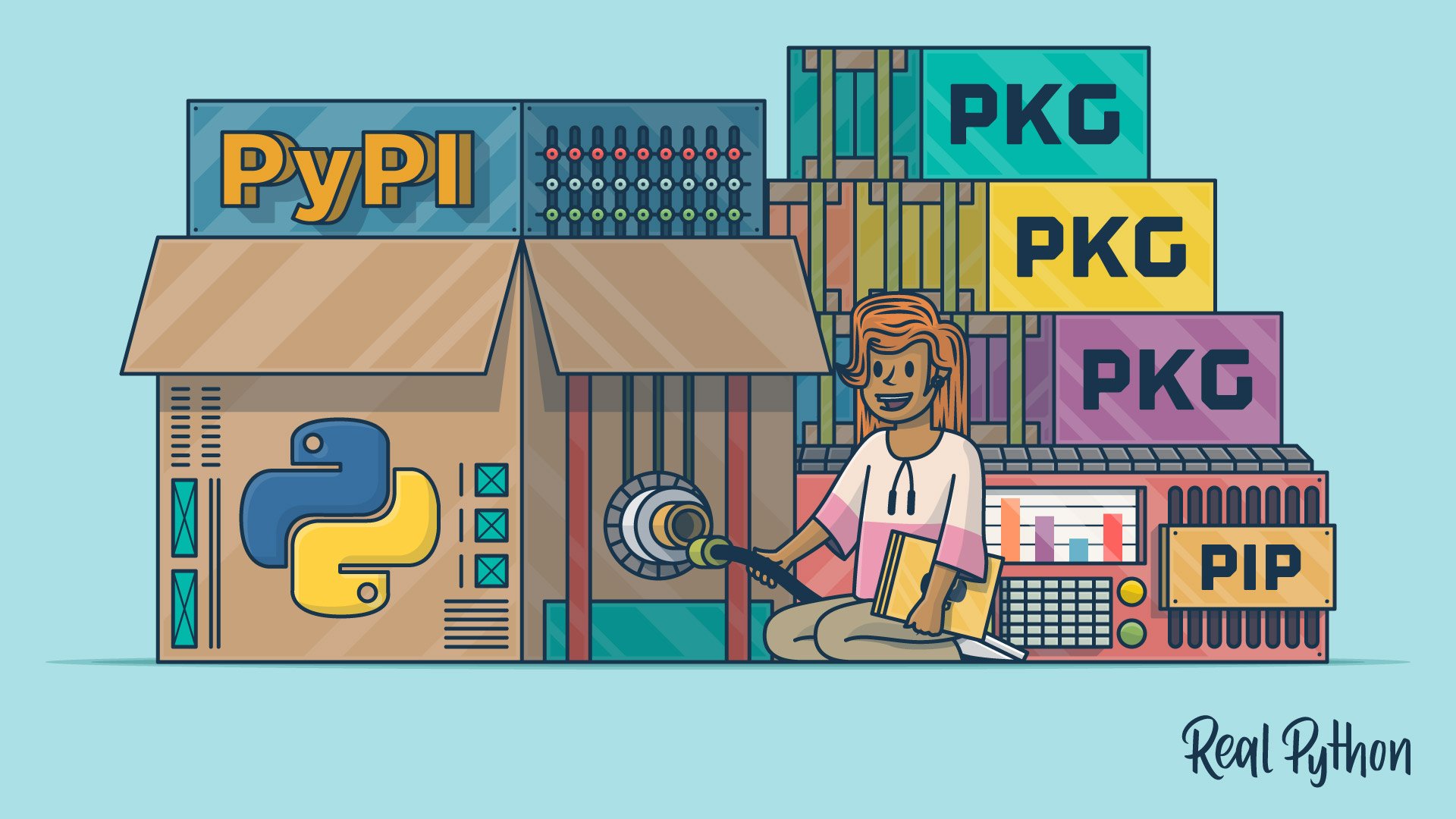
As mentioned earlier, pip doesn’t just download the requested package; it also resolves its dependencies. It checks the metadata of the package to identify what other packages and what specific versions of those packages are required. It then recursively repeats the search and download process for these dependencies.
4. Installing Packages
After downloading all necessary files, pip proceeds to install the packages into your Python environment. This typically involves placing the package’s files into the site-packages directory of your Python installation. Pip ensures that the package is correctly registered with your Python interpreter so that it can be imported and used in your scripts.
5. Managing Installed Packages
Pip also provides commands to manage the packages you’ve already installed. This includes:
- Upgrading packages:
pip install --upgrade <package-name> - Uninstalling packages:
pip uninstall <package-name> - Listing installed packages:
pip listorpip freeze - Showing package information:
pip show <package-name>
These commands allow you to maintain a clean and efficient development environment.
Leveraging Pip for Your Projects and Beyond
The utility of pip extends far beyond simply installing libraries. It can be a powerful tool for advancing your career, enhancing your personal brand, and even uncovering financial opportunities.
Enhancing Your Tech Projects
- Accelerated Development: As discussed, pip dramatically speeds up the initial setup and ongoing development of any Python project. By leveraging existing, well-tested libraries, you can build more robust and feature-rich applications faster.
- Access to Cutting-Edge Technologies: PyPI is a hub for the latest advancements in AI, machine learning, data science, web development, and more. Pip gives you immediate access to these tools, allowing you to experiment and innovate. For instance, exploring new AI tools or deploying an app built with the latest web framework becomes as simple as a pip command.
- Building a Strong Portfolio: Successfully utilizing and integrating various packages into your projects showcases your technical proficiency. When you can confidently manage dependencies and leverage powerful libraries, it demonstrates a deeper understanding of software development principles.
Contributing to Your Personal and Professional Brand
- Demonstrating Proficiency: When you contribute to open-source projects (which often rely heavily on pip for dependency management) or share your own Python projects on platforms like GitHub, your ability to manage packages effectively becomes evident. This can significantly boost your reputation within the developer community.
- Thought Leadership: By sharing tutorials or case studies on how to use specific Python packages for innovative solutions (e.g., building a new app with a popular framework or leveraging AI tools for a specific industry), you establish yourself as a knowledgeable figure. Pip is the gateway to accessing and experimenting with these tools.
- Networking and Collaboration: The open-source community, powered by tools like pip, is a fantastic place to connect with other developers. Participating in discussions, contributing to projects, and helping others resolve package-related issues can build valuable professional relationships.
Unlocking Financial Opportunities
- Building Monetizable Applications: Many successful online businesses and services are built on Python and its extensive ecosystem of libraries managed by pip. From e-commerce platforms and SaaS products to data analytics services, the ability to quickly develop and deploy applications using pip-enabled tools is a direct path to generating online income or side hustles.
- Data Analysis and Financial Modeling: Libraries like
pandas,numpy, andscikit-learnare essential for financial analysis, algorithmic trading, and building predictive models. Pip makes these powerful tools readily available, enabling individuals to develop sophisticated financial strategies or offer data analysis services. - Automation and Efficiency: Python’s scripting capabilities, enhanced by libraries available through pip, can automate repetitive tasks in business and personal finance. This can lead to significant time savings, improved accuracy, and potentially create opportunities to offer automation consulting services.
- Developing Niche Software Tools: Identifying a specific need within a particular industry (e.g., a specialized tool for a small business or a niche app for personal finance management) and building it using Python libraries managed by pip can lead to lucrative side hustles or even a full-fledged business.
Best Practices for Using Pip
To maximize the benefits of pip and avoid potential pitfalls, consider these best practices:
Use Virtual Environments
This is perhaps the most critical best practice. Virtual environments allow you to create isolated Python installations for each of your projects. This means that packages installed for one project will not interfere with packages installed for another. This is crucial for managing complex dependencies and preventing version conflicts. The standard tool for creating virtual environments is venv (built into Python 3.3+) or the more feature-rich virtualenv.
To create a virtual environment:
# Using venv
python -m venv myenv

# Activate the environment
# On Windows:
.myenvScriptsactivate
# On macOS/Linux:
source myenv/bin/activate
Once activated, any pip install commands will install packages only within that environment.
Pin Your Dependencies
As mentioned earlier, using requirements.txt is essential for reproducibility. Always include a requirements.txt file with your projects, specifying the exact versions of the packages used.
Keep Pip Updated
Pip itself is a package that gets updated. Keeping pip up-to-date ensures you have access to the latest features, security patches, and performance improvements.
python -m pip install --upgrade pip
Be Mindful of Package Sources
While PyPI is the primary and trusted source for Python packages, be cautious when installing packages from other sources. Always verify the authenticity and security of packages before installation.

Conclusion
The pip installer is far more than just a command-line utility; it’s the gatekeeper to Python’s incredibly rich and diverse ecosystem. By mastering pip, you unlock the ability to rapidly develop sophisticated software, integrate cutting-edge technologies, and contribute meaningfully to the global tech community. For aspiring developers, seasoned professionals, and even those looking to leverage Python for financial gain or to enhance their personal brand, understanding and effectively utilizing pip is a fundamental skill that will empower you to navigate and thrive in the dynamic digital world. From groundbreaking AI research to efficient personal finance management, pip is your essential tool for building the future, one package at a time.
aViewFromTheCave is a participant in the Amazon Services LLC Associates Program, an affiliate advertising program designed to provide a means for sites to earn advertising fees by advertising and linking to Amazon.com. Amazon, the Amazon logo, AmazonSupply, and the AmazonSupply logo are trademarks of Amazon.com, Inc. or its affiliates. As an Amazon Associate we earn affiliate commissions from qualifying purchases.