
In the intricate architecture of the modern internet, communication between a client and a server is governed by a set of protocols known as Hypertext Transfer Protocol (HTTP). When you enter a URL or click a link, your browser sends a request to a web server, which then responds with the requested data. However, this process does not always go smoothly. Among the various status codes that a server can return, the “503 Service Unavailable” error is one of the most common—and frustrating—technical hurdles for developers, IT professionals, and end-users alike.

Unlike 404 errors, which indicate a missing page, or 403 errors, which signify a lack of permission, a 503 error indicates a temporary inability of the server to handle the request. This article provides a deep dive into the technical mechanics of the HTTP 503 error, its root causes, and how to systematically resolve it within a professional tech environment.
Decoding the 503 Service Unavailable Error: The Technical Basics
To understand the 503 error, one must first understand the 5xx category of HTTP status codes. These are classified as “Server Error” codes. While 4xx codes usually imply that the client did something wrong (such as requesting a non-existent URL), 5xx codes imply that the server is aware it has encountered an error or is otherwise incapable of performing the request.
What the 503 Code Specifically Means
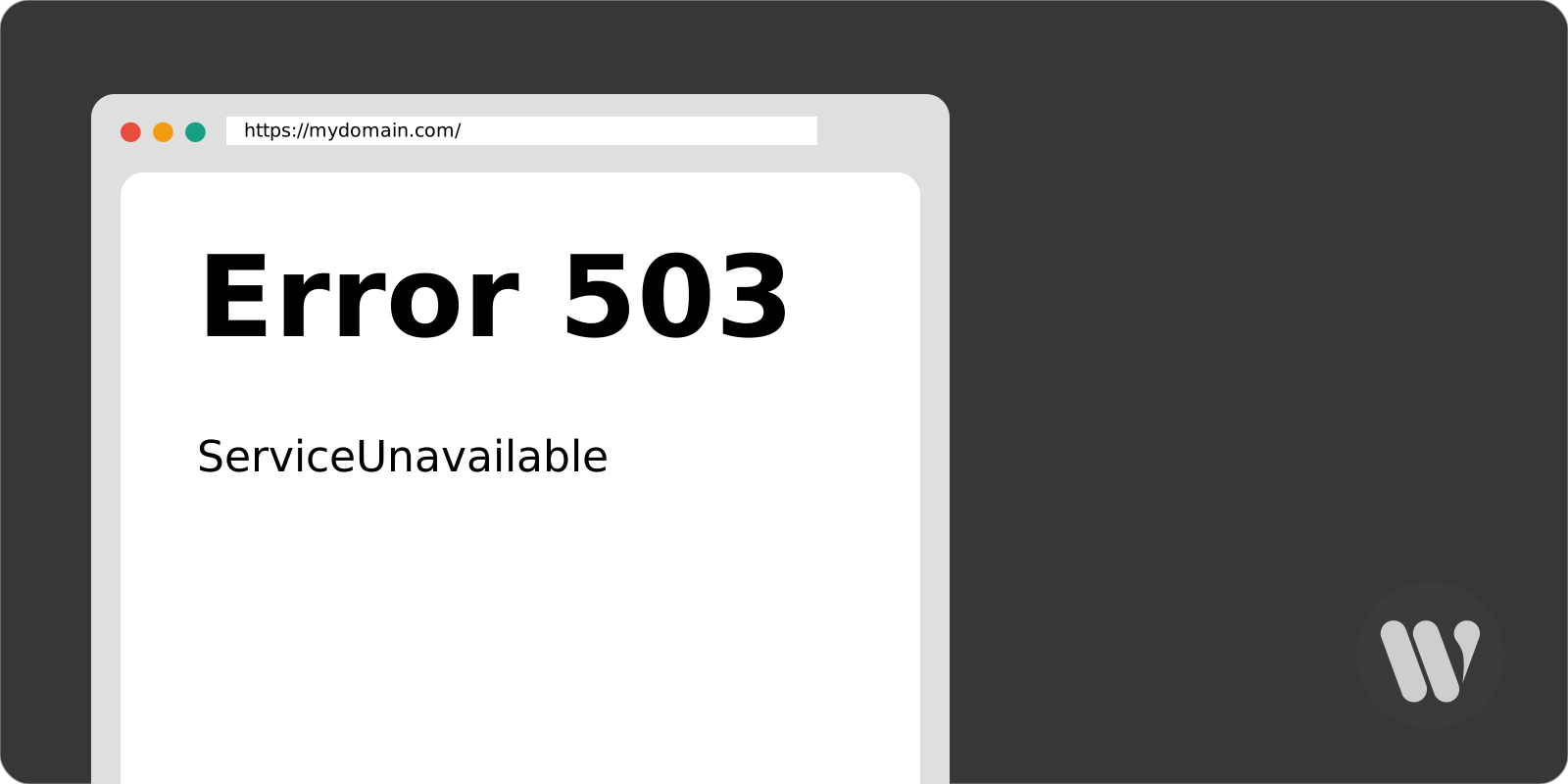
The 503 Service Unavailable error is a status code indicating that the server is currently unable to handle the HTTP request. The keyword here is “currently.” In the official RFC 7231 documentation, the 503 status is defined as a temporary condition. It suggests that the server is functional but is either undergoing maintenance or is currently overloaded with more traffic than its resources can manage.
Because it is designed to be temporary, most 503 responses include a “Retry-After” header. This header tells the browser or the search engine crawler when it should attempt to reconnect. From a technical standpoint, this is a graceful way for a server to say, “I am busy; please come back in five minutes,” rather than simply crashing or timing out.
The Difference Between 503 and Other 5xx Errors
It is vital for tech professionals to distinguish the 503 error from its siblings:
- 500 Internal Server Error: A generic catch-all for when the server encountered an unexpected condition that prevented it from fulfilling the request. It usually points to a code bug or a configuration error.
- 502 Bad Gateway: This occurs when one server on the internet acts as a gateway or proxy and receives an invalid response from an upstream server.
- 504 Gateway Timeout: This happens when a proxy server does not receive a timely response from the upstream server.
While 502 and 504 errors involve communication between multiple servers, a 503 error is typically a localized issue where the specific server you are hitting is simply tapped out of resources or intentionally sidelined.
Common Causes of HTTP 503 Errors in Modern Infrastructure
In a high-performance tech stack, 503 errors rarely happen without a specific catalyst. Identifying the source requires an understanding of how web servers, application layers, and databases interact.
Scheduled Server Maintenance
The most benign cause of a 503 error is scheduled maintenance. When a web administrator updates a Content Management System (CMS), applies security patches to the OS, or upgrades the server’s hardware, the server might be taken offline or placed into a restricted state. In these instances, the server is configured to return a 503 status to inform users and bots that the downtime is intentional and temporary.
Unexpected Traffic Spikes and Resource Exhaustion
Technology platforms often fall victim to their own success. If an application goes viral or experiences a sudden surge in users, the server’s Central Processing Unit (CPU) or Random Access Memory (RAM) may become overwhelmed. When the server reaches its maximum threshold of concurrent connections, it begins to drop new incoming requests and returns a 503 error to protect the integrity of the processes already running. This is a common occurrence during “Flash Sales” or major news events.
Misconfigured Proxy Servers and Firewalls
Modern web architectures often use a reverse proxy (like Nginx or Varnish) or a Web Application Firewall (WAF) such as Cloudflare. If the proxy server cannot communicate effectively with the backend application server—perhaps due to a configuration mismatch or a network hiccup—it may default to a 503 response. Similarly, if a firewall perceives a high volume of requests as a Distributed Denial of Service (DDoS) attack, it may trigger 503 responses to throttle the traffic.
Application-Level Bugs and Plugin Conflicts
In environments like WordPress or Magento, the 503 error is often triggered by the application layer rather than the server hardware. A faulty PHP script, an incompatible plugin, or a theme error can cause the application to hang. If the script takes too long to execute or consumes too much memory, the server will terminate the process and return a 503 Service Unavailable message to the client.
How to Troubleshoot and Fix a 503 Error: A Developer’s Checklist
Fixing a 503 error requires a systematic approach to isolate the problem. Since the error is on the server side, the solution almost always lies in the backend configuration or resource management.
Analyzing Server Logs and Debugging
The first step in any technical troubleshooting process is to consult the logs. For servers running Apache or Nginx, the error logs (usually found in /var/log/apache2/error.log or /var/log/nginx/error.log) will provide specific details on why the request failed. If you are using a CMS like WordPress, enabling WP_DEBUG can reveal if a specific plugin is causing a fatal error that leads to a 503 response.
Restarting the Web Server and Internal Processes
Sometimes, a 503 error is caused by a “zombie process” or a memory leak that hasn’t been cleared. Restarting the web server software (Apache, Nginx, or IIS) or the PHP-FPM process can often clear the bottleneck. In a Linux environment, a simple command like sudo systemctl restart nginx can refresh the service and restore availability if the issue was a temporary hang.
Managing Server Resources and Horizontal Scaling
If the 503 error is persistent during peak hours, it is a clear sign that the current infrastructure is insufficient. Technical teams should look into:
- Vertical Scaling: Increasing the CPU and RAM of the existing server.
- Horizontal Scaling: Utilizing a Load Balancer to distribute traffic across multiple server instances.
- Database Optimization: Ensuring that slow database queries are not locking up the server and causing a queue of requests.
Checking Third-Party Integrations and CDNs
If your site uses a Content Delivery Network (CDN) or a third-party API, the 503 error might not be coming from your origin server at all. Temporarily disabling the CDN or checking the status pages of your API providers can help determine if the bottleneck is external. If the error persists after bypassing the CDN, the issue is confirmed to be within your primary hosting environment.
The Impact of 503 Errors on SEO and Digital Performance
While a 503 error is technically “temporary,” its impact on Search Engine Optimization (SEO) and user experience can be lasting if not managed correctly.
How Googlebot Interprets the 503 Status
Search engines like Google are designed to be patient with 503 errors, but only to a point. When Googlebot encounters a 503 status, it understands that the site is down for maintenance or is overloaded. It will typically back off and try again later. Unlike a 404 (Not Found) or a 500 (Internal Server Error), a 503 does not immediately result in the page being de-indexed.
However, if the 503 error persists for more than 24 hours, Google may begin to treat it as a permanent error. This can lead to a drop in rankings as the search engine seeks to provide users with reliable, accessible results.
The Importance of the “Retry-After” Header
For technical SEO, the implementation of the Retry-After HTTP header is a best practice. This header specifies a duration in seconds or a specific date/time when the server expects to be back online. By providing this information, you give search engine crawlers a schedule, preventing them from repeatedly hitting an overloaded server and further taxing its resources.
User Retention and Brand Reliability
From a digital performance perspective, a 503 error is a conversion killer. Users today expect sub-three-second load times. A “Service Unavailable” screen creates a sense of unreliability. If the error occurs during a checkout process or a critical user action, the loss of trust can be more damaging than the temporary technical outage itself. Implementing custom, user-friendly 503 error pages that explain the situation can help mitigate user frustration.
Proactive Monitoring and Prevention Strategies
In the world of technology, being reactive is often more expensive than being proactive. To minimize the occurrence of 503 errors, organizations must implement robust monitoring and automated fail-safes.
Implementing Real-Time Monitoring and Alerts
Tools like New Relic, Datadog, or even simpler services like UptimeRobot can monitor server health in real-time. By setting up alerts for high CPU usage or an increase in 5xx status codes, DevOps teams can intervene before a full-blown 503 outage occurs.
Utilizing Auto-Scaling Groups
In cloud environments like AWS, Google Cloud, or Azure, auto-scaling groups are the gold standard for preventing 503 errors. These systems automatically spin up new server instances as traffic increases, ensuring that the load is always balanced and that no single server becomes overwhelmed to the point of returning a 503 error.
Conclusion
The HTTP 503 Service Unavailable error is a critical signal in the tech ecosystem. While it serves as a protective mechanism for servers under stress, it also highlights potential weaknesses in infrastructure, code, or resource management. By understanding its causes—ranging from simple maintenance to complex resource exhaustion—and employing a rigorous troubleshooting framework, technical teams can ensure high availability and a seamless digital experience for their users. In an era where “always-on” is the expectation, mastering the nuances of 5xx errors is an essential skill for any modern technologist.
aViewFromTheCave is a participant in the Amazon Services LLC Associates Program, an affiliate advertising program designed to provide a means for sites to earn advertising fees by advertising and linking to Amazon.com. Amazon, the Amazon logo, AmazonSupply, and the AmazonSupply logo are trademarks of Amazon.com, Inc. or its affiliates. As an Amazon Associate we earn affiliate commissions from qualifying purchases.